Magnifier Zoom Binoculars HD para PC
Droidrec
Descarga Magnifier Zoom Binoculars HD en PC con GameLoop Emulator
Magnifier Zoom Binoculars HD en PC
Magnifier Zoom Binoculars HD, proveniente del desarrollador Droidrec, se ejecuta en el sistema Android en el pasado.
Ahora, puedes jugar Magnifier Zoom Binoculars HD en PC con GameLoop sin problemas.
Descárgalo en la biblioteca de GameLoop o en los resultados de búsqueda. No más mirar la batería o llamadas frustrantes en el momento equivocado nunca más.
Simplemente disfrute de Magnifier Zoom Binoculars HD PC en la pantalla grande de forma gratuita!
Magnifier Zoom Binoculars HD Introducción
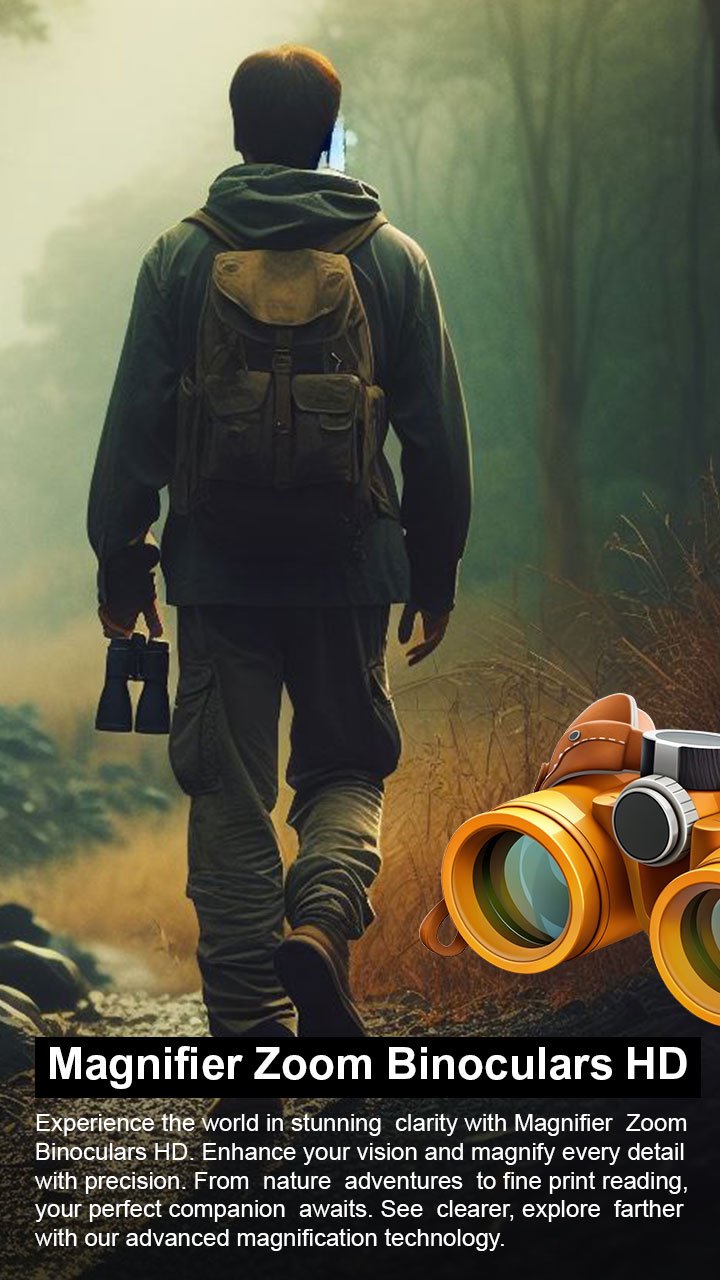
Experience the power of your smartphone camera with the Magnifier Zoom Binoculars HD App. Built with specially developed algorithms, this app enhances zoom quality, stabilizes images, and reduces blur, allowing you to capture faraway objects more clearly. Whether you need a magnifier camera, binocular effect, monocular view, or night camera style, this all-in-one tool makes photography easier and sharper.
The advanced zooming feature allows you to view distant objects even in low-light conditions, while options like brightness control, contrast adjustment, autofocus, and manual focus give you complete control over your shots. With HD photo capture and high-quality video recording, this app helps you make the most of your device’s camera.
✨ Key Features
✅ Easy to Use – Simple, user-friendly design for quick access.
✅ HD Photos & Video – Capture sharp, high-quality images and recordings.
✅ Advanced Zoom & Magnifier – View distant objects with enhanced clarity.
✅ Image Stabilization – Reduce blur and improve photo quality.
✅ Brightness & Contrast Control – Adjust lighting for better results.
✅ Autofocus & Manual Focus – Choose precision focus for any situation.
✅ Front & Rear Camera Support – Switch easily between both cameras.
✅ Extra Tools – Amplifier, saturation, light modes, and flashlight options.
🔎 Where You Can Use This Tool
🏞 Outdoor & Travel – Zoom in on landscapes, wildlife, or distant views.
📖 Reading Aid – Use as a magnifier to read small text and labels.
🎤 Events & Concerts – Capture photos and videos from far away.
🌃 Low-Light Photography – Enhance images in dark environments.
🔭 Telescope-Style Use – Experience binocular or monocular effects through your phone.
📌 Disclaimer
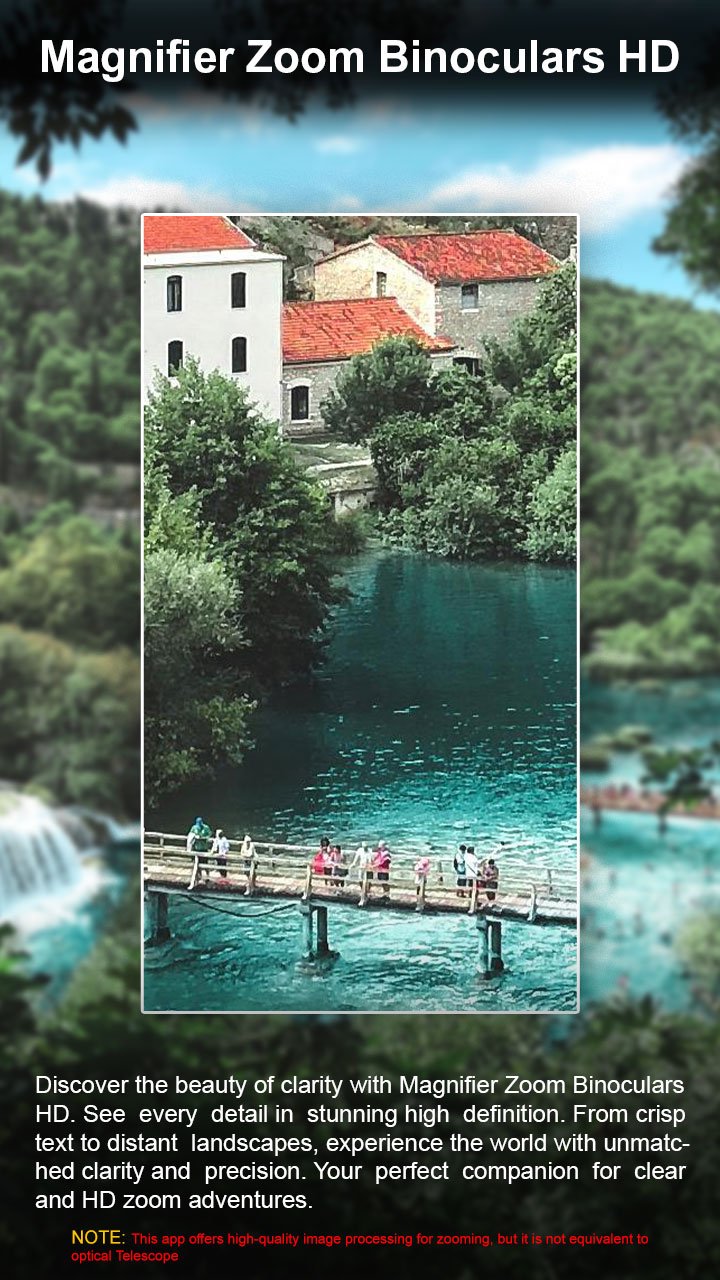
This is not a real telescope, binocular, or microscope camera. All zoom, magnifier, and image enhancements are achieved using advanced camera algorithms and filters that maximize your device’s camera potential. Performance depends on your phone’s hardware.
📲 Download Magnifier Zoom Binoculars HD – Photo & Video Recorder now and take your mobile photography to the next level!
Avance
Etiquetas
HerramientasInformación
Desarrollador
Droidrec
La última versión
1.0.14
Última actualización
2026-02-12
Categoría
Herramientas
Disponible en
Google Play
Mostrar más
Cómo jugar Magnifier Zoom Binoculars HD con GameLoop en PC
1. Descargue GameLoop desde el sitio web oficial, luego ejecute el archivo exe para instalar GameLoop.
2. Abra GameLoop y busque "Magnifier Zoom Binoculars HD", busque Magnifier Zoom Binoculars HD en los resultados de búsqueda y haga clic en "Instalar".
3. Disfruta jugando Magnifier Zoom Binoculars HD en GameLoop.
Minimum requirements
OS
Windows 8.1 64-bit or Windows 10 64-bit
GPU
GTX 1050
CPU
i3-8300
Memory
8GB RAM
Storage
1GB available space
Recommended requirements
OS
Windows 8.1 64-bit or Windows 10 64-bit
GPU
GTX 1050
CPU
i3-9320
Memory
16GB RAM
Storage
1GB available space