
Launcher Tile - Launch Your Favorite Apps Faster para PC
RADEFFFACTORY
Descarga Launcher Tile - Launch Your Favorite Apps Faster en PC con GameLoop Emulator
Launcher Tile - Launch Your Favorite Apps Faster en PC
Launcher Tile - Launch Your Favorite Apps Faster, proveniente del desarrollador RADEFFFACTORY, se ejecuta en el sistema Android en el pasado.
Ahora, puedes jugar Launcher Tile - Launch Your Favorite Apps Faster en PC con GameLoop sin problemas.
Descárgalo en la biblioteca de GameLoop o en los resultados de búsqueda. No más mirar la batería o llamadas frustrantes en el momento equivocado nunca más.
Simplemente disfrute de Launcher Tile - Launch Your Favorite Apps Faster PC en la pantalla grande de forma gratuita!
Launcher Tile - Launch Your Favorite Apps Faster Introducción
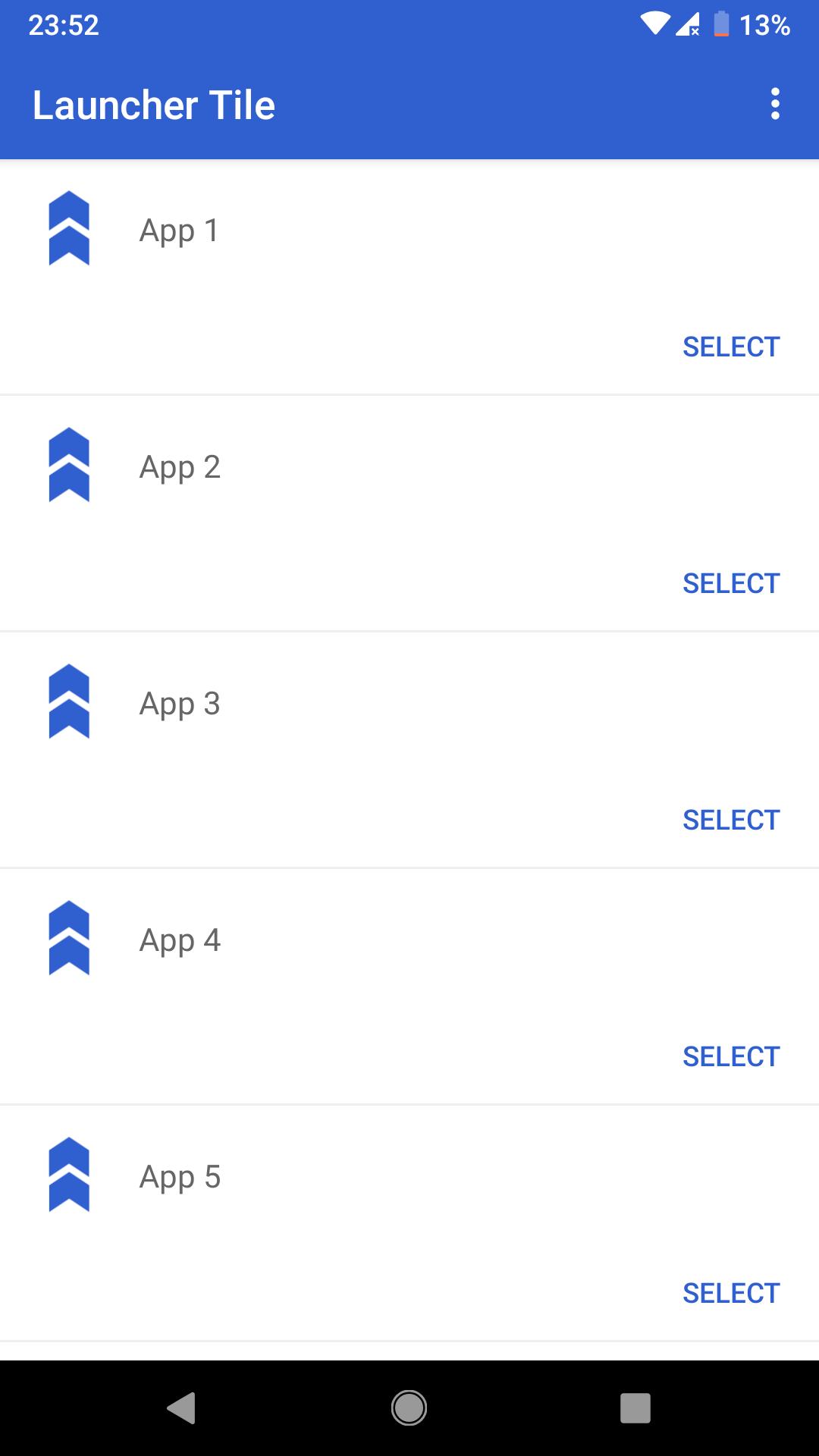
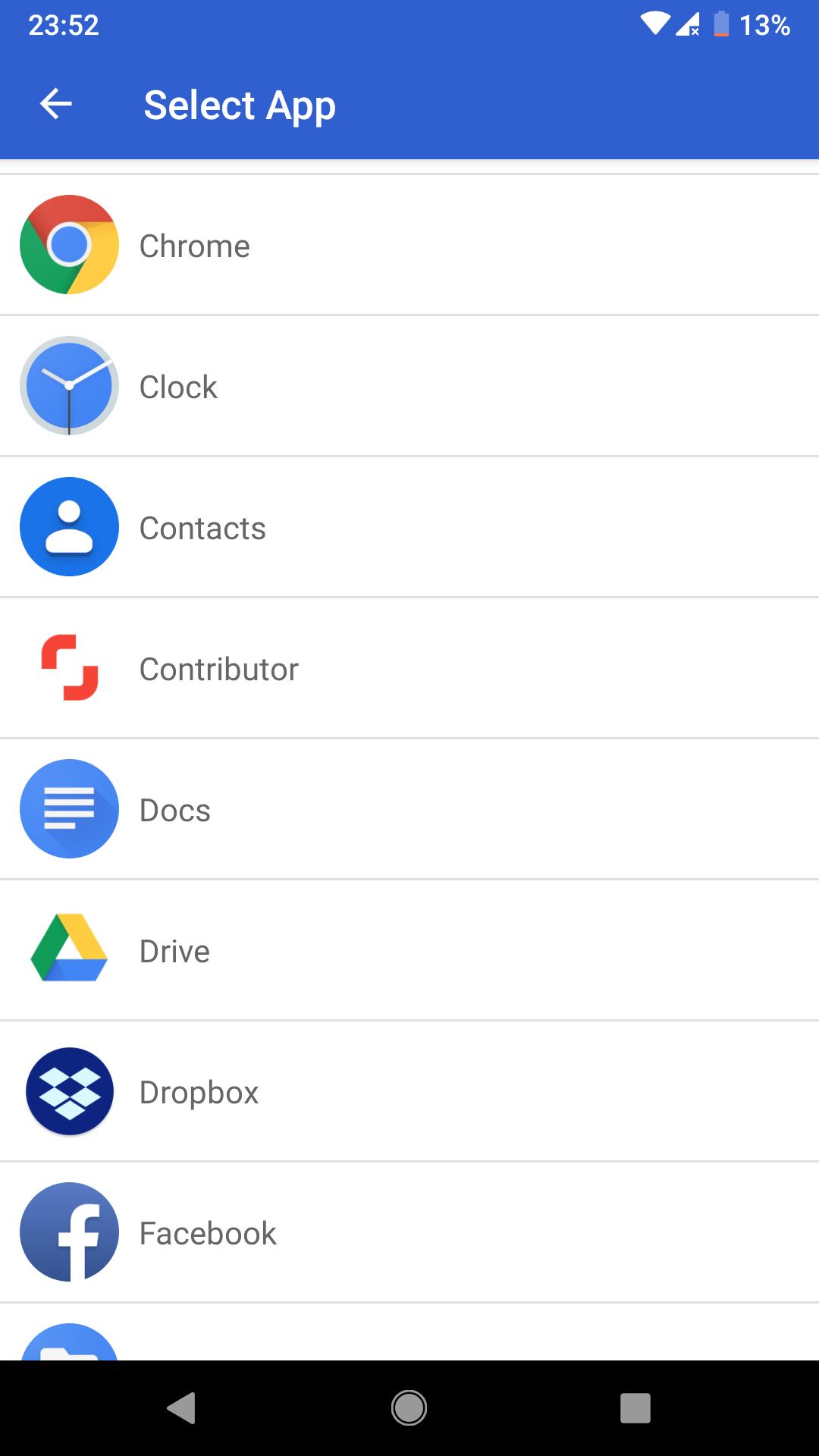
Launcher Tile will add up to 6 of your favorite apps in a quickly launchable shortcut in your notification bar. Fast and easy launch your apps in a breeze!
Avance
Información
Desarrollador
RADEFFFACTORY
La última versión
3.0
Última actualización
2019-09-13
Categoría
Herramientas
Disponible en
Google Play
Mostrar más
Cómo jugar Launcher Tile - Launch Your Favorite Apps Faster con GameLoop en PC
1. Descargue GameLoop desde el sitio web oficial, luego ejecute el archivo exe para instalar GameLoop.
2. Abra GameLoop y busque "Launcher Tile - Launch Your Favorite Apps Faster", busque Launcher Tile - Launch Your Favorite Apps Faster en los resultados de búsqueda y haga clic en "Instalar".
3. Disfruta jugando Launcher Tile - Launch Your Favorite Apps Faster en GameLoop.
Minimum requirements
OS
Windows 8.1 64-bit or Windows 10 64-bit
GPU
GTX 1050
CPU
i3-8300
Memory
8GB RAM
Storage
1GB available space
Recommended requirements
OS
Windows 8.1 64-bit or Windows 10 64-bit
GPU
GTX 1050
CPU
i3-9320
Memory
16GB RAM
Storage
1GB available space