Internet & Ping Optimizer Fast para PC
TBOOST
Descarga Internet & Ping Optimizer Fast en PC con GameLoop Emulator
Internet & Ping Optimizer Fast en PC
Internet & Ping Optimizer Fast, proveniente del desarrollador TBOOST, se ejecuta en el sistema Android en el pasado.
Ahora, puedes jugar Internet & Ping Optimizer Fast en PC con GameLoop sin problemas.
Descárgalo en la biblioteca de GameLoop o en los resultados de búsqueda. No más mirar la batería o llamadas frustrantes en el momento equivocado nunca más.
Simplemente disfrute de Internet & Ping Optimizer Fast PC en la pantalla grande de forma gratuita!
Internet & Ping Optimizer Fast Introducción
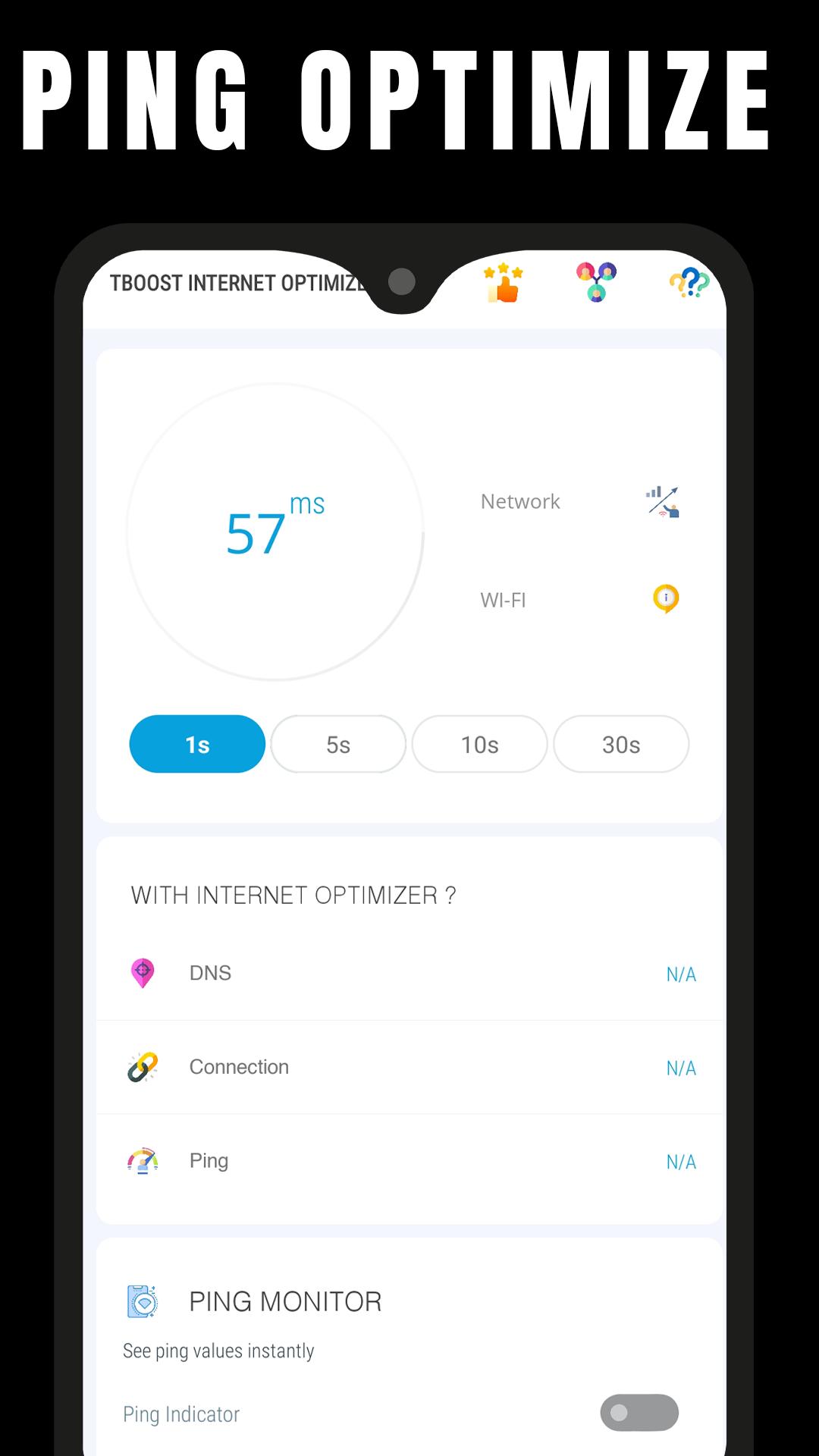
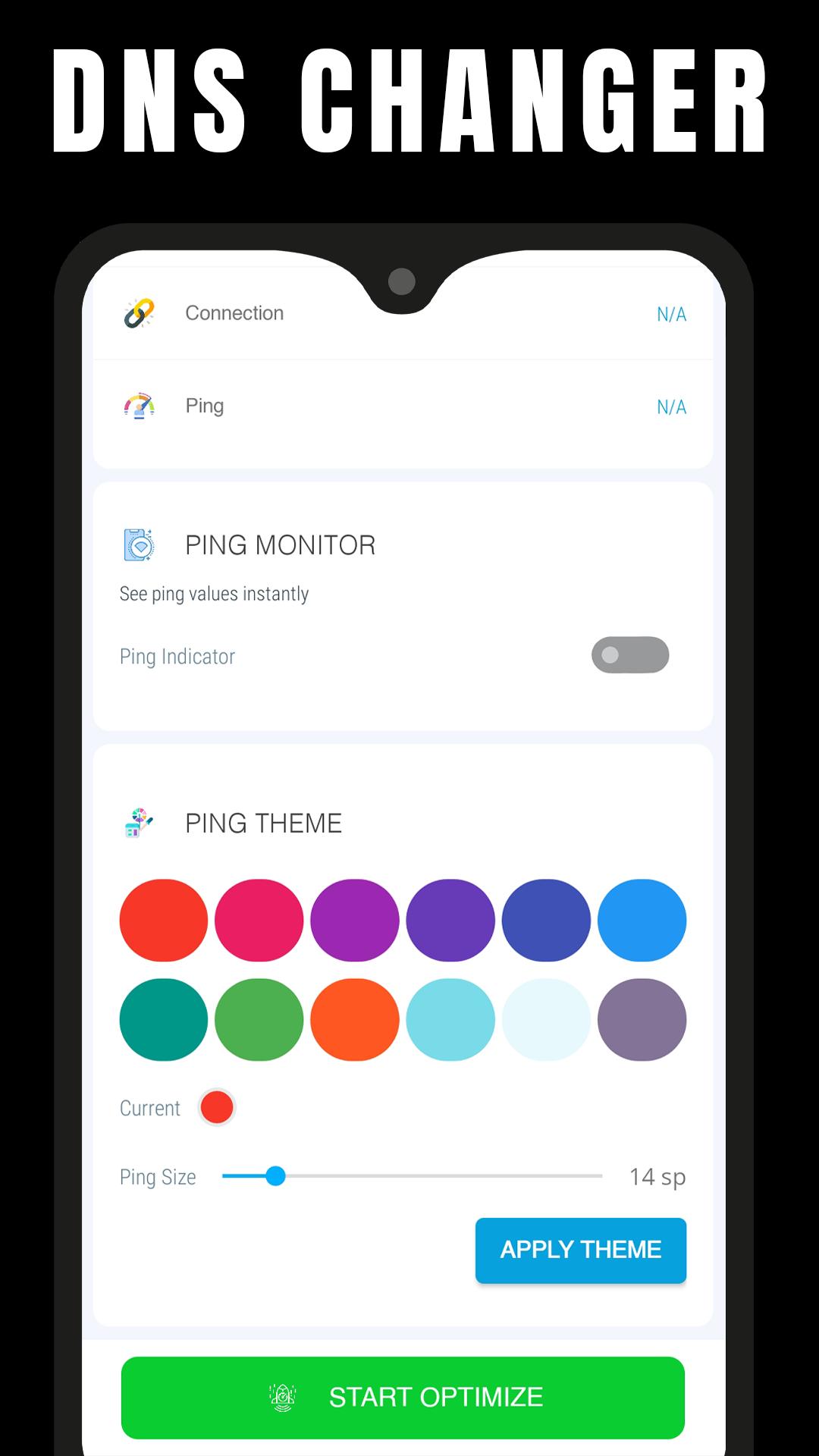
Ping & Net Optimize - Fast DNS is a mobile tool app that allows you to optimize your internet connection by changing your Android DNS server.
When you change the default DNS servers, you are changing the servers that your ISP has assigned to your device to convert hostnames to IP addresses.
You can have the following features with this app:
- Reduced Ping in Multiplayer Games (Online Games)
- Reduced Lag
- Decrease Video Buffering
- Quick browsing
Changing DNS servers can help with certain Internet connection issues. It may make your web browsing more secure and private, and it may even allow you to access websites that your ISP has blocked. some users have reported improved online gaming performance (lower ping) after changing DNS servers.
If you feel that we have violated your intellectual property rights or any other agreement, please contact us by e-mail gfxtoolapp@tboost.xyz, we will immediately take the necessary measures.
Avance
Etiquetas
HerramientasInformación
Desarrollador
TBOOST
La última versión
0.6
Última actualización
2022-09-02
Categoría
Herramientas
Disponible en
Google Play
Mostrar más
Cómo jugar Internet & Ping Optimizer Fast con GameLoop en PC
1. Descargue GameLoop desde el sitio web oficial, luego ejecute el archivo exe para instalar GameLoop.
2. Abra GameLoop y busque "Internet & Ping Optimizer Fast", busque Internet & Ping Optimizer Fast en los resultados de búsqueda y haga clic en "Instalar".
3. Disfruta jugando Internet & Ping Optimizer Fast en GameLoop.
Minimum requirements
OS
Windows 8.1 64-bit or Windows 10 64-bit
GPU
GTX 1050
CPU
i3-8300
Memory
8GB RAM
Storage
1GB available space
Recommended requirements
OS
Windows 8.1 64-bit or Windows 10 64-bit
GPU
GTX 1050
CPU
i3-9320
Memory
16GB RAM
Storage
1GB available space