
Chinese Pinyin-Zhuyin Convert para PC
Wateryan Studio
Descarga Chinese Pinyin-Zhuyin Convert en PC con GameLoop Emulator
Chinese Pinyin-Zhuyin Convert en PC
Chinese Pinyin-Zhuyin Convert, proveniente del desarrollador Wateryan Studio, se ejecuta en el sistema Android en el pasado.
Ahora, puedes jugar Chinese Pinyin-Zhuyin Convert en PC con GameLoop sin problemas.
Descárgalo en la biblioteca de GameLoop o en los resultados de búsqueda. No más mirar la batería o llamadas frustrantes en el momento equivocado nunca más.
Simplemente disfrute de Chinese Pinyin-Zhuyin Convert PC en la pantalla grande de forma gratuita!
Chinese Pinyin-Zhuyin Convert Introducción
📘 Convert Chinese Between Pinyin and Bopomofo (Zhuyin) – Now with AI Sentence Generation
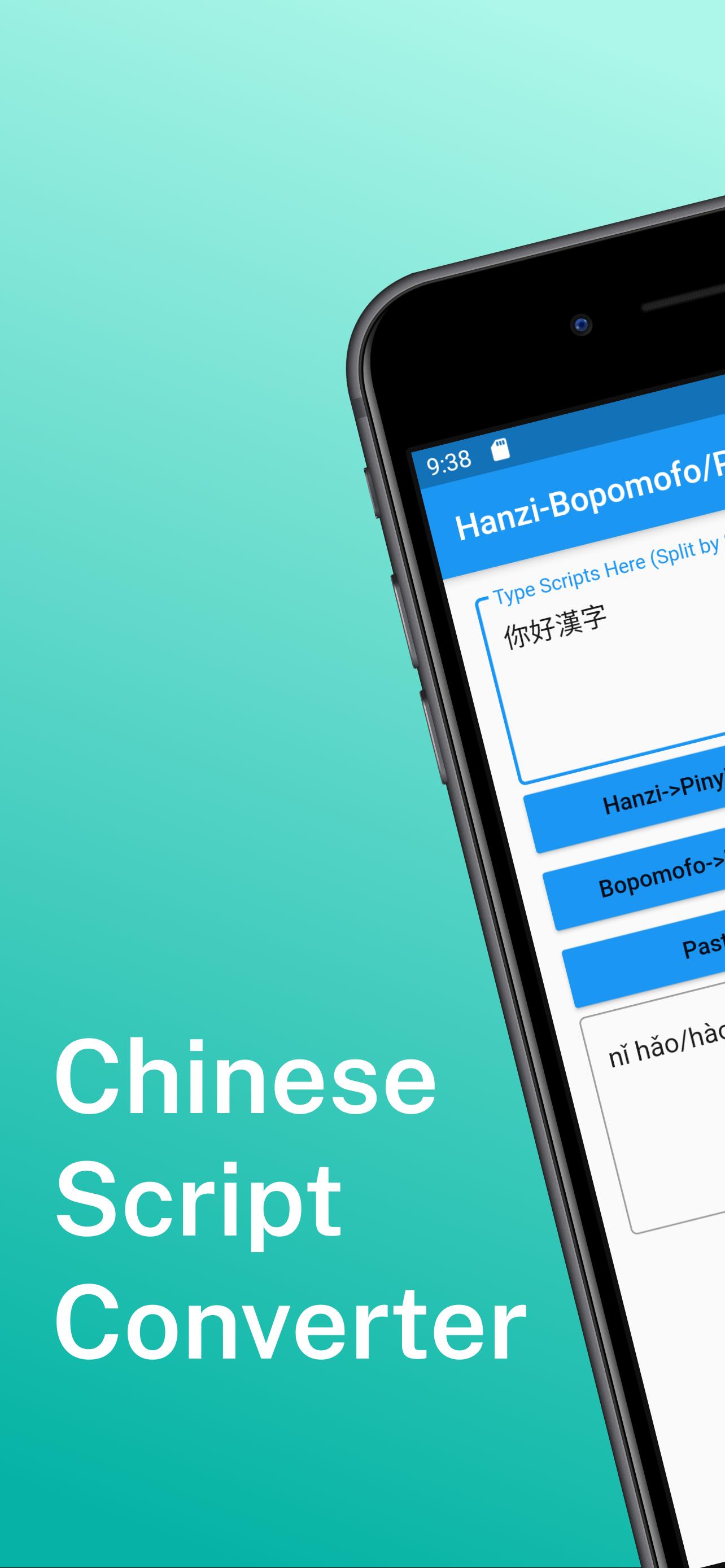
This app is designed for learners, educators, and everyday users who need a fast and intuitive way to convert Chinese text between Pinyin and Bopomofo (Zhuyin).
📌 Key Features:
Convert Hanzi to Pinyin (with tone and auto-segmentation)
Convert Hanzi to Bopomofo (Zhuyin) (with tone and auto-segmentation)
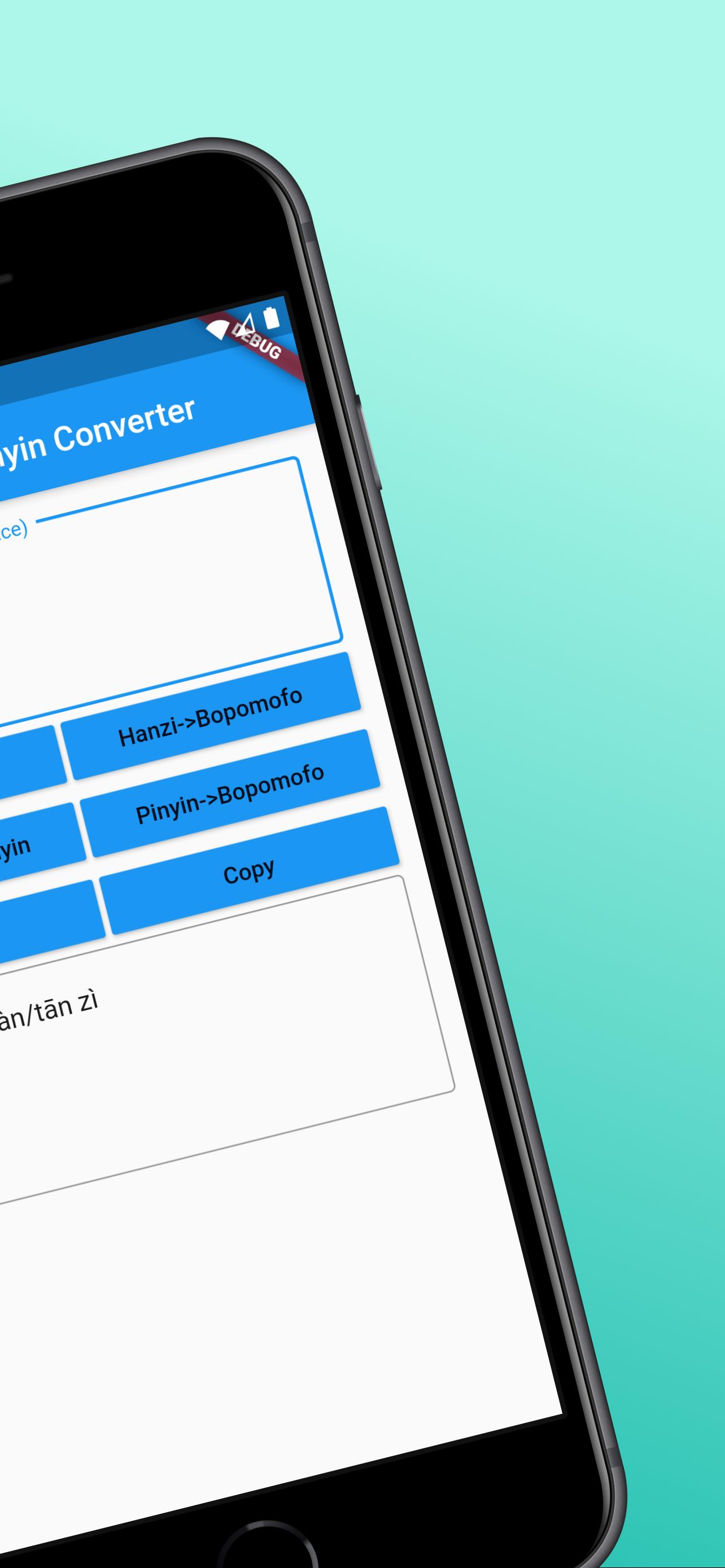
Bidirectional conversion between Pinyin and Bopomofo (Zhuyin)
One-tap copy for easy sharing
No account required, clean and user-friendly interface
Pinyin and Bopomofo conversion works offline; AI sentence generation requires internet access
🧠 New: AI-Powered Sentence Generator
Just enter a word or phrase and get natural example sentences in Chinese – great for learning real-world usage.
🌟 Upgrade to Pro to unlock more:
Remove all ads for a distraction-free experience
Generate up to 200 AI sentences per day
Save your last 100 conversion results
Have feedback or questions? Leave a review on Google Play or contact us via the email listed on our store page.
Design support by hotpot.ai
Avance
Etiquetas
HerramientasInformación
Desarrollador
Wateryan Studio
La última versión
3.0.2
Última actualización
2025-06-20
Categoría
Herramientas
Disponible en
Google Play
Mostrar más
Cómo jugar Chinese Pinyin-Zhuyin Convert con GameLoop en PC
1. Descargue GameLoop desde el sitio web oficial, luego ejecute el archivo exe para instalar GameLoop.
2. Abra GameLoop y busque "Chinese Pinyin-Zhuyin Convert", busque Chinese Pinyin-Zhuyin Convert en los resultados de búsqueda y haga clic en "Instalar".
3. Disfruta jugando Chinese Pinyin-Zhuyin Convert en GameLoop.
Minimum requirements
OS
Windows 8.1 64-bit or Windows 10 64-bit
GPU
GTX 1050
CPU
i3-8300
Memory
8GB RAM
Storage
1GB available space
Recommended requirements
OS
Windows 8.1 64-bit or Windows 10 64-bit
GPU
GTX 1050
CPU
i3-9320
Memory
16GB RAM
Storage
1GB available space