Gfx Tool for BGM 4.0 - 90FPS para PC
RAINWAVE
Descarga Gfx Tool for BGM 4.0 - 90FPS en PC con GameLoop Emulator
Gfx Tool for BGM 4.0 - 90FPS en PC
Gfx Tool for BGM 4.0 - 90FPS, proveniente del desarrollador RAINWAVE, se ejecuta en el sistema Android en el pasado.
Ahora, puedes jugar Gfx Tool for BGM 4.0 - 90FPS en PC con GameLoop sin problemas.
Descárgalo en la biblioteca de GameLoop o en los resultados de búsqueda. No más mirar la batería o llamadas frustrantes en el momento equivocado nunca más.
Simplemente disfrute de Gfx Tool for BGM 4.0 - 90FPS PC en la pantalla grande de forma gratuita!
Gfx Tool for BGM 4.0 - 90FPS Introducción
This App is not a game it's a tool
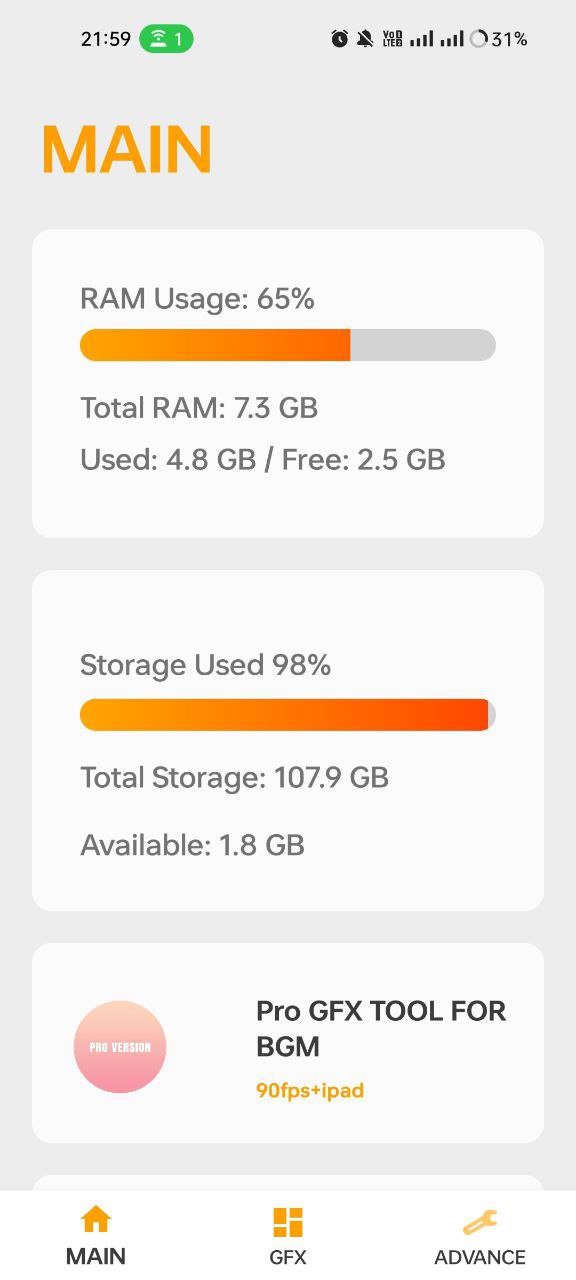
Gfx Tool for BGM- 90FPS, IPAD is a GFX Tool for BGM- where you can fully customize the graphics to get beautiful pictures and smooth gameplay.Gfx Tool For Bgm.Supports 90FPS, IPAD-VIEW, Potato Graphics and Lag Fixer
gfx for bgm 4.0
App features.
Bgm 3.9 gfx tool
• Change resolution.
• Unlock HDR graphics.
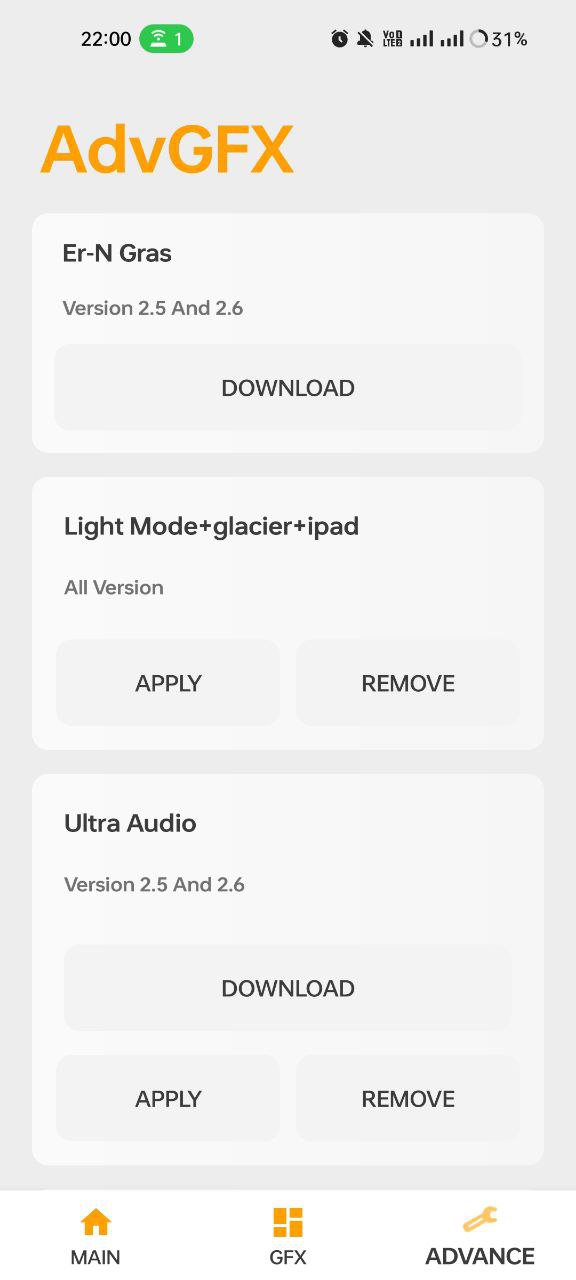
Unlock Glacier EFFECT.
Unlock Ipad-View
Unlock Potato-Graphics
Fix Lag Problem
BGM VIP FEARURES
• Fully control Anti-aliasing.
How to use GFX Tool.
• Close game if it’s currently running before starting GFX Tool.
• Choose your version of your game.
• Just Unlock.
• Run Game And Change Graphics From Settings And Enjoy.......
DISCLAIMER
Use at your own risk..Gfx Tool for BGM- 90FPS, IPAD does not cause ban RAINWAVE will not take responsibility of anything that might happen to your account such as account suspension or account ban.
This is an UNOFFICIAL application for specific games. This application is not associated in any way with other brands and developers.
If you feel that we have violated your intellectual property rights or any other agreement, please contact us by e-mail at techhotzy@gmail.com, we will immediately take the necessary measures.
Avance
Etiquetas
HerramientasInformación
Desarrollador
RAINWAVE
La última versión
161
Última actualización
2025-11-21
Categoría
Herramientas
Disponible en
Google Play
Mostrar más
Cómo jugar Gfx Tool for BGM 4.0 - 90FPS con GameLoop en PC
1. Descargue GameLoop desde el sitio web oficial, luego ejecute el archivo exe para instalar GameLoop.
2. Abra GameLoop y busque "Gfx Tool for BGM 4.0 - 90FPS", busque Gfx Tool for BGM 4.0 - 90FPS en los resultados de búsqueda y haga clic en "Instalar".
3. Disfruta jugando Gfx Tool for BGM 4.0 - 90FPS en GameLoop.
Minimum requirements
OS
Windows 8.1 64-bit or Windows 10 64-bit
GPU
GTX 1050
CPU
i3-8300
Memory
8GB RAM
Storage
1GB available space
Recommended requirements
OS
Windows 8.1 64-bit or Windows 10 64-bit
GPU
GTX 1050
CPU
i3-9320
Memory
16GB RAM
Storage
1GB available space