PDFtoIMG: PDF to JPG Converter para PC
Futuretech Apps
Descarga PDFtoIMG: PDF to JPG Converter en PC con GameLoop Emulator
PDFtoIMG: PDF to JPG Converter en PC
PDFtoIMG: PDF to JPG Converter, proveniente del desarrollador Futuretech Apps, se ejecuta en el sistema Android en el pasado.
Ahora, puedes jugar PDFtoIMG: PDF to JPG Converter en PC con GameLoop sin problemas.
Descárgalo en la biblioteca de GameLoop o en los resultados de búsqueda. No más mirar la batería o llamadas frustrantes en el momento equivocado nunca más.
Simplemente disfrute de PDFtoIMG: PDF to JPG Converter PC en la pantalla grande de forma gratuita!
PDFtoIMG: PDF to JPG Converter Introducción
📄 PDFtoIMG: PDF to JPG Converter
PDFtoIMG: PDF to JPG Converter is your ultimate tool to convert PDF files into high-quality images (JPG & PNG) in seconds. Whether you’re a student, professional, or frequent PDF user, this fast, lightweight, and easy-to-use PDF to Image converter helps you get results instantly — no internet required, no ads, no registration!
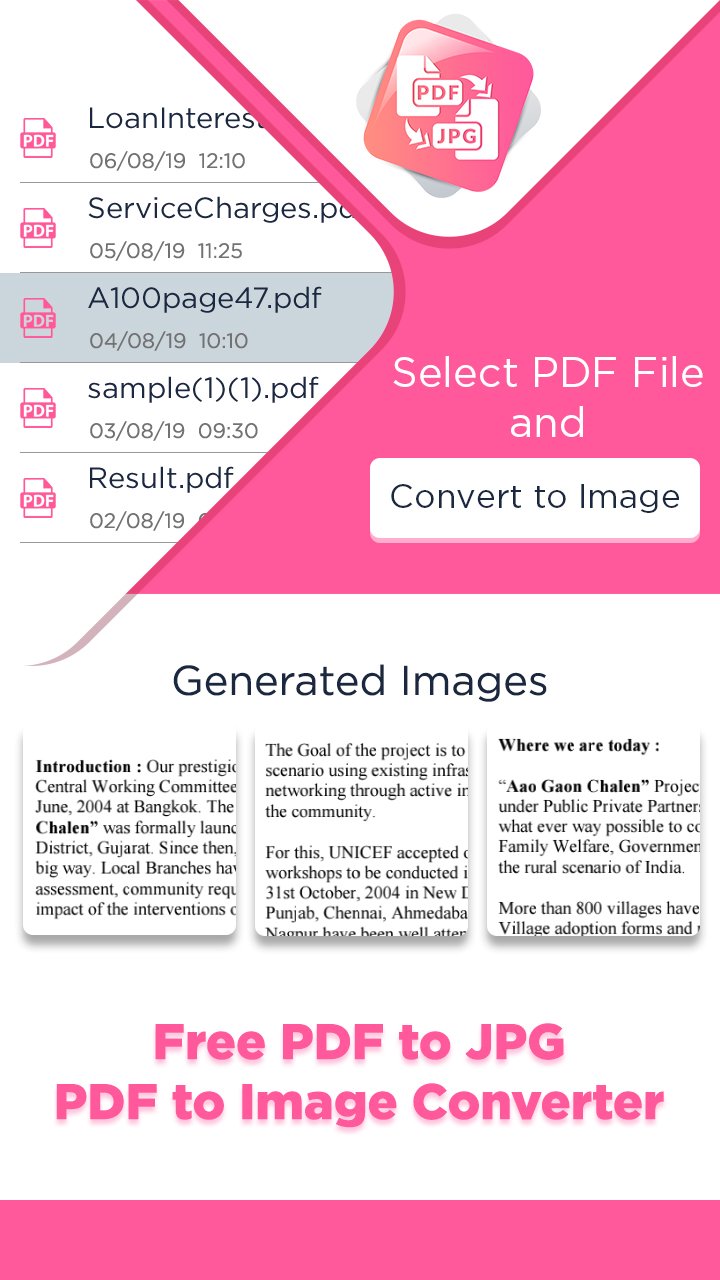
Easily convert all pages of a PDF to images or extract embedded images from PDF files — all in just a few taps. Enjoy batch conversion, HD output, custom image quality, and powerful file management tools, making this one of the best PDF utility apps of 2025.
🔥 Key Features of PDFtoIMG:
✅ PDF to JPG & PNG Converter – Quickly convert entire PDF documents to image formats.
🖼️ Extract Images from PDF – Pull out embedded images in original quality.
📂 Batch Conversion – Convert multiple PDFs to images at once.
⚡ Fast & Offline – Works without internet. Superfast image generation.
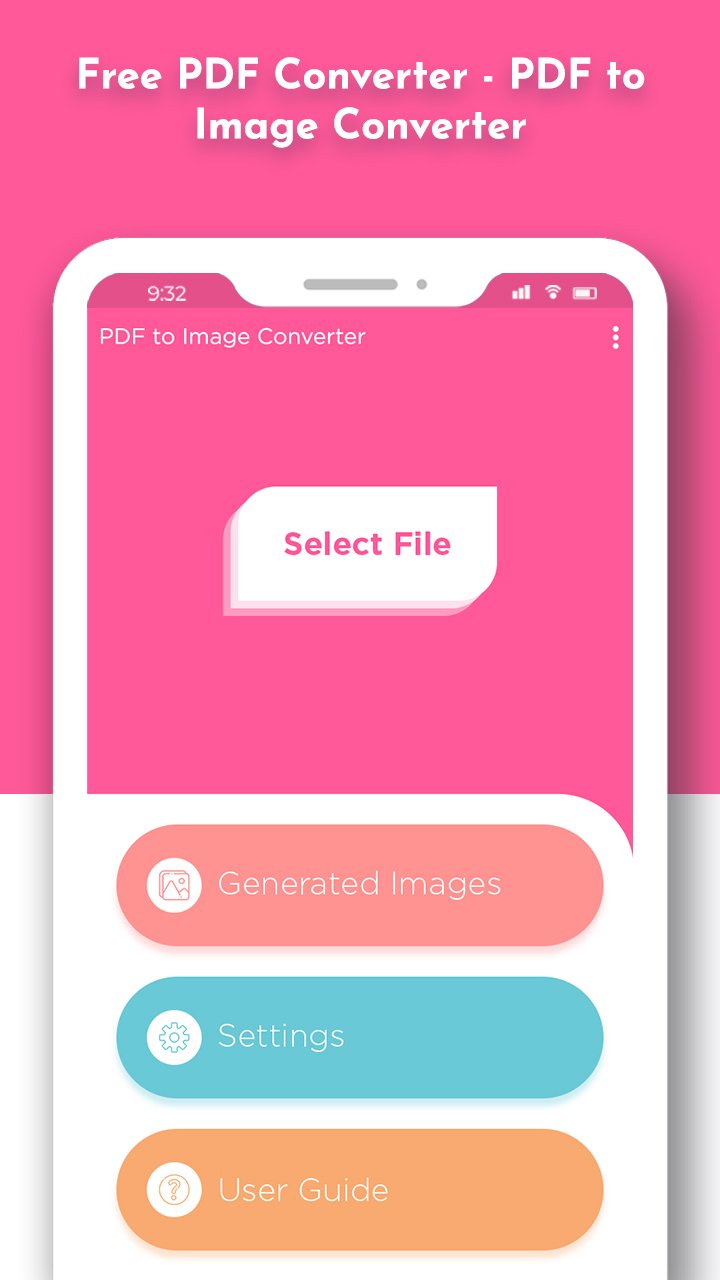
🔍 Built-in PDF Viewer – Preview before converting any document.
🎯 Custom Image Quality – Select desired output quality from 10% to 100%.
🗃️ Smart File Manager – Easily organize, delete, or share converted images.
🔒 Secure & Private – All conversions are done on your device. No uploads.
🌐 Multi-language Support – Accessible to users worldwide.
🎯 Why Choose PDFtoIMG?
Perfect for corporate use, students, freelancers, and daily productivity.
No watermarks, no file size limits.
Works on low-end phones smoothly.
Clean and intuitive UI/UX design for all age groups.
Convert PDF to Image without registration or sign-up.
💼 Ideal for:
Sharing slides, infographics, or book pages as JPG/PNG
Archiving documents as images
Printing documents in image format
Extracting and reusing PDF content
Download PDFtoIMG: PDF to JPG Converter today and enjoy the best offline PDF to Image converter app of 2025 — simple, fast, and completely free!
Avance
Etiquetas
HerramientasInformación
Desarrollador
Futuretech Apps
La última versión
1.16
Última actualización
2026-02-10
Categoría
Herramientas
Disponible en
Google Play
Mostrar más
Cómo jugar PDFtoIMG: PDF to JPG Converter con GameLoop en PC
1. Descargue GameLoop desde el sitio web oficial, luego ejecute el archivo exe para instalar GameLoop.
2. Abra GameLoop y busque "PDFtoIMG: PDF to JPG Converter", busque PDFtoIMG: PDF to JPG Converter en los resultados de búsqueda y haga clic en "Instalar".
3. Disfruta jugando PDFtoIMG: PDF to JPG Converter en GameLoop.
Minimum requirements
OS
Windows 8.1 64-bit or Windows 10 64-bit
GPU
GTX 1050
CPU
i3-8300
Memory
8GB RAM
Storage
1GB available space
Recommended requirements
OS
Windows 8.1 64-bit or Windows 10 64-bit
GPU
GTX 1050
CPU
i3-9320
Memory
16GB RAM
Storage
1GB available space