![App Freezer - Ice Box [ROOT]](https://static.gameloop.com/img/29cff4471472356980395f960bf07240.png?imageMogr2/thumbnail/172.8x172.8/format/webp)
App Freezer - Ice Box [ROOT] para PC
EXA Lab
Descarga App Freezer - Ice Box [ROOT] en PC con GameLoop Emulator
App Freezer - Ice Box [ROOT] en PC
App Freezer - Ice Box [ROOT], proveniente del desarrollador EXA Lab, se ejecuta en el sistema Android en el pasado.
Ahora, puedes jugar App Freezer - Ice Box [ROOT] en PC con GameLoop sin problemas.
Descárgalo en la biblioteca de GameLoop o en los resultados de búsqueda. No más mirar la batería o llamadas frustrantes en el momento equivocado nunca más.
Simplemente disfrute de App Freezer - Ice Box [ROOT] PC en la pantalla grande de forma gratuita!
App Freezer - Ice Box [ROOT] Introducción
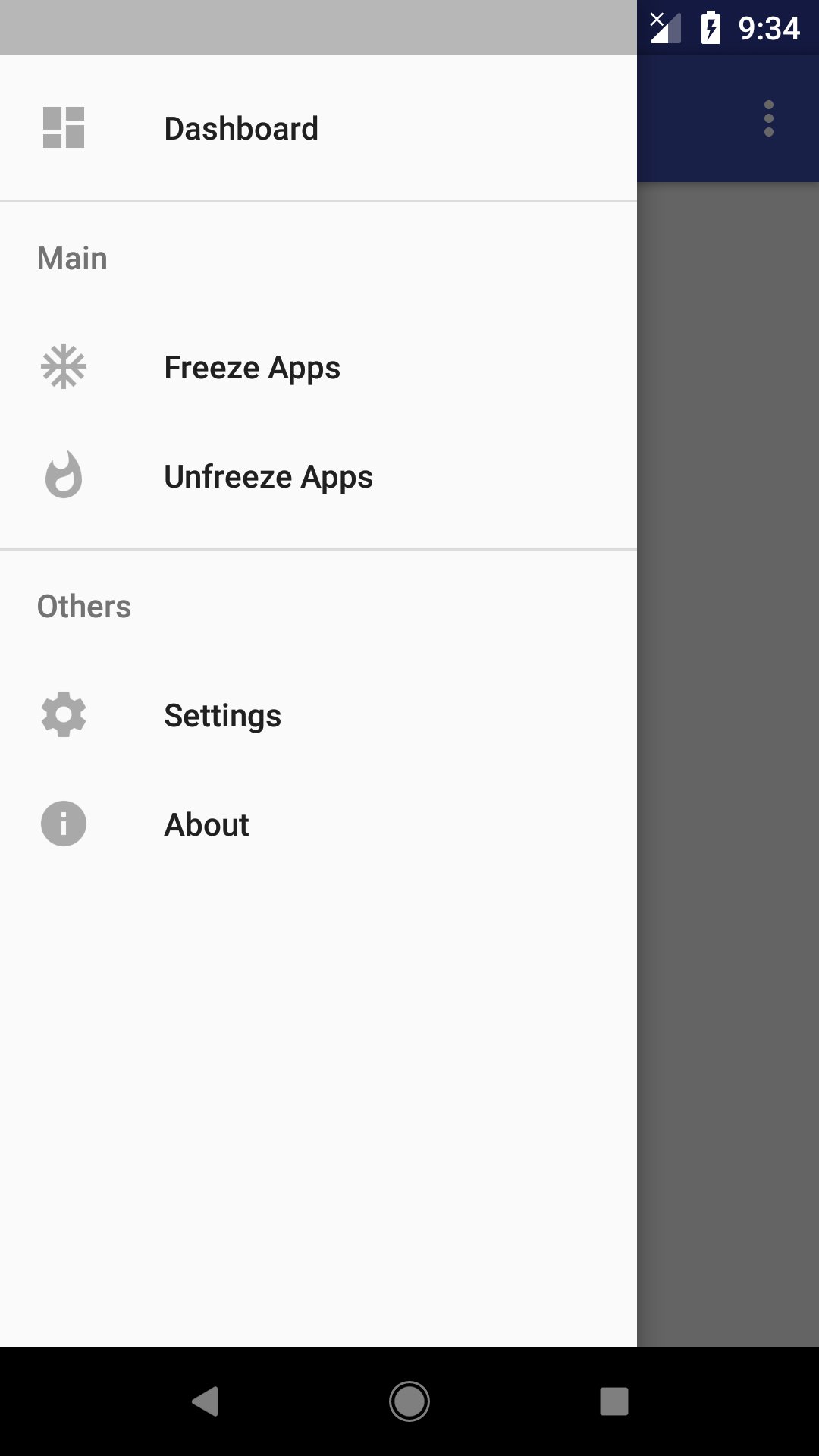
Almost all modern smart phone device come with system application pre installed, including which we don't want. This application could help freeze (disable) application easily, so it wont run in background to waste system resource, feature to unfreeze (enable) application is also included so user could choose to enable it when needed.
This app also detects apps that are frozen by other app that use the same method!
Root access is required to run this app.
Feature:
Works on all device:
Works on all device, including popular phone brand such as: Samsung, Asus, Xiaomi, Huawei, Sony and etc.
One tap to freeze/unfreeze:
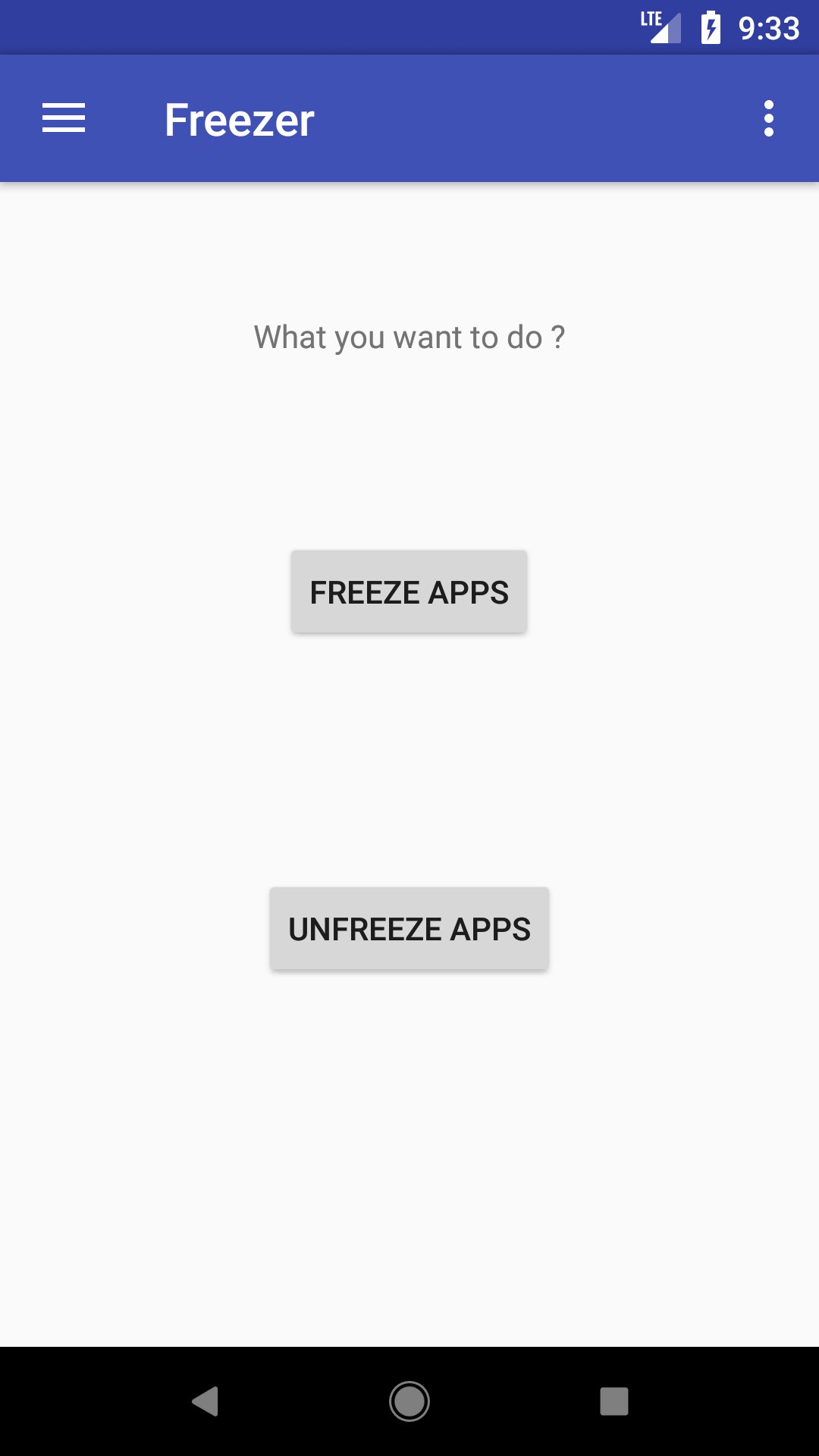
Select the apps to freeze or unfreeze and click on the button to proceed, simple and effective.
Detect apps frozen by other app:
The only freezer app you ever need! It can detect apps that are frozen by other app using the same method, and you can choose to unfreeze them if needed.
Faster and smoother device:
Freezing unused apps prevent them from running in the background, which will make your device run faster and smoother.
Privacy Caring App:
Frozen apps wont appear on launcher, which means it won't be discovered easily, which is good for hiding some apps you wanted to keep private. You can unfreeze the apps in this app for it to reappear on the launcher.
Have Full Control of Your Device:
By using freezer, you will have full control over your device with freezing the apps you don't need or don't want to use. We believe that every phone owner should be able to decide what apps they allow or not allowed to run on their phone.
How To Use:
Just select the application you want to freeze or unfreeze from the list, and hit the button. Selected application will be processed base on your request. If you found out that the application you want to freeze is not listed, please try to adjust it in Settings.
EULA: https://exalab.github.io/eula/f/
Avance
Etiquetas
HerramientasInformación
Desarrollador
EXA Lab
La última versión
3.9
Última actualización
2025-12-03
Categoría
Herramientas
Disponible en
Google Play
Mostrar más
Cómo jugar App Freezer - Ice Box [ROOT] con GameLoop en PC
1. Descargue GameLoop desde el sitio web oficial, luego ejecute el archivo exe para instalar GameLoop.
2. Abra GameLoop y busque "App Freezer - Ice Box [ROOT]", busque App Freezer - Ice Box [ROOT] en los resultados de búsqueda y haga clic en "Instalar".
3. Disfruta jugando App Freezer - Ice Box [ROOT] en GameLoop.
Minimum requirements
OS
Windows 8.1 64-bit or Windows 10 64-bit
GPU
GTX 1050
CPU
i3-8300
Memory
8GB RAM
Storage
1GB available space
Recommended requirements
OS
Windows 8.1 64-bit or Windows 10 64-bit
GPU
GTX 1050
CPU
i3-9320
Memory
16GB RAM
Storage
1GB available space