
eViewer para PC
Cegasa
Descarga eViewer en PC con GameLoop Emulator
eViewer en PC
eViewer, proveniente del desarrollador Cegasa, se ejecuta en el sistema Android en el pasado.
Ahora, puedes jugar eViewer en PC con GameLoop sin problemas.
Descárgalo en la biblioteca de GameLoop o en los resultados de búsqueda. No más mirar la batería o llamadas frustrantes en el momento equivocado nunca más.
Simplemente disfrute de eViewer PC en la pantalla grande de forma gratuita!
eViewer Introducción
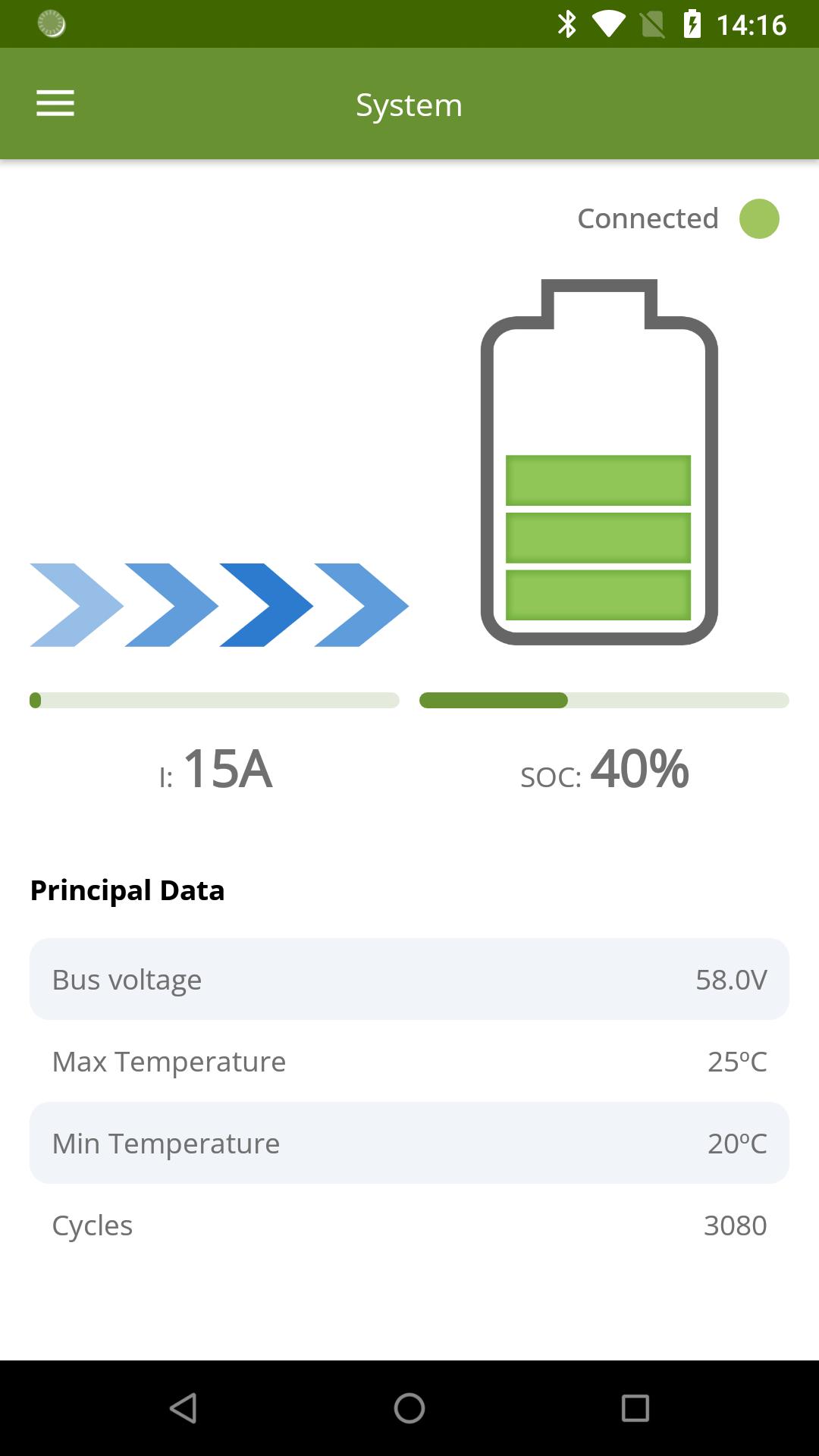
We present the official App of Cegasa Energía to display the status of your installation. With it, you will be able to know:
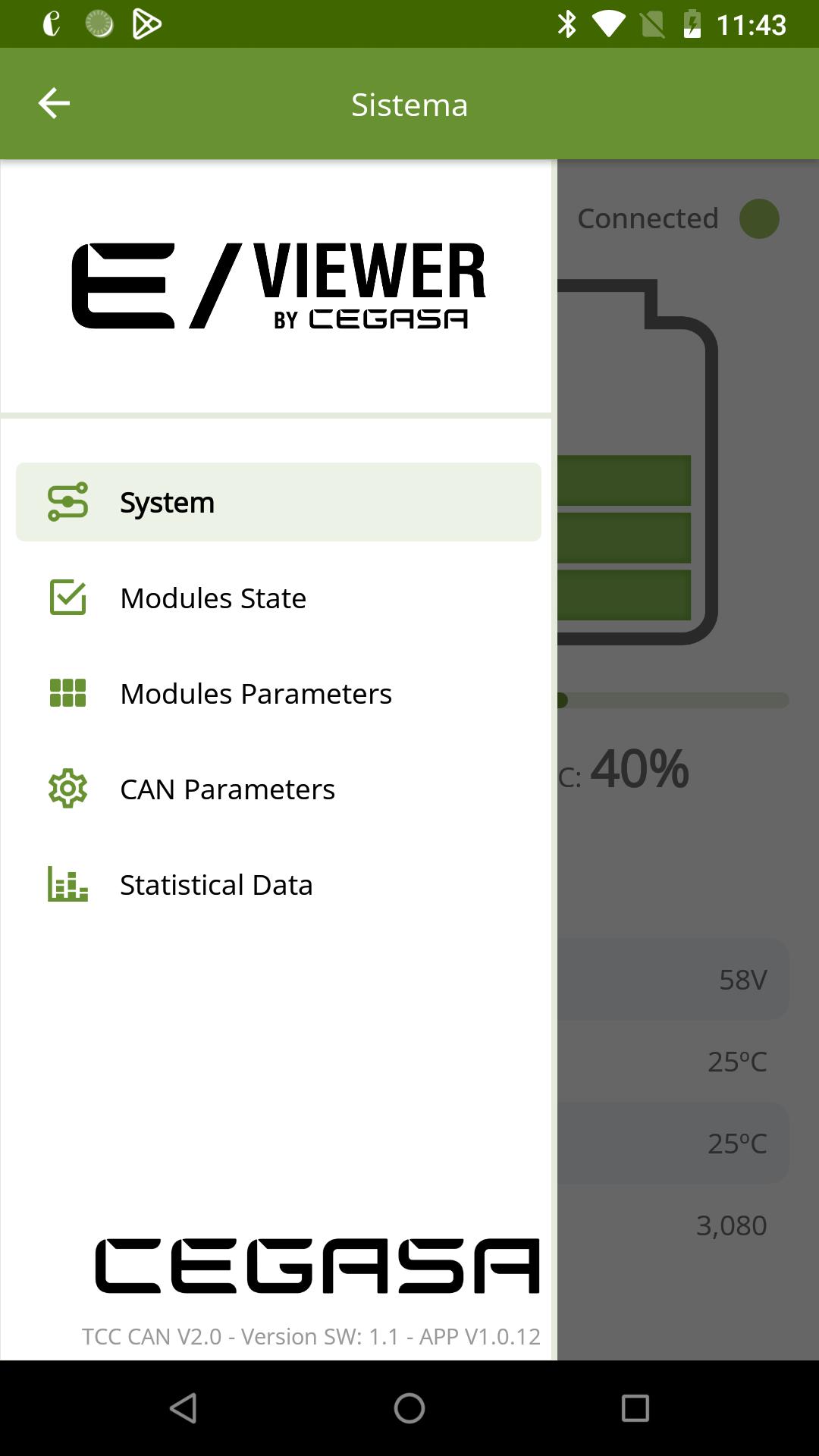
• Parameters of the complete system: system voltage, current, state of charge, temperature and cycles performed
• Status of the modules: you will be able to know the status of each module, alarms, warnings, etc.
• Parameters of each module: Voltage, current, state of charge, temperature, etc.
• CAN parameters: It will be possible to view the premises sent by the system to your application.
• Statistical data: View the energy consumption used by our batteries in the last 24 hours, in the last month and even since it started.
To connect to our TCC management system, just follow the steps below. It is so simple!
1. Install our App
2. Activate your Bluetooth connection
3. Press the button on the TCC management system
4. Enter the code
5. Enjoy the experience !!
Take all your systems in real time on your favorite device and see how your electricity bill is reduced thanks to Cegasa Energía’s lithium ion batteries…
Avance
Etiquetas
HerramientasInformación
Desarrollador
Cegasa
La última versión
1.0.14
Última actualización
2023-06-22
Categoría
Herramientas
Disponible en
Google Play
Mostrar más
Cómo jugar eViewer con GameLoop en PC
1. Descargue GameLoop desde el sitio web oficial, luego ejecute el archivo exe para instalar GameLoop.
2. Abra GameLoop y busque "eViewer", busque eViewer en los resultados de búsqueda y haga clic en "Instalar".
3. Disfruta jugando eViewer en GameLoop.
Minimum requirements
OS
Windows 8.1 64-bit or Windows 10 64-bit
GPU
GTX 1050
CPU
i3-8300
Memory
8GB RAM
Storage
1GB available space
Recommended requirements
OS
Windows 8.1 64-bit or Windows 10 64-bit
GPU
GTX 1050
CPU
i3-9320
Memory
16GB RAM
Storage
1GB available space