DUiPro Recorder - Gravador de para PC
VIRTUES LLC
Descarga DUiPro Recorder - Gravador de en PC con GameLoop Emulator
DUiPro Recorder - Gravador de en PC
DUiPro Recorder - Gravador de , proveniente del desarrollador VIRTUES LLC, se ejecuta en el sistema Android en el pasado.
Ahora, puedes jugar DUiPro Recorder - Gravador de en PC con GameLoop sin problemas.
Descárgalo en la biblioteca de GameLoop o en los resultados de búsqueda. No más mirar la batería o llamadas frustrantes en el momento equivocado nunca más.
Simplemente disfrute de DUiPro Recorder - Gravador de PC en la pantalla grande de forma gratuita!
DUiPro Recorder - Gravador de Introducción
The DUiPRO Recorder is a screen recorder for Android free, stable and high quality that helps you record videos in a simple and clear way. With a variety of features, such as screen capture, video recorder, video editor and without root definition, DUiPRO Recorder provides an easy way to record screen videos such as videos games, video calls, concerts live and more, making it simple!
Screen Recorder is a free screen capture app and unlimited to record the screen of your device for video.
To create promotional videos, make tutorials or simply record clips to use as a support / help with audio.
- No recording time limit
- Audio recording
- Displays taps on the screen during recording
- Stir or turn off the screen to stop
- Delay the start of recording
- Absolutely FREE WITHOUT purchase within the app
- Video HIGH QUALITY: 1080p, 12 Mbps, 60FPS
★ Screen Recording
The DUiPRO Recorder provides a stable and smooth recording. With this screen recorder, you can record videos from popular mobile games. You can also record video calls with family and friends, as well as famous programs in live applications! The DUiPRO Recorder was created with the following free resources:
------ Many resolutions, frame rates and bit rates available; support for high-definition video
------ Pause / resume screen recording
------ Activate the front camera
------ Record ambient sound
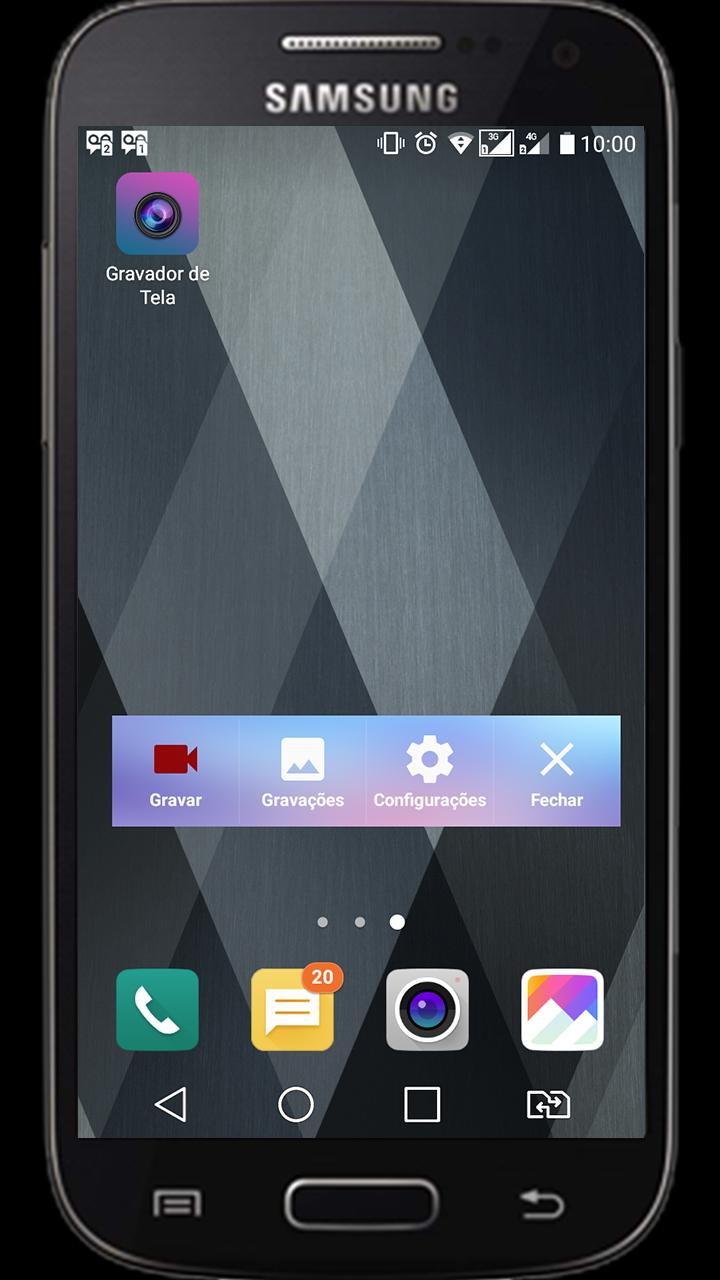
------ Control screen recording with a floating window or a notification bar, hide the floating window for videos without frames
------ Display click on write operations
------ Shake the device to stop screen recording
------ alternate storage location: internal storage / SD
------ brush Feature: Touch the screen to draw
------ Connect to a computer via WiFi and download videos and screenshots on your computer
------ maker GIF: A GIF recorder helps you to record the screen as GIF
★ Video Editor
DUiPRO Recorder has many video editing functions that can help you create better videos. You can easily make the following video editing operations with the screen recorder:
------ Crop video / Remove the middle part of the video
------ Merge videos: Combine mutiple videos in a
------ Add background music to videos
------ Adjust video volume
------ Add captions to video
------ Add intro and outro Video
------ Add background image to the vertical video
------ Changing the video speed
------ Rotate video
------ Cut video
------ Convert Video To GIF
Live Creator ★
------ broadcast resolution settings, stream with high quality
------ privacy level settings for live streaming
------ public comments in real time
------ You can use the front camera to do live broadcasts
★ s screen and image editing
------ Use the notification bar or the floating window to take a screenshot with one click.
------ Sew images: combines several images into one smartly.
------ Blur image: pixele the image to cover the areas you do not want to show.
------ Cut image: keep only part of the desired image.
Avance
Etiquetas
HerramientasInformación
Desarrollador
VIRTUES LLC
La última versión
2.1.0
Última actualización
2019-01-22
Categoría
Herramientas
Disponible en
Google Play
Mostrar más
Cómo jugar DUiPro Recorder - Gravador de con GameLoop en PC
1. Descargue GameLoop desde el sitio web oficial, luego ejecute el archivo exe para instalar GameLoop.
2. Abra GameLoop y busque "DUiPro Recorder - Gravador de ", busque DUiPro Recorder - Gravador de en los resultados de búsqueda y haga clic en "Instalar".
3. Disfruta jugando DUiPro Recorder - Gravador de en GameLoop.
Minimum requirements
OS
Windows 8.1 64-bit or Windows 10 64-bit
GPU
GTX 1050
CPU
i3-8300
Memory
8GB RAM
Storage
1GB available space
Recommended requirements
OS
Windows 8.1 64-bit or Windows 10 64-bit
GPU
GTX 1050
CPU
i3-9320
Memory
16GB RAM
Storage
1GB available space