Control Center--Android Panel para PC
Control Center Studio
Descarga Control Center--Android Panel en PC con GameLoop Emulator
Control Center--Android Panel en PC
Control Center--Android Panel, proveniente del desarrollador Control Center Studio, se ejecuta en el sistema Android en el pasado.
Ahora, puedes jugar Control Center--Android Panel en PC con GameLoop sin problemas.
Descárgalo en la biblioteca de GameLoop o en los resultados de búsqueda. No más mirar la batería o llamadas frustrantes en el momento equivocado nunca más.
Simplemente disfrute de Control Center--Android Panel PC en la pantalla grande de forma gratuita!
Control Center--Android Panel Introducción
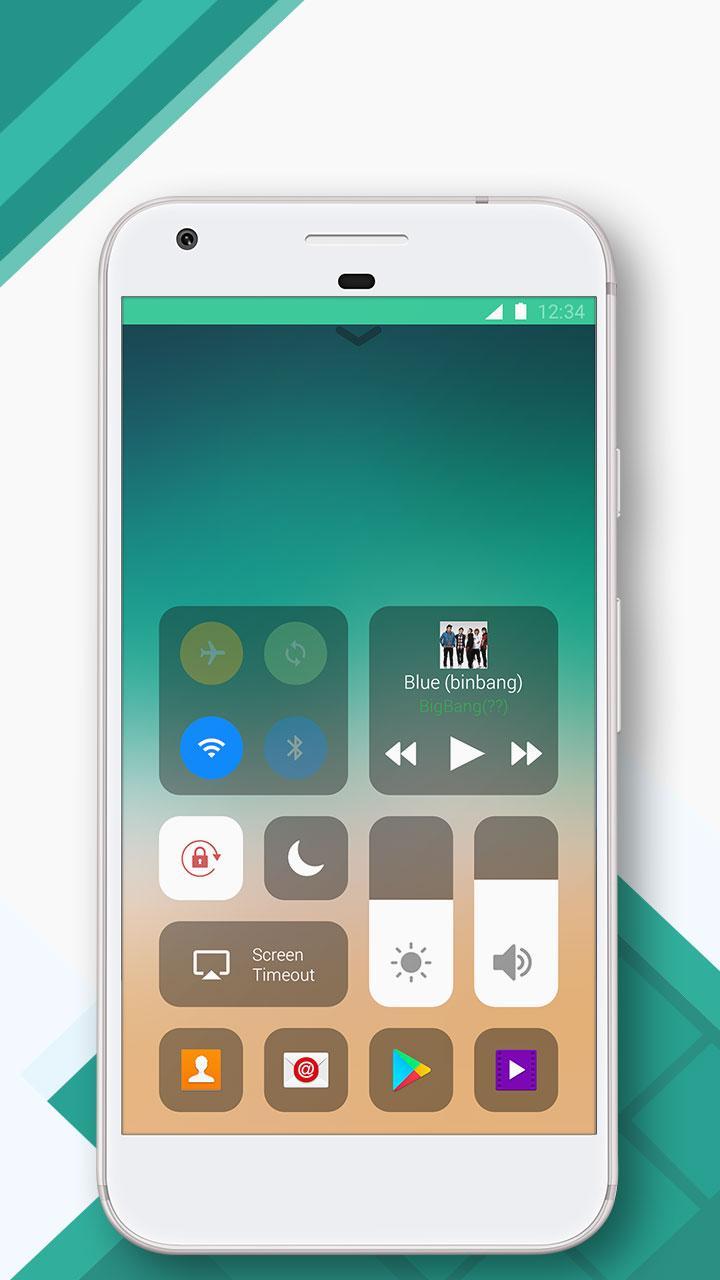
🔥🔥🔥Control Center--iOS15& Android Panel makes you access to the Screen Recorder, Screen shot,QR code,Camera, Alarm, Flashlight, Music Player,Wi-Fi,Bluetooth,Adjust Brightness,Calculator,Screen Timeout and more settings N apps instantly.
NOTE: The QR Code Scanning function and Screen Recorder function have been added,you can freely get the latest version to have.
To Open Control Center--iOS15&Android Panel
- Swipe up,right or left from the edge of screen
To Close Control Center--iOS 15&Android Panel
- Swipe down, tap the top of the screen or press the Back, Home, Recent button
- Screen Recorder:Screen Recorder function helps you record your screen life
- Camera:Never miss a moment to take a picture with quick access to your camera
- Alarms and Timer:Via Control Center--iOS 15& Android Panel,Set an alarm, timer or check the time in another country or region.You also can put your alarmy on it.So you can have alarmy's service.Long press to change
- Control audio/Music Player: FromControl Center--iOS 15& Android Panel you can use this function so you can quickly play, pause and control volume of your favorite songs
- Screen Timeout:Customize your own Control Center--iOS15 screen timeout style ,Set Screen Timeout as 15S~30m then the screen will keep work until timeout to save battery
- Flashlight: Freely use the flashlight on the Control Center--iOS 15 & Android Panel.The LED flash on your camera doubles as a flashlight,get extra light when you need
- Airplane Mode:Via Control Center--iOS 15 & Android Panel,you can use Airplane Mode to instantly turn off Bluetooth,Wi-Fi and cellular connections on your android device
- Wi-Fi:Turn on Wi-Fi to browse the web,music and more onControl Center--iOS 15 & Android Panel
- Bluetooth:Connect to headphones,car kits and other Bluetooth-enabled devices.
- Do Not Disturb:Silence calls, alerts and notifications that you receive while your device is locked
- Portrait Orientation Lock:Via Control Center,Keep your screen from rotating when device moved
- Adjust brightness:Adjust the brightness of your display from any screen.
- Calculator:Tap numbers and functions in Calculator, just like a standard calculator
- QR code scanning function:You can use the QR code scanning function freely
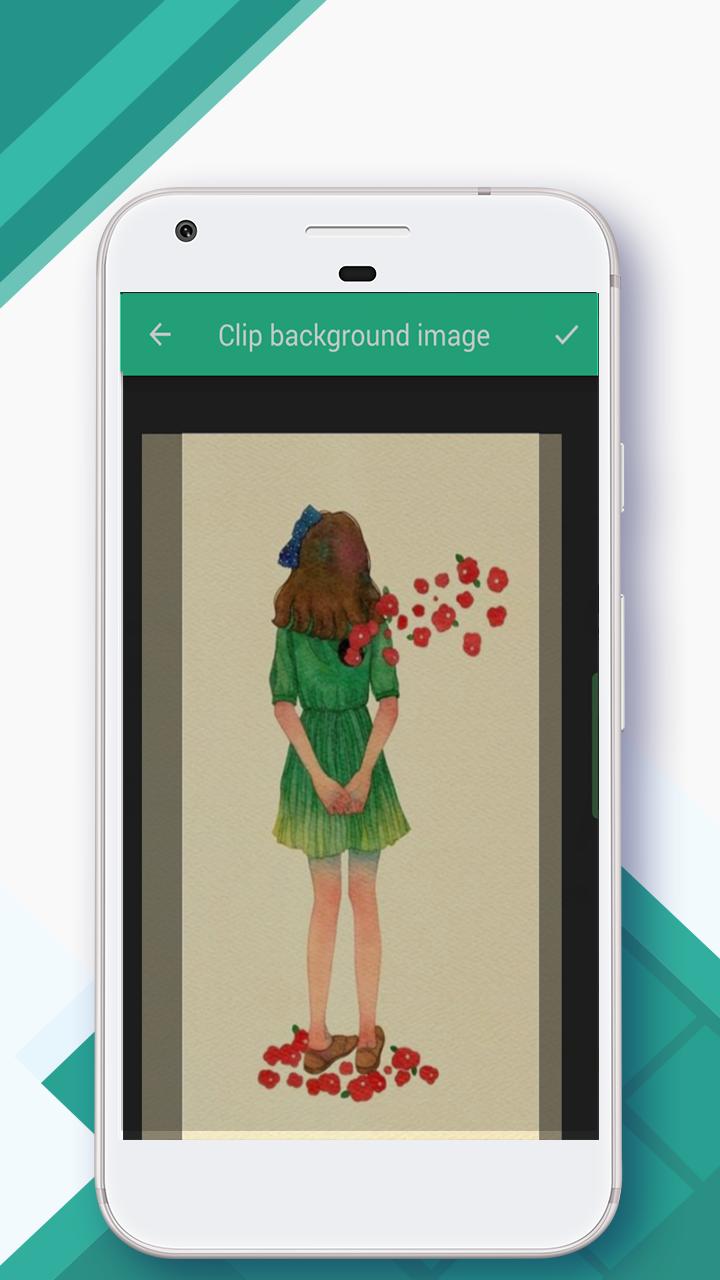
With Control Center--iOS 15& Android Panel, you can customize more styles,such as size, color and Panel Background(Customize Control Center panel backgroud)
Control Control Center--iOS 15 & Android Panelvalue the user experience so you barely see ads
Control Center--iOS 15 & Android Panel Perfect fit for Samsung, Huawei, Xiaomi, OPPO,Vivo, LG G6,One Plus and other Android phones.Control Center--iOS 15 & Android Panel can perfectly run on your android phones, have the convenience of iPhone on Android phones like assistive touch
Control Center--iOS 15&Android Panel is totally free.It's small,smooth and easy to use. Use all the functions just with 1 single touch like iPhone.Freely use these functions.
Control Center--iOS 15 & Android Panel works well on lots of the latest phones like:Samsung Note ,Galaxy ,Samsung Galaxy S8 and S8 Plus, Samsung Note 4, Samsung Note 5, OPPO R15, OPPO R11,OPPO R11s, OPPO R9,OPPO R9s, OPPO A73, HUAWEI Mate 10,HUAWEI Mate 10 Pro,HUAWEI P10 Plus,HUAWEI P10,HUAWEI Mate 9,Samsung Note 7,LG G6 XIAOMI note3, XIAOMI 6,Redmi 5,Redmi 5 plus,Gooogle Nexus 5, LG G6, HTC One, One Plus 6,One Plus 5,One Plus4 and all HUAWEI and VIVO phones
Control Center--iOS 15 & Android Panel has been tested on: Samsung,OPPO,VIVO,Xperia,XIAOMI,LG G6,One Plus 6 and HUAWEI android phones
If you like Control Center--Control Center--iOS 15 & Android Panel,please give us 5 stars rating.
Any problems with Control Center--iOS 15& Android Panel,contact us with email: xiandan1987@gmail.com
Thank you for using Control Center--iOS 15 & Android Panel.
Avance
Etiquetas
HerramientasInformación
Desarrollador
Control Center Studio
La última versión
1.5.4
Última actualización
2022-08-13
Categoría
Herramientas
Disponible en
Google Play
Mostrar más
Cómo jugar Control Center--Android Panel con GameLoop en PC
1. Descargue GameLoop desde el sitio web oficial, luego ejecute el archivo exe para instalar GameLoop.
2. Abra GameLoop y busque "Control Center--Android Panel", busque Control Center--Android Panel en los resultados de búsqueda y haga clic en "Instalar".
3. Disfruta jugando Control Center--Android Panel en GameLoop.
Minimum requirements
OS
Windows 8.1 64-bit or Windows 10 64-bit
GPU
GTX 1050
CPU
i3-8300
Memory
8GB RAM
Storage
1GB available space
Recommended requirements
OS
Windows 8.1 64-bit or Windows 10 64-bit
GPU
GTX 1050
CPU
i3-9320
Memory
16GB RAM
Storage
1GB available space