
ShareHub: Smart File Transfer para PC
Apero Technologies Group - TrustedApp
Descarga ShareHub: Smart File Transfer en PC con GameLoop Emulator
ShareHub: Smart File Transfer en PC
ShareHub: Smart File Transfer, proveniente del desarrollador Apero Technologies Group - TrustedApp, se ejecuta en el sistema Android en el pasado.
Ahora, puedes jugar ShareHub: Smart File Transfer en PC con GameLoop sin problemas.
Descárgalo en la biblioteca de GameLoop o en los resultados de búsqueda. No más mirar la batería o llamadas frustrantes en el momento equivocado nunca más.
Simplemente disfrute de ShareHub: Smart File Transfer PC en la pantalla grande de forma gratuita!
ShareHub: Smart File Transfer Introducción
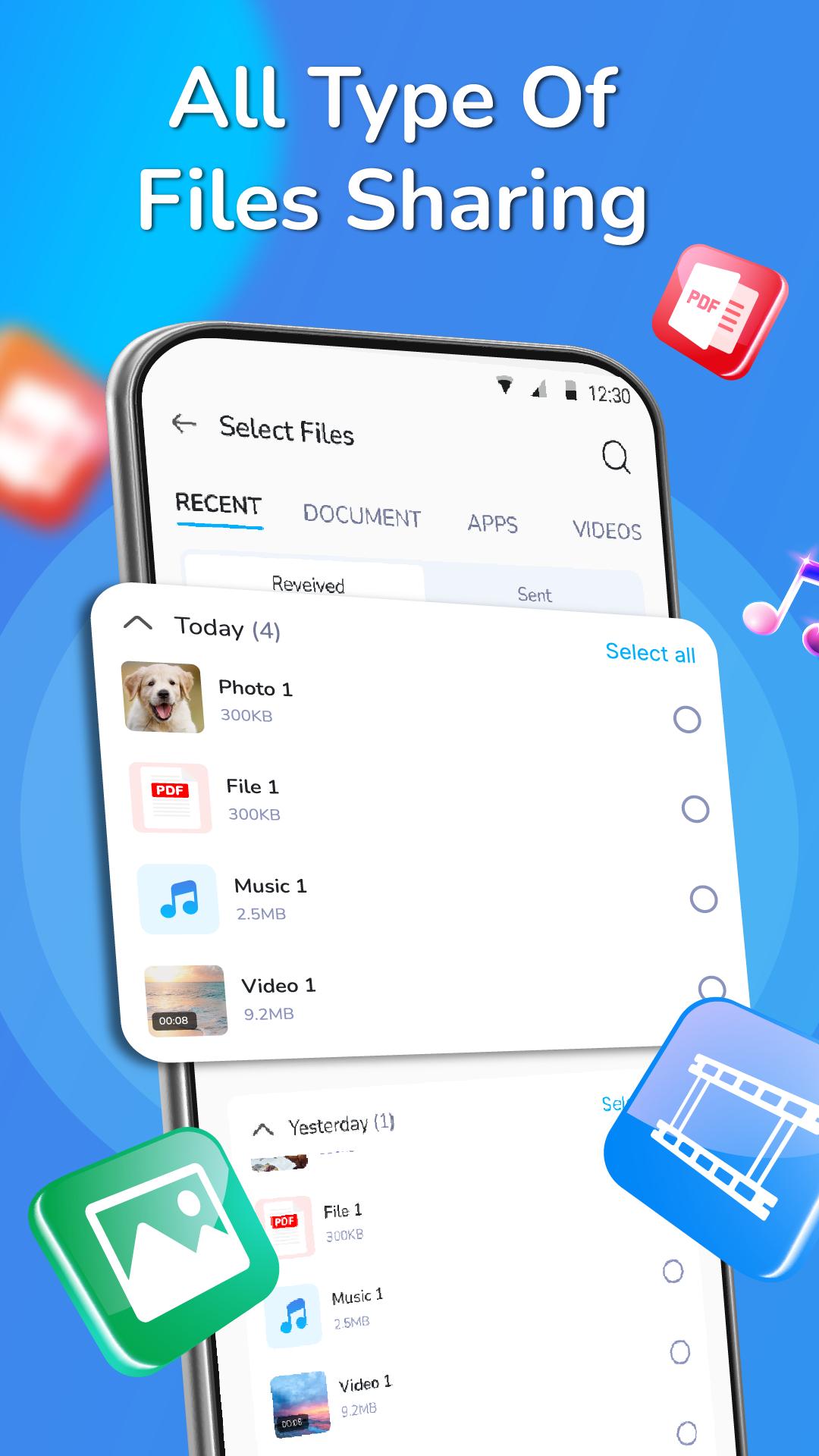
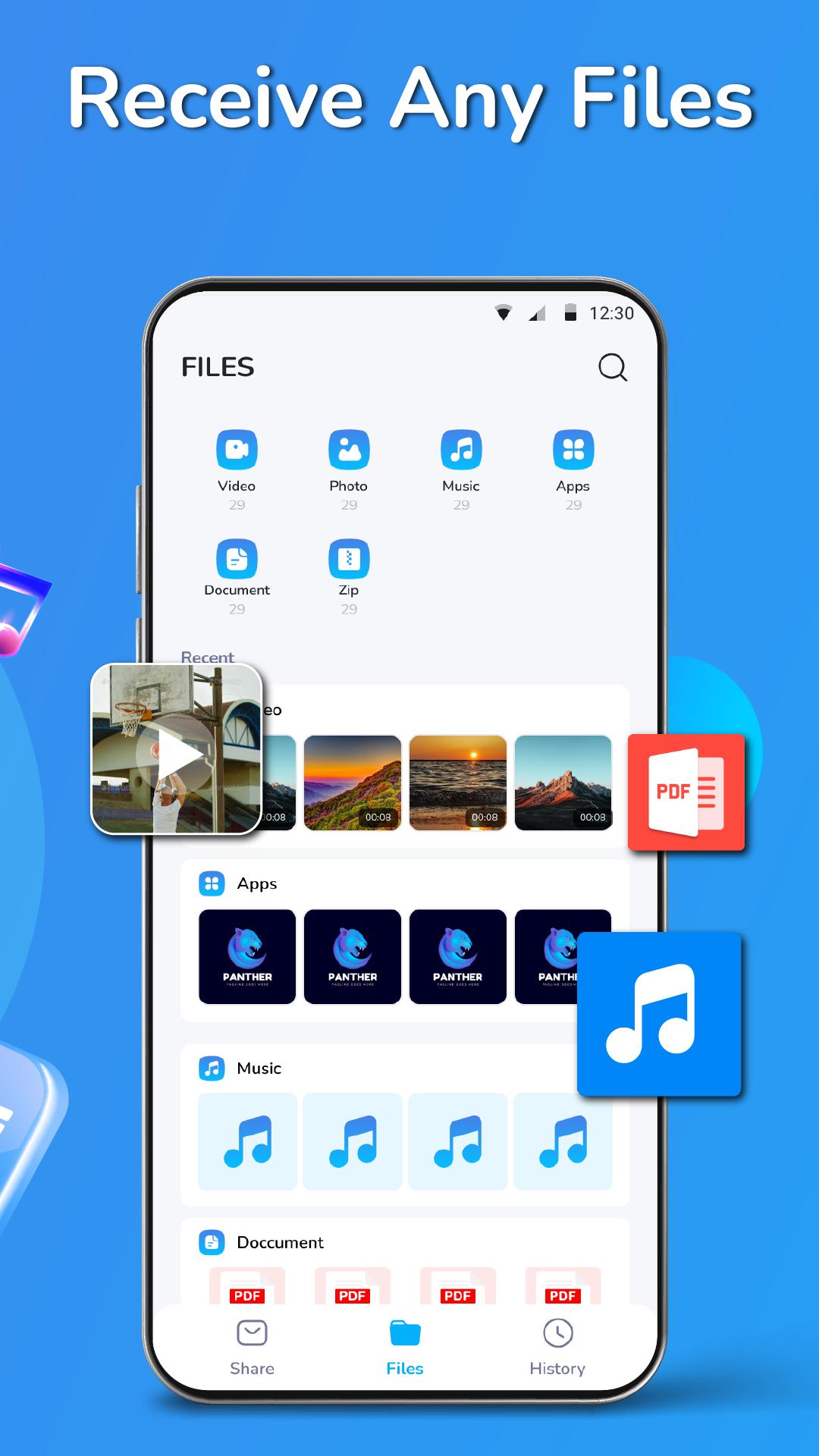
ShareHub is a file-sharing app with a user-friendly interface that lets you share, mobile transfer and receive files (photos, videos, apps, documents and music transfer) using Bluetooth or Wi-Fi. You can easily send the files to your loved ones in seconds without any limits. It is a very fast file-sharing application and it supports all types of formats like PDF, Word, Excel, PPT, etc.
ShareHub is a cloud file storage & file transfer tool. It’s fast, secure and no internet connection is required to transfer large-sized files. Transfer any size of the file - PDFs, PPTs, Word documents, Zip files and any other type of files within seconds. You can send multiple files at one time and even share them with multiple people via a link.
Main features of this file sharing app:
📂Nearby share & smart transfer any file: Movies, Photos, Videos, Music, installed apps, apk and any other files
📂Super fast file sharing without any limits
📂Compatible with all devices
📂One touch to send files and folders or receive the file
📂 No internet connection is required
📂 Send multiple files at the same time
📂 Share files to multi-people at once via a link
📂 Easily find transfer any files and folders history and file manager
📂 Easy connectivity, QR Code for sharing purposes
📂 Simple and user-friendly UI & secure file transfer
How to use this smart transfer app:
Step 1: Choose files (photos, videos, apps, documents or song transfer) or import file
Step 2: Turn on Bluetooth to find your friend's device nearby Share
Step 3: Transfer process & fast move file
ShareHub is the amazing cloud and file manager app in the world. You can easily transfer files on all Bluetooth-enabled devices. You can send or share all types of files such as photos, music, video, word, excel, and more. We have been working hard to make sure that it is easy for you to use and easy to connect anywhere with your friends or colleagues at any time
🔥🔥🔥 We are working our best on making the data transfer application better and more useful for you. This file explorer and photo transfer app is still in development so your feedback is welcome.
If you have any questions about all file transfer data apps, don't hesitate to contact support email: Trustedapp.help@gmail.com.
Thank you for choosing our ShareHub app. Have a nice day! ❤️
Avance
Etiquetas
HerramientasInformación
Desarrollador
Apero Technologies Group - TrustedApp
La última versión
1.0
Última actualización
2023-04-20
Categoría
Herramientas
Disponible en
Google Play
Mostrar más
Cómo jugar ShareHub: Smart File Transfer con GameLoop en PC
1. Descargue GameLoop desde el sitio web oficial, luego ejecute el archivo exe para instalar GameLoop.
2. Abra GameLoop y busque "ShareHub: Smart File Transfer", busque ShareHub: Smart File Transfer en los resultados de búsqueda y haga clic en "Instalar".
3. Disfruta jugando ShareHub: Smart File Transfer en GameLoop.
Minimum requirements
OS
Windows 8.1 64-bit or Windows 10 64-bit
GPU
GTX 1050
CPU
i3-8300
Memory
8GB RAM
Storage
1GB available space
Recommended requirements
OS
Windows 8.1 64-bit or Windows 10 64-bit
GPU
GTX 1050
CPU
i3-9320
Memory
16GB RAM
Storage
1GB available space