LED Scroller - LED Banner para PC
sdgcode
Descarga LED Scroller - LED Banner en PC con GameLoop Emulator
LED Scroller - LED Banner en PC
LED Scroller - LED Banner, proveniente del desarrollador sdgcode, se ejecuta en el sistema Android en el pasado.
Ahora, puedes jugar LED Scroller - LED Banner en PC con GameLoop sin problemas.
Descárgalo en la biblioteca de GameLoop o en los resultados de búsqueda. No más mirar la batería o llamadas frustrantes en el momento equivocado nunca más.
Simplemente disfrute de LED Scroller - LED Banner PC en la pantalla grande de forma gratuita!
LED Scroller - LED Banner Introducción
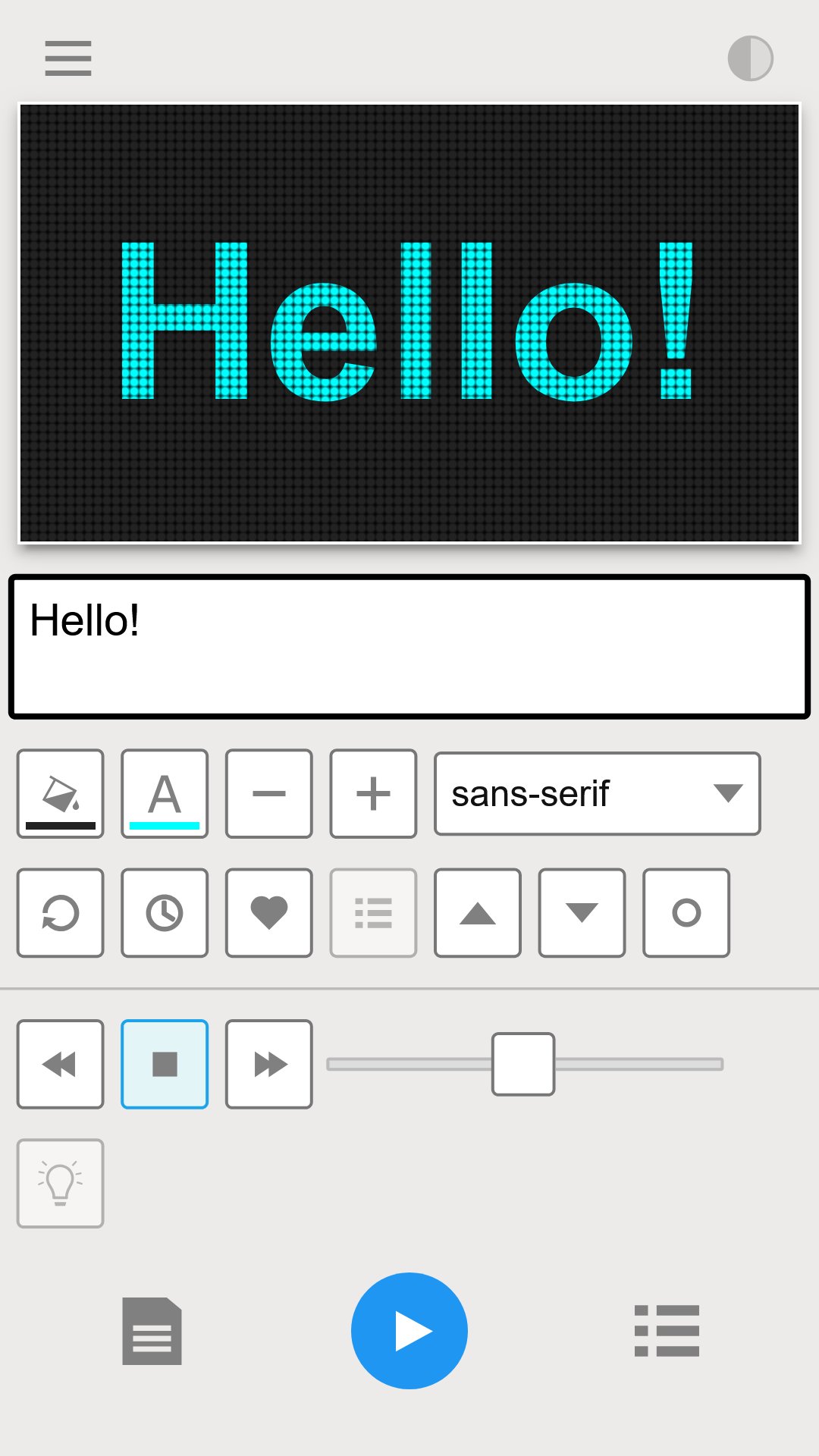
Turn your phone into an LED sign with LED scrolling banners.
With this app, you can create scrolling LED messages, banners, and signs in just a few taps. Whether you want to make announcements, share fun messages with friends, or highlight promotions, LED Scroller makes it easy and fun.
Key Features:
✏️ Custom Text
🔄 Smooth Scrolling
🌈 LED Effects
👀 Live Preview
💾 Save in Gallery
✨ Download now and try LED Scroller – LED Banner for free! ✨
Avance

Etiquetas
HerramientasInformación
Desarrollador
sdgcode
La última versión
18.0.1
Última actualización
2026-04-20
Categoría
Herramientas
Disponible en
Google Play
Mostrar más
Cómo jugar LED Scroller - LED Banner con GameLoop en PC
1. Descargue GameLoop desde el sitio web oficial, luego ejecute el archivo exe para instalar GameLoop.
2. Abra GameLoop y busque "LED Scroller - LED Banner", busque LED Scroller - LED Banner en los resultados de búsqueda y haga clic en "Instalar".
3. Disfruta jugando LED Scroller - LED Banner en GameLoop.
Minimum requirements
OS
Windows 8.1 64-bit or Windows 10 64-bit
GPU
GTX 1050
CPU
i3-8300
Memory
8GB RAM
Storage
1GB available space
Recommended requirements
OS
Windows 8.1 64-bit or Windows 10 64-bit
GPU
GTX 1050
CPU
i3-9320
Memory
16GB RAM
Storage
1GB available space