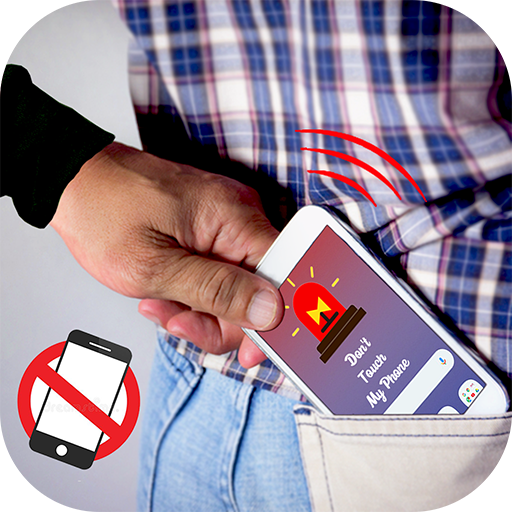
Anti Theft Alarm - Don't Touch para PC
Seven Strid
Descarga Anti Theft Alarm - Don't Touch en PC con GameLoop Emulator
Anti Theft Alarm - Don't Touch en PC
Anti Theft Alarm - Don't Touch, proveniente del desarrollador Seven Strid, se ejecuta en el sistema Android en el pasado.
Ahora, puedes jugar Anti Theft Alarm - Don't Touch en PC con GameLoop sin problemas.
Descárgalo en la biblioteca de GameLoop o en los resultados de búsqueda. No más mirar la batería o llamadas frustrantes en el momento equivocado nunca más.
Simplemente disfrute de Anti Theft Alarm - Don't Touch PC en la pantalla grande de forma gratuita!
Anti Theft Alarm - Don't Touch Introducción
Do you worry when you leave your phone unattended while charging it in public places? Try our app!
Anti Theft Alarm - Don't Touch My Phone will keep your phone safe from nosy people and thieves. Once you activate the alarm, a loud alarm will sound if someone moves or unplugs the phone from the charger.
Only you can turn off the alarm using a personal PIN-code. You will immediately know when someone is touching your phone, and they can do nothing to stop the sound!
The Anti Theft Alarm - Don't Touch My Phoneapp will help you if anyone picks your phone from the table it will buzz a loud alarm and you will be alerted. This simple and handy anti-theft alarm forAnti Theft Alarm - Don't Touch My Phone app protects your phone in every possible way to keep your phone safe.
When you want to know who tried to unlock the mobile phone, an intruder alert helps you. If someone tries to unlock the mobile phone a loud ring will warn you about the intruder. Moreover, the selfie will be taken.Anti Theft Alarm - Don't Touch My Phoneapp can find my phone instantly. Family members or co-workers/friends can also use a portable alarm to take intruder selfies of your nosy who tried to unlock your phone in your absence.
Anti Theft Alarm - Don't Touch My Phone app will keep your mobile safe from nosy people and thieves. Someone moves the mobile phone or disconnects it from the charger. The mobile alarm will sound loud and you will be immediately aware. With Anti-Theft Alarm, save your phone will not be stolen or used without your permission. If anyone dares to touch the mobile phone it will catch them red-handed.
⭐Main Features Of Anti Theft Alarm - Don’t Touch My Phone Features are as follows :-
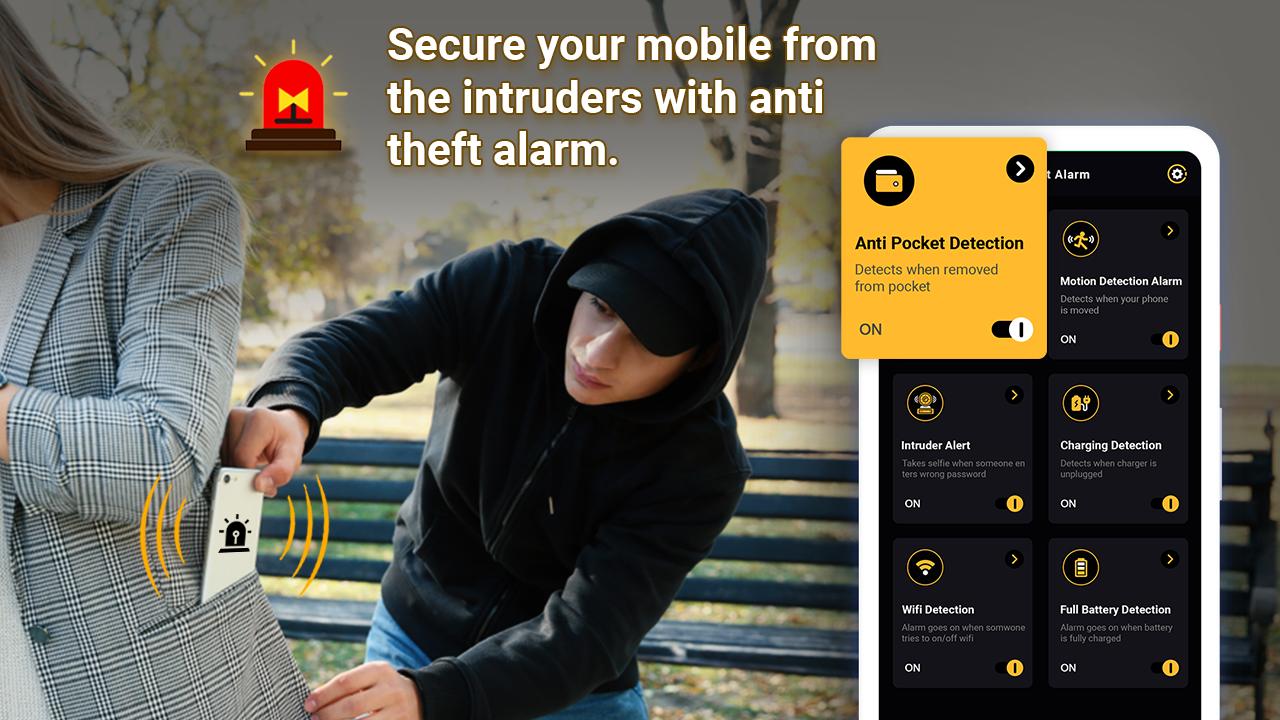
A).Anti pocket Detection ➜ Detects when removed from pocket
B).Motion Detection Alarm ➜ Detects when your phone is moved
C).Intruder Alert ➜ Takes Selfie when someone enters wrong password
D).Charging Detection ➜ Detects when Charger is unplugged
E).WIFI Detection ➜ Alarm goes on when someone tries to turn on/off wifi.
G).Full Battery Detection ➜ Alarm goes on when the battery is fully charged.
H). Ear phone Detection ➜ Detects when earphone is plugged/unplugged
⭐FEATURES
➤You can change Theme
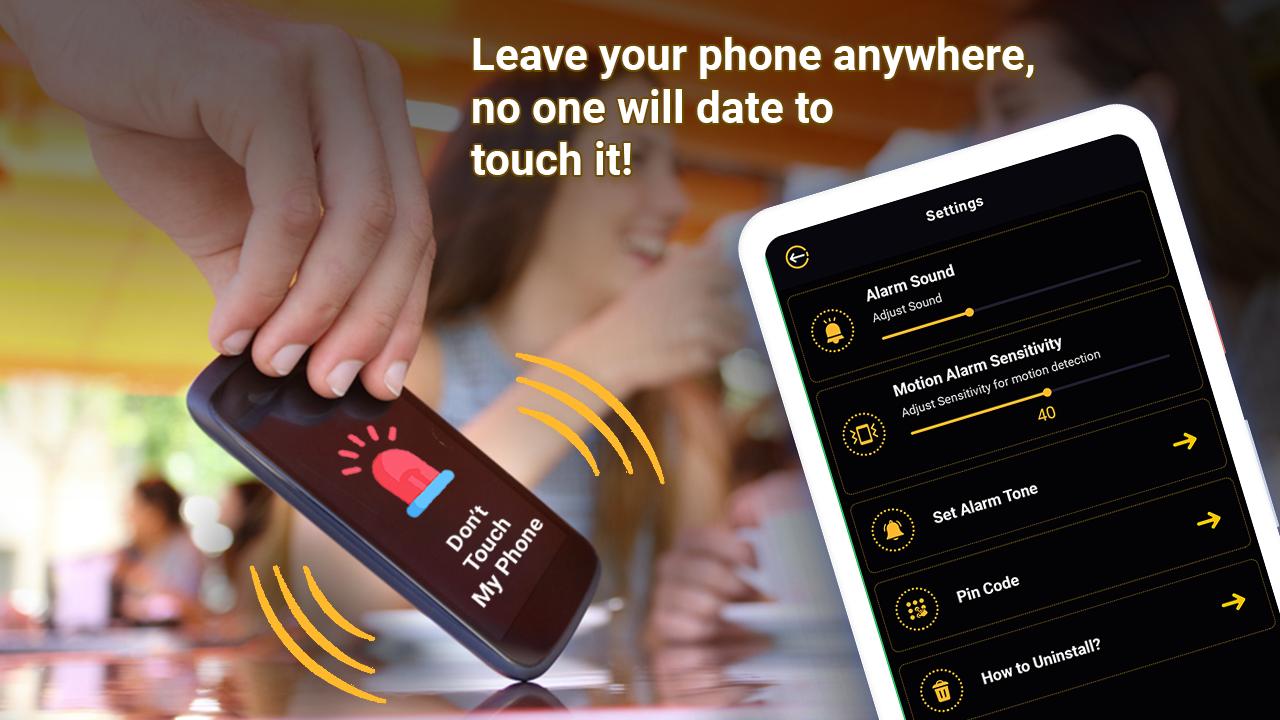
➤You can change Alarm sound
➤Motion alarm sensitivity
➤Set Alarm Tone
➤Change Pin code
➤How to Install
➤Quick activation through notification
➤Simple and easy to use interface
💥This is the most simple and useful Anti Theft Alarm - Don't Touch My Phone app. Secure your data with security phone anti-theft protection with full mobile phone protection and anti-theft security.💥
Avance
Etiquetas
HerramientasInformación
Desarrollador
Seven Strid
La última versión
7.0
Última actualización
2023-01-10
Categoría
Herramientas
Disponible en
Google Play
Mostrar más
Cómo jugar Anti Theft Alarm - Don't Touch con GameLoop en PC
1. Descargue GameLoop desde el sitio web oficial, luego ejecute el archivo exe para instalar GameLoop.
2. Abra GameLoop y busque "Anti Theft Alarm - Don't Touch", busque Anti Theft Alarm - Don't Touch en los resultados de búsqueda y haga clic en "Instalar".
3. Disfruta jugando Anti Theft Alarm - Don't Touch en GameLoop.
Minimum requirements
OS
Windows 8.1 64-bit or Windows 10 64-bit
GPU
GTX 1050
CPU
i3-8300
Memory
8GB RAM
Storage
1GB available space
Recommended requirements
OS
Windows 8.1 64-bit or Windows 10 64-bit
GPU
GTX 1050
CPU
i3-9320
Memory
16GB RAM
Storage
1GB available space