
Sindhi Keyboard para PC
Kashigar Apps
Descarga Sindhi Keyboard en PC con GameLoop Emulator
Sindhi Keyboard en PC
Sindhi Keyboard, proveniente del desarrollador Kashigar Apps, se ejecuta en el sistema Android en el pasado.
Ahora, puedes jugar Sindhi Keyboard en PC con GameLoop sin problemas.
Descárgalo en la biblioteca de GameLoop o en los resultados de búsqueda. No más mirar la batería o llamadas frustrantes en el momento equivocado nunca más.
Simplemente disfrute de Sindhi Keyboard PC en la pantalla grande de forma gratuita!
Sindhi Keyboard Introducción
Sindhi Keyboard with【Smart Word Prediction, Themes, Emoticons】
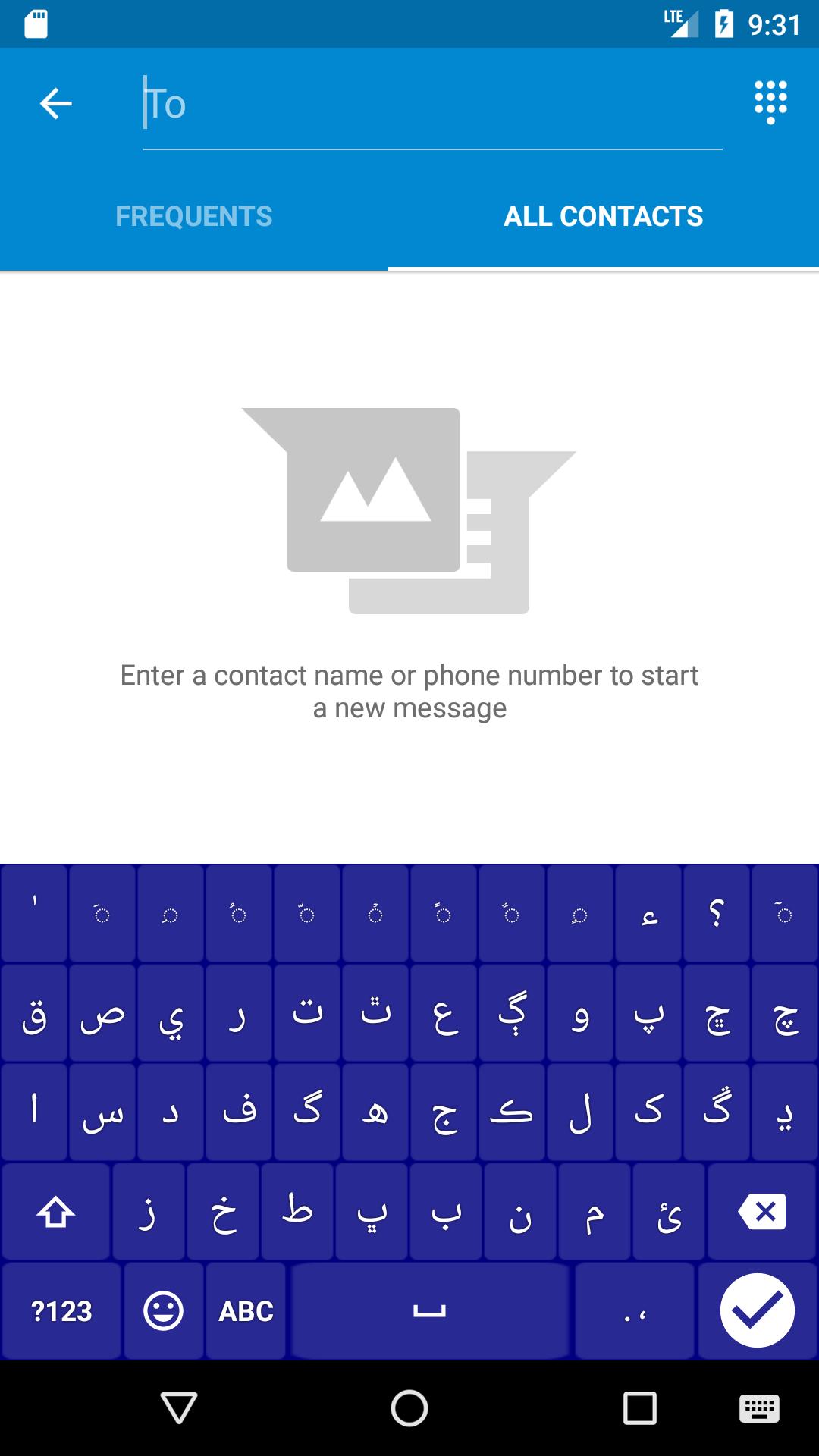
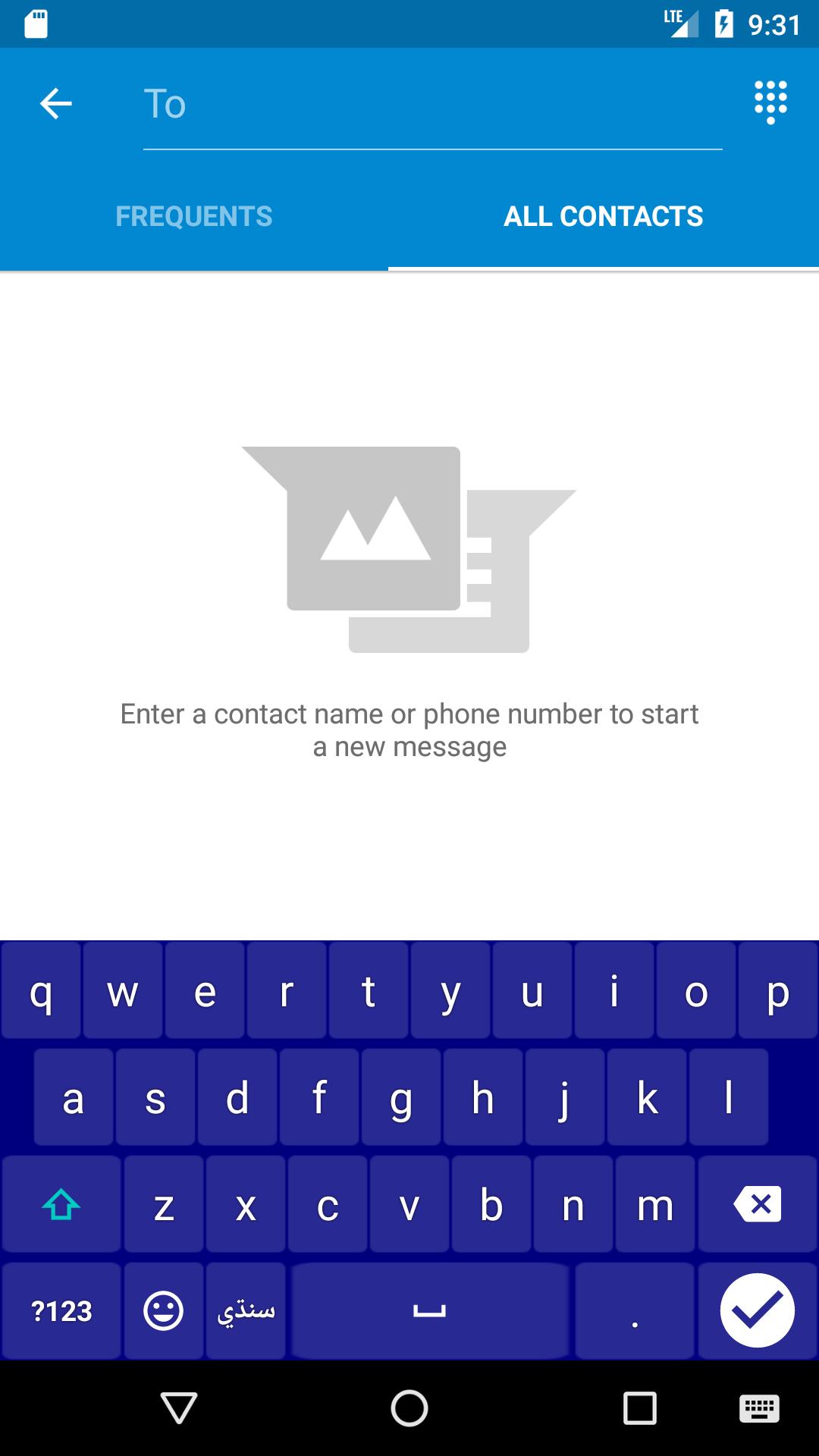
Sindhi Keyboard is a versatile keyboard for Android users who wish to use Sindhi language to type messages, compose emails and generally prefer to use them in addition to English on their phone. You can use this application to type Sindhi anywhere in your phone that you would normally type in English.
Now you can type English Sindhi and Urdu in single keyboard. Added word prediction for Sindhi and English. Urdu word prediction will be added on demand.
- Provides compact, convenient keyboard layout for the casual users as well as the language lovers
- Fully integrates with native Android look and feel
- Free - Made for the Sindhis, by the Sindhi.
Will my phone support it?
Kashigar Apps Sindhi keyboard supports Android version 4.0.3 and above (Jellybean, Kitkat and Lollipop).
How do I enable it ?
After installation go to Settings - > Language and input -> Choose keyboards -> select SINDHI KEYBOARD – Kashigar Apps
Why is there a warning about "collecting data"?
This warning message is a part of the Android operating system. It will appears whenever you try to enable a third party keyboard.
Name of Allah Jalla Jalaluhu, Rasool Salallahu Aleh Wassalam added.
You can long press on the ق ص ي ر ت ٿ ع ڳ و پ letters to get Sindhi numeric options.
You can long press on the الله letter to get بسمالله الرحمن الرحيم.
جهه and گهه added.
Touching globe switches the other language keyboards.
Sindhi Keyboard -سنڌي ڪيبورڊ. 【Smart Word Prediction】
🎉🎉🎉🎉🎉🎉Important Updates of Complete Sindhi Keyboard🎉🎉🎉🎉🎉🎉
1、Stylish complete Sindhi Keyboard with Urdu typing alphabets
2、You do not need to install separate Urdu keyboard as this keyboard fulfills all the alphabets of Sindhi and Urdu and can be used for both languages. You can type it on social media like Facebook, Whats app, imo, twitter, Pinterest and Instagram.
★★★★★ Sindhi with Emoji Keyboard★★★★★
An emoji keyboard with amazing features, is designed for those who like sending message with emoticon and emoji. It is a MUST-HAVE free emoji keyboard built in this Complete Sindhi Urdu Keyboard.
You will not be bored with this keyboard. Because you can have multiple themes to chose, emoji, emoticon.
----------Key Features---------
【Colorful Keyboard and Emojis】
【Different Keyboard Themes】
【Smart Word Prediction】
Worry about slow typing? Sindhi Keyboard is your best Keyboard! You don’t need to type all words out anymore! With smart Sindhi word prediction function, word will be shown when you just type two or three alphabets.
【Keys Sound】
Security and Privacy:
Sindhi Keyboard Will Never collect any personal information like passwords and credit card numbers. The warning message that says Sindhi Keyboard may be able to collect” all the text you type, including personal data like passwords and credit card number” is part of the Android Operating System that appears when any third-party keyboard is enabled.
Available Languages:
English
Sindhi
New functions and more themes will be updated.
For more news, please follow us:
Facebook:https://www.facebook.com/kashigarappsteam/
Instagram: https://www.instagram.com/kashigarapps
Any questions and advice, please Email us:
kashigarapps@gmail.com
Avance
Información
Desarrollador
Kashigar Apps
La última versión
6.5
Última actualización
2018-01-03
Categoría
Herramientas
Disponible en
Google Play
Mostrar más
Cómo jugar Sindhi Keyboard con GameLoop en PC
1. Descargue GameLoop desde el sitio web oficial, luego ejecute el archivo exe para instalar GameLoop.
2. Abra GameLoop y busque "Sindhi Keyboard", busque Sindhi Keyboard en los resultados de búsqueda y haga clic en "Instalar".
3. Disfruta jugando Sindhi Keyboard en GameLoop.
Minimum requirements
OS
Windows 8.1 64-bit or Windows 10 64-bit
GPU
GTX 1050
CPU
i3-8300
Memory
8GB RAM
Storage
1GB available space
Recommended requirements
OS
Windows 8.1 64-bit or Windows 10 64-bit
GPU
GTX 1050
CPU
i3-9320
Memory
16GB RAM
Storage
1GB available space