Root Checker para PC
joeykrim
Descarga Root Checker en PC con GameLoop Emulator
Root Checker en PC
Root Checker, proveniente del desarrollador joeykrim, se ejecuta en el sistema Android en el pasado.
Ahora, puedes jugar Root Checker en PC con GameLoop sin problemas.
Descárgalo en la biblioteca de GameLoop o en los resultados de búsqueda. No más mirar la batería o llamadas frustrantes en el momento equivocado nunca más.
Simplemente disfrute de Root Checker PC en la pantalla grande de forma gratuita!
Root Checker Introducción
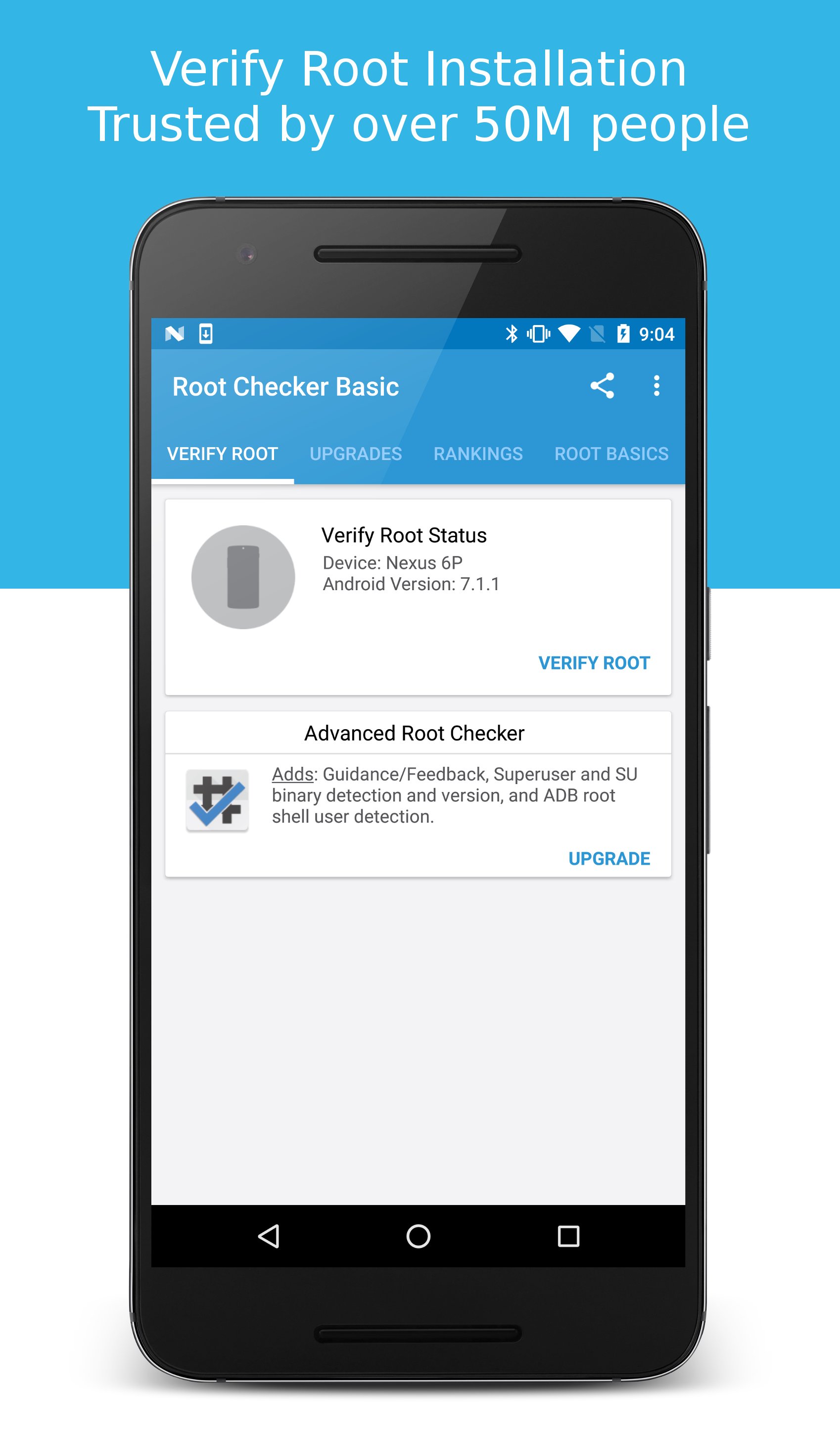
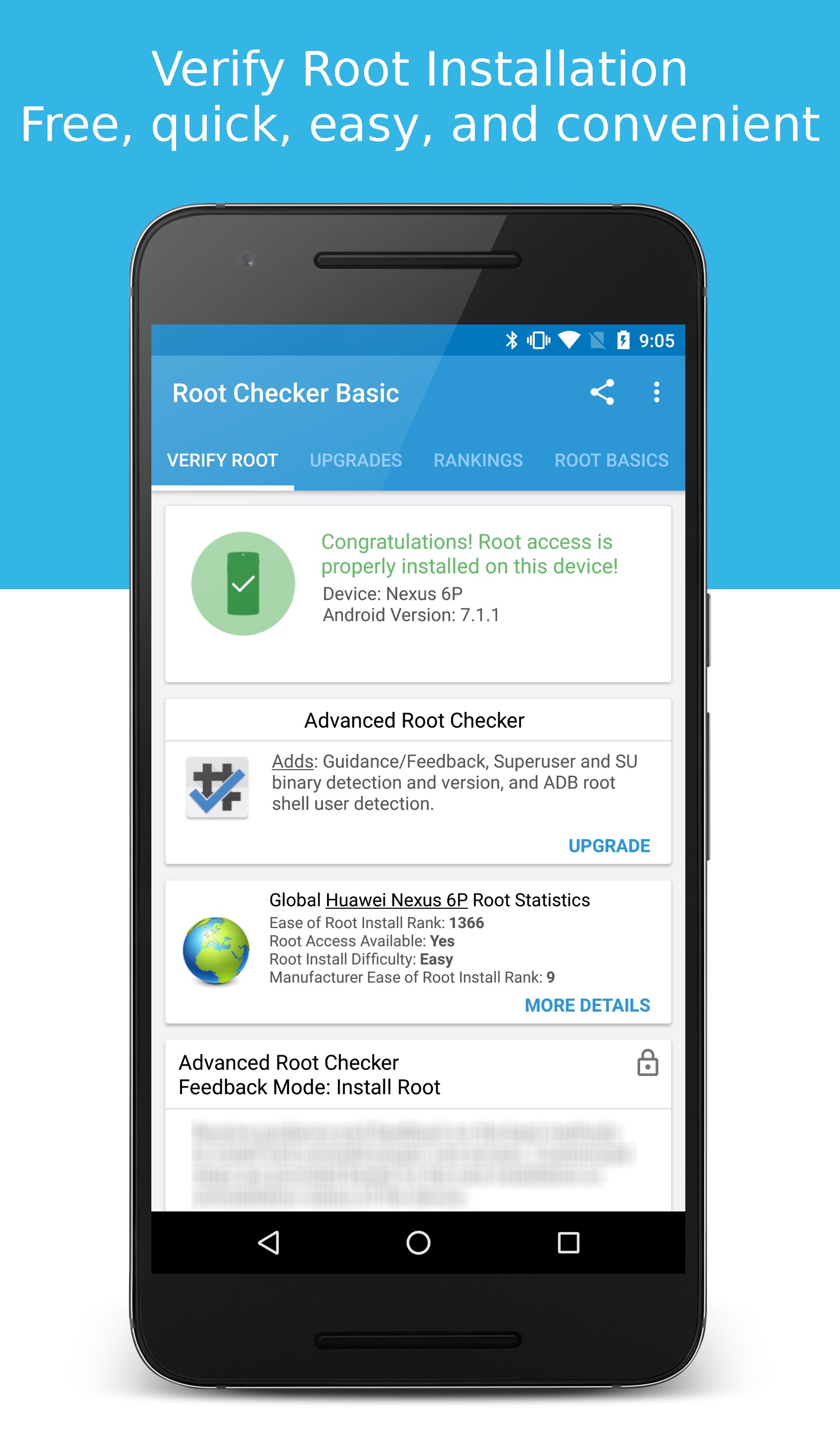
Verify proper root (superuser or su) access is configured and working using Root Checker! Free, fast, easy, and used on over 50 million Android devices, Root Checker shows the user whether or not root (superuser) access is properly installed and working.
This application provides even the newest Android user with a simple method to check their device for root (administrator, superuser, or su) access. The application provides a very simple user interface that easily notifies the user whether or not they have properly setup root (superuser) access.
*Feel free to email me with any questions. I always reply!*
This application will test the device for root (superuser) access using a very simple, quick, and reliable method that has been successful for over 50 million Android devices. The su binary is the most common binary used on Android devices to grant and manage root (superuser) access. Root Checker will check and verify that the su binary is located in a common standard location on the device. In addition, Root Checker will verify whether the su binary is properly functioning in granting root (superuser) access.
Many times users experience issues along the path of installing, configuring, and gaining root access or uninstalling and removing root access. For some users the process can seem complex while for others the process can seem simple. Regardless of the user's technical skill set, Root Checker, will quickly and correctly verify whether or not root access is 100% functioning. The process of confirming root access is sometimes known by other terms such as, gaining superuser access or gaining administrator access. Root Checker covers all these terms as they relate to one core function, being able to execute commands through the su binary with root access.
If the Superuser management applications (SuperSU, Superuser, etc.) are installed and working properly, these applications will prompt the user to accept or deny the root access request from Root Checker. Accepting the request will allow Root Checker to check for and confirm root access. Denying the request will result in Root Checker reporting no root access.
For scenarios when there is concern somebody else might have installed root access on the device, Root Checker can validate whether root access is installed providing more insight and knowledge.
Please don't leave negative feedback about a concern, bug or issue! Instead, please email me, tweet me, contact me on my web site - https://joeykrim.com/contact, IRC, or on the forums (XDA, RootzWiki, SDX, etc.) with your feedback, suggestions and comments!
Facebook AdChoices: https://m.facebook.com/ads/ad_choices
I do my best to assist as many people as possible and appreciate all the support that has made this application successful! Thank you!
Avance
Etiquetas
HerramientasInformación
Desarrollador
joeykrim
La última versión
6.5.3
Última actualización
2022-12-30
Categoría
Herramientas
Disponible en
Google Play
Mostrar más
Cómo jugar Root Checker con GameLoop en PC
1. Descargue GameLoop desde el sitio web oficial, luego ejecute el archivo exe para instalar GameLoop.
2. Abra GameLoop y busque "Root Checker", busque Root Checker en los resultados de búsqueda y haga clic en "Instalar".
3. Disfruta jugando Root Checker en GameLoop.
Minimum requirements
OS
Windows 8.1 64-bit or Windows 10 64-bit
GPU
GTX 1050
CPU
i3-8300
Memory
8GB RAM
Storage
1GB available space
Recommended requirements
OS
Windows 8.1 64-bit or Windows 10 64-bit
GPU
GTX 1050
CPU
i3-9320
Memory
16GB RAM
Storage
1GB available space