My Photo Keyboard para PC
Creative Photo Tools
Descarga My Photo Keyboard en PC con GameLoop Emulator
My Photo Keyboard en PC
My Photo Keyboard, proveniente del desarrollador Creative Photo Tools, se ejecuta en el sistema Android en el pasado.
Ahora, puedes jugar My Photo Keyboard en PC con GameLoop sin problemas.
Descárgalo en la biblioteca de GameLoop o en los resultados de búsqueda. No más mirar la batería o llamadas frustrantes en el momento equivocado nunca más.
Simplemente disfrute de My Photo Keyboard PC en la pantalla grande de forma gratuita!
My Photo Keyboard Introducción
My Photo Keyboard
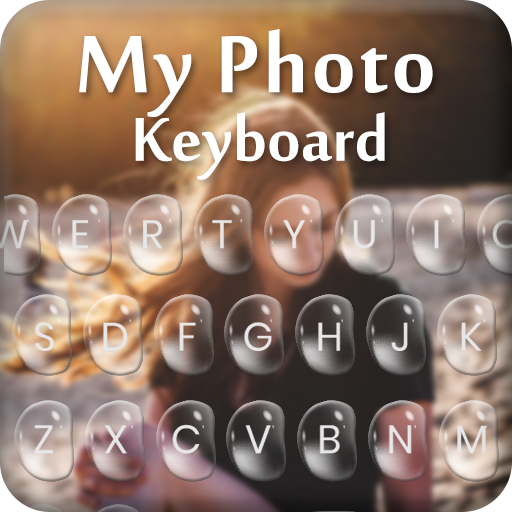
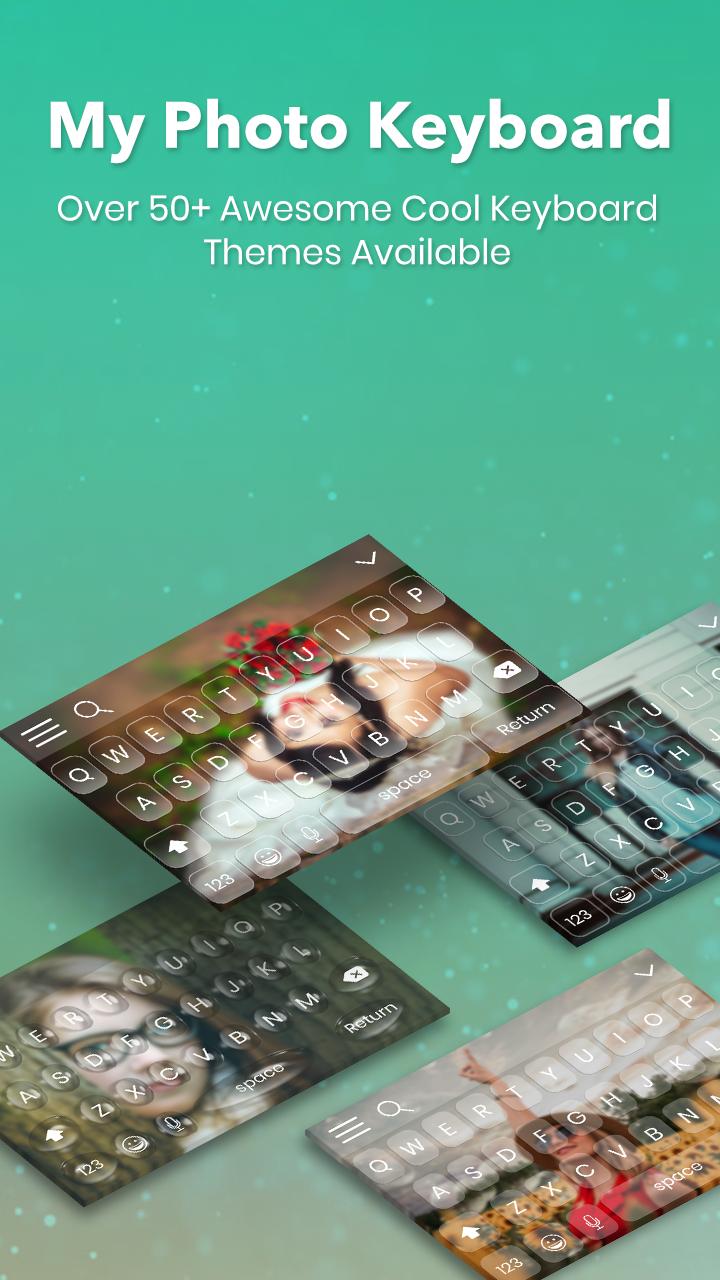
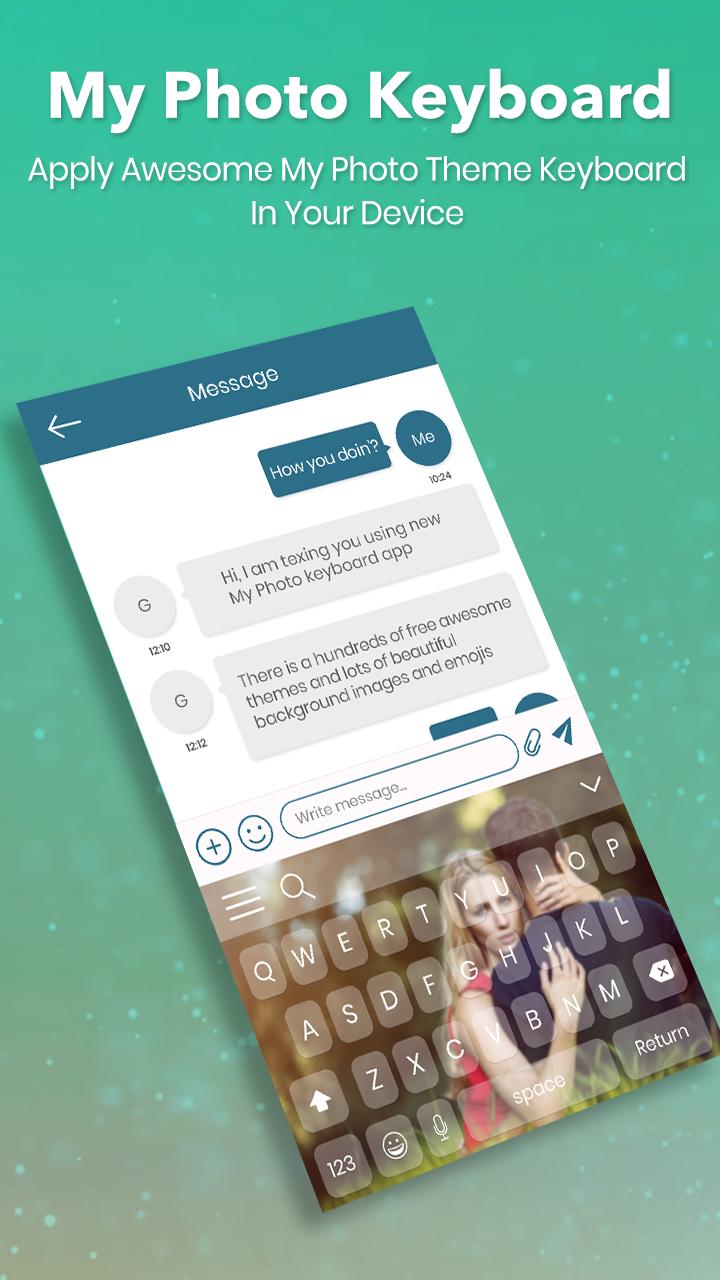
My Photo Keyboard is stunning application you set your own photo as a keyboard background. My Photo Keyboard provides different language, font styles, themes, dictionaries and settings.
My Photo Keyboard is tool to customize your android keyboard with beautiful themes. My Photo Keyboard Provide 500+ New GIF and more than 1000 cool sticker and emoji arts.
My Photo keyboard offers wonderful typing experience and your Photo personalized enjoyment. Make your keyboard very beautiful as your choice.
Customize your keyboard to fit your device layout! Download our fancy keyboard skin and set one of emojis on your mobile phone or tablet and you'll have a really outstanding, refreshing look!
Features:
- Set Photo From Gallery and Camera.
- Set Different Types Of Themes.
- Enjoy With 1500+ Emoji.
- Emoji Art For batter chat your friends.
- Emoji prediction on words.
- Swipe your finger on keyboard and type fast.
- Auto spell Check Facility.
- Next Word Prediction.
- Landscape and portrait Keyboard background Set separately.
- 80+ Font Style Supported.
- 80+ Language Supported.
- Next Word Prediction.
- Template Facility For Fast Sharing.also add new Custom Templates.
- Direct Google Search From Keyboard.
- Direct Contacts Share From Keyboard.
- Word Edit Facility as Word select, cut, copy, past, home, end, tab etc.
- Keyboard Font Color Setting.
- Keyboard Key press setting as sound, vibration etc.
- Layout Design for Tablet.
- Cool Font and Fancy Font Type facility Provided.
- Emoji Prediction.
- Different Key Sounds.
Enjoy new concept of keyboard.
Thanks!
Avance
Etiquetas
HerramientasInformación
Desarrollador
Creative Photo Tools
La última versión
1.0
Última actualización
2018-09-06
Categoría
Herramientas
Disponible en
Google Play
Mostrar más
Cómo jugar My Photo Keyboard con GameLoop en PC
1. Descargue GameLoop desde el sitio web oficial, luego ejecute el archivo exe para instalar GameLoop.
2. Abra GameLoop y busque "My Photo Keyboard", busque My Photo Keyboard en los resultados de búsqueda y haga clic en "Instalar".
3. Disfruta jugando My Photo Keyboard en GameLoop.
Minimum requirements
OS
Windows 8.1 64-bit or Windows 10 64-bit
GPU
GTX 1050
CPU
i3-8300
Memory
8GB RAM
Storage
1GB available space
Recommended requirements
OS
Windows 8.1 64-bit or Windows 10 64-bit
GPU
GTX 1050
CPU
i3-9320
Memory
16GB RAM
Storage
1GB available space