
Birthday Countdown : Calendar para PC
AS APPS
Descarga Birthday Countdown : Calendar en PC con GameLoop Emulator
Birthday Countdown : Calendar en PC
Birthday Countdown : Calendar, proveniente del desarrollador AS APPS, se ejecuta en el sistema Android en el pasado.
Ahora, puedes jugar Birthday Countdown : Calendar en PC con GameLoop sin problemas.
Descárgalo en la biblioteca de GameLoop o en los resultados de búsqueda. No más mirar la batería o llamadas frustrantes en el momento equivocado nunca más.
Simplemente disfrute de Birthday Countdown : Calendar PC en la pantalla grande de forma gratuita!
Birthday Countdown : Calendar Introducción
What is Birthday Countdown: Calendar?
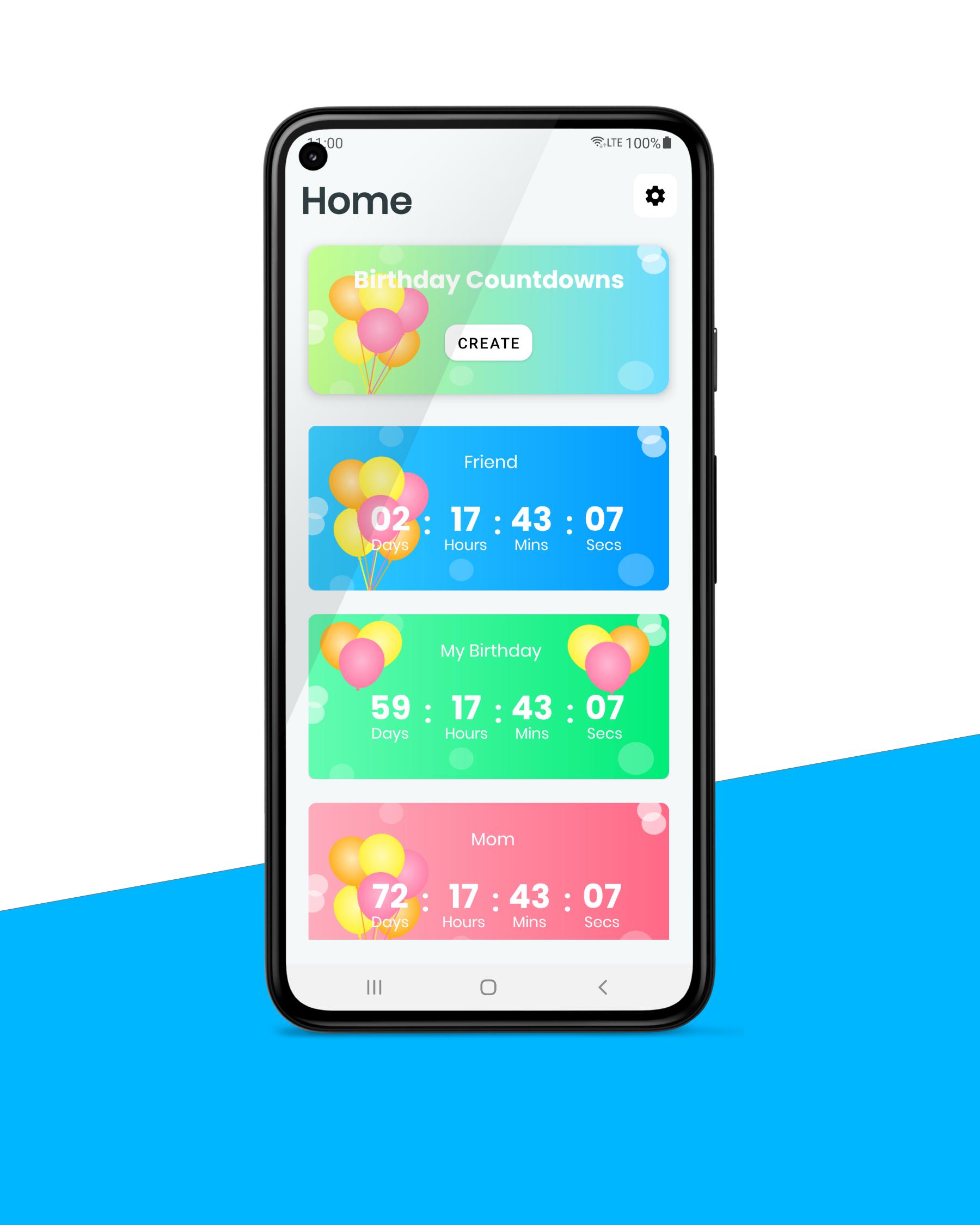
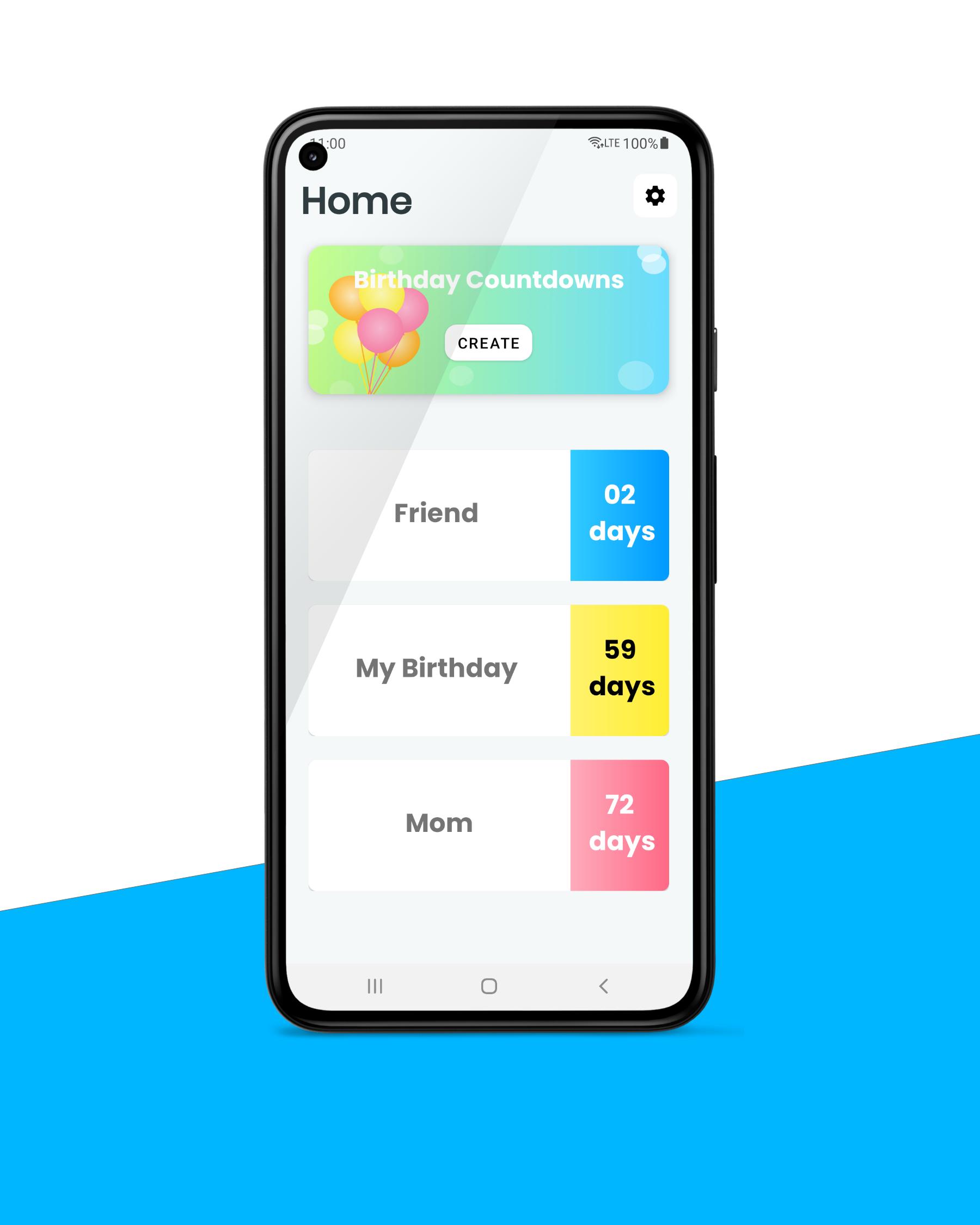
Birthday Calendar: Countdown is an Android app that counts down months, days, hours, minutes & seconds of your all birthdays & shows your all birthdays in a calendar.
Why Birthday Countdown: Calendar?
If you need to check how many days for your family member's or friend's birthday, the Birthday countdown helps you to do that. You can easily add your birthdays to the app and view all birthday countdowns anytime. All birthdays you added will be sorted to the nearest birthday, So you can check them faster.
How to create/edit a birthday?
In-app you can tap on the create button and navigate to the creating activity. You can type a title for your birthday and select your birthday in the calendar. Also, you can set a custom time. After that, you can select the background color for your birthday and select the text color for the birthday on the main page.
To edit your birthday you can tap on the item in the birthday list. After that, you can tap on the edit icon and update your details.
How to delete a birthday countdown?
If you don't need any birthday anymore you can tap and hold the birthday item and delete it. Also, you can delete all birthdays easily by tapping the delete all button in the menu.
Birthday Countdown is a free app with no in-app purchases. All functions are available without any limits. As well as You can set night mode or day mode to the app. And also you can use the Birthday Countdown app in offline mode.
You can create widgets too for your birthdays. There are two types of widgets currently available in the app. You can create any kind of birthday widget for your current countdowns. Also, the app allows you to create widgets without any previous data.
Birthday Calendar
When tap on the Home text in the countdown home, you can see the birthday calendar. all your birthdays are added to the birthday calendar. you can see a small dot under the date if you have a birthday for that day. When you tap on the date, the birthday title will shown in the list down in the calendar.
Install Birthday Countdown for free now.
Avance
Etiquetas
HerramientasEstilo de vidaInformación
Desarrollador
AS APPS
La última versión
2.5
Última actualización
2024-03-06
Categoría
Herramientas
Disponible en
Google Play
Mostrar más
Cómo jugar Birthday Countdown : Calendar con GameLoop en PC
1. Descargue GameLoop desde el sitio web oficial, luego ejecute el archivo exe para instalar GameLoop.
2. Abra GameLoop y busque "Birthday Countdown : Calendar", busque Birthday Countdown : Calendar en los resultados de búsqueda y haga clic en "Instalar".
3. Disfruta jugando Birthday Countdown : Calendar en GameLoop.
Minimum requirements
OS
Windows 8.1 64-bit or Windows 10 64-bit
GPU
GTX 1050
CPU
i3-8300
Memory
8GB RAM
Storage
1GB available space
Recommended requirements
OS
Windows 8.1 64-bit or Windows 10 64-bit
GPU
GTX 1050
CPU
i3-9320
Memory
16GB RAM
Storage
1GB available space