
Cache & Junk Cleaner: Optimize para PC
Cleaner & Booster & Storage
Descarga Cache & Junk Cleaner: Optimize en PC con GameLoop Emulator
Cache & Junk Cleaner: Optimize en PC
Cache & Junk Cleaner: Optimize, proveniente del desarrollador Cleaner & Booster & Storage, se ejecuta en el sistema Android en el pasado.
Ahora, puedes jugar Cache & Junk Cleaner: Optimize en PC con GameLoop sin problemas.
Descárgalo en la biblioteca de GameLoop o en los resultados de búsqueda. No más mirar la batería o llamadas frustrantes en el momento equivocado nunca más.
Simplemente disfrute de Cache & Junk Cleaner: Optimize PC en la pantalla grande de forma gratuita!
Cache & Junk Cleaner: Optimize Introducción
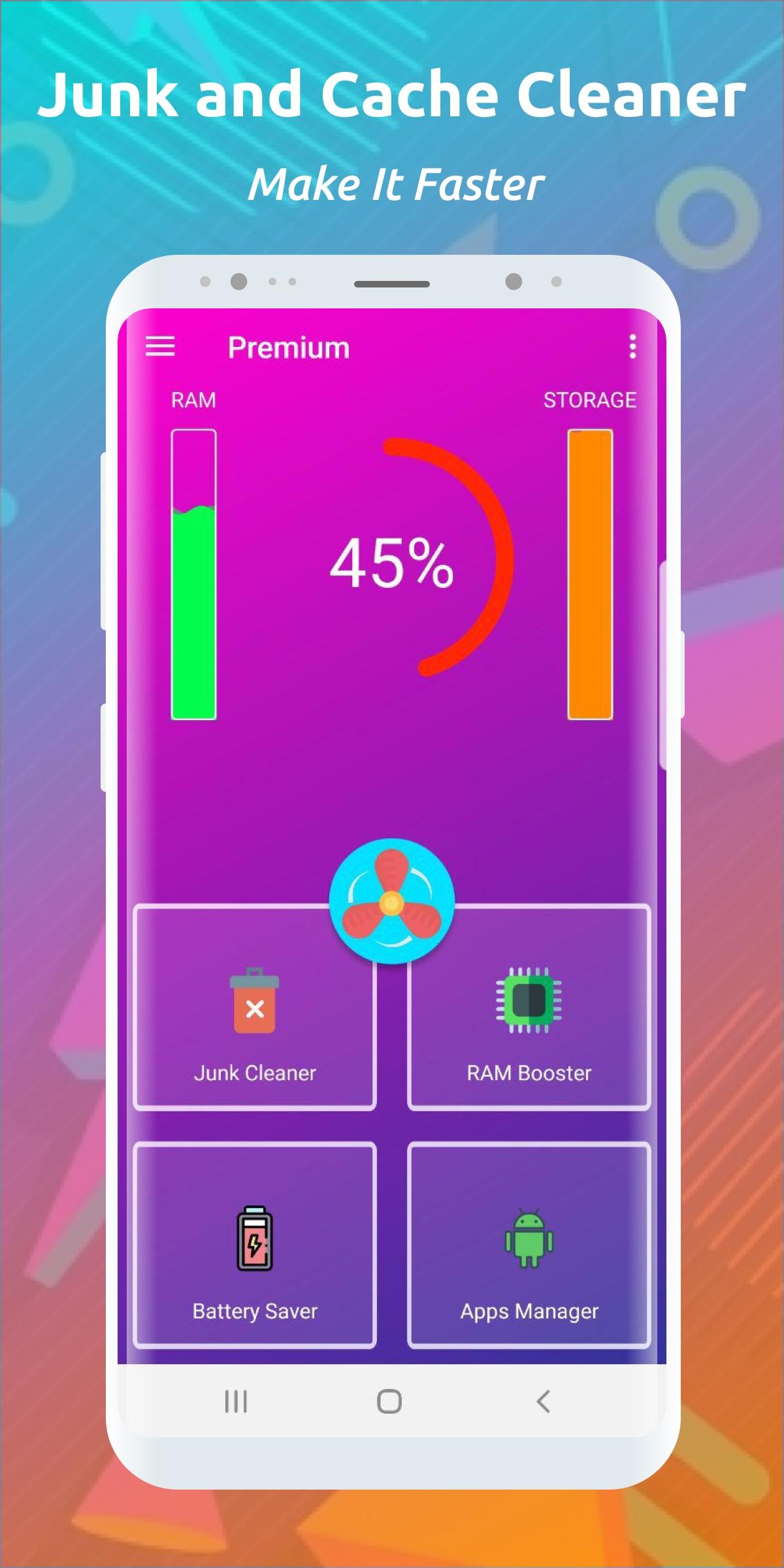
Clean cache, remove junk, free space, reclaim RAM, make your work faster and easier, find out all the secrets of your android phone with this cleaner and get more productive.
🔥🔥🔥🔥🔥 CACHE CLEANER FEATURES 🔥🔥🔥🔥🔥
☄️ SPEED UP AND OPTIMIZE YOUR PHONE
A large number of applications leave behind residual files and cache, thus taking up the RAM and storage of the phone device. Cleaning your phone will speed up and optimize the load on your phone and make it work faster
☄️ COOLING AND CLEANING YOUR SMARTPHONE
All running applications generate cache and residual files that fill your smartphone's memory and make it run slower. This is a normal practice and a regular procedure called clearing the phone from cache and junk will solve memory and cache problems for a long time. It also speeds up the smartphone and optimizes its performance.
☄️ QUICK CLEANING TELEPHONE MEMORY FROM CACHE AND DEBRIS
The cache cleaner will help you get rid of unnecessary and unused applications, as well as damaged documents and files. You can easily not only clean the RAM and main memory of your phone, but also speed up its performance.
☄️ EASY CLEANING OF TELEPHONE GARBAGE AND OPTIMIZATION
Unleash the new potential of your phone: free up memory for storing photos and movies on your device. To do this, simply delete junk and cache on your Android phone in a couple of clicks.
☄️ CLEANING RAM AND GRAIN CACHE ON YOUR PHONE
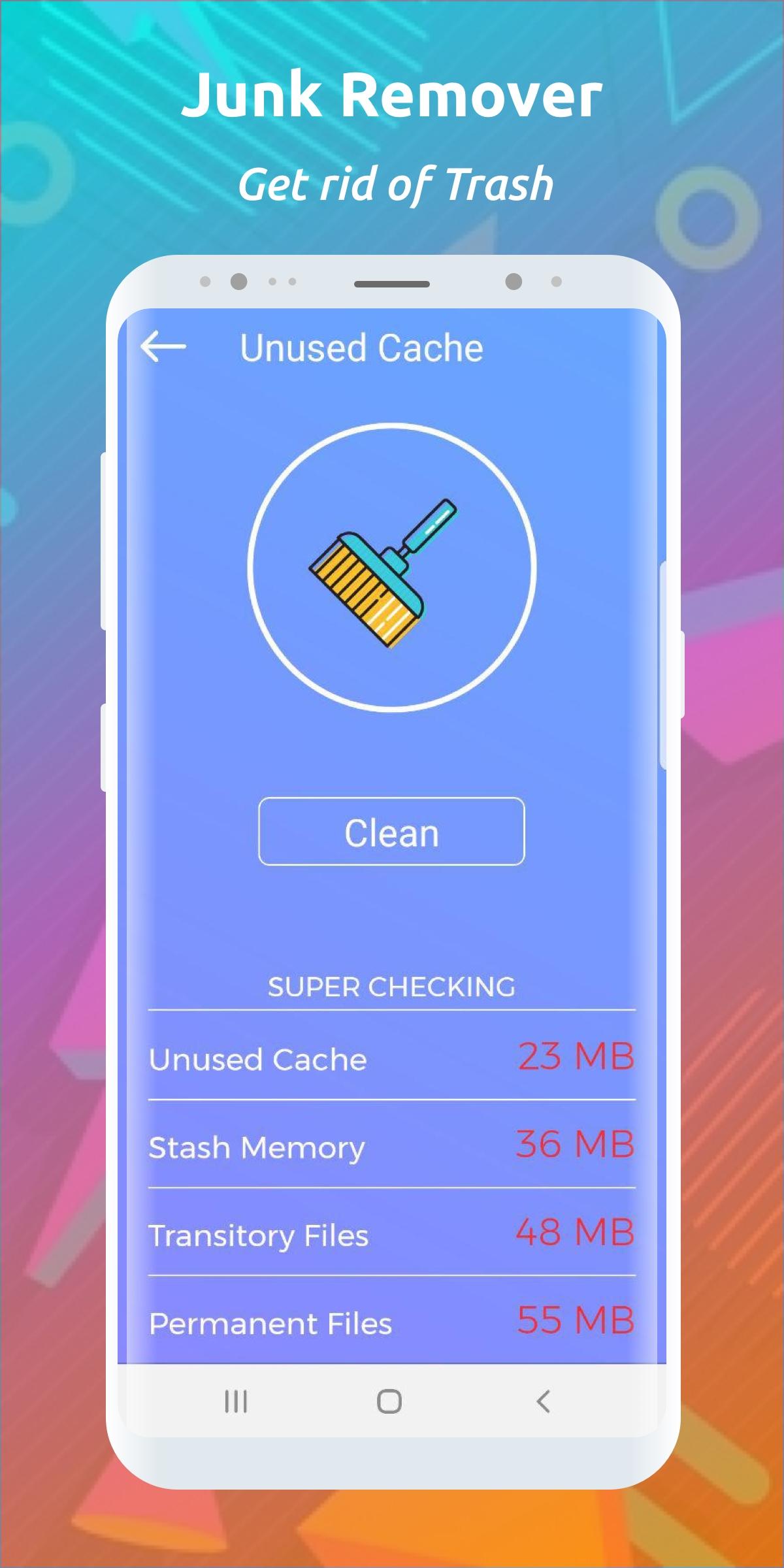
Residual and temporary files on your phone no longer matter! Just run a quick cleanup to get rid of residual and temporary files and free up the space you need. All this can be done even on a schedule.
🔥🔥🔥🔥🔥 ATTENTION 🔥🔥🔥🔥🔥
⚡ Over time, the cache turns into residual files and garbage
⚡ Cache generation occurs every time you launch applications
⚡ Trash can often cause you to run out of memory
⚡ Regular cleaning of unnecessary residual files and junk will keep your phone running faster
⚡ Background processes limit memory space by their presence
🔥🔥🔥🔥🔥 FOR BIGGEST EFFECT 🔥🔥🔥🔥🔥
⚡ Clean the cache at least 2 times a day
⚡ Clean your phone from cache and junk more often
⚡ Run junk and cache cleaners regularly
⚡ Uninstall infrequently used apps on your phone once a week to further free up memory
This application can delete some files of games and other apps (for example: saves and unused data), which can be detected as cache or other residual files.
Avance
Etiquetas
HerramientasInformación
Desarrollador
Cleaner & Booster & Storage
La última versión
1.3.0
Última actualización
2022-07-25
Categoría
Herramientas
Disponible en
Google Play
Mostrar más
Cómo jugar Cache & Junk Cleaner: Optimize con GameLoop en PC
1. Descargue GameLoop desde el sitio web oficial, luego ejecute el archivo exe para instalar GameLoop.
2. Abra GameLoop y busque "Cache & Junk Cleaner: Optimize", busque Cache & Junk Cleaner: Optimize en los resultados de búsqueda y haga clic en "Instalar".
3. Disfruta jugando Cache & Junk Cleaner: Optimize en GameLoop.
Minimum requirements
OS
Windows 8.1 64-bit or Windows 10 64-bit
GPU
GTX 1050
CPU
i3-8300
Memory
8GB RAM
Storage
1GB available space
Recommended requirements
OS
Windows 8.1 64-bit or Windows 10 64-bit
GPU
GTX 1050
CPU
i3-9320
Memory
16GB RAM
Storage
1GB available space