
Brooog OpenVPN para PC
Brooog LTD
Descarga Brooog OpenVPN en PC con GameLoop Emulator
Brooog OpenVPN en PC
Brooog OpenVPN, proveniente del desarrollador Brooog LTD, se ejecuta en el sistema Android en el pasado.
Ahora, puedes jugar Brooog OpenVPN en PC con GameLoop sin problemas.
Descárgalo en la biblioteca de GameLoop o en los resultados de búsqueda. No más mirar la batería o llamadas frustrantes en el momento equivocado nunca más.
Simplemente disfrute de Brooog OpenVPN PC en la pantalla grande de forma gratuita!
Brooog OpenVPN Introducción
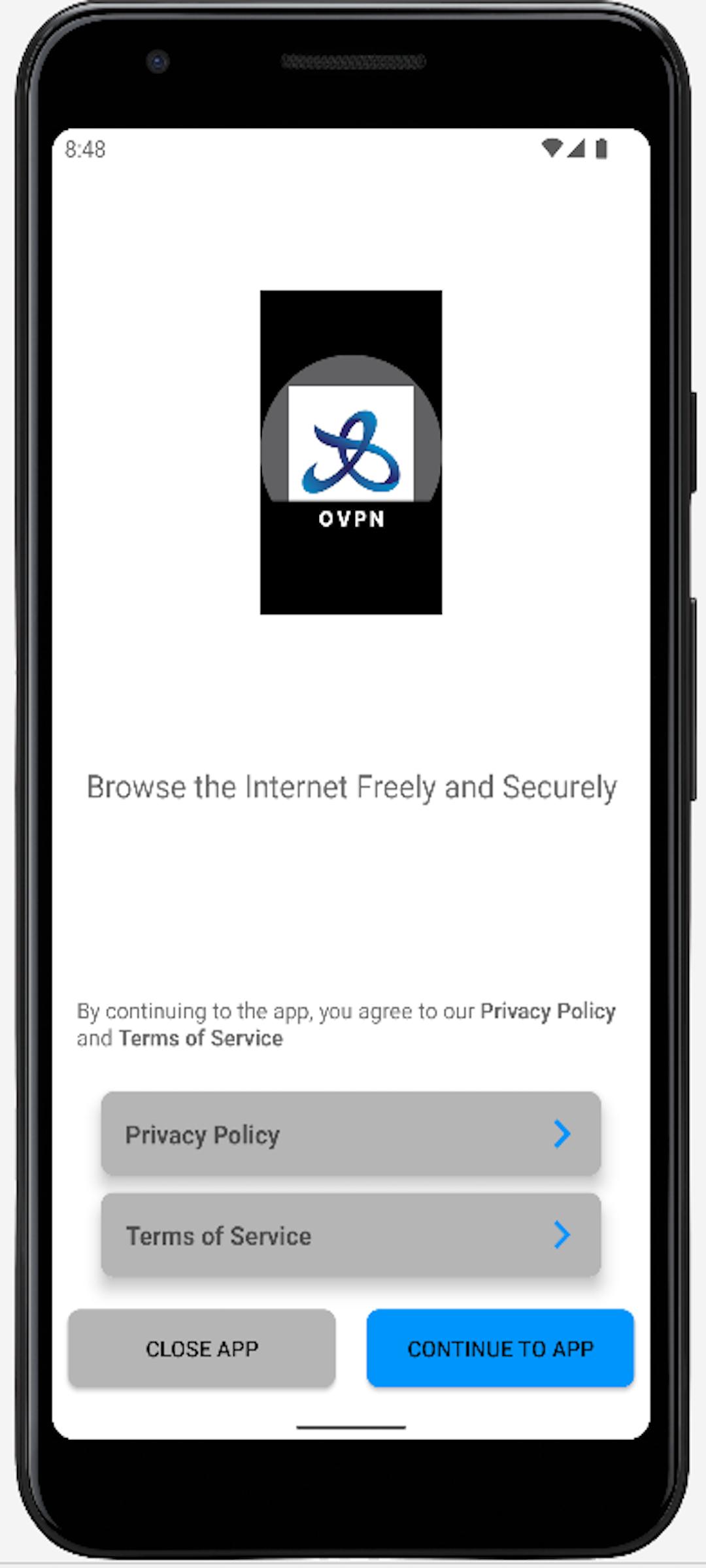
Brooog OpenVPN is a leading VPN provider with no registration required, we don't need to ask who you are or where you are from, subscription trough Google play directly with no information collected by us.
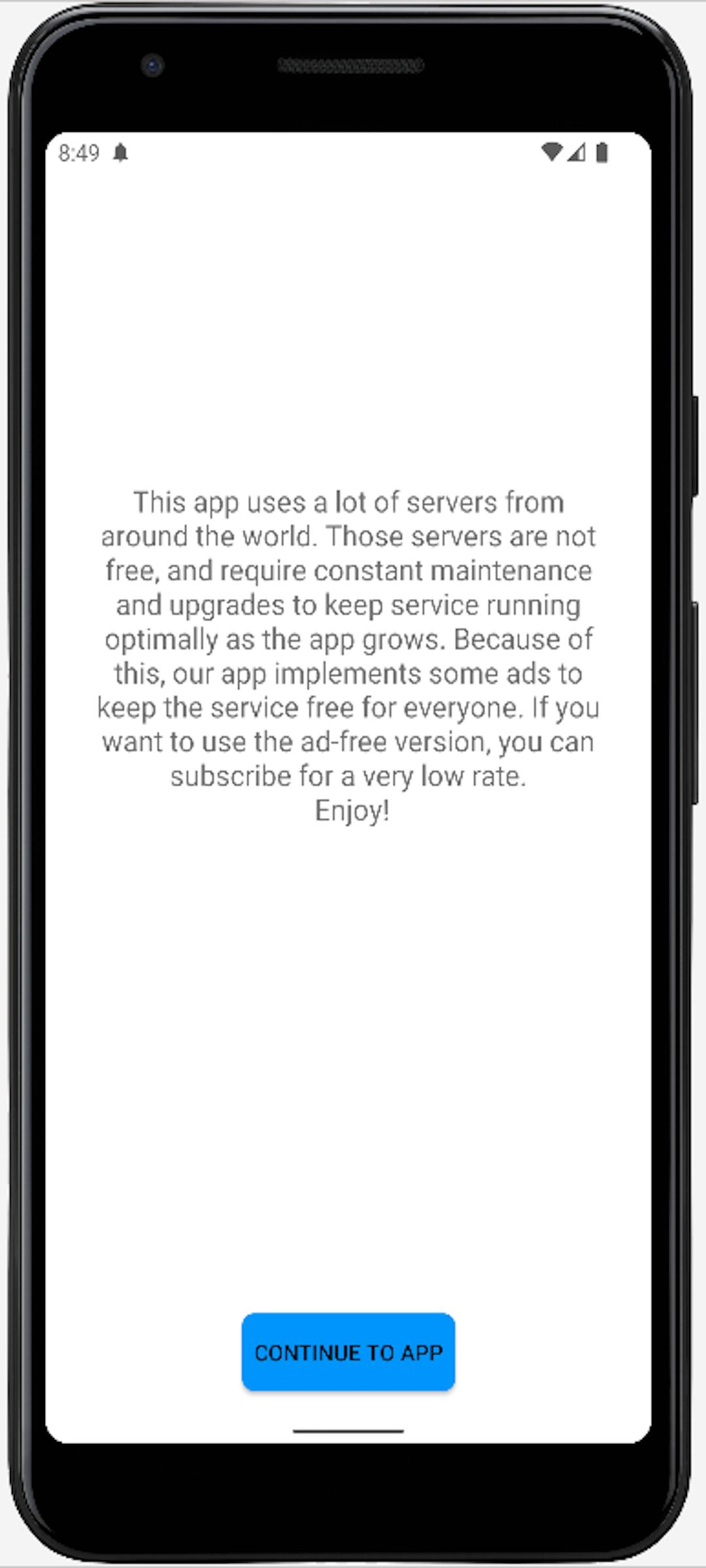
our United Status server are free for everyone other servers are time limited and the app contain ads to cover the overall cost but we appreciate your support by purchasing one of our paid plans that will remove the ads and time limit.
you can join our telegram channel on
https://t.me/ikev2_VPN
and contact us directly by whatsapp
https://0a0.uk/wa
Avance
Etiquetas
HerramientasInformación
Desarrollador
Brooog LTD
La última versión
4.0.6
Última actualización
2022-10-14
Categoría
Herramientas
Disponible en
Google Play
Mostrar más
Cómo jugar Brooog OpenVPN con GameLoop en PC
1. Descargue GameLoop desde el sitio web oficial, luego ejecute el archivo exe para instalar GameLoop.
2. Abra GameLoop y busque "Brooog OpenVPN", busque Brooog OpenVPN en los resultados de búsqueda y haga clic en "Instalar".
3. Disfruta jugando Brooog OpenVPN en GameLoop.
Minimum requirements
OS
Windows 8.1 64-bit or Windows 10 64-bit
GPU
GTX 1050
CPU
i3-8300
Memory
8GB RAM
Storage
1GB available space
Recommended requirements
OS
Windows 8.1 64-bit or Windows 10 64-bit
GPU
GTX 1050
CPU
i3-9320
Memory
16GB RAM
Storage
1GB available space