Bluetooth Volume Manager para PC
darken
Descarga Bluetooth Volume Manager en PC con GameLoop Emulator
Bluetooth Volume Manager en PC
Bluetooth Volume Manager, proveniente del desarrollador darken, se ejecuta en el sistema Android en el pasado.
Ahora, puedes jugar Bluetooth Volume Manager en PC con GameLoop sin problemas.
Descárgalo en la biblioteca de GameLoop o en los resultados de búsqueda. No más mirar la batería o llamadas frustrantes en el momento equivocado nunca más.
Simplemente disfrute de Bluetooth Volume Manager PC en la pantalla grande de forma gratuita!
Bluetooth Volume Manager Introducción
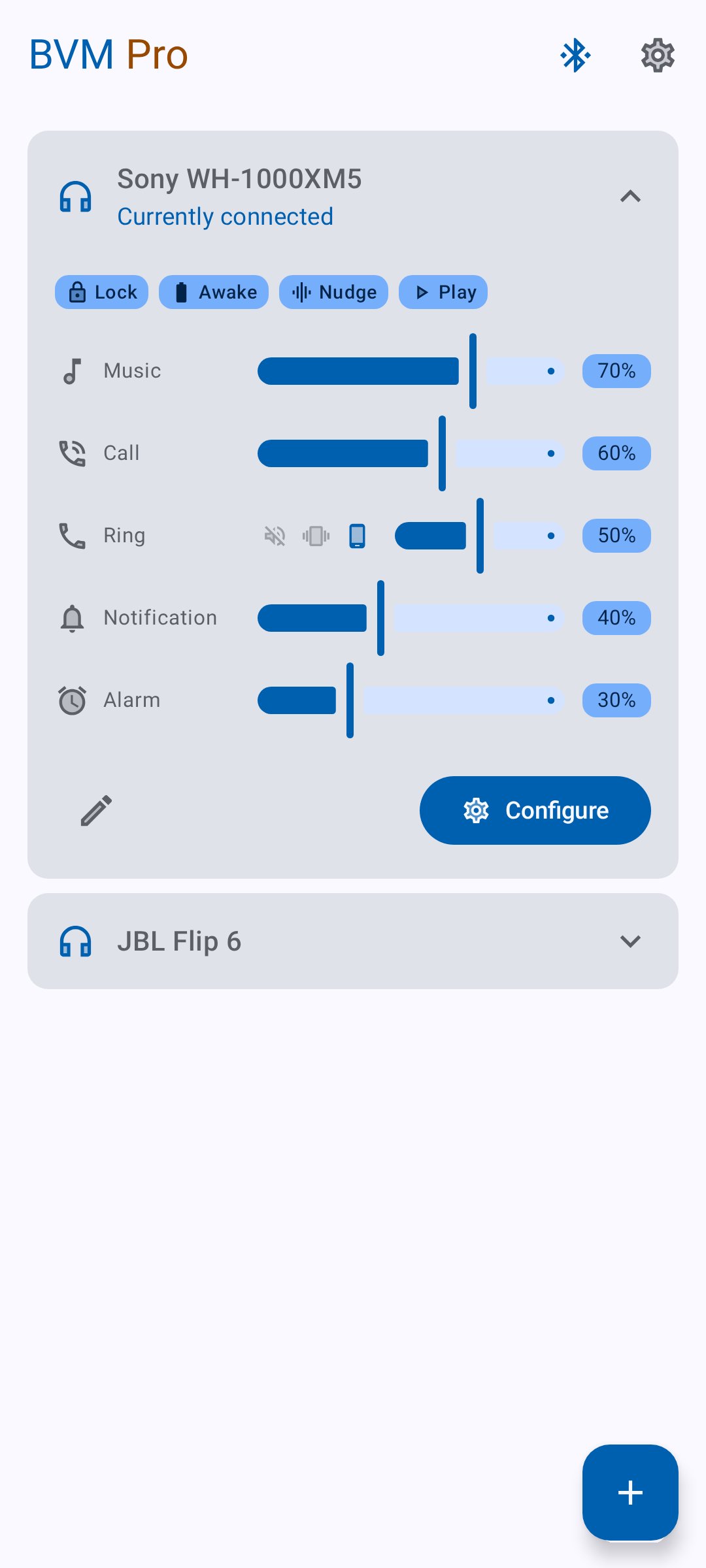
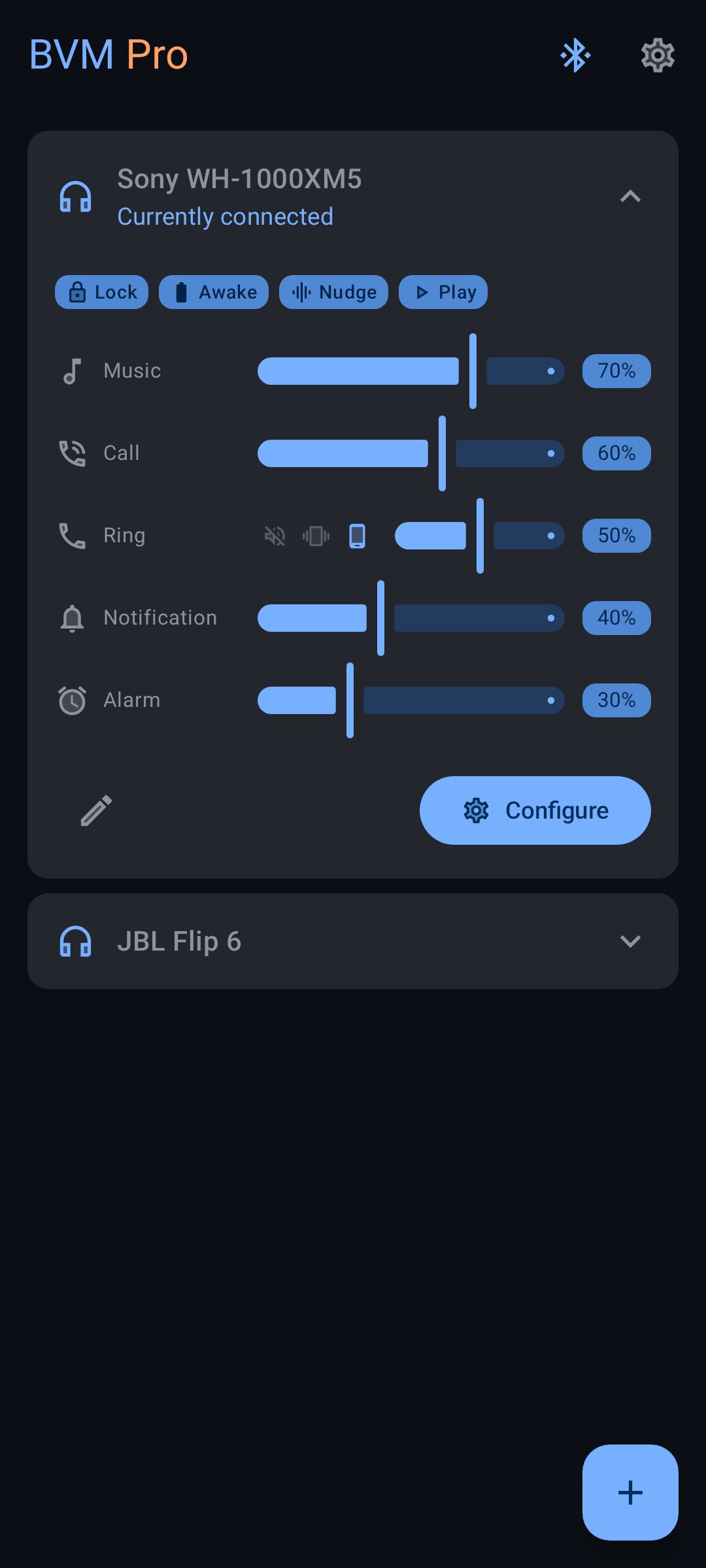
**Bluetooth Volume Manager** remembers volume levels for each of your Bluetooth devices and reacts when they connect or disconnect.
**Features:**
* Set music, call, ringtone, and notification volumes per device
* Per-device equalizer with presets and a volume boost
* Auto-send media commands like Play or Next
* Launch apps on connect
* Keep screen awake
* Lock volume levels
* Restore volume after disconnect
No ads, no tracking. Open-source.
Some extras require a paid upgrade to support development.
**Permissions:**
* **Internet** – for optional bug reports
* **Bluetooth** – to detect device connections
* **Audio settings** – to change volume
* **Boot** – to restore settings after reboot
* **Wake lock** – to keep screen awake or fix Samsung bugs
* **System alert window** – to auto-launch apps (Android 10 only)
Avance
Etiquetas
HerramientasInformación
Desarrollador
darken
La última versión
3.6.0-rc0
Última actualización
2026-09-10
Categoría
Herramientas
Disponible en
Google Play
Mostrar más
Cómo jugar Bluetooth Volume Manager con GameLoop en PC
1. Descargue GameLoop desde el sitio web oficial, luego ejecute el archivo exe para instalar GameLoop.
2. Abra GameLoop y busque "Bluetooth Volume Manager", busque Bluetooth Volume Manager en los resultados de búsqueda y haga clic en "Instalar".
3. Disfruta jugando Bluetooth Volume Manager en GameLoop.
Minimum requirements
OS
Windows 8.1 64-bit or Windows 10 64-bit
GPU
GTX 1050
CPU
i3-8300
Memory
8GB RAM
Storage
1GB available space
Recommended requirements
OS
Windows 8.1 64-bit or Windows 10 64-bit
GPU
GTX 1050
CPU
i3-9320
Memory
16GB RAM
Storage
1GB available space