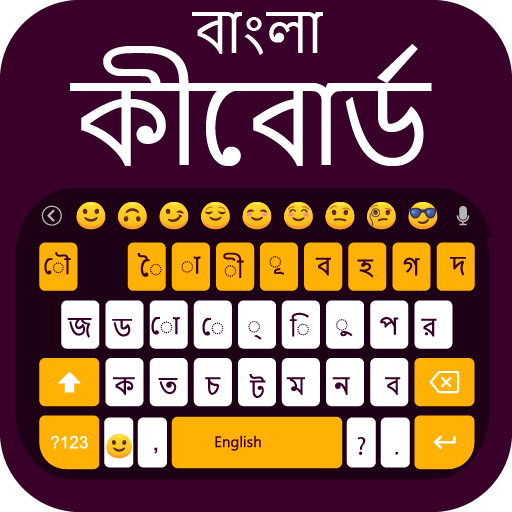
Bangla Keyboard Bengali Typing para PC
Uncle Keyboards Inc.
Descarga Bangla Keyboard Bengali Typing en PC con GameLoop Emulator
Bangla Keyboard Bengali Typing en PC
Bangla Keyboard Bengali Typing, proveniente del desarrollador Uncle Keyboards Inc., se ejecuta en el sistema Android en el pasado.
Ahora, puedes jugar Bangla Keyboard Bengali Typing en PC con GameLoop sin problemas.
Descárgalo en la biblioteca de GameLoop o en los resultados de búsqueda. No más mirar la batería o llamadas frustrantes en el momento equivocado nunca más.
Simplemente disfrute de Bangla Keyboard Bengali Typing PC en la pantalla grande de forma gratuita!
Bangla Keyboard Bengali Typing Introducción
Bangla Keyboard is the ultimate solution for fast and smooth typing in Bangla on your Android device. With direct Bengali typing support, stylish Bangla fonts, and smart word suggestions, this keyboard makes typing easier, faster, and more enjoyable. Whether you are chatting, writing notes, or creating social posts, this Bengali Keyboard gives you a complete typing experience.
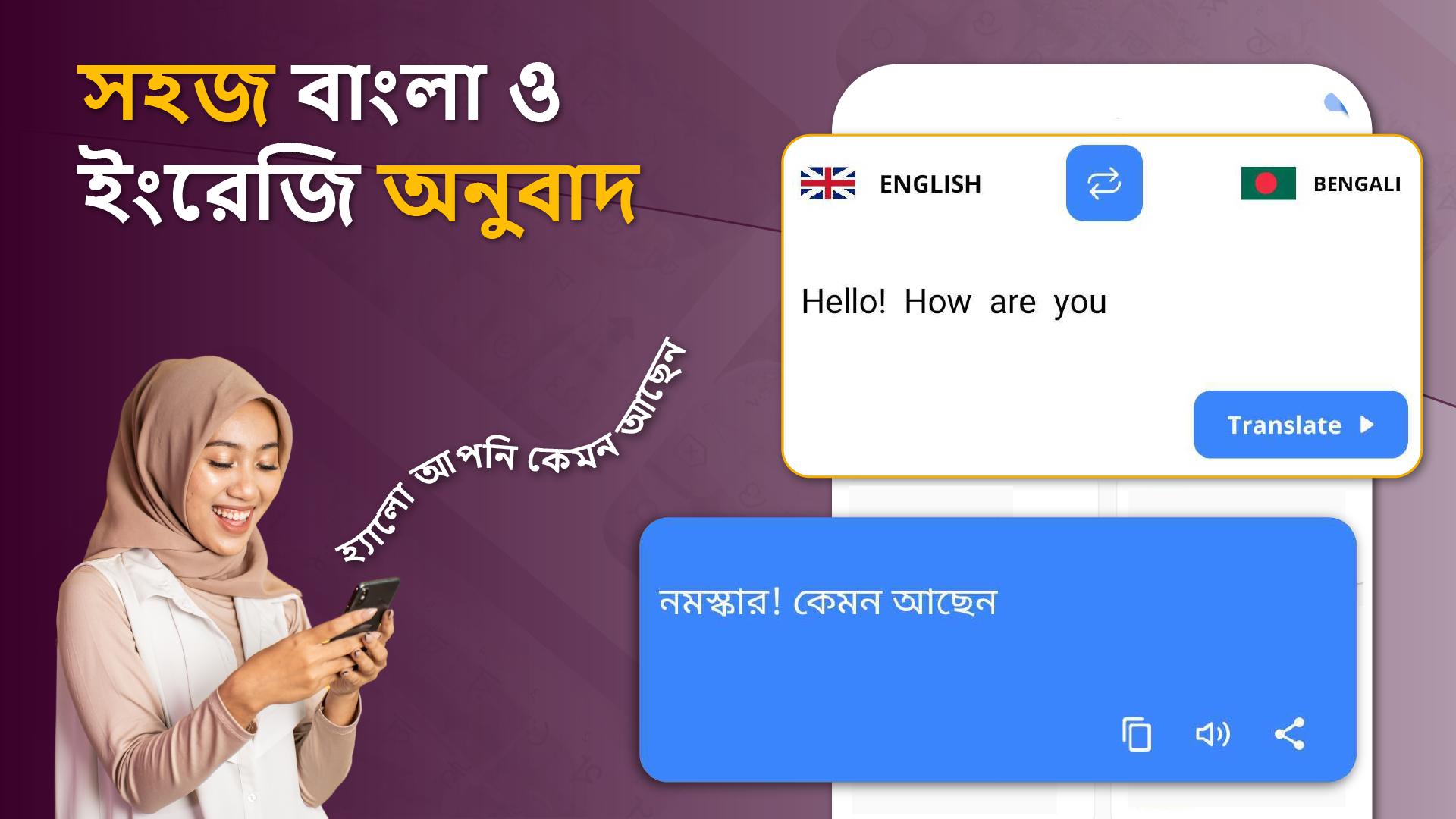
Seamless Bangla and English Typing
Switch instantly between Bangla and English without changing keyboards. The Bangla English Keyboard is designed for bilingual users who want flexibility and convenience while typing.
Fast Bangla Typing with Word Suggestions
Enjoy quick and accurate Bangla typing with the built-in Bengali dictionary. It predicts and suggests words as you type, making long sentences effortless and error-free.
Stylish Bangla Fonts and Customization
Personalize your typing with unique Bangla font styles. Use trendy Bengali fonts in your conversations and posts to make your text stand out. You can also apply themes and layouts to match your typing style.
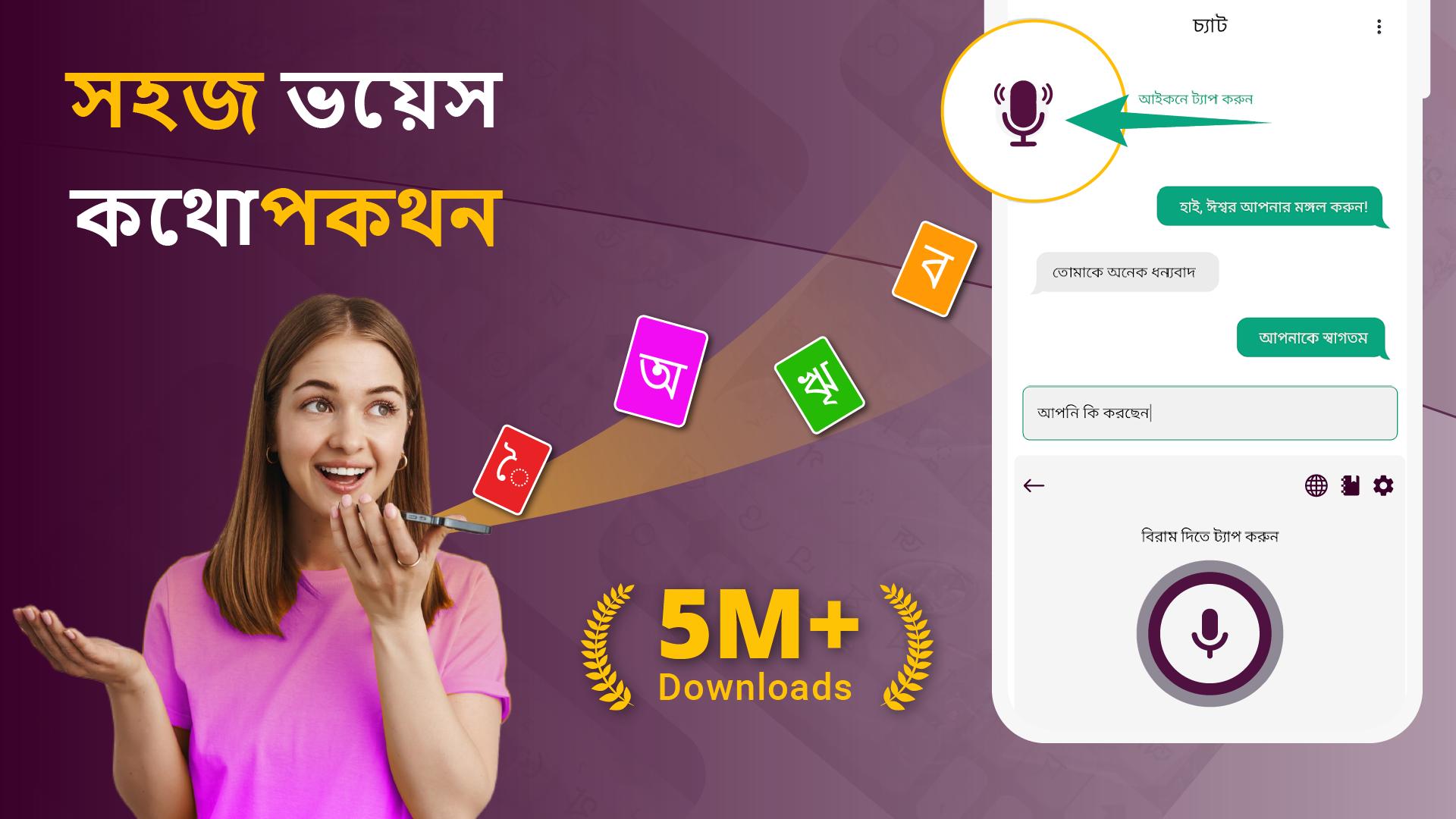
Bangla Voice Typing
Type by speaking with Bangla voice input. Just say your words and the keyboard will convert your speech into text instantly, giving you the fastest way to write in Bangla.
Lightweight and Secure Keyboard
The keyboard is lightweight, smooth, and designed with privacy in mind. Your keystrokes are never stored, so you can enjoy safe and secure typing in Bangla and English.
Main Features:
✔ Direct Bangla typing on Android phones and tablets
✔ Dual support for Bangla and English typing
✔ Built-in Bangla word suggestion dictionary
✔ Smart predictions and auto-correction
✔ Stylish Bangla fonts and themes
✔ Voice input for quick Bangla typing
✔ Lightweight, smooth, and secure keyboard
✔ Easy chatting and messaging in Bangla language
Why Choose Bangla Keyboard?
This app is built for anyone who wants reliable and smooth Bangla typing. From personal messages to professional communication, the Bengali Keyboard gives you speed, accuracy, and customization in one place. With dual language support, stylish fonts, voice typing, and smart suggestions, it is the perfect Bangla Keyboard app for daily use.
Download Bangla Keyboard Bengali Typing now and experience the easiest way to type in Bangla and English on your Android device.
Avance
Etiquetas
HerramientasInformación
Desarrollador
Uncle Keyboards Inc.
La última versión
1.9.6
Última actualización
2025-11-04
Categoría
Herramientas
Disponible en
Google Play
Mostrar más
Cómo jugar Bangla Keyboard Bengali Typing con GameLoop en PC
1. Descargue GameLoop desde el sitio web oficial, luego ejecute el archivo exe para instalar GameLoop.
2. Abra GameLoop y busque "Bangla Keyboard Bengali Typing", busque Bangla Keyboard Bengali Typing en los resultados de búsqueda y haga clic en "Instalar".
3. Disfruta jugando Bangla Keyboard Bengali Typing en GameLoop.
Minimum requirements
OS
Windows 8.1 64-bit or Windows 10 64-bit
GPU
GTX 1050
CPU
i3-8300
Memory
8GB RAM
Storage
1GB available space
Recommended requirements
OS
Windows 8.1 64-bit or Windows 10 64-bit
GPU
GTX 1050
CPU
i3-9320
Memory
16GB RAM
Storage
1GB available space