
Automatic Bell Controller para PC
InvoTech Labs
Descarga Automatic Bell Controller en PC con GameLoop Emulator
Automatic Bell Controller en PC
Automatic Bell Controller, proveniente del desarrollador InvoTech Labs, se ejecuta en el sistema Android en el pasado.
Ahora, puedes jugar Automatic Bell Controller en PC con GameLoop sin problemas.
Descárgalo en la biblioteca de GameLoop o en los resultados de búsqueda. No más mirar la batería o llamadas frustrantes en el momento equivocado nunca más.
Simplemente disfrute de Automatic Bell Controller PC en la pantalla grande de forma gratuita!
Automatic Bell Controller Introducción
Based on the latest micro-controller technology. Automatic Bell Controller System is an elegant device, especially designed to ring the School / College / Industries Bell automatically. There is no need to assign an individual for ringing the bell, at different times during the day.
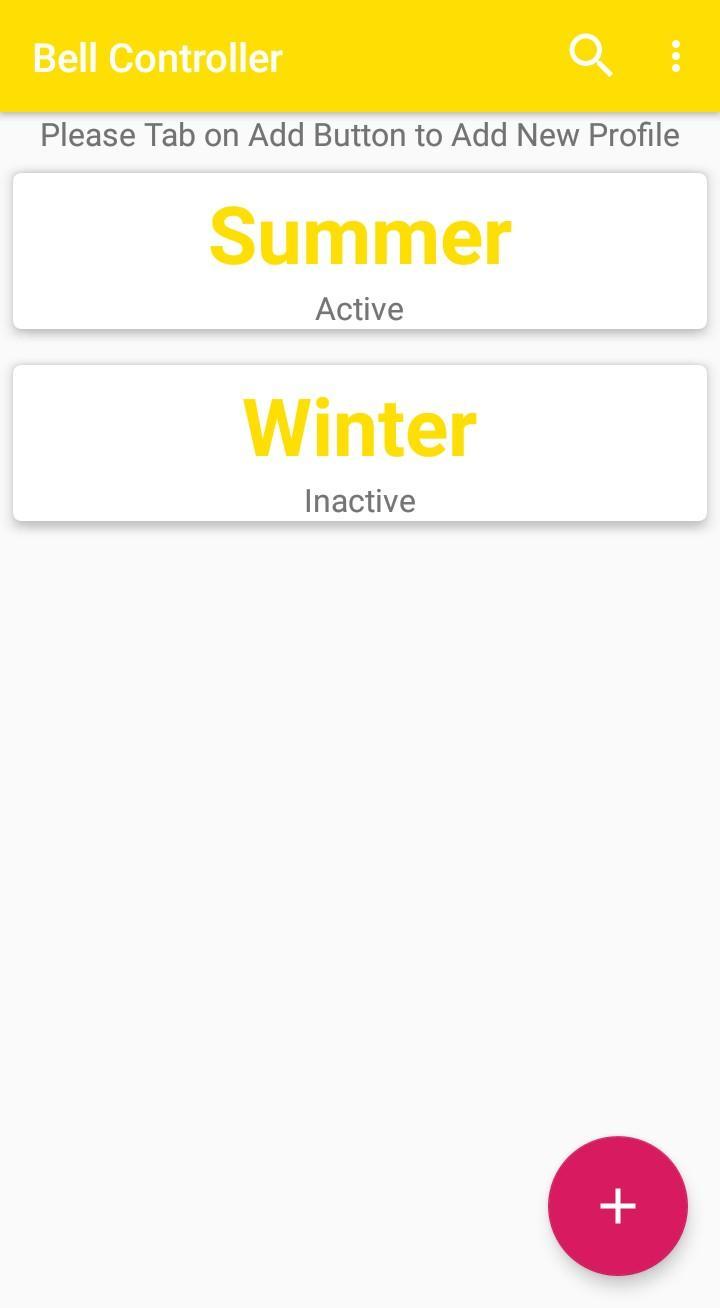
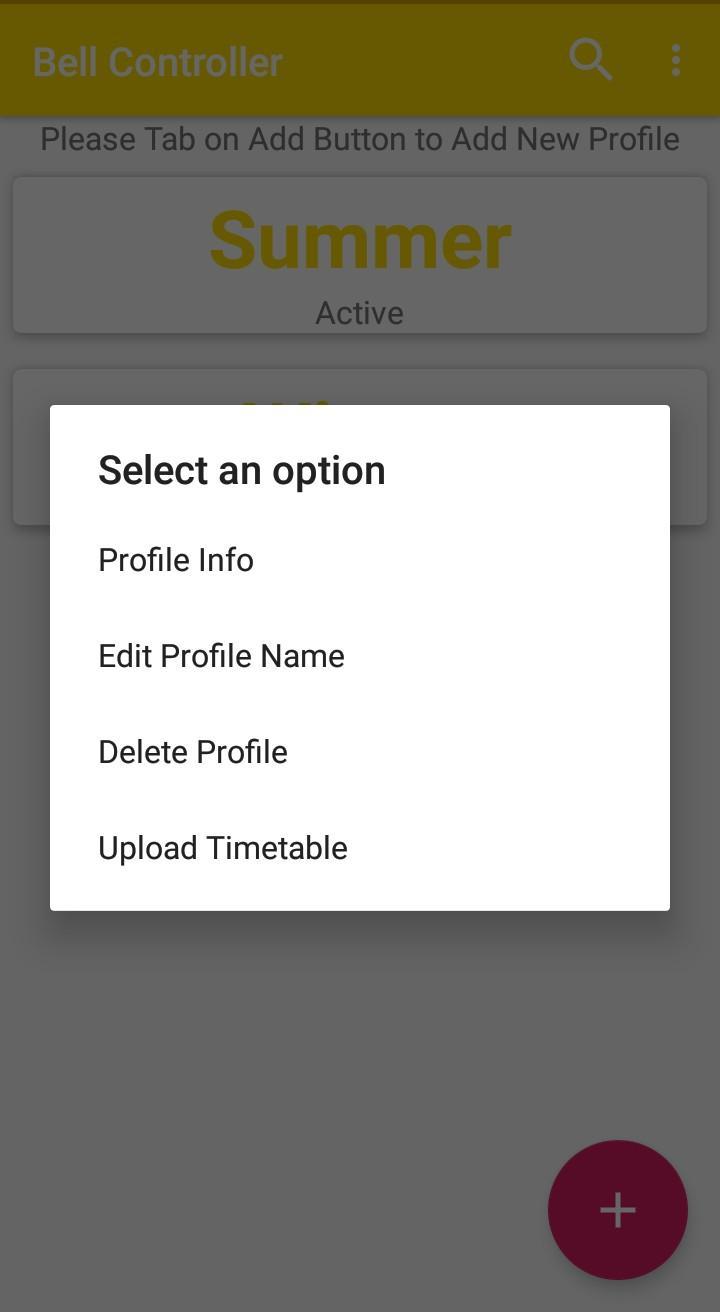
A user can program various timing of the periods. short breaks, etc. With the provision of 100 bells/day, a user can set the length of each bell separately to identify different bells at different times, for example separate bell for assembly, separate bell for recess, separate for periods etc. It has a android mobile compatible application which helps the user to set various timer easily. In case of power failure all settings are saved in memory.
Features
Effective and user friendly. It saves your valuable human efforts.
It alarms according to our time schedule.
It works precisely due to real time clock inside.
User can set 100 different alarms per day and 700 alarms for a week.
Shock proof.
Compact, handy and low power device.
Manual override option available.
Uses - School, College, Industries, Temple, Hospital, Hostel, Vacation Classes
Avance
Etiquetas
HerramientasInformación
Desarrollador
InvoTech Labs
La última versión
1.0.2
Última actualización
2019-10-07
Categoría
Herramientas
Disponible en
Google Play
Mostrar más
Cómo jugar Automatic Bell Controller con GameLoop en PC
1. Descargue GameLoop desde el sitio web oficial, luego ejecute el archivo exe para instalar GameLoop.
2. Abra GameLoop y busque "Automatic Bell Controller", busque Automatic Bell Controller en los resultados de búsqueda y haga clic en "Instalar".
3. Disfruta jugando Automatic Bell Controller en GameLoop.
Minimum requirements
OS
Windows 8.1 64-bit or Windows 10 64-bit
GPU
GTX 1050
CPU
i3-8300
Memory
8GB RAM
Storage
1GB available space
Recommended requirements
OS
Windows 8.1 64-bit or Windows 10 64-bit
GPU
GTX 1050
CPU
i3-9320
Memory
16GB RAM
Storage
1GB available space