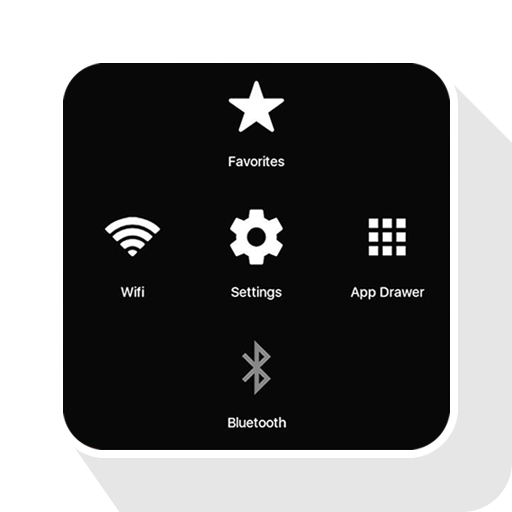
Assistive Touch for Android para PC
Pak cottage
Descarga Assistive Touch for Android en PC con GameLoop Emulator
Assistive Touch for Android en PC
Assistive Touch for Android, proveniente del desarrollador Pak cottage, se ejecuta en el sistema Android en el pasado.
Ahora, puedes jugar Assistive Touch for Android en PC con GameLoop sin problemas.
Descárgalo en la biblioteca de GameLoop o en los resultados de búsqueda. No más mirar la batería o llamadas frustrantes en el momento equivocado nunca más.
Simplemente disfrute de Assistive Touch for Android PC en la pantalla grande de forma gratuita!
Assistive Touch for Android Introducción
Assistive Touch for Android
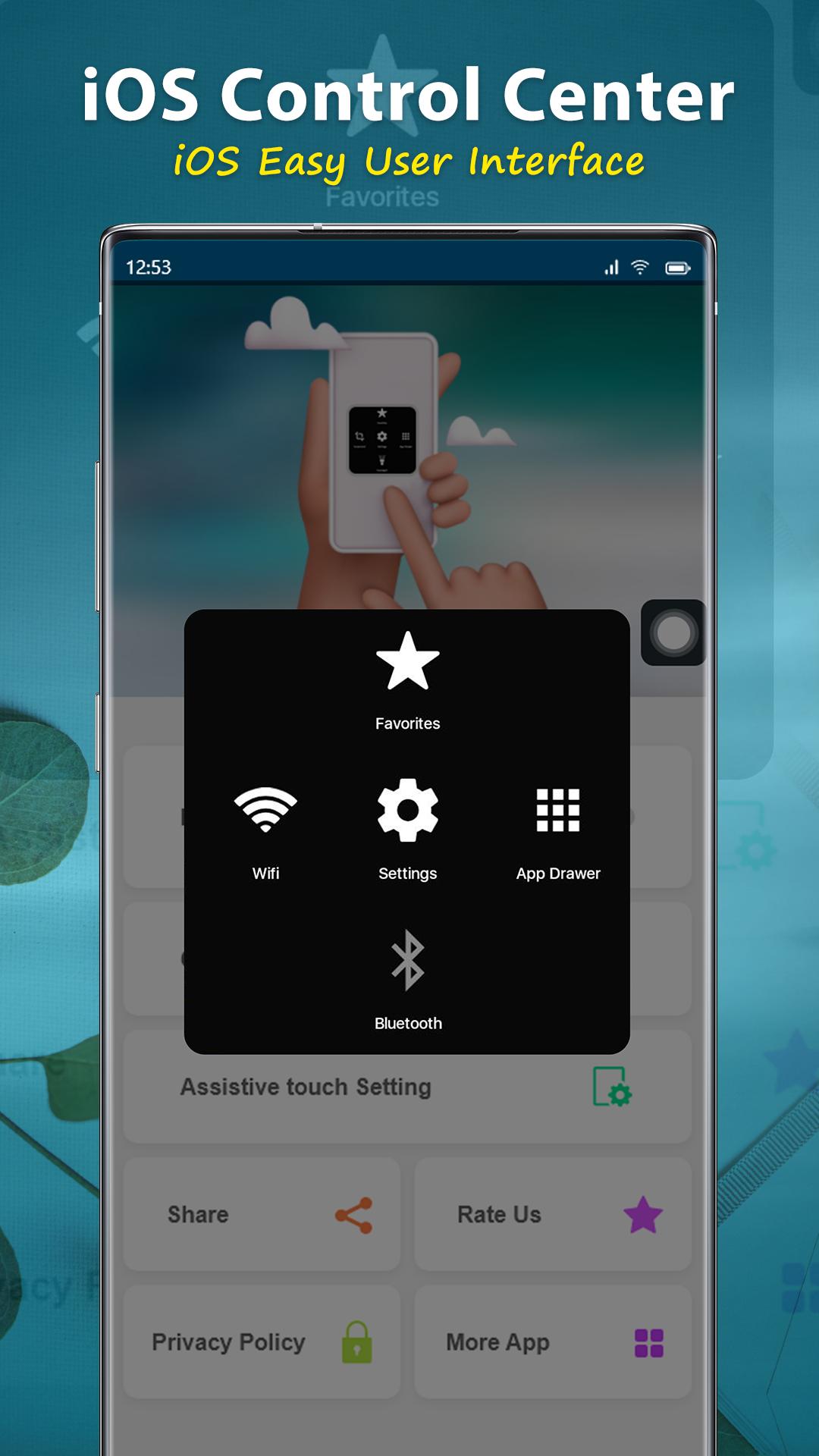
Assistive Touch iOS 15 Bubble
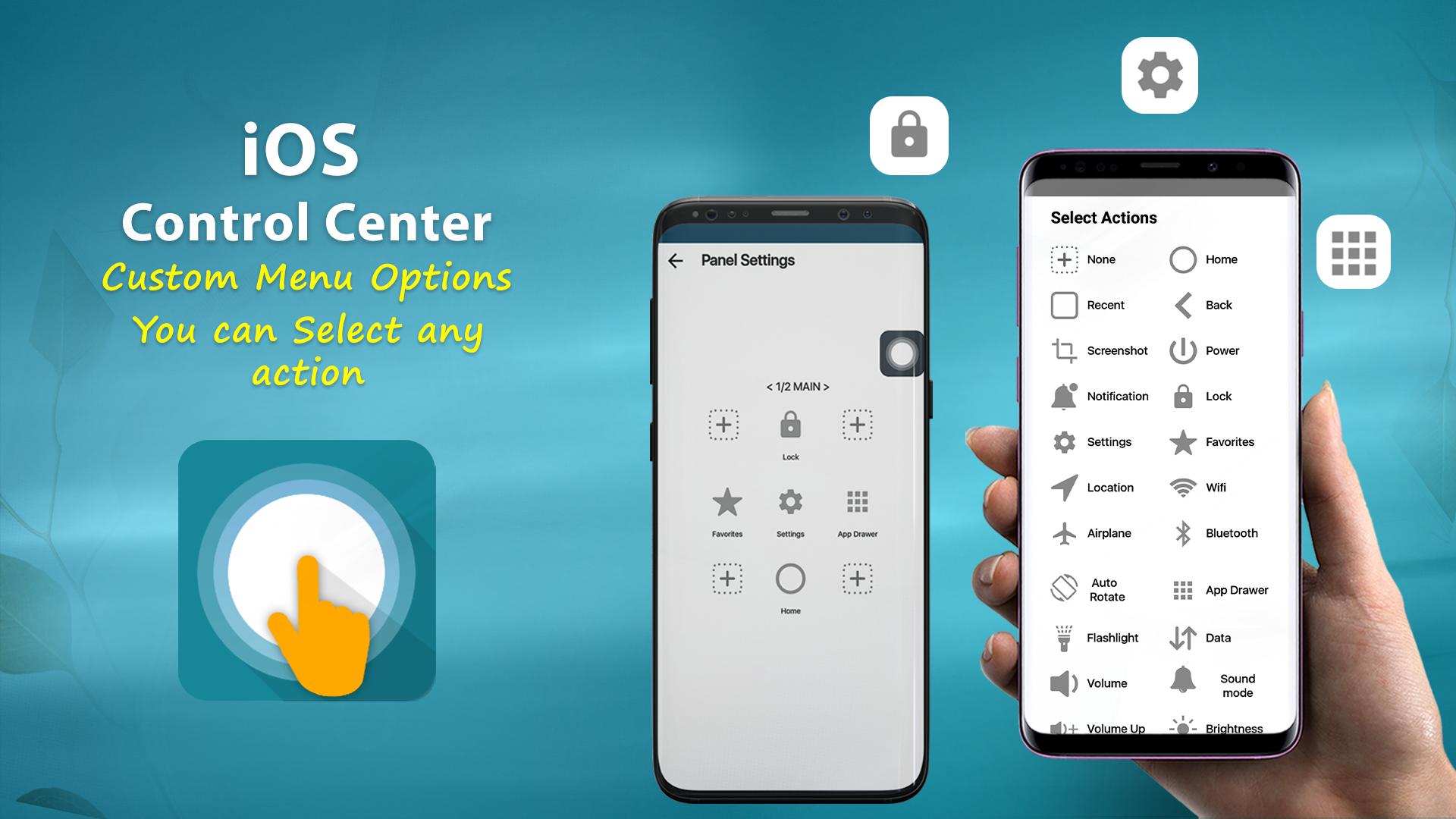
Virtual Home button, easy touch to lock screen and open recent task
- Virtual Volume button, quick touch to change volume and change sound mode
- Virtual Back button
- Clean ram, boost speed, one tap ram booster.
- Easy touch to open your favorite application
- Go to all setting very quick with a touch
NOTE: DON'T REPORT BUGS, SUGGESTION NEW FEATURES VIA COMMENT AND RATE. PLEASE REQUEST BUG FIX AND IMPLEMENT NEW FEATURES VIA EMAIL: pakcottage@gmail.com
Permission Declarations for Assistive Touch:
+ CAMERA: to turn on Flashlight, not take a photo.
+ READ/WRITE_EXTERNAL_STORAGE: To download and save icon for Assistive Touch.
+ DRAW OVER SCREEN: To show Assistive Touch in over all apps.
+ BIND_ACCESSIBILITY_SERVICE: To allow apps to draw in HOME SCREEN. App does not use the permission for any other purpose. The application is only allowed to use this permission with the consent of the user.
- We never publicly disclose any personal or sensitive user data related to financial or payment activities or any government identification numbers, photos and contacts, etc.
This app uses Accessibility services.
Let install and enjoy ^^
Thank for your support
Avance
Etiquetas
HerramientasPersonalizaciónInformación
Desarrollador
Pak cottage
La última versión
1.1.3
Última actualización
2022-12-13
Categoría
Herramientas
Disponible en
Google Play
Mostrar más
Cómo jugar Assistive Touch for Android con GameLoop en PC
1. Descargue GameLoop desde el sitio web oficial, luego ejecute el archivo exe para instalar GameLoop.
2. Abra GameLoop y busque "Assistive Touch for Android", busque Assistive Touch for Android en los resultados de búsqueda y haga clic en "Instalar".
3. Disfruta jugando Assistive Touch for Android en GameLoop.
Minimum requirements
OS
Windows 8.1 64-bit or Windows 10 64-bit
GPU
GTX 1050
CPU
i3-8300
Memory
8GB RAM
Storage
1GB available space
Recommended requirements
OS
Windows 8.1 64-bit or Windows 10 64-bit
GPU
GTX 1050
CPU
i3-9320
Memory
16GB RAM
Storage
1GB available space