Always On Display - Always On para PC
Unitech App Developers
Descarga Always On Display - Always On en PC con GameLoop Emulator
Always On Display - Always On en PC
Always On Display - Always On , proveniente del desarrollador Unitech App Developers, se ejecuta en el sistema Android en el pasado.
Ahora, puedes jugar Always On Display - Always On en PC con GameLoop sin problemas.
Descárgalo en la biblioteca de GameLoop o en los resultados de búsqueda. No más mirar la batería o llamadas frustrantes en el momento equivocado nunca más.
Simplemente disfrute de Always On Display - Always On PC en la pantalla grande de forma gratuita!
Always On Display - Always On Introducción
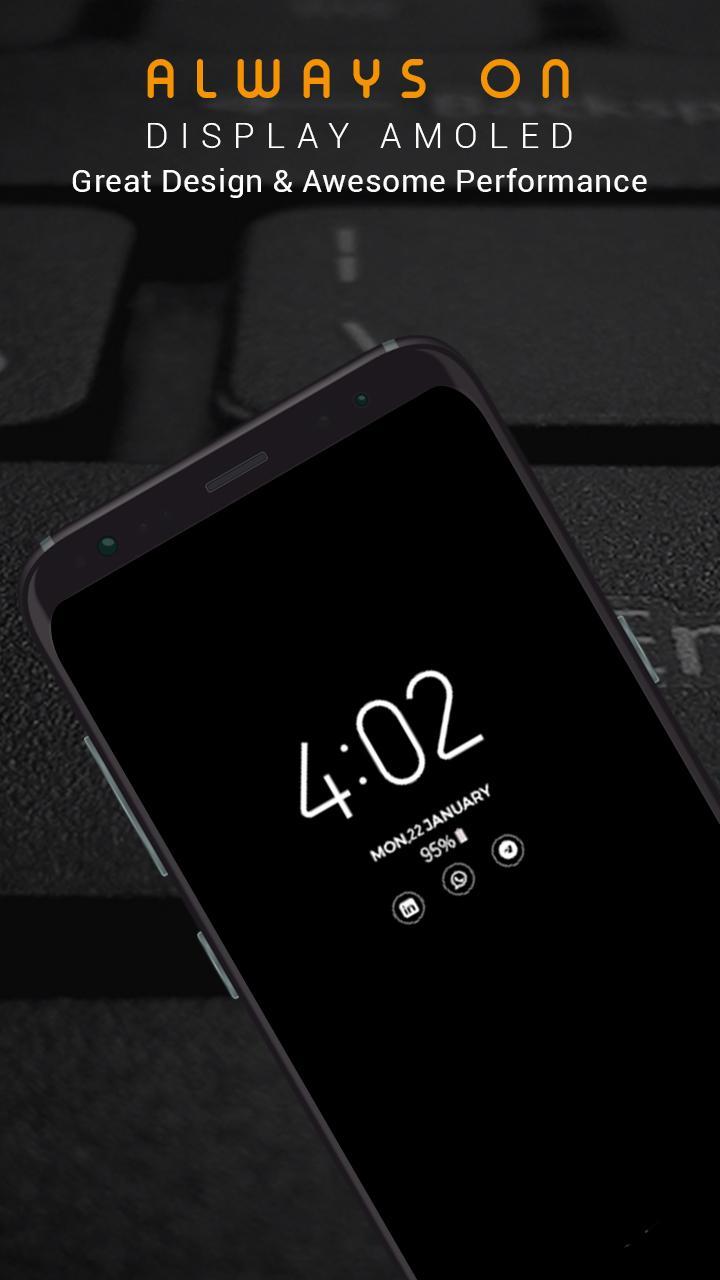
Super-amoled keep your mobile screen on all the time so that it can display digital clock , analog clock, picture clock, emoji clock notification, date and more without having touch the phone screen.
An always on display for every device! and Always on display photo clock is a super-amoled application that show all information like time, date and notification in a black screen wallpapers without having to touch the phone.
Always On Display keep your screen on all the time to show you time in a digital and analog clock
All you have to do is look on the mobile screen and leave the rest to AMOLED displays.
This app shows Time , Date and notification and also music controls on Always on display screen .
Using this Always clock on display- super amoled your phone will permanently show time,
date battery percentage , calendar edge clock , sticker Clock ,Custom picture clock.
With Always clock on display- super amoled say goodbye to smart watches . Always on display super amoled have calendar clock , Picture Clock , Emoji clock ,
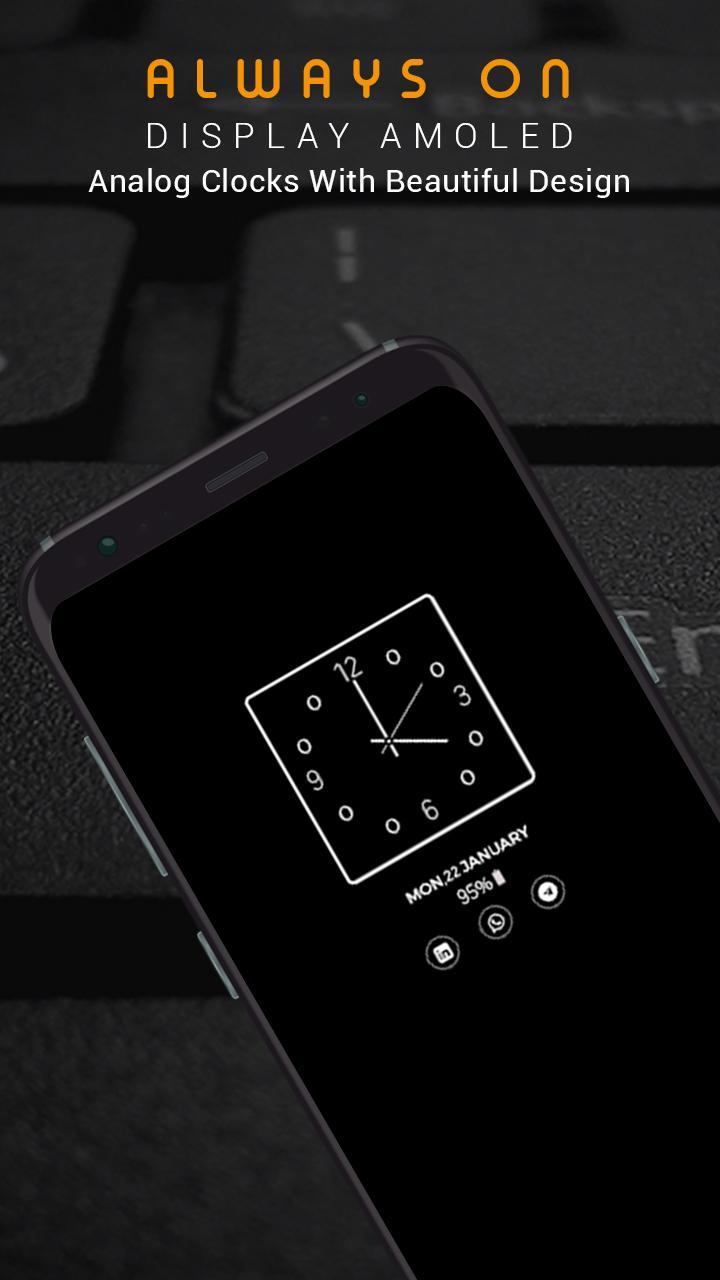
Edge clock , Digital clock and Analog Clock with various styles. This is a real time clock with Always clock on display .
How to use this App (Always on Screen):
1. Open Always on Display-AMOLED, start service
3. To weak up your phone, double tap on screen
4. To turn off screen just press power button
5. The user can on or off service.
Features:
► Night clock on display
► Display Calendar clock , Picture Clock , Emoji clock ,
Edge clock , Digital clock and Analog Clock on Amoled display .
► Change Amoled clock colors and Styles .
► Automatically handles Display on new incoming call
► You can adjust amoled screen wallpaper brightness
► Multiple Digital clocks to choose from .
► You can click on Notifications shown on Always on display screen .
► Unlock with double tap and also with Finger print -- Finger print supported .
► Use very little resources . its very light weighted .
► Sensor based lock : turn off display of device when you leave it in your pocket to save battery.
► Show notification information with clock.
► Always on Amoled has Edge Clock .
► Always on Display photo clock is very easy to use .
► Multiple Analog clocks to choose from
► Digital night clock
► Analog night clock
► AOD is specially designed to use low batter power.
► Double Tap on screen to unlock device or use Finger Print.
Contact us:
We always work for quality apps and provide quality apps to our users. We respect our users and always listen for your feedback, suggestions, recommendations & features updates. Thank you!
Email:
unitechdeveloeprs@gmail.com
Avance
Etiquetas
HerramientasInformación
Desarrollador
Unitech App Developers
La última versión
1.2
Última actualización
2020-10-26
Categoría
Herramientas
Disponible en
Google Play
Mostrar más
Cómo jugar Always On Display - Always On con GameLoop en PC
1. Descargue GameLoop desde el sitio web oficial, luego ejecute el archivo exe para instalar GameLoop.
2. Abra GameLoop y busque "Always On Display - Always On ", busque Always On Display - Always On en los resultados de búsqueda y haga clic en "Instalar".
3. Disfruta jugando Always On Display - Always On en GameLoop.
Minimum requirements
OS
Windows 8.1 64-bit or Windows 10 64-bit
GPU
GTX 1050
CPU
i3-8300
Memory
8GB RAM
Storage
1GB available space
Recommended requirements
OS
Windows 8.1 64-bit or Windows 10 64-bit
GPU
GTX 1050
CPU
i3-9320
Memory
16GB RAM
Storage
1GB available space