
AFWall+ (Android Firewall +) para PC
portgenix
Descarga AFWall+ (Android Firewall +) en PC con GameLoop Emulator
AFWall+ (Android Firewall +) en PC
AFWall+ (Android Firewall +), proveniente del desarrollador portgenix, se ejecuta en el sistema Android en el pasado.
Ahora, puedes jugar AFWall+ (Android Firewall +) en PC con GameLoop sin problemas.
Descárgalo en la biblioteca de GameLoop o en los resultados de búsqueda. No más mirar la batería o llamadas frustrantes en el momento equivocado nunca más.
Simplemente disfrute de AFWall+ (Android Firewall +) PC en la pantalla grande de forma gratuita!
AFWall+ (Android Firewall +) Introducción
***ROOT REQUIRED*** If you don't know what root is, please search for "How to root android" in the Internet.
AFWall+ (Android Firewall +) is a front-end application for the powerful iptables Linux firewall.It allows you to restrict which applications are permitted to access your data networks (2G/3G and/or Wi-Fi and while in roaming). Also you can control traffic within LAN or while connected through VPN.
ACCESS_SUPERUSER Permission
More info on new permission - android.permission.ACCESS_SUPERUSER
https://plus.google.com/103583939320326217147/posts/T9xnMJEnzf1
PERMISSIONS & FAQ
INTERNET permission is only required for LAN functionality (API limitation)
https://github.com/ukanth/afwall/wiki/FAQ
BETA Testing
Join BETA for latest features/experiments - https://play.google.com/apps/testing/dev.ukanth.ufirewall
Features
- Material inspired Design ( not real material design )
- Supports 5.x to 11.x (for 2.x support use 1.3.4.1 version, for 4.x use 2.9.9)
- Import/Export Rules to external storage with UI
- Search Applications
- Filter Applications
- Profile Management with UI ( multiple Profiles )
- Tasker/Locale support
- Select All/None/Invert/Clear applications on each column
- Revamped Rules/Logs Viewer with copy/export to external storage
- Preferences
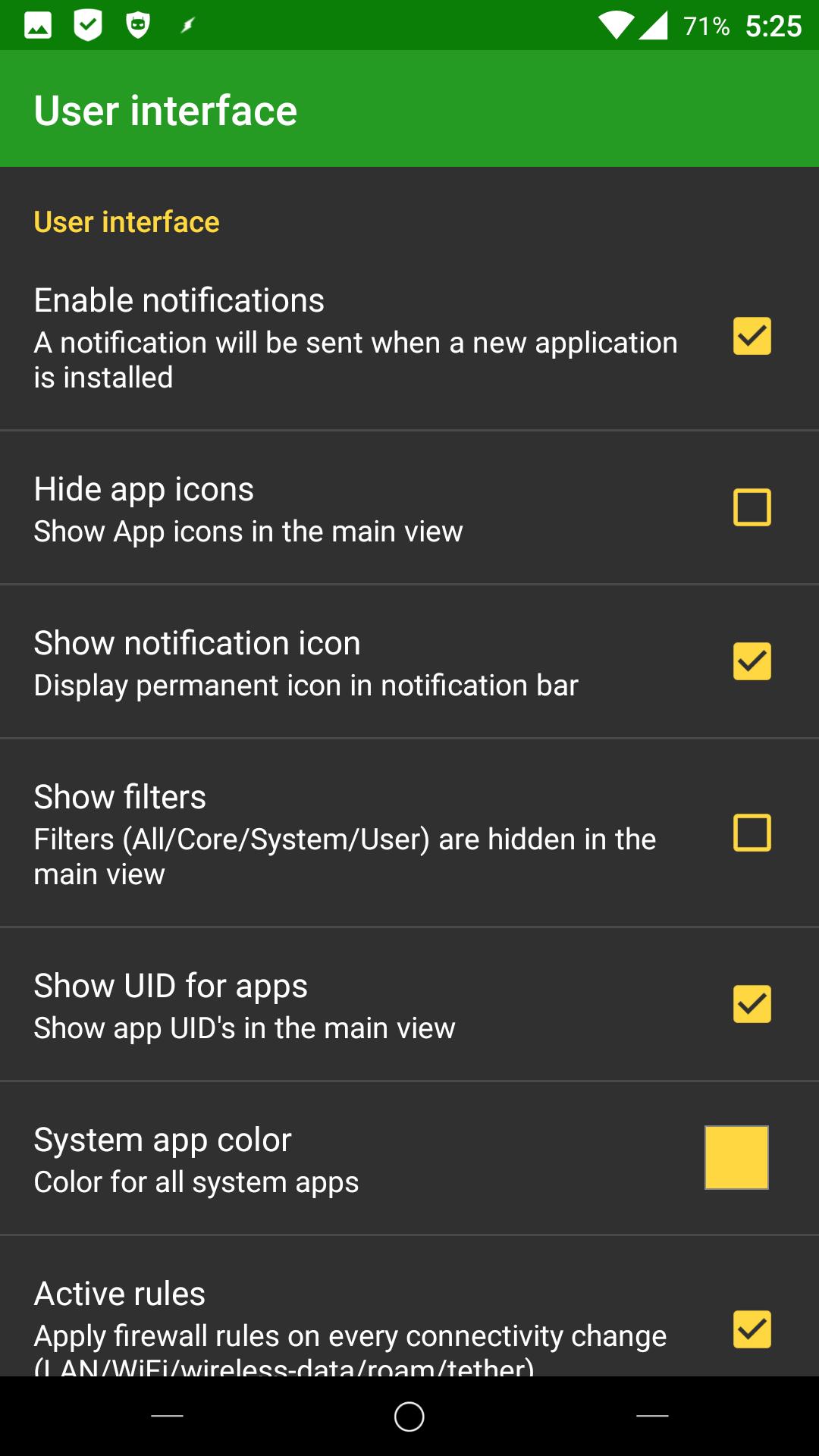
> Highlight system applications with custom color
> Notify on new installations
> Ability to hide application icons( faster loading )
> Use LockPattern/Pin for application protection.
> Use system level protection for app (Donate only)
> Show/Hide application ID.
- Roaming Option for 3G/Edge
- VPN Support
- LAN Support
- Tether Support
- IPV6/IPV4 Support
- Tor Support
- Adaptive Icons
_ Notification Channels
- Choose able languages
- Choose able iptables/busybox binary
- Support x86/MIPS/ARM devices.
- New Widget UI - Apply profiles with few clicks
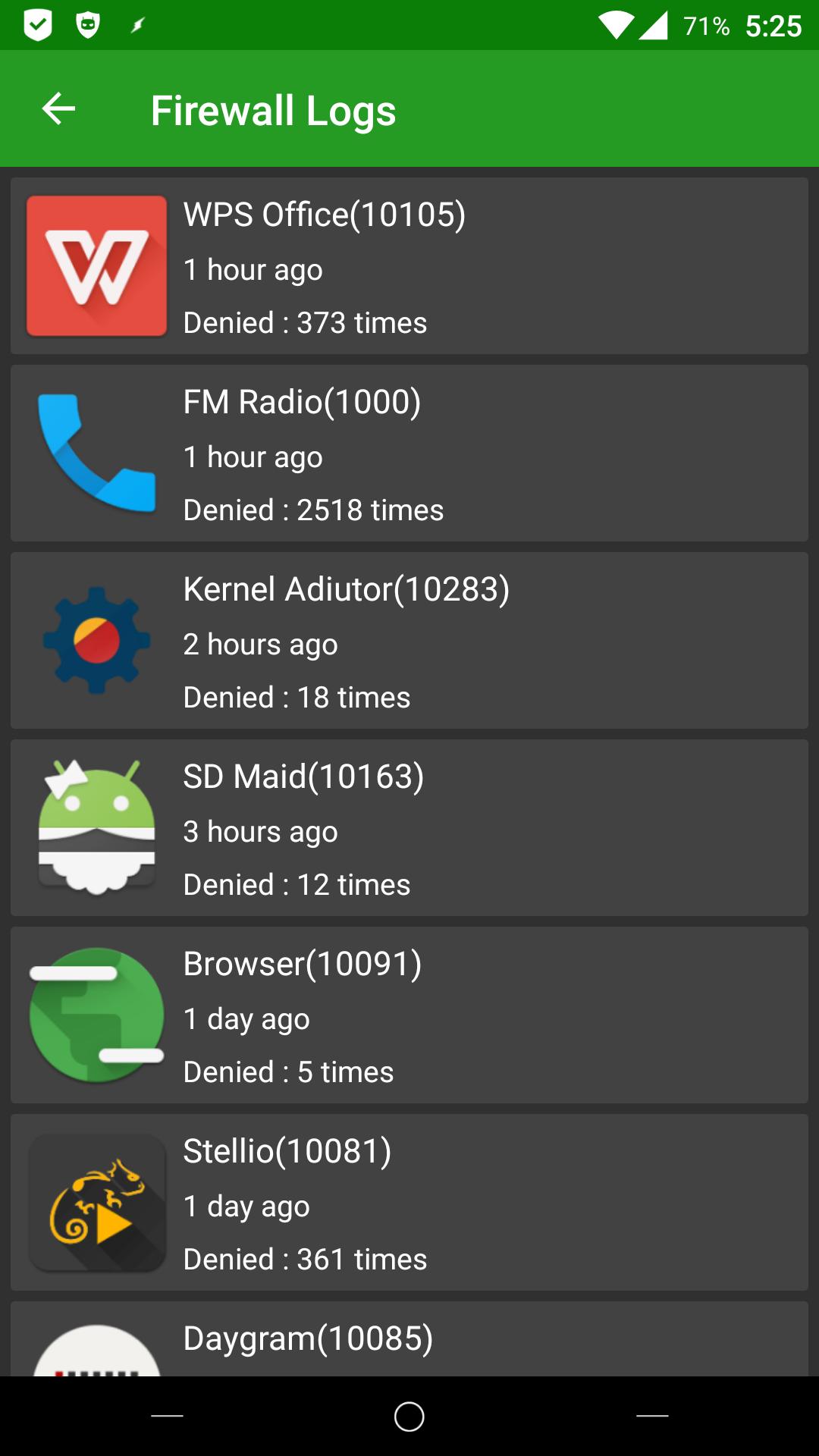
- Blocked packets notification - Displays blocked packets
- Support for wifi only tablets
- Improved Log statistics with UI
Translations & Languages
- German translations by chef@xda & user_99@xda & Gronkdalonka@xda
- French translations by GermainZ@xda & Looki75@xda
- Russian translations by Kirhe@xda & YaroslavKa78
- Spanish translations by spezzino@crowdin
- Dutch translations by DutchWaG@crowdin
- Japanese translation by nnnn@crowdin
- Ukrainian translation by andriykopanytsia@crowdin
- Slovenian translation by bunga bunga@crowdin
- Chinese Simplified translation by tianchaoren@crowdin
- Polish translations by tst,Piotr Kowalski@crowdin
- Swedish translations by CreepyLinguist@crowdin
- Greek Translations by mpqo@crowdin
- Portuguese translations by lemor2008@xda
- Chinese Traditional by shiuan@crowdin
- Chinese Simplified by wuwufei,tianchaoren @ crowdin
- Italian translations by benzo@crowdin
- Romanian tranlations by mysterys3by-facebook@crowdin
- Czech translations by Syk3s
- Hungarian translations
- Turkish translations
- Indonesian translations by mirulumam
BIG THANKS for all the translators and http://crowdin.net for supporting opensource !
Translations Page - http://crowdin.net/project/afwall
AFWall+ is open source software, you can find the source here : https://github.com/ukanth/afwall
Official Support XDA forum - > http://forum.xda-developers.com/showthread.php?t=1957231
Avance
Etiquetas
HerramientasInformación
Desarrollador
portgenix
La última versión
3.6.0
Última actualización
2023-08-28
Categoría
Herramientas
Disponible en
Google Play
Mostrar más
Cómo jugar AFWall+ (Android Firewall +) con GameLoop en PC
1. Descargue GameLoop desde el sitio web oficial, luego ejecute el archivo exe para instalar GameLoop.
2. Abra GameLoop y busque "AFWall+ (Android Firewall +)", busque AFWall+ (Android Firewall +) en los resultados de búsqueda y haga clic en "Instalar".
3. Disfruta jugando AFWall+ (Android Firewall +) en GameLoop.
Minimum requirements
OS
Windows 8.1 64-bit or Windows 10 64-bit
GPU
GTX 1050
CPU
i3-8300
Memory
8GB RAM
Storage
1GB available space
Recommended requirements
OS
Windows 8.1 64-bit or Windows 10 64-bit
GPU
GTX 1050
CPU
i3-9320
Memory
16GB RAM
Storage
1GB available space