AC Remote Control para PC
UB Technologies
Descarga AC Remote Control en PC con GameLoop Emulator
AC Remote Control en PC
AC Remote Control, proveniente del desarrollador UB Technologies, se ejecuta en el sistema Android en el pasado.
Ahora, puedes jugar AC Remote Control en PC con GameLoop sin problemas.
Descárgalo en la biblioteca de GameLoop o en los resultados de búsqueda. No más mirar la batería o llamadas frustrantes en el momento equivocado nunca más.
Simplemente disfrute de AC Remote Control PC en la pantalla grande de forma gratuita!
AC Remote Control Introducción
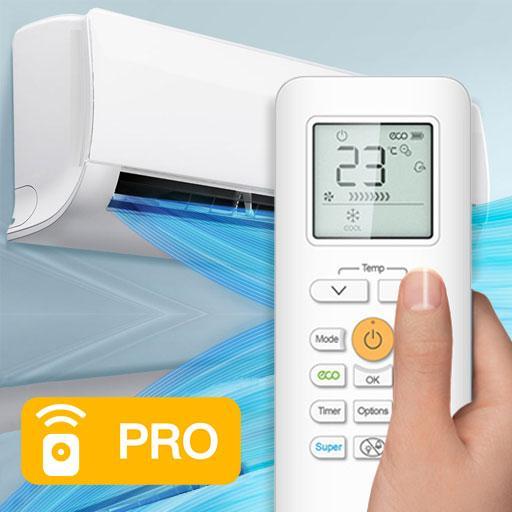
The AC Remote Control is a real mobile application that can controlled different models air conditioner devices.
This AC Remote Control application support all most function need it to controlled your air conditioner for easy, The next paragraph we will mentioned all features and functions.
Firstly we start by the most Features :
* Amazing interface design.
* Simple and easy to used.
* Remote ac via infrared (IR) blaster technique.
* Support the most Air Conditioners devices models, we add the most IR codes available.
* Compatible with all device 4.4 version and above.
* Supports most of the buttons that you will need for complete control, for example:
- Power On/Off control.
- Menu button and operation mode.
- Temperature control and fan speed.
- Set switch On and Off timer.
- Support Sleep Option.
Follow all steps mentioned to use Universal AC Remote application in the right way:
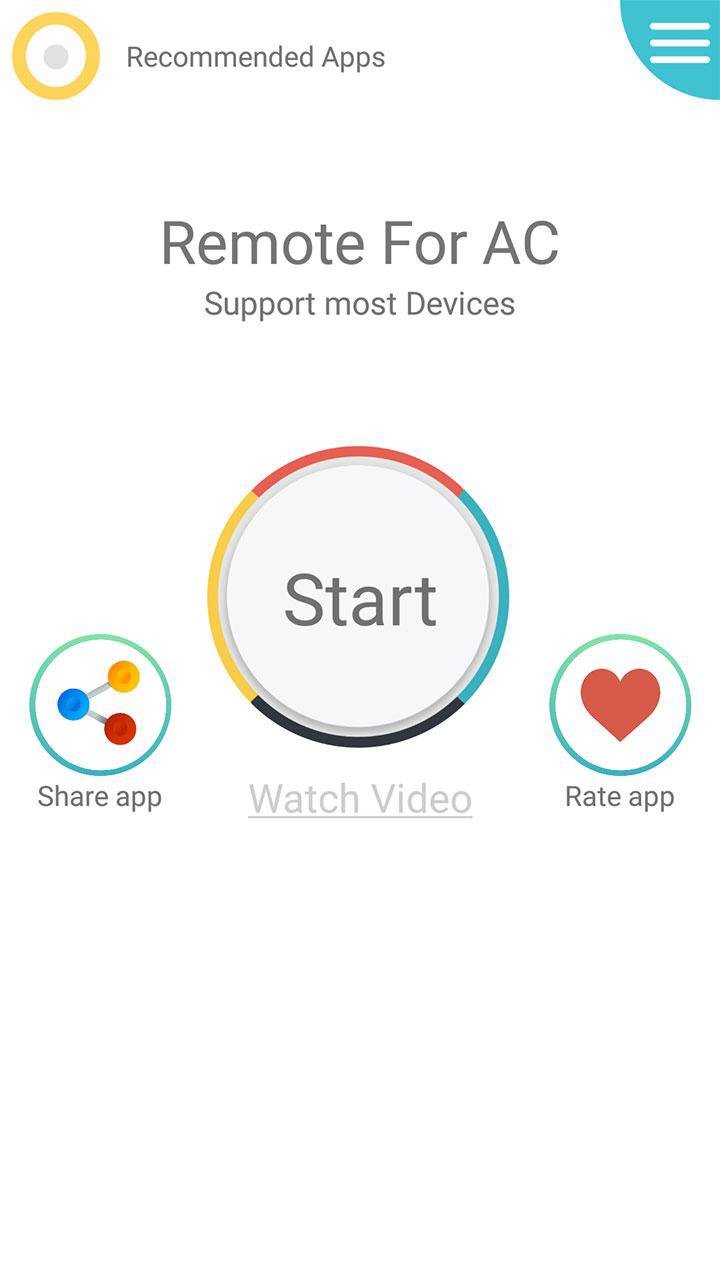
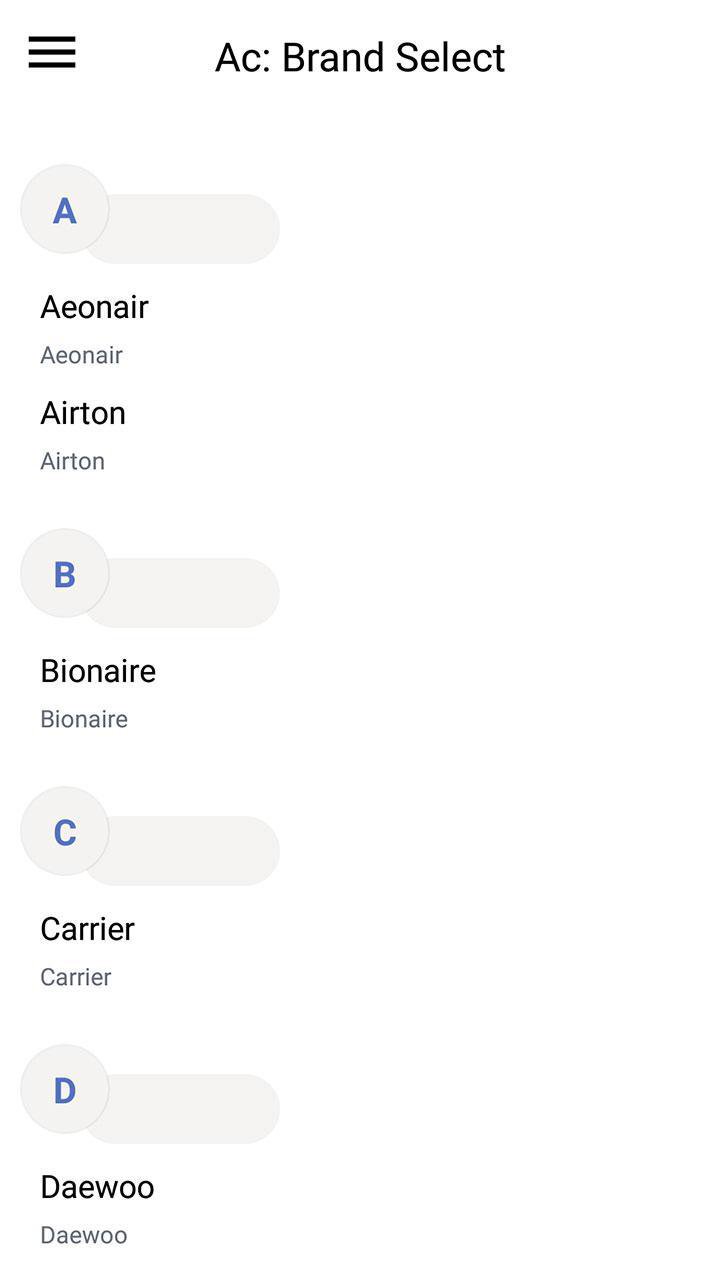
1- After download this Air conditioner Remote Control application, the first step is to choose your AC model in the list.
2- Each model can have more then one remote, start testing one by one until you find the correct universal remote control ac compatible with your device.
3- Rename and Save.
To remember all users, the Air Conditioners use IR blaster, If your device don't have it this the can not work.
If you like this application doesn't forget to share it with friends and comment on it.
If your brand is not listed or the tool not working with your devices selected, please drop us an email with your brand and model. We will work with our teams to make this application compatible with your devices.
Avance
Etiquetas
HerramientasInformación
Desarrollador
UB Technologies
La última versión
19.6
Última actualización
2019-10-24
Categoría
Herramientas
Disponible en
Google Play
Mostrar más
Cómo jugar AC Remote Control con GameLoop en PC
1. Descargue GameLoop desde el sitio web oficial, luego ejecute el archivo exe para instalar GameLoop.
2. Abra GameLoop y busque "AC Remote Control", busque AC Remote Control en los resultados de búsqueda y haga clic en "Instalar".
3. Disfruta jugando AC Remote Control en GameLoop.
Minimum requirements
OS
Windows 8.1 64-bit or Windows 10 64-bit
GPU
GTX 1050
CPU
i3-8300
Memory
8GB RAM
Storage
1GB available space
Recommended requirements
OS
Windows 8.1 64-bit or Windows 10 64-bit
GPU
GTX 1050
CPU
i3-9320
Memory
16GB RAM
Storage
1GB available space