
Ai Sensitivity and Controls para PC
TQtech
Descarga Ai Sensitivity and Controls en PC con GameLoop Emulator
Ai Sensitivity and Controls en PC
Ai Sensitivity and Controls, proveniente del desarrollador TQtech, se ejecuta en el sistema Android en el pasado.
Ahora, puedes jugar Ai Sensitivity and Controls en PC con GameLoop sin problemas.
Descárgalo en la biblioteca de GameLoop o en los resultados de búsqueda. No más mirar la batería o llamadas frustrantes en el momento equivocado nunca más.
Simplemente disfrute de Ai Sensitivity and Controls PC en la pantalla grande de forma gratuita!
Ai Sensitivity and Controls Introducción
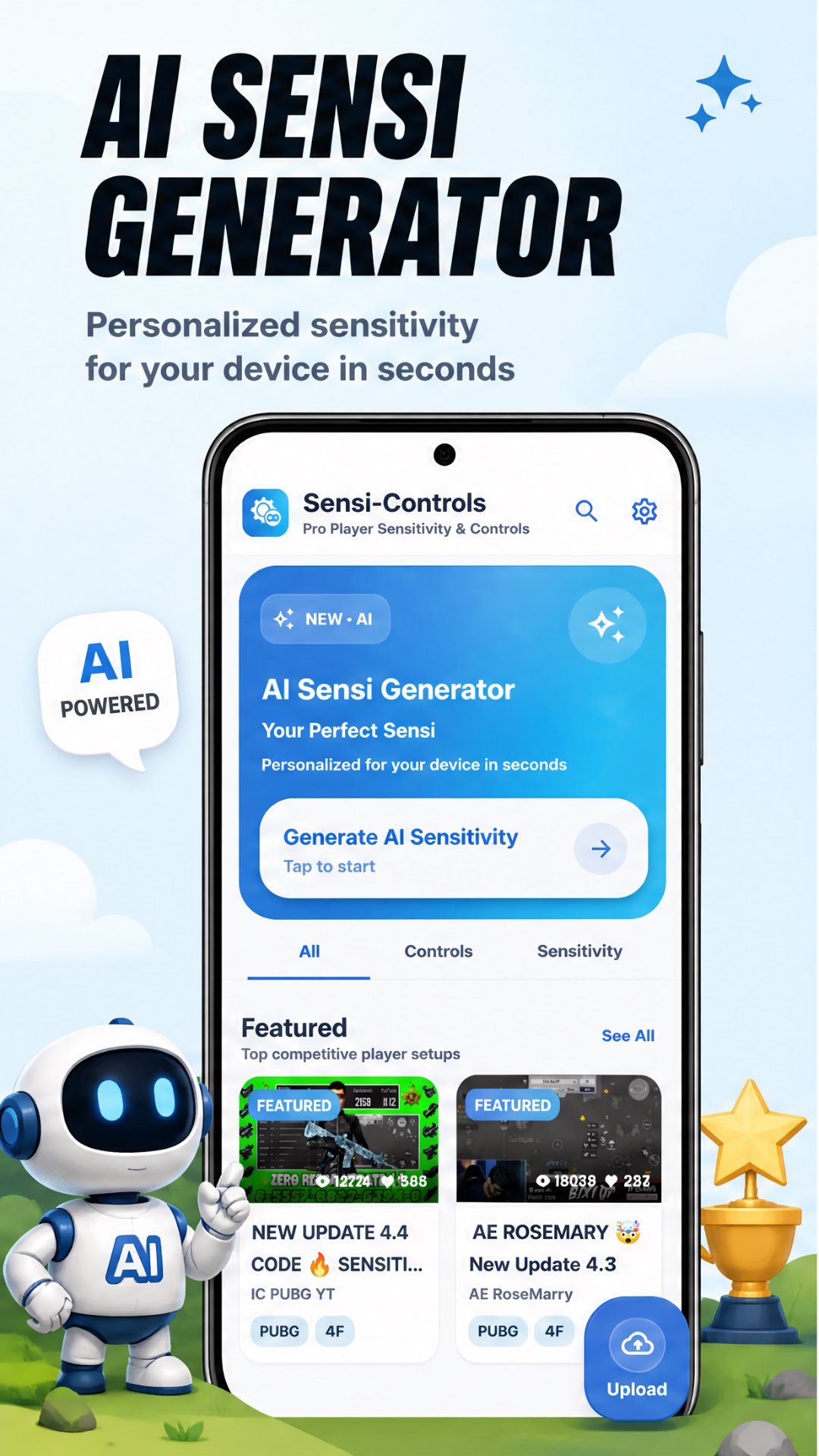
Copy pro player sensitivity & controls or generate
best AI sensitivity for your device!
Tired of missing shots? Wrong sensitivity ruining your game?
This app gives you the exact settings used by top BGMI & PUBG Mobile
pro players — or generates the perfect AI sensitivity just for your device.
What you get:
- Pro player sensitivity settings (gyro & non-gyro)
- AI generated sensitivity for your specific device
- Best control layouts used by pro players
- Headshot sensitivity settings
- Gyro sensitivity guide for beginners
- Copy & apply settings instantly
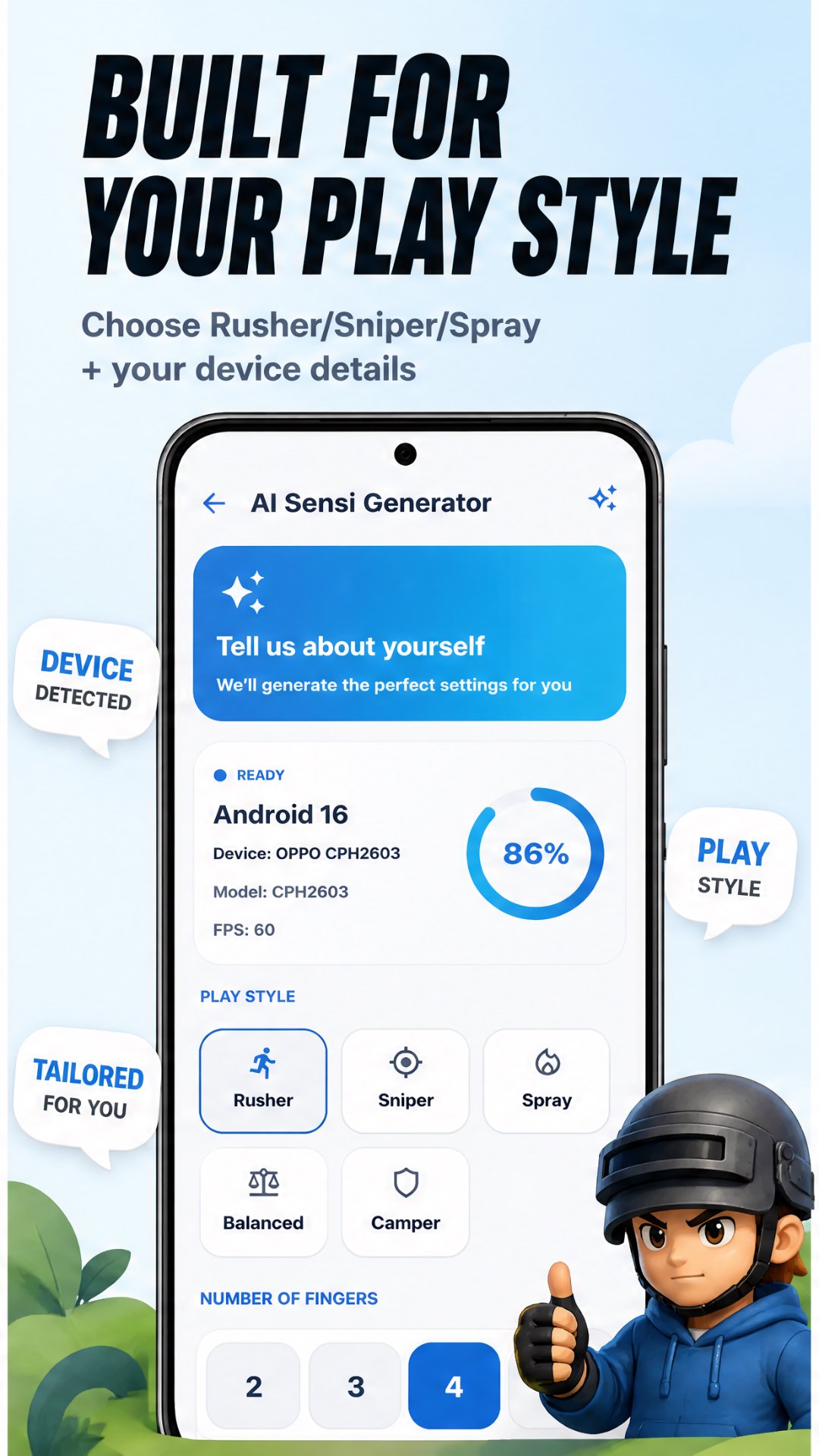
🤖 AI Sensitivity Generator:
- Get best sensitivity made just for your phone
- Optimized for smooth aim & recoil control
- According to Your playstyles
Whether you play with gyro or without gyro, whether you are a
beginner or advanced player — this app has the perfect
sensitivity setup for you.
Stop guessing. Start winning. Download now! 🐔
Avance
Etiquetas
HerramientasInformación
Desarrollador
TQtech
La última versión
145
Última actualización
2026-09-26
Categoría
Herramientas
Disponible en
Google Play
Mostrar más
Cómo jugar Ai Sensitivity and Controls con GameLoop en PC
1. Descargue GameLoop desde el sitio web oficial, luego ejecute el archivo exe para instalar GameLoop.
2. Abra GameLoop y busque "Ai Sensitivity and Controls", busque Ai Sensitivity and Controls en los resultados de búsqueda y haga clic en "Instalar".
3. Disfruta jugando Ai Sensitivity and Controls en GameLoop.
Minimum requirements
OS
Windows 8.1 64-bit or Windows 10 64-bit
GPU
GTX 1050
CPU
i3-8300
Memory
8GB RAM
Storage
1GB available space
Recommended requirements
OS
Windows 8.1 64-bit or Windows 10 64-bit
GPU
GTX 1050
CPU
i3-9320
Memory
16GB RAM
Storage
1GB available space