
Basketball Dunk Shots Game para PC
X Gamerz
Descarga Basketball Dunk Shots Game en PC con GameLoop Emulator
Basketball Dunk Shots Game en PC
Basketball Dunk Shots Game, proveniente del desarrollador X Gamerz, se ejecuta en el sistema Android en el pasado.
Ahora, puedes jugar Basketball Dunk Shots Game en PC con GameLoop sin problemas.
Descárgalo en la biblioteca de GameLoop o en los resultados de búsqueda. No más mirar la batería o llamadas frustrantes en el momento equivocado nunca más.
Simplemente disfrute de Basketball Dunk Shots Game PC en la pantalla grande de forma gratuita!
Basketball Dunk Shots Game Introducción
The goal of the entertaining arcade game Basketball slam Shots Game is to shoot and slam a basketball through the hoop. To score points, carefully aim each shot, modify the direction, and discharge at the appropriate time. Control the ball and direct it toward the hoop to complete various shots. To make good dunks and keep the ball moving through difficult conditions, time your movements. As you play, increase your accuracy and strive to make more consecutive successful shots. Your basic objectives for each round are to control the basketball, find the ideal angle, and make clean shots. Enjoy fast-paced basketball gameplay with simple controls and difficult shooting opportunities as you progress through levels and hone your timing.
Avance
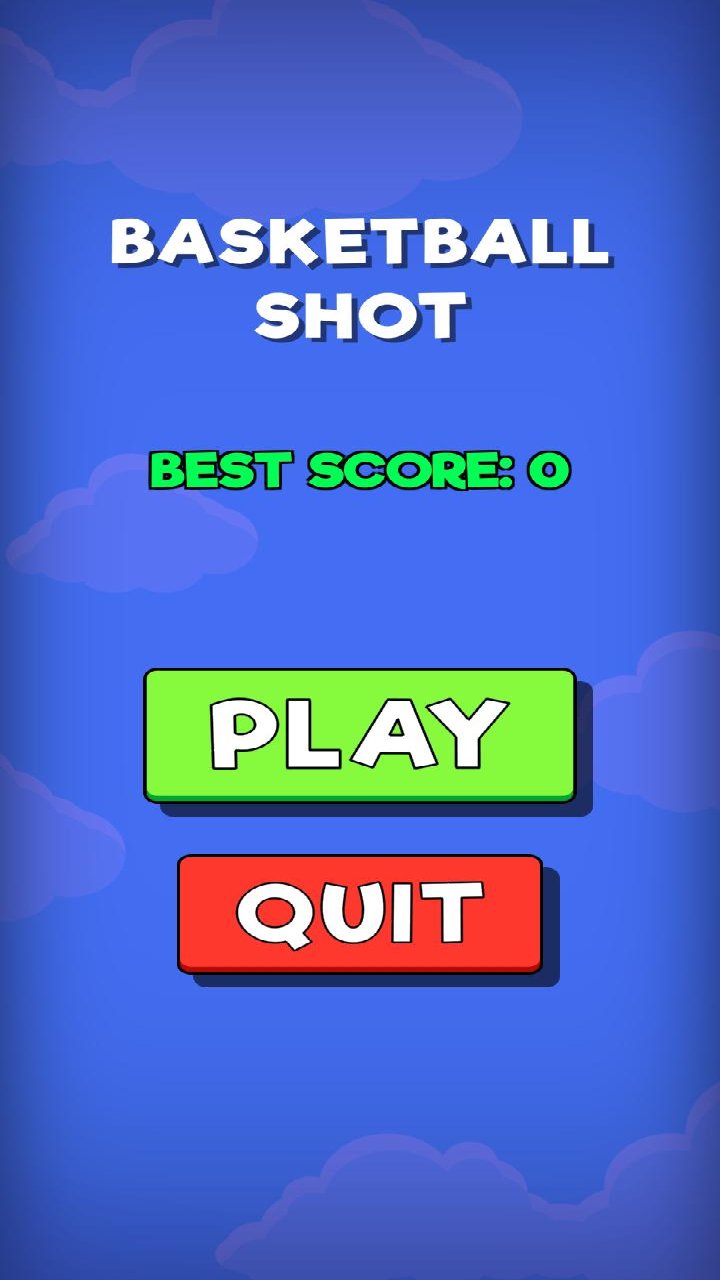
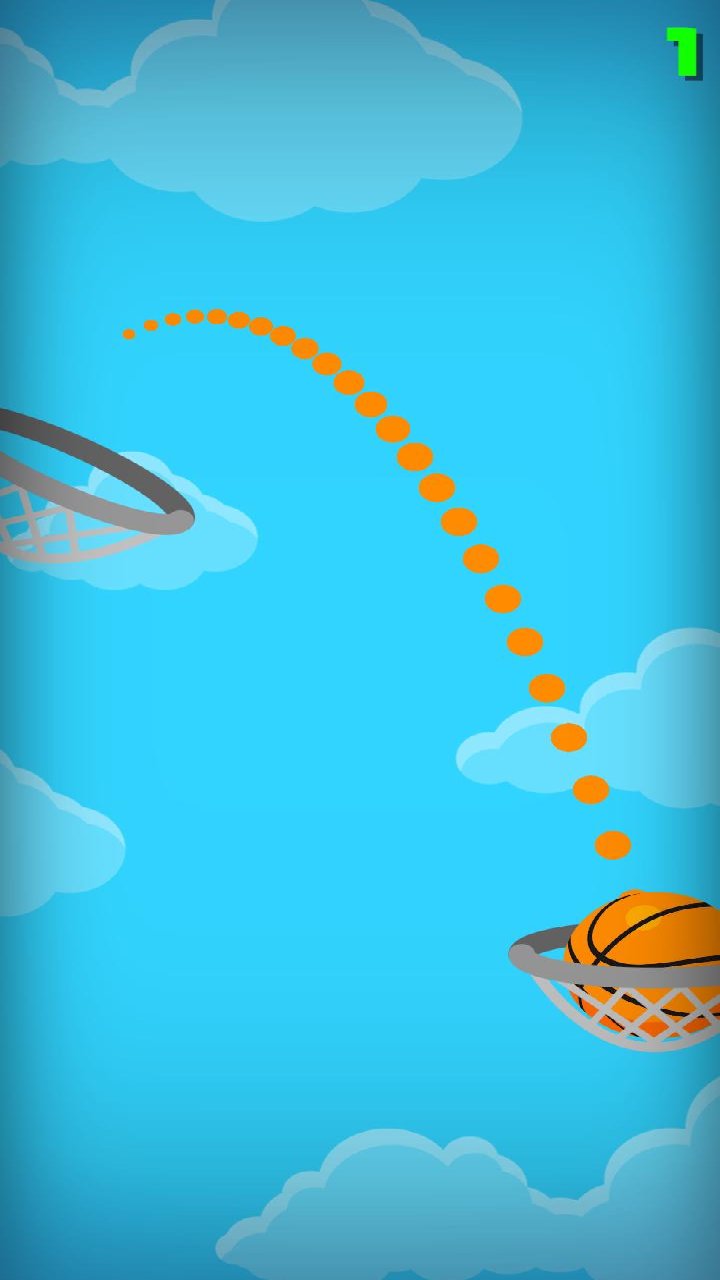
Etiquetas
SimulaciónVehículoCocheCasualUn solo jugadorEstilizadoDesconectadoCar-SimInformación
Desarrollador
X Gamerz
La última versión
9.8.9
Última actualización
2026-09-22
Categoría
Estrategia
Disponible en
Google Play
Mostrar más
Cómo jugar Basketball Dunk Shots Game con GameLoop en PC
1. Descargue GameLoop desde el sitio web oficial, luego ejecute el archivo exe para instalar GameLoop.
2. Abra GameLoop y busque "Basketball Dunk Shots Game", busque Basketball Dunk Shots Game en los resultados de búsqueda y haga clic en "Instalar".
3. Disfruta jugando Basketball Dunk Shots Game en GameLoop.
Minimum requirements
OS
Windows 8.1 64-bit or Windows 10 64-bit
GPU
GTX 1050
CPU
i3-8300
Memory
8GB RAM
Storage
1GB available space
Recommended requirements
OS
Windows 8.1 64-bit or Windows 10 64-bit
GPU
GTX 1050
CPU
i3-9320
Memory
16GB RAM
Storage
1GB available space