ROUVY Companion App para PC
VirtualTraining s.r.o.
Descarga ROUVY Companion App en PC con GameLoop Emulator
ROUVY Companion App en PC
ROUVY Companion App, proveniente del desarrollador VirtualTraining s.r.o., se ejecuta en el sistema Android en el pasado.
Ahora, puedes jugar ROUVY Companion App en PC con GameLoop sin problemas.
Descárgalo en la biblioteca de GameLoop o en los resultados de búsqueda. No más mirar la batería o llamadas frustrantes en el momento equivocado nunca más.
Simplemente disfrute de ROUVY Companion App PC en la pantalla grande de forma gratuita!
ROUVY Companion App Introducción
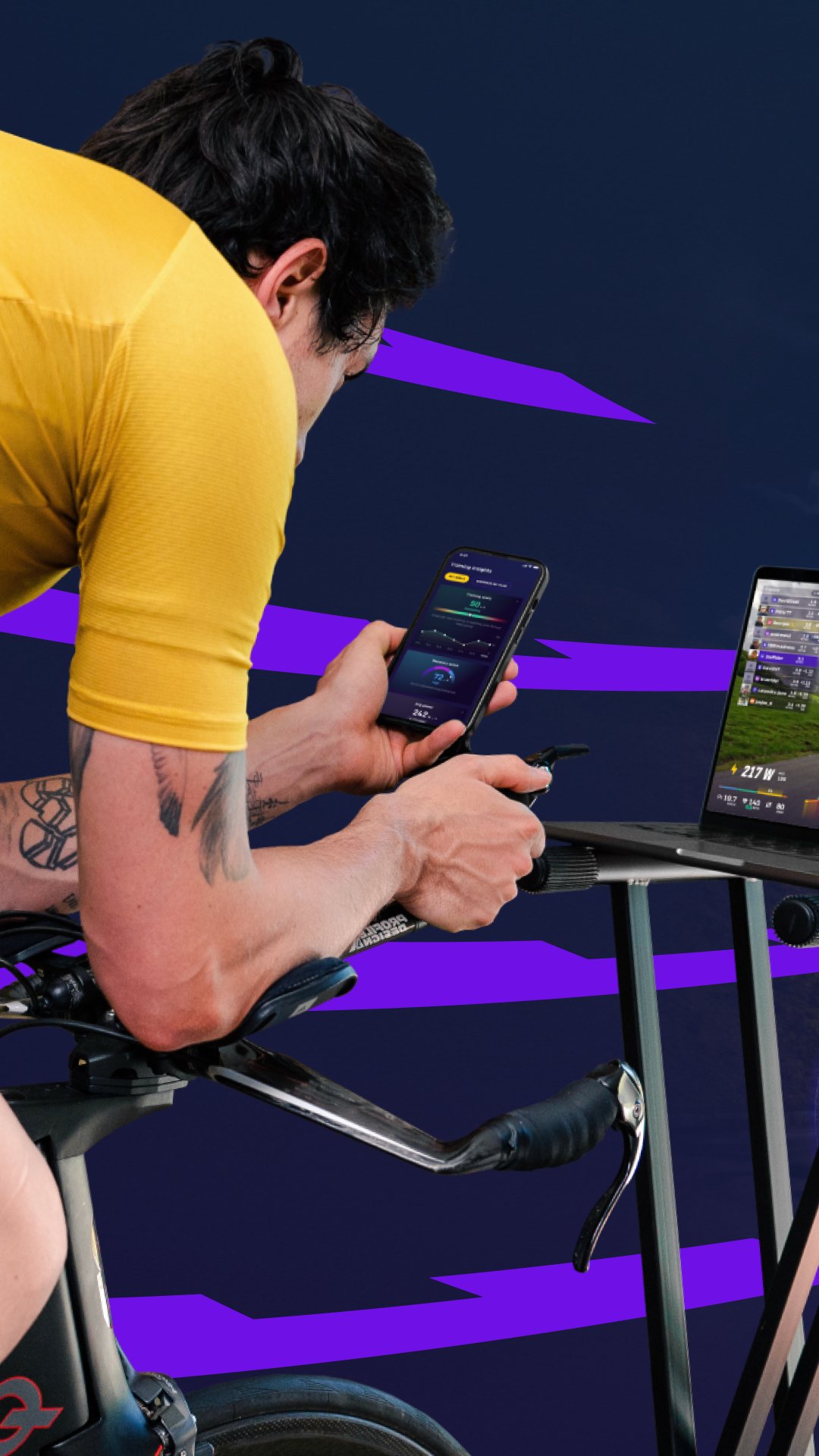
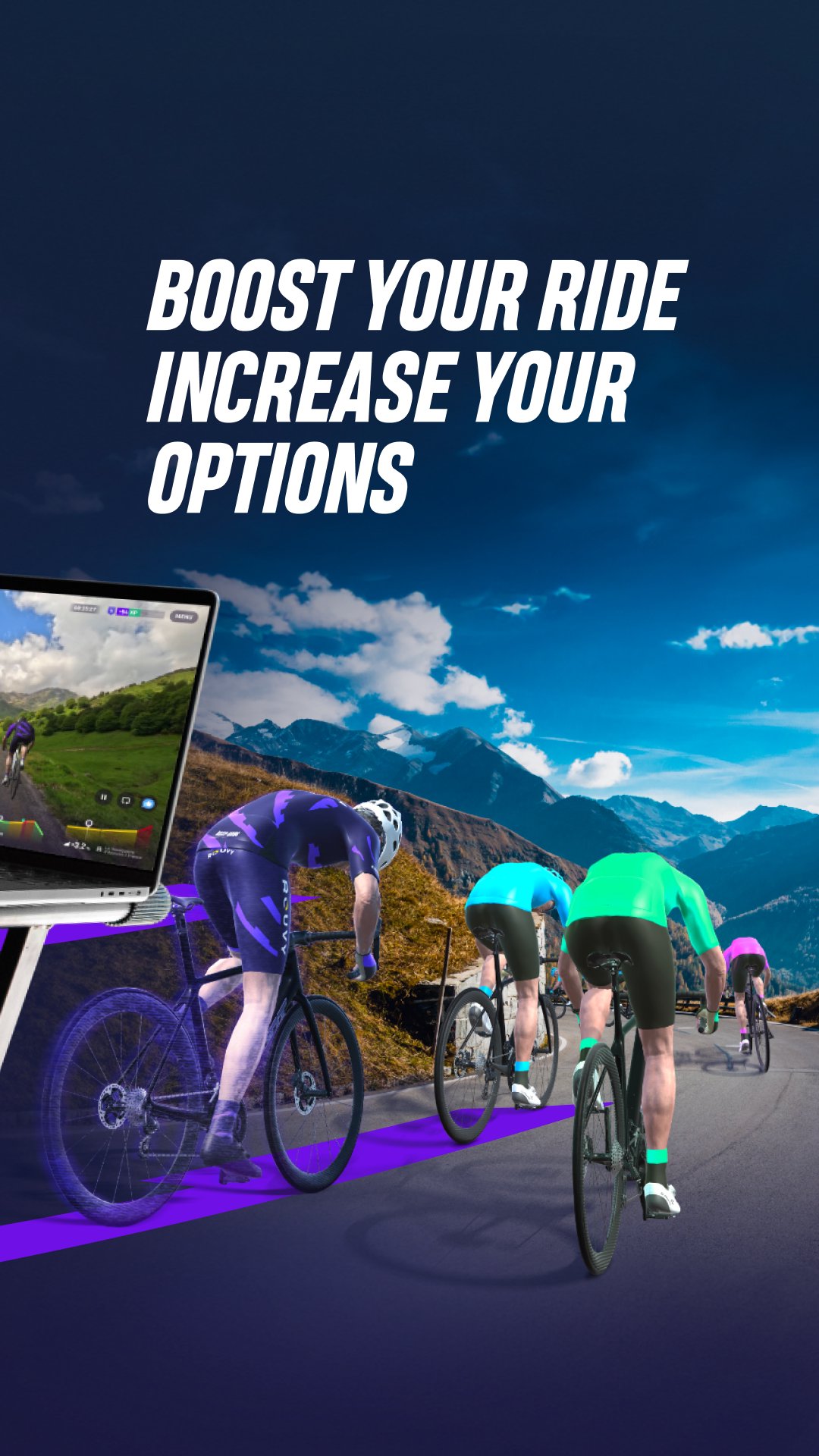
Pair it with the ROUVY app over your ROUVY account and use it as a controller while riding. Browse through thousands of kilometers of routes and numerous workouts and add them to your Ride Later list even if you are not at home or nearby your trainer.
HOME SCREEN
An overview of recommended routes and workouts, selected for you.
RIDE MODE
Start or pause your ride when you want, see a map of the route you are on, and view your ride stats.
SEARCH
Find your next route or workout.
RIDE LATER
Your list of pre-selected routes and workouts.
TRAINING
Get insights to guide your fitness journey.
- ROUVY Training Score: Track your overall fitness progress.
- Recovery Score: Balance your effort with smarter rest.
- Activity History: See all your stats for indoor and outdoor rides at a glance.
- FTP Progress Tracking: Watch your improvements over time.
- Weekly Performance Metrics: Review your distance, elevation, calories, and riding duration.
- Weekly Streaks: Stay consistent and motivated.
PROFILE
Edit your profile and account settings. Your brand-new profile page now displays your indoor and outdoor ride statistics.
Avance
Etiquetas
deportesInformación
Desarrollador
VirtualTraining s.r.o.
La última versión
1.10.4
Última actualización
2026-01-22
Categoría
deportes
Disponible en
Google Play
Mostrar más
Cómo jugar ROUVY Companion App con GameLoop en PC
1. Descargue GameLoop desde el sitio web oficial, luego ejecute el archivo exe para instalar GameLoop.
2. Abra GameLoop y busque "ROUVY Companion App", busque ROUVY Companion App en los resultados de búsqueda y haga clic en "Instalar".
3. Disfruta jugando ROUVY Companion App en GameLoop.
Minimum requirements
OS
Windows 8.1 64-bit or Windows 10 64-bit
GPU
GTX 1050
CPU
i3-8300
Memory
8GB RAM
Storage
1GB available space
Recommended requirements
OS
Windows 8.1 64-bit or Windows 10 64-bit
GPU
GTX 1050
CPU
i3-9320
Memory
16GB RAM
Storage
1GB available space