
Kin-Ball Scoreboard para PC
SeedsJP
Descarga Kin-Ball Scoreboard en PC con GameLoop Emulator
Kin-Ball Scoreboard en PC
Kin-Ball Scoreboard, proveniente del desarrollador SeedsJP, se ejecuta en el sistema Android en el pasado.
Ahora, puedes jugar Kin-Ball Scoreboard en PC con GameLoop sin problemas.
Descárgalo en la biblioteca de GameLoop o en los resultados de búsqueda. No más mirar la batería o llamadas frustrantes en el momento equivocado nunca más.
Simplemente disfrute de Kin-Ball Scoreboard PC en la pantalla grande de forma gratuita!
Kin-Ball Scoreboard Introducción
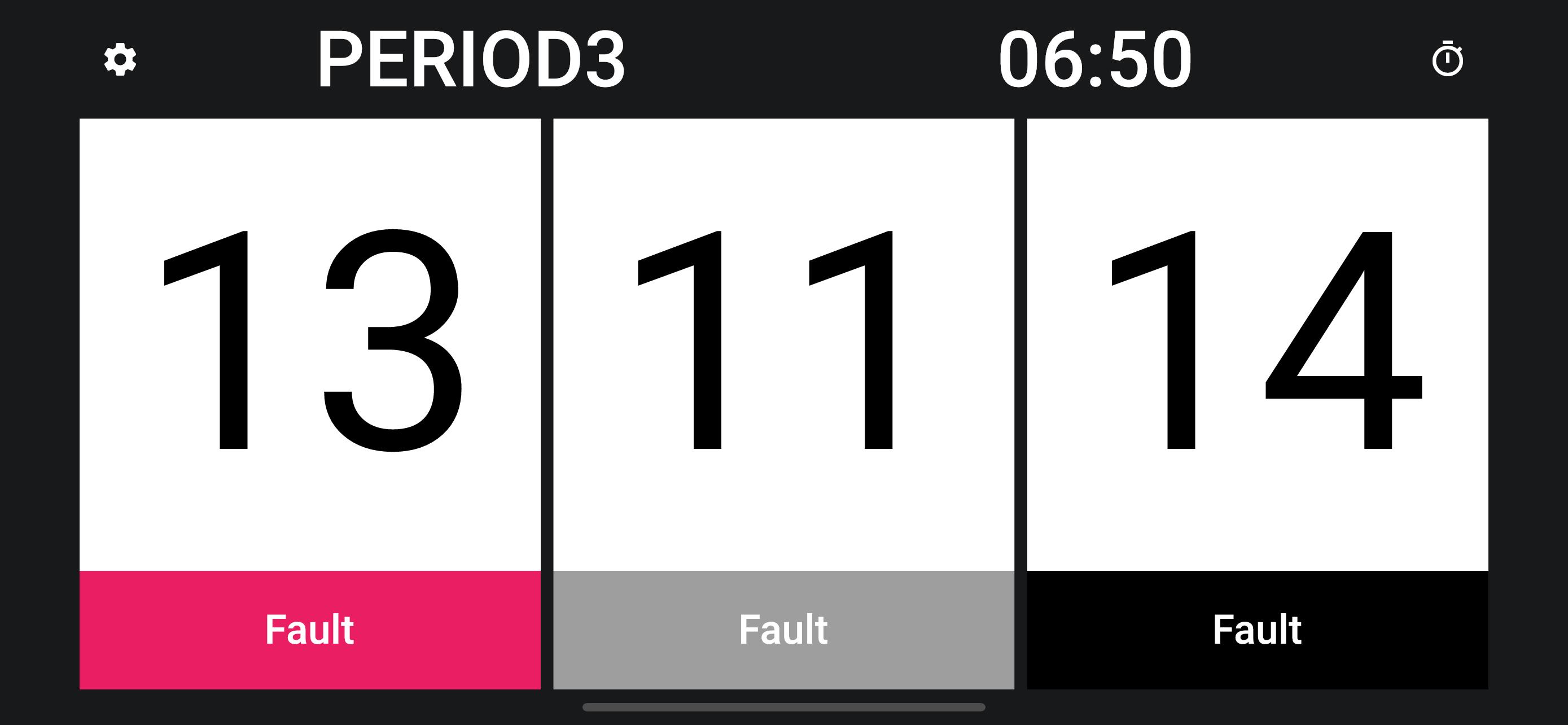
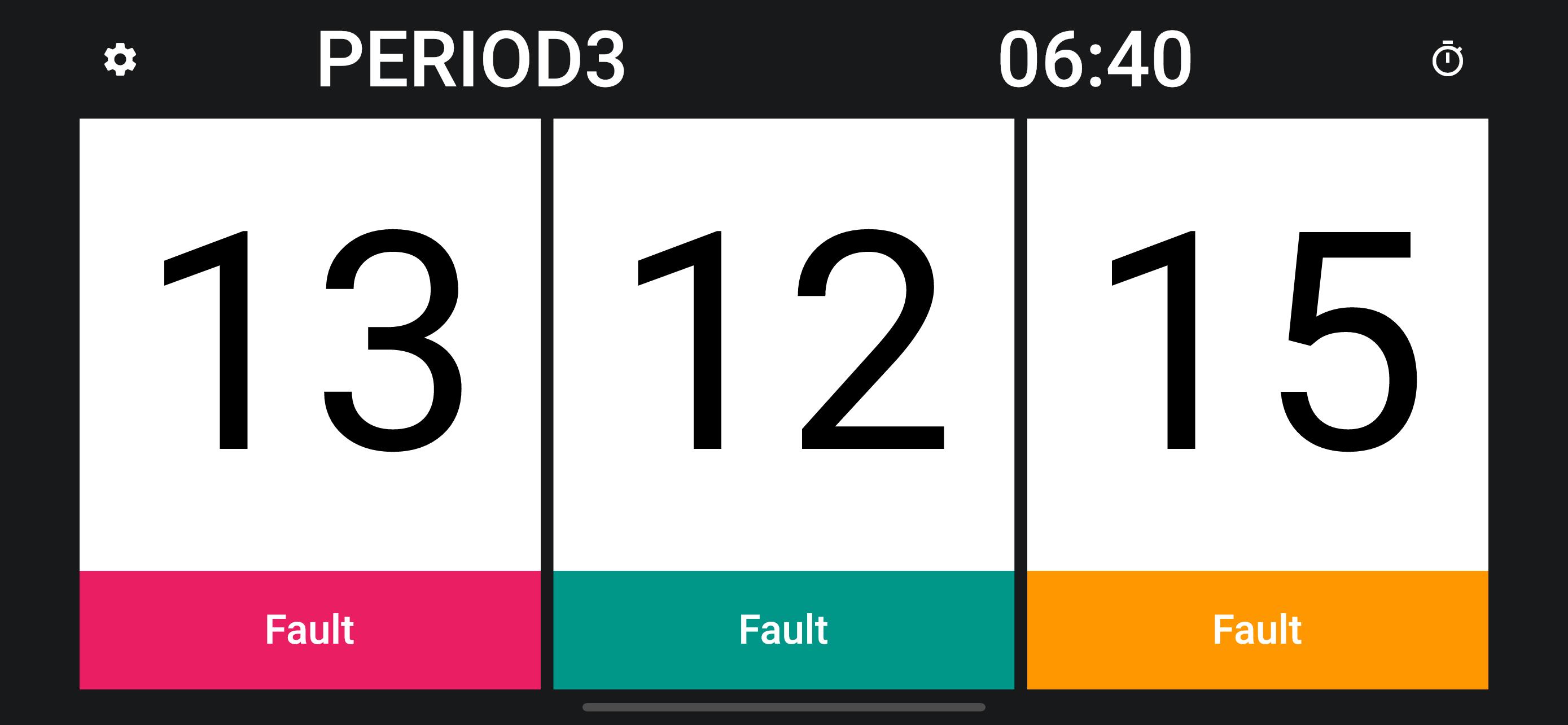
A scoreboard app specialized for Kin-Ball.
Simple and easy to use, you can also change team colors and set team names.
●Basic Functions
1. Scoring
Tap the “Fault” button to add one point to each of the other two teams.
If you want to go back to the previous point due to a typing error, tap the gear icon in the upper left corner of the screen, and then tap the “Undo” button in the menu that appears.
2. Period
Tap "PERIOD" to proceed to the next period.
Tap the number of periods in the center of the screen to proceed to the next period.
3. Game timer
Tap the time to start the timer. If you want to stop it, tap it again.
4. Reset
Tap the cog icon to display the menu, where you can reset the score and timer.
● Other functions
・Timer settings
・Color settings
・Sound settings
Avance
Etiquetas
deportesInformación
Desarrollador
SeedsJP
La última versión
1.1.3
Última actualización
2022-11-04
Categoría
deportes
Disponible en
Google Play
Mostrar más
Cómo jugar Kin-Ball Scoreboard con GameLoop en PC
1. Descargue GameLoop desde el sitio web oficial, luego ejecute el archivo exe para instalar GameLoop.
2. Abra GameLoop y busque "Kin-Ball Scoreboard", busque Kin-Ball Scoreboard en los resultados de búsqueda y haga clic en "Instalar".
3. Disfruta jugando Kin-Ball Scoreboard en GameLoop.
Minimum requirements
OS
Windows 8.1 64-bit or Windows 10 64-bit
GPU
GTX 1050
CPU
i3-8300
Memory
8GB RAM
Storage
1GB available space
Recommended requirements
OS
Windows 8.1 64-bit or Windows 10 64-bit
GPU
GTX 1050
CPU
i3-9320
Memory
16GB RAM
Storage
1GB available space