
FSV Malchin para PC
kicker - Amateurfußball
Descarga FSV Malchin en PC con GameLoop Emulator
FSV Malchin en PC
FSV Malchin, proveniente del desarrollador kicker - Amateurfußball, se ejecuta en el sistema Android en el pasado.
Ahora, puedes jugar FSV Malchin en PC con GameLoop sin problemas.
Descárgalo en la biblioteca de GameLoop o en los resultados de búsqueda. No más mirar la batería o llamadas frustrantes en el momento equivocado nunca más.
Simplemente disfrute de FSV Malchin PC en la pantalla grande de forma gratuita!
FSV Malchin Introducción
YOUR CLUB. YOUR APP.
All information about the club FSV Malchin now in the clubhouse app from kicker amateur football.
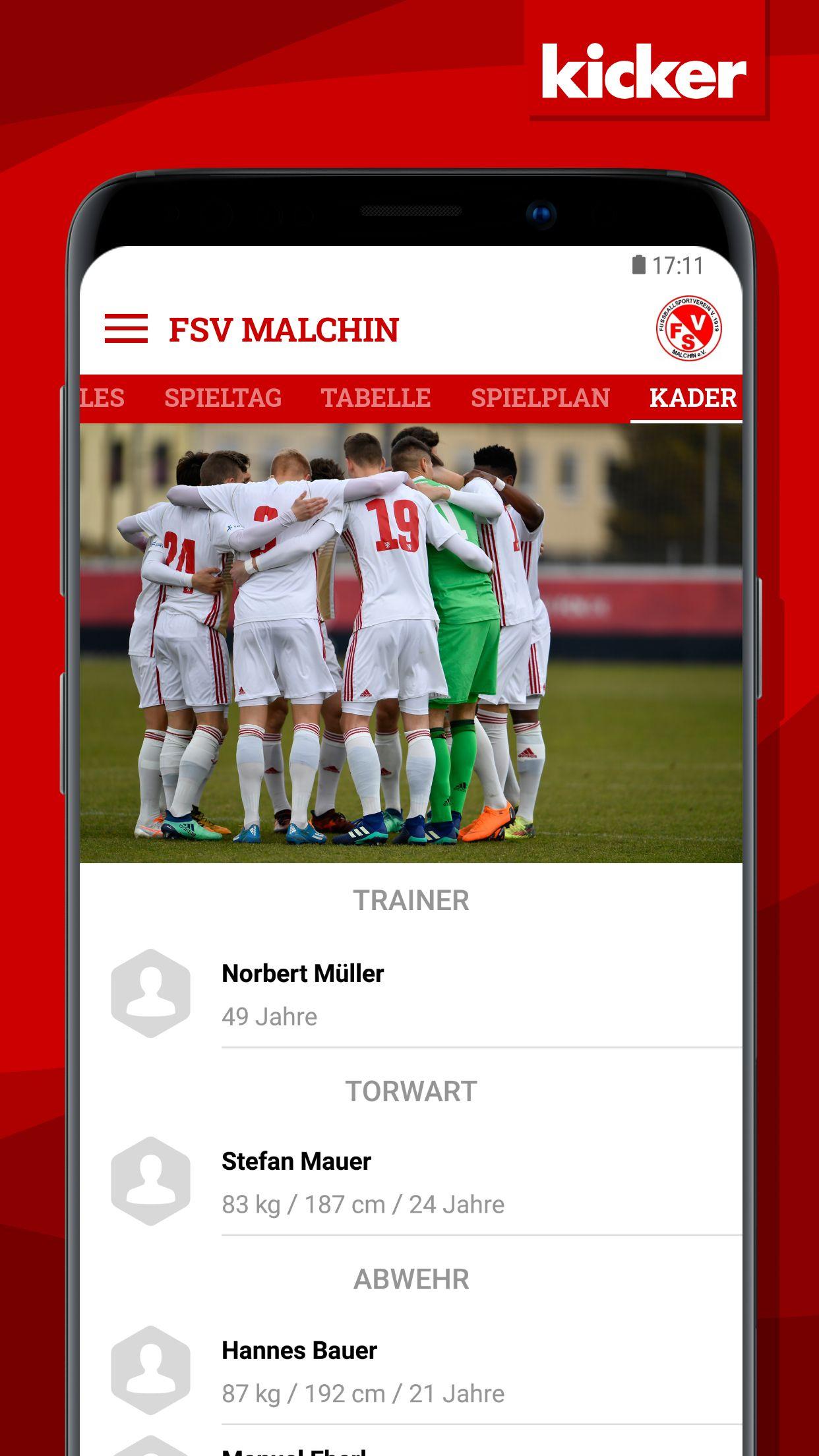
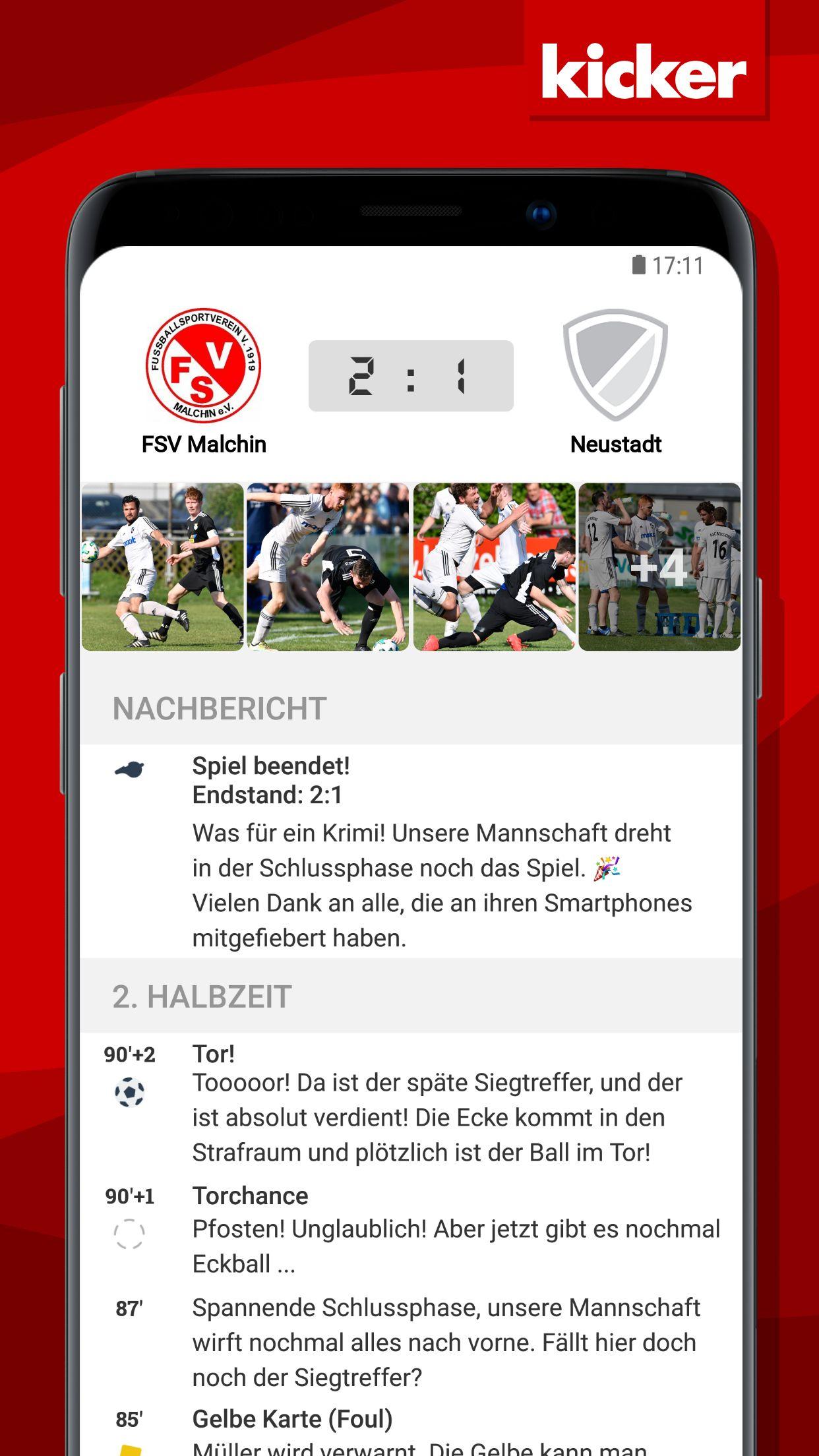
Here you get the latest news about the FSV Malchin club, fixtures and results for all teams, league statistics and all squad information.
With the integrated live ticker with push notification you always stay on the ball!
ALWAYS INFORMED
Quick access to the latest reports, dates and statistics through the scrollable news feed with integrated Facebook, Twitter and website news!
THE WHOLE CLUB
Whether men's, women's or youth teams - you can find all the teams in your club in one app
ALL GAMES AND DATES
Clear listing of the appointments of all teams
ALWAYS LIVE WITH YOU
Live ticker with all important information about the games as well as the possibility of push notification
GAME REPORTS IN THE TWICE
Create automated match reports in a few seconds with the help of the integrated text engine
ADMIN FEATURES
▪ Create your own news with text, images and videos in the news feed!
▪ Innovative live ticker with push notifications!
▪ Create automated match reports in a few seconds!
▪ Edit the squad including players, coach and team photo!
Avance
Etiquetas
deportesInformación
Desarrollador
kicker - Amateurfußball
La última versión
4.6.1
Última actualización
2022-08-08
Categoría
deportes
Disponible en
Google Play
Mostrar más
Cómo jugar FSV Malchin con GameLoop en PC
1. Descargue GameLoop desde el sitio web oficial, luego ejecute el archivo exe para instalar GameLoop.
2. Abra GameLoop y busque "FSV Malchin", busque FSV Malchin en los resultados de búsqueda y haga clic en "Instalar".
3. Disfruta jugando FSV Malchin en GameLoop.
Minimum requirements
OS
Windows 8.1 64-bit or Windows 10 64-bit
GPU
GTX 1050
CPU
i3-8300
Memory
8GB RAM
Storage
1GB available space
Recommended requirements
OS
Windows 8.1 64-bit or Windows 10 64-bit
GPU
GTX 1050
CPU
i3-9320
Memory
16GB RAM
Storage
1GB available space