
DAG BETTING – Pre-Game & Live para PC
ntagks
Descarga DAG BETTING – Pre-Game & Live en PC con GameLoop Emulator
DAG BETTING – Pre-Game & Live en PC
DAG BETTING – Pre-Game & Live, proveniente del desarrollador ntagks, se ejecuta en el sistema Android en el pasado.
Ahora, puedes jugar DAG BETTING – Pre-Game & Live en PC con GameLoop sin problemas.
Descárgalo en la biblioteca de GameLoop o en los resultados de búsqueda. No más mirar la batería o llamadas frustrantes en el momento equivocado nunca más.
Simplemente disfrute de DAG BETTING – Pre-Game & Live PC en la pantalla grande de forma gratuita!
DAG BETTING – Pre-Game & Live Introducción
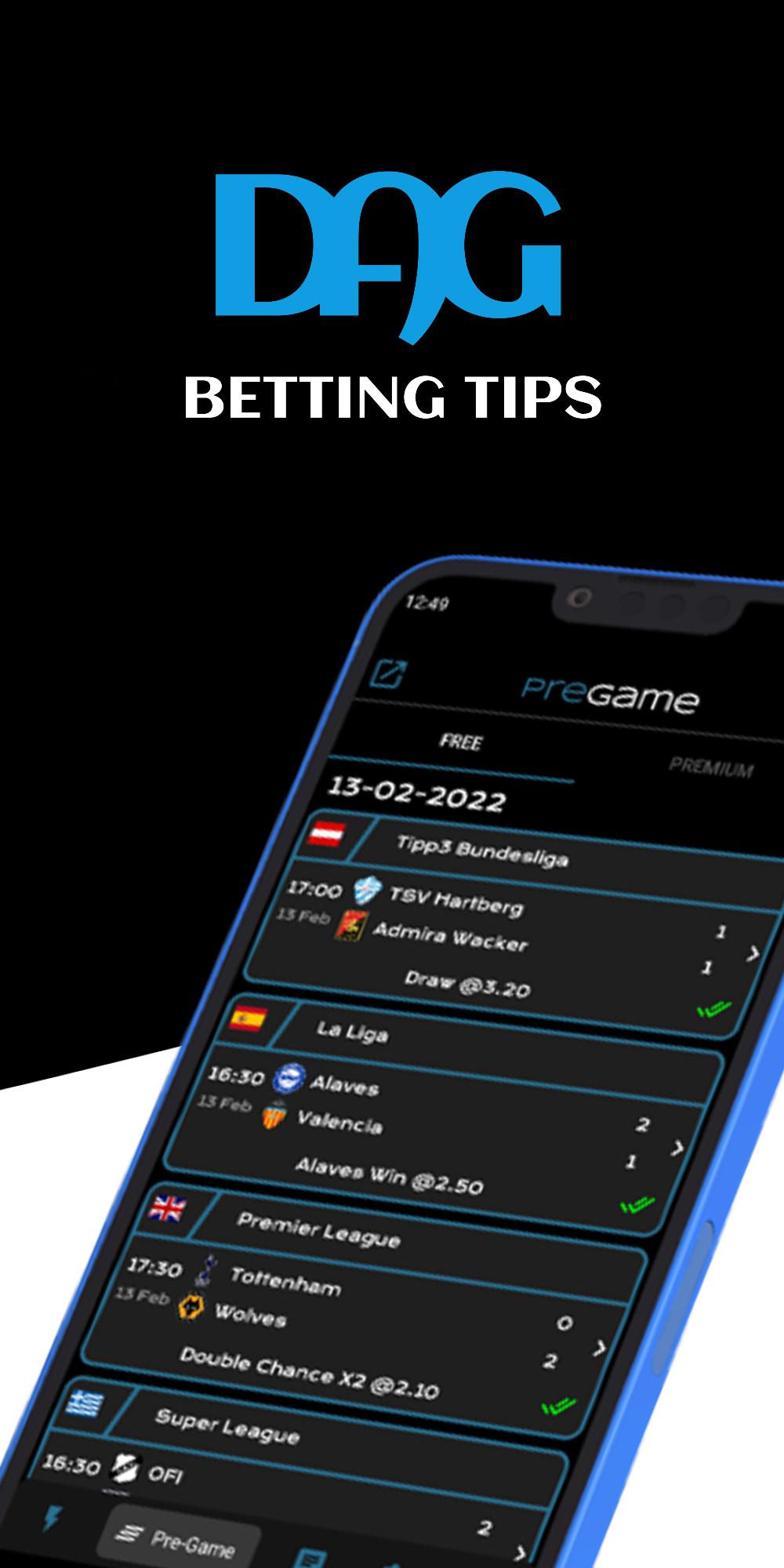
DAG BETTING – Pre-Game & Live is an application which offers daily betting suggestions.
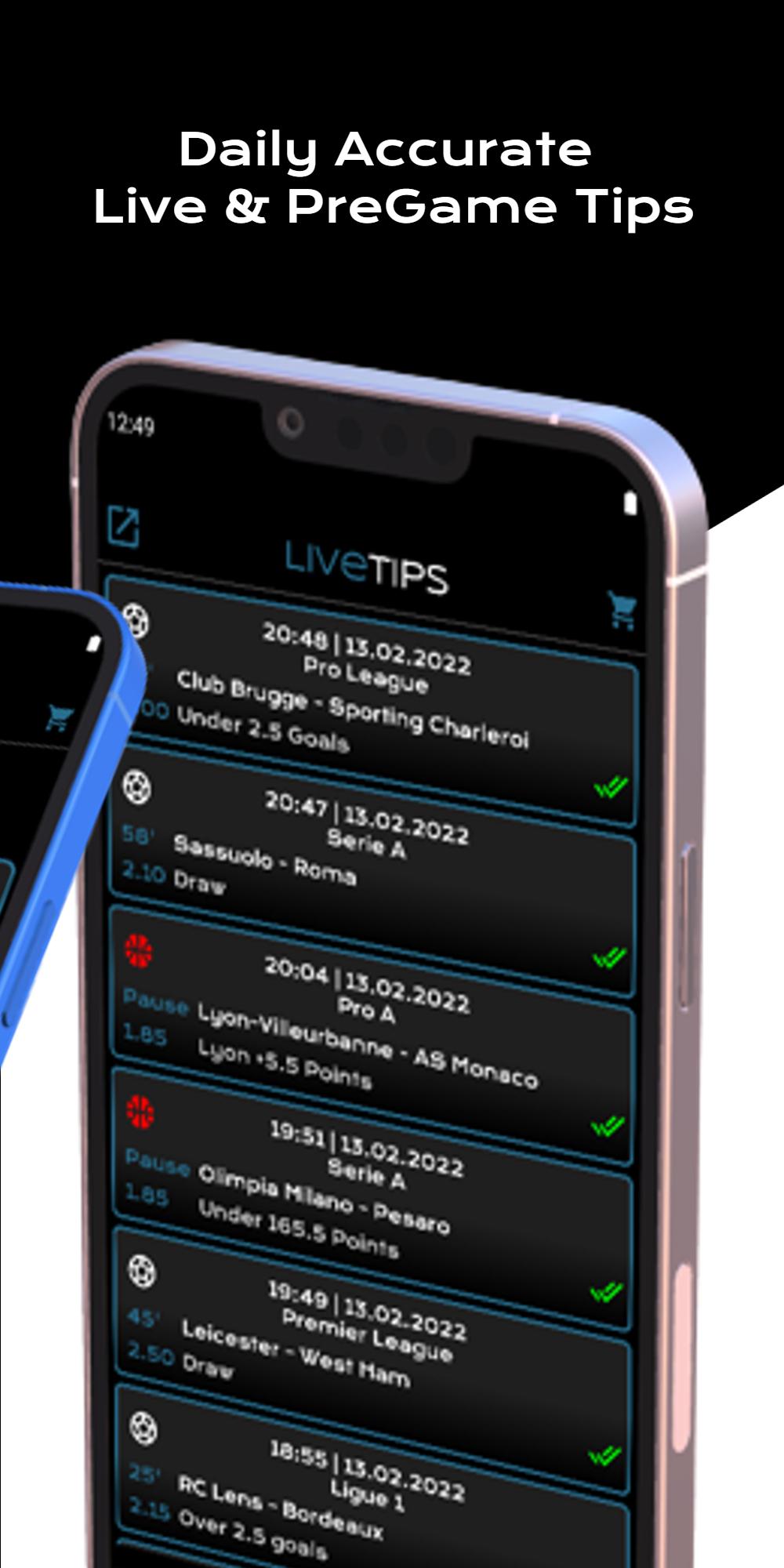
The app is composed of three sections, free pre-game section, live section & premium section.
Live & premium sections are available via subscriptions. We offer 2-10 live tips per day & 4-5 pre-game tips. The number of tips depends on the number of games taking place the specific day.
Free section offers two games per day without subscription.
• Few words about the app:
✓ Notifications when new tips are posted
✓ Immediacy
✓ Easy to use
✓ Friendly and simple user interface
✓ Automatically updates
✓ High experience
✓ Specialization on football, basketball & tennis games
✓ Forum
✓ Time zone adjustment
✓ Odds exchanger
✓ Arbitrage calculator
✓ Odds display
For any problem or comment, do not hesitate to contact us by mailing ntagkcontact@gmail.com
Avance
Etiquetas
deportesInformación
Desarrollador
ntagks
La última versión
6.6
Última actualización
2022-11-24
Categoría
deportes
Disponible en
Google Play
Mostrar más
Cómo jugar DAG BETTING – Pre-Game & Live con GameLoop en PC
1. Descargue GameLoop desde el sitio web oficial, luego ejecute el archivo exe para instalar GameLoop.
2. Abra GameLoop y busque "DAG BETTING – Pre-Game & Live", busque DAG BETTING – Pre-Game & Live en los resultados de búsqueda y haga clic en "Instalar".
3. Disfruta jugando DAG BETTING – Pre-Game & Live en GameLoop.
Minimum requirements
OS
Windows 8.1 64-bit or Windows 10 64-bit
GPU
GTX 1050
CPU
i3-8300
Memory
8GB RAM
Storage
1GB available space
Recommended requirements
OS
Windows 8.1 64-bit or Windows 10 64-bit
GPU
GTX 1050
CPU
i3-9320
Memory
16GB RAM
Storage
1GB available space