
Click to Chat para PC
Fun Bowl Apps
Descarga Click to Chat en PC con GameLoop Emulator
Click to Chat en PC
Click to Chat, proveniente del desarrollador Fun Bowl Apps, se ejecuta en el sistema Android en el pasado.
Ahora, puedes jugar Click to Chat en PC con GameLoop sin problemas.
Descárgalo en la biblioteca de GameLoop o en los resultados de búsqueda. No más mirar la batería o llamadas frustrantes en el momento equivocado nunca más.
Simplemente disfrute de Click to Chat PC en la pantalla grande de forma gratuita!
Click to Chat Introducción
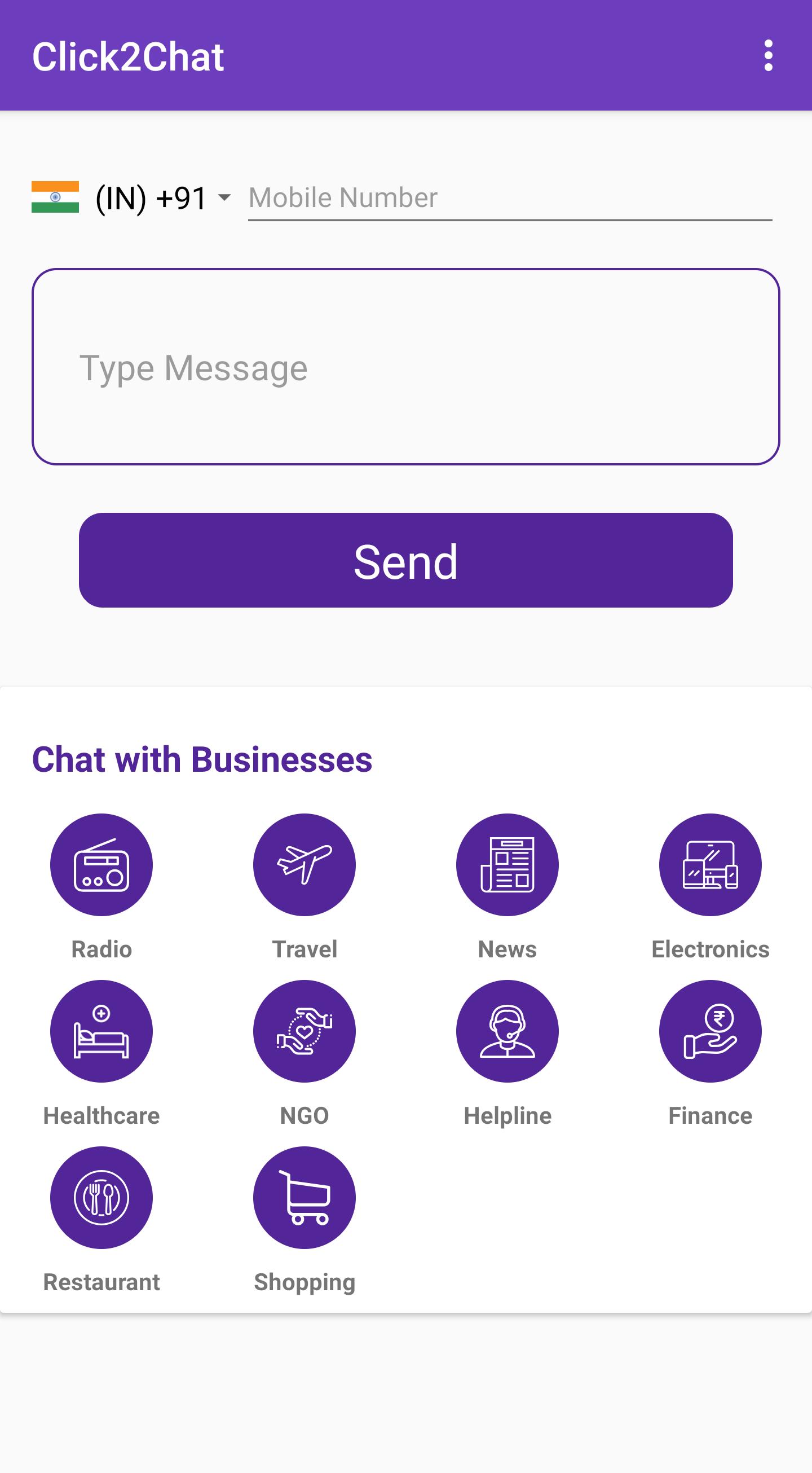
Ever been in a situation where someone called you and you wanted to contact them via WhatsApp? Or You want to send a message to someone but don’t want to save their number to your phonebook? Then Click to Chat is for you.
Click to Chat app uses WhatsApp's public api (https://faq.whatsapp.com/en/android/26000030/) to open a chat with a number without saving it your phonebook (it is NOT possible to spy other conversations).
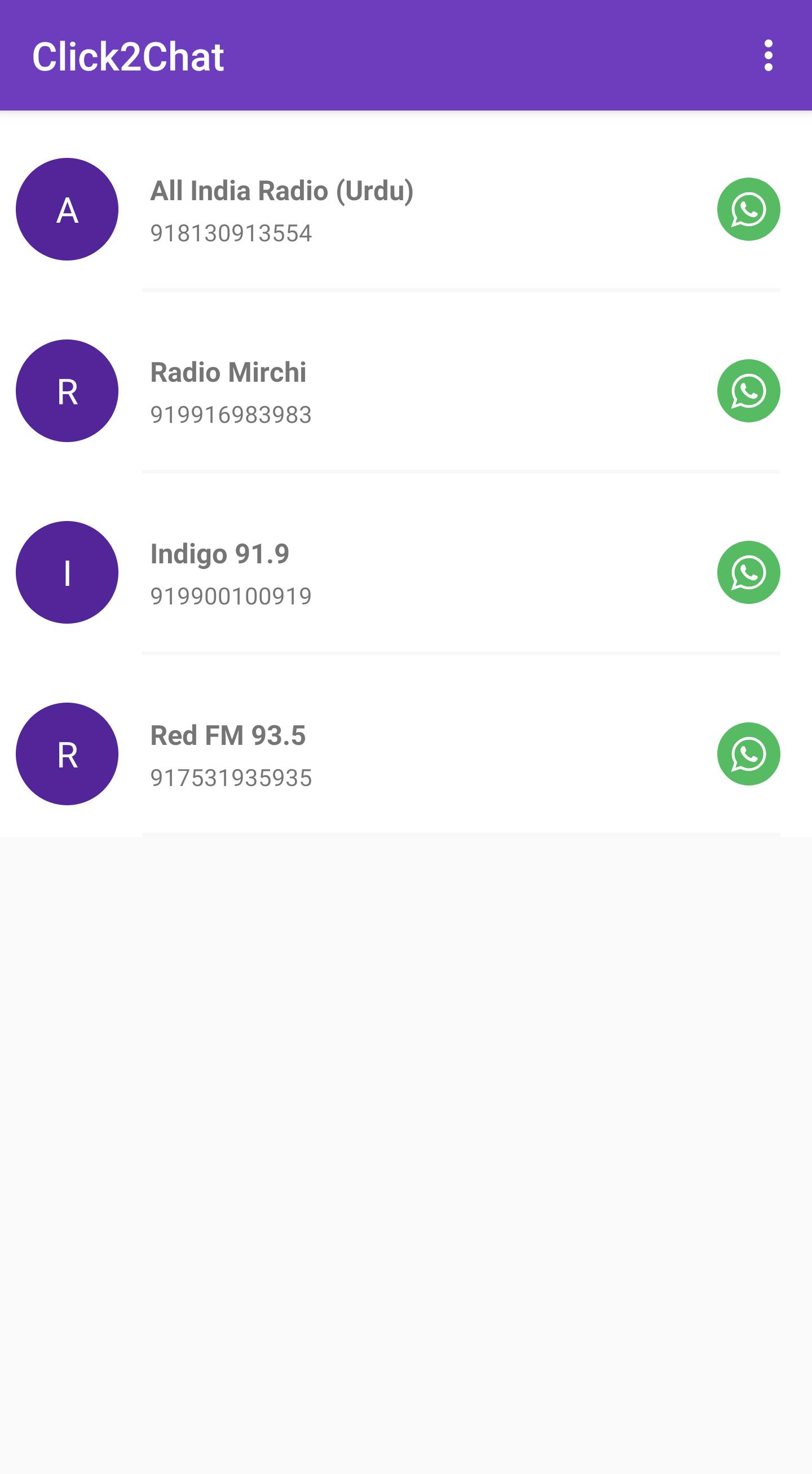
Click to Chat has a local directory of businesses which are on WhatsApp and helps the user to connect to the businesses with a single tap. The local directory includes categories such as:
Radio
Travel
News
Consumer Electronics
Healthcare
NGO
Helpline
Finance
Restaurant
Shopping
Features:
Enter a phone number without saving to Phonebook and chat directly
Type an optional message to be sent directly to the phone number
Option to change country code
A directory of local businesses on WhatsApp
Suggest Businesses on WhatsApp
Chat with yourself (A nifty WhatsApp solution to save all your notes ;)
Write to us at funbowlapps+whatsappsuggestion@gmail.com to list your business with us.
Avance
Etiquetas
SocialesInformación
Desarrollador
Fun Bowl Apps
La última versión
1.0.8
Última actualización
2022-01-21
Categoría
Sociales
Disponible en
Google Play
Mostrar más
Cómo jugar Click to Chat con GameLoop en PC
1. Descargue GameLoop desde el sitio web oficial, luego ejecute el archivo exe para instalar GameLoop.
2. Abra GameLoop y busque "Click to Chat", busque Click to Chat en los resultados de búsqueda y haga clic en "Instalar".
3. Disfruta jugando Click to Chat en GameLoop.
Minimum requirements
OS
Windows 8.1 64-bit or Windows 10 64-bit
GPU
GTX 1050
CPU
i3-8300
Memory
8GB RAM
Storage
1GB available space
Recommended requirements
OS
Windows 8.1 64-bit or Windows 10 64-bit
GPU
GTX 1050
CPU
i3-9320
Memory
16GB RAM
Storage
1GB available space