
Subway Bullet Train Simulator para PC
Million games
Descarga Subway Bullet Train Simulator en PC con GameLoop Emulator
Subway Bullet Train Simulator en PC
Subway Bullet Train Simulator, proveniente del desarrollador Million games, se ejecuta en el sistema Android en el pasado.
Ahora, puedes jugar Subway Bullet Train Simulator en PC con GameLoop sin problemas.
Descárgalo en la biblioteca de GameLoop o en los resultados de búsqueda. No más mirar la batería o llamadas frustrantes en el momento equivocado nunca más.
Simplemente disfrute de Subway Bullet Train Simulator PC en la pantalla grande de forma gratuita!
Subway Bullet Train Simulator Introducción
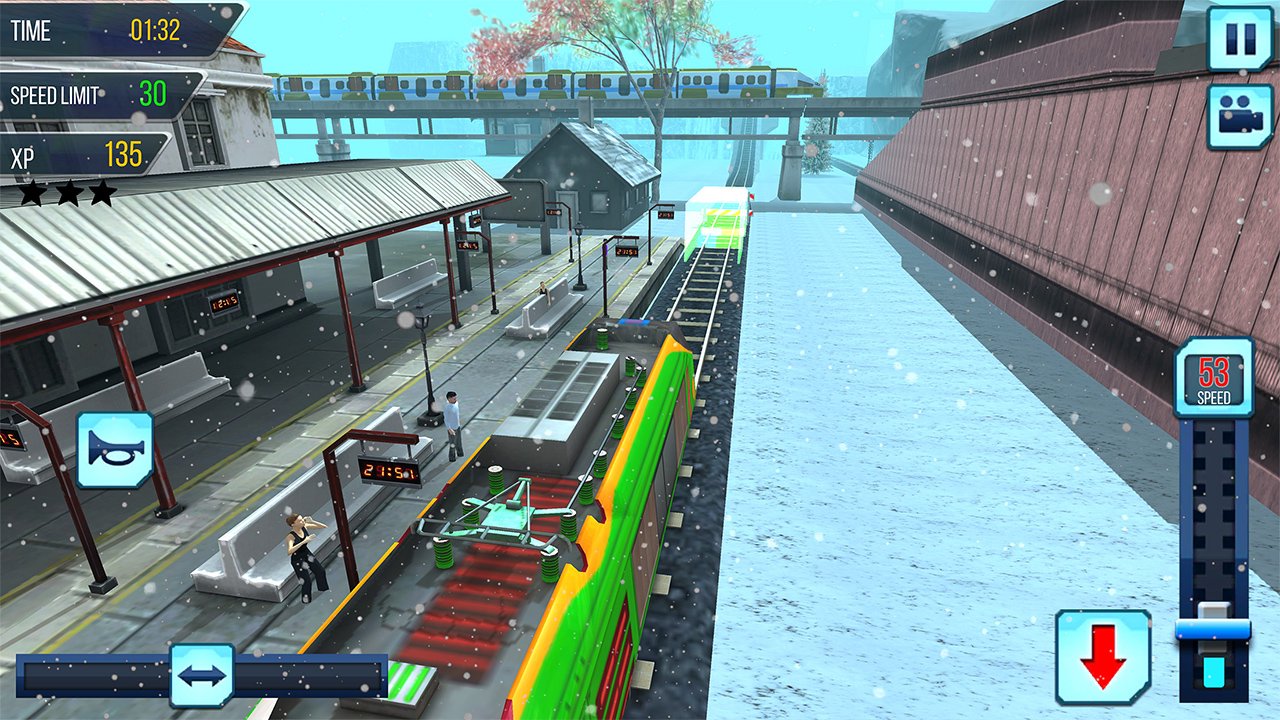
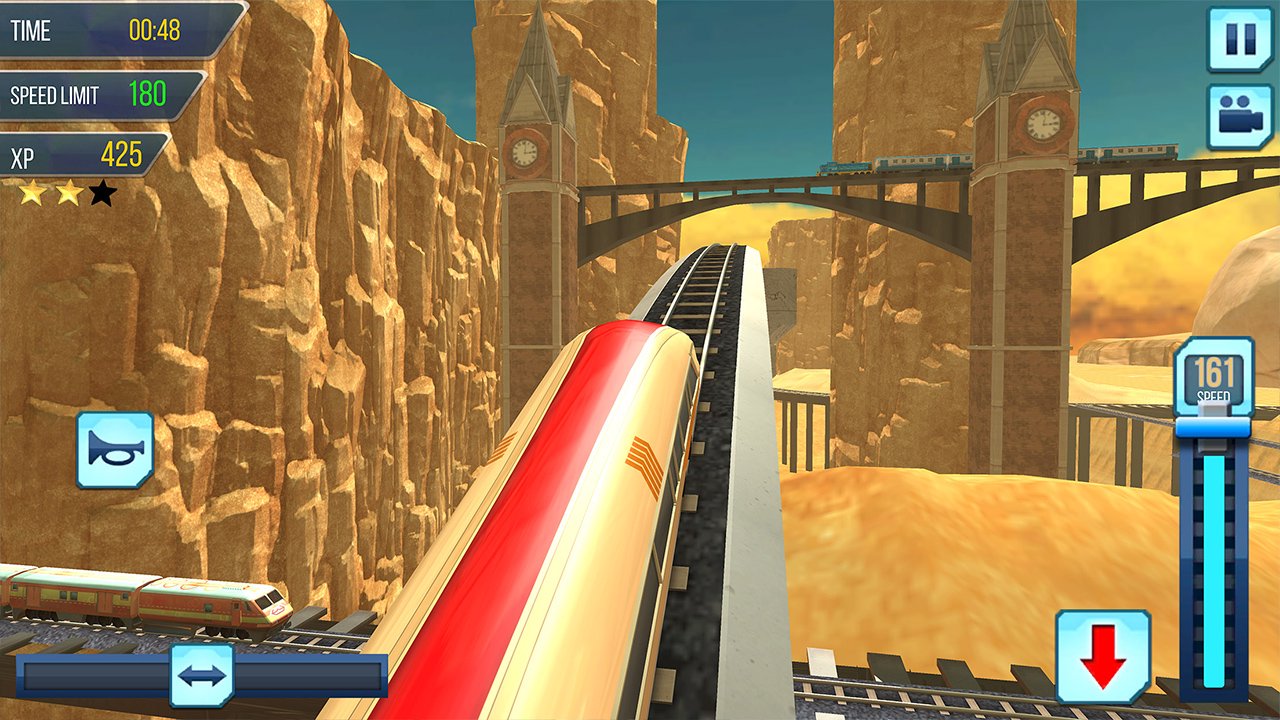
Subway Bullet Train Game is a fast-paced and exciting game where players must navigate a high-speed train through a maze of obstacles and challenges. Here are some ideas for content that could make for an engaging gameplay experience:
Multiple Levels: Subway Bullet Train Game have multiple levels that increase in difficulty as the player progresses. Each level have a different track layout, with new obstacles and challenges to overcome.
Subway Bullet Train Game feature different scenic routes, such as the Tokyo skyline or the Swiss Alps. The scenery change as the player progresses through the levels.
Subway Bullet Train Game include speed boosts that the player can pick up along the way. These boosts could increase the train's speed and make it easier to navigate through tight spaces.
Obstacles: This simulation game has various obstacles on the tracks, such as other trains, tunnels, and bridges. The player would need to navigate around these obstacles to avoid crashing and losing the game.
This simulation game help the player overcome obstacles or increase their score. For example, a shield power-up could protect the train from collisions, while a score multiplier could boost the player's points.
Time Challenges: The game could include time challenges where the player must reach a certain checkpoint within a specified time limit. These challenges could add an extra level of difficulty and excitement to the gameplay.
This simulation game given the option to customize their train's appearance, choosing from different colors and designs.
Multiplayer Mode: Subway Bullet Train Game include a multiplayer mode where players can compete against each other to see who can navigate the train the farthest or achieve the highest score.
Sound Effects and Music: Subway Bullet Train Game have immersive sound effects, such as the train's engine, screeching brakes, and rumbling tracks. The music could change depending on the level or the scenery.
This simulation game include achievements that the player can earn by reaching certain milestones or completing specific challenges. A leaderboard could show the player's score compared to other players around the world.
Avance
Etiquetas
VehículoTrenCasualUn solo jugadorEstilizadoDesconectadoInformación
Desarrollador
Million games
La última versión
1.4.0
Última actualización
2026-02-11
Categoría
Simulación
Disponible en
Google Play
Mostrar más
Cómo jugar Subway Bullet Train Simulator con GameLoop en PC
1. Descargue GameLoop desde el sitio web oficial, luego ejecute el archivo exe para instalar GameLoop.
2. Abra GameLoop y busque "Subway Bullet Train Simulator", busque Subway Bullet Train Simulator en los resultados de búsqueda y haga clic en "Instalar".
3. Disfruta jugando Subway Bullet Train Simulator en GameLoop.
Minimum requirements
OS
Windows 8.1 64-bit or Windows 10 64-bit
GPU
GTX 1050
CPU
i3-8300
Memory
8GB RAM
Storage
1GB available space
Recommended requirements
OS
Windows 8.1 64-bit or Windows 10 64-bit
GPU
GTX 1050
CPU
i3-9320
Memory
16GB RAM
Storage
1GB available space