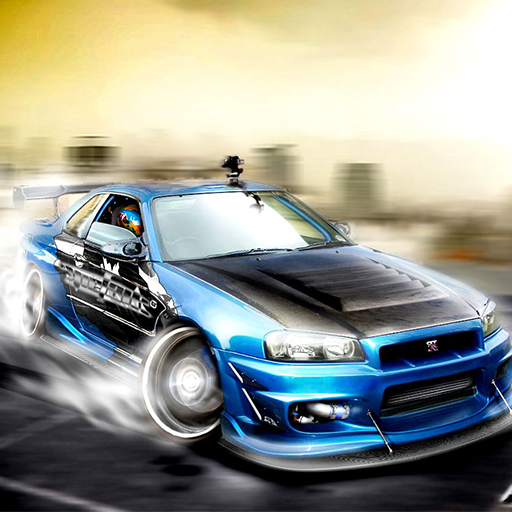
Skyline GTR-34 Drift Simulator para PC
MAYSTUDIO
Descarga Skyline GTR-34 Drift Simulator en PC con GameLoop Emulator
Skyline GTR-34 Drift Simulator en PC
Skyline GTR-34 Drift Simulator, proveniente del desarrollador MAYSTUDIO, se ejecuta en el sistema Android en el pasado.
Ahora, puedes jugar Skyline GTR-34 Drift Simulator en PC con GameLoop sin problemas.
Descárgalo en la biblioteca de GameLoop o en los resultados de búsqueda. No más mirar la batería o llamadas frustrantes en el momento equivocado nunca más.
Simplemente disfrute de Skyline GTR-34 Drift Simulator PC en la pantalla grande de forma gratuita!
Skyline GTR-34 Drift Simulator Introducción
Welcome to the ultimate drift experience with Skyline Drift Simulator 2: GTR R34 Edition! Get ready to immerse yourself in the adrenaline-pumping world of skyline drifting, where precision, control, and customization collide in a thrilling gaming experience like no other.
Get behind the wheel of iconic Nissan Skyline GTR R34 models and unleash your inner drift master as you tear through stunning cityscapes and heart-pounding tracks. With realistic physics and dynamic controls, every drift feels authentic, putting your skills to the ultimate test.
Customization is key in Skyline Drift Simulator 2: GTR R34 Edition. Earn game money by dominating the drift scene and use it to modify your vehicle to your heart's content. From sleek rims to eye-catching spoilers, exhausts that roar with power to vibrant stickers that make your ride stand out, the garage offers a plethora of options to personalize your Skyline GTR R34.
Dive into the garage and explore a wealth of customization options, including 8 different vehicle rims, 7 distinct spoilers, 5 unique exhaust systems, and an array of stickers to add your personal touch. Experiment with 9 vibrant exterior colors, adjust RGB headlight lights for the perfect glow, and even customize your license plate for that extra touch of individuality. Plus, with 9 different window tint colors, you can create a look that's as unique as you are.
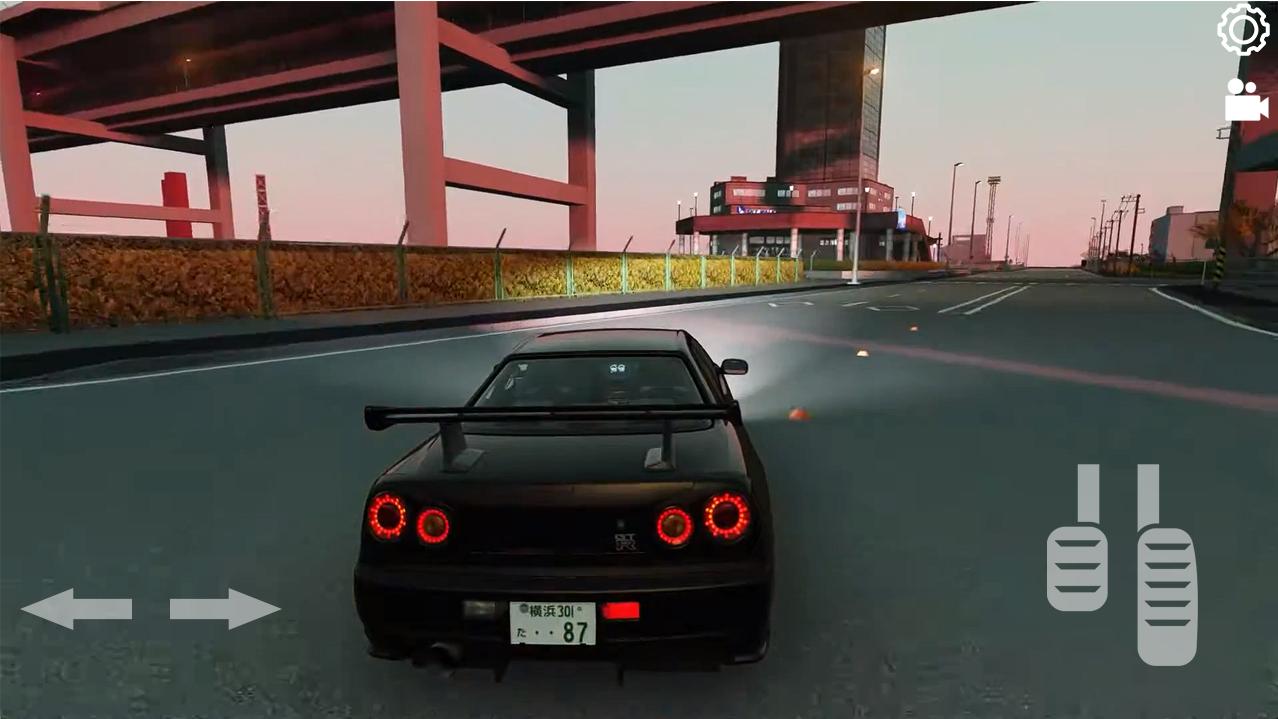
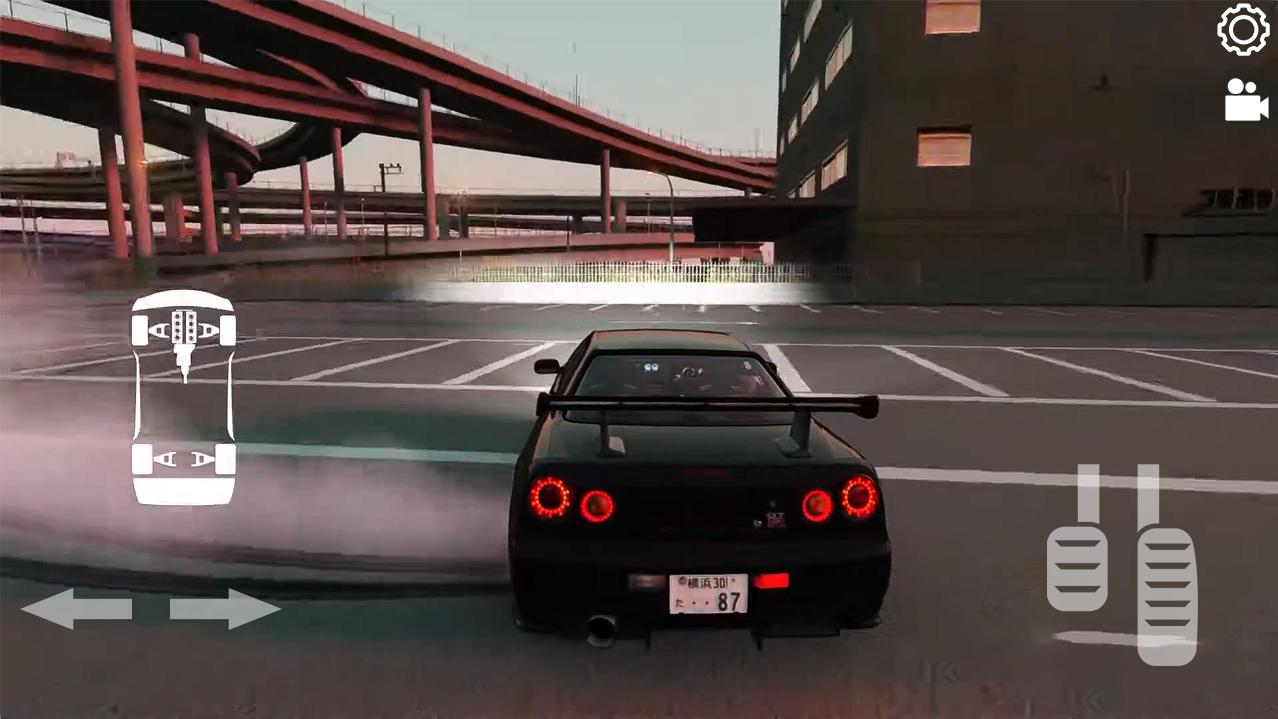
Once you've tailored your Skyline GTR R34 to perfection, hit the streets and dominate the drift scene like never before. Engage with intuitive controls, including start-up sequences, accelerator, pedal, and handbrake buttons, giving you full command over your drift machine. Choose from 3 dynamic camera views to find the perfect angle as you tear through corners and blaze down straightaways.
Keep track of your drift performance with real-time indicators, including drift earned and drift points earned displays. Pause and resume the action at any time, allowing you to take a breather or fine-tune your strategy mid-drift. When you're ready to take a break, pause the game to view your drift score, game time, and the amount of money you've earned. Then, decide whether to replay the action, continue your drift journey, or head back to the garage for some customization fun.
Skyline Drift Simulator 2: GTR R34 Edition offers an unparalleled drift experience that puts you in the driver's seat of one of the most iconic vehicles in automotive history. With stunning graphics, realistic physics, and endless customization possibilities, this is the ultimate skyline drifting adventure for enthusiasts and newcomers alike. Get ready to push the limits, perfect your skills, and become the ultimate skyline drift champion!
Optimized for low-end phones.
If you like to our game, please rate us. Have fun!
Avance
Etiquetas
SimulaciónInformación
Desarrollador
MAYSTUDIO
La última versión
0.12
Última actualización
2025-08-29
Categoría
Simulación
Disponible en
Google Play
Mostrar más
Cómo jugar Skyline GTR-34 Drift Simulator con GameLoop en PC
1. Descargue GameLoop desde el sitio web oficial, luego ejecute el archivo exe para instalar GameLoop.
2. Abra GameLoop y busque "Skyline GTR-34 Drift Simulator", busque Skyline GTR-34 Drift Simulator en los resultados de búsqueda y haga clic en "Instalar".
3. Disfruta jugando Skyline GTR-34 Drift Simulator en GameLoop.
Minimum requirements
OS
Windows 8.1 64-bit or Windows 10 64-bit
GPU
GTX 1050
CPU
i3-8300
Memory
8GB RAM
Storage
1GB available space
Recommended requirements
OS
Windows 8.1 64-bit or Windows 10 64-bit
GPU
GTX 1050
CPU
i3-9320
Memory
16GB RAM
Storage
1GB available space