MuChaos para PC
CGSX Games
Descarga MuChaos en PC con GameLoop Emulator
MuChaos en PC
MuChaos, proveniente del desarrollador CGSX Games, se ejecuta en el sistema Android en el pasado.
Ahora, puedes jugar MuChaos en PC con GameLoop sin problemas.
Descárgalo en la biblioteca de GameLoop o en los resultados de búsqueda. No más mirar la batería o llamadas frustrantes en el momento equivocado nunca más.
Simplemente disfrute de MuChaos PC en la pantalla grande de forma gratuita!
MuChaos Introducción
Hey, come with me, I want to show you the world as it was, before it was the world. A vast continent, lost in history and covered in mystery.
On this fantastic journey, become a Barbarian Warrior, Elf, Dark Sorcerer or Magic Gladiator, engage in combat or make friends with thousands of people
around the planet and dispose of a huge variety of items, armor and equipment on the way to reign supreme.
Mu Chaos is a medieval fantasy MMORPG for computers, where since 2006, with a lot of dedication and passion, we seek to offer a great experience and safe environment for you to play online.
Now, the same MuChaos is available on your cell phone, so you can continue your gameplay, however and wherever you prefer, whether on your computer or smartphone.
♦♦♦ MuChaos Mobile ♦♦♦
Our vision is to offer the same gameplay on the mobile platform as your pc, where you switch between your devices in an almost transparent way.
To that end, the entire game interface has been recreated, including new commands and fine-tuning to make your experience easier and more personalized.
♦ We include special details like: ♦
Automatic target with filters for Monsters, NPCs or Enemies (PVP).
Auto attack by skill.
Attack in fixed PK mode.
Auto collect items (with type filter).
Auto potion (with type filter).
♦ Will this version have new items or sets? ♦
No, the mobile version is integrated with our current system, everything available on android is available on pc and vice versa.
The additions on the mobile platform, are functional, and serve for a mobile player to be able to compete or cooperate with anyone on the computer on an equal footing.
In short, you can collaborate in parties, compete in duels, guild wars and events, together with your colleagues, regardless of how connected you are to Mu Chaos.
♦♦♦♦ Open Beta ♦♦♦♦
We want you to participate with us in building this new path, that's why we're opening the new mobile version in [beta testing], in order to identify points of improvement and compatibility.
Participate in the test and collaborate by submitting observations and opinions using the form ( https://forms.gle/fdfyVXwh9N4dM2mK6) .
♦ So, can I play normally? ♦
Yes, tests with our team showed it works great, open the app, log in with your new or existing account and start having fun!
♦ Events already available ♦
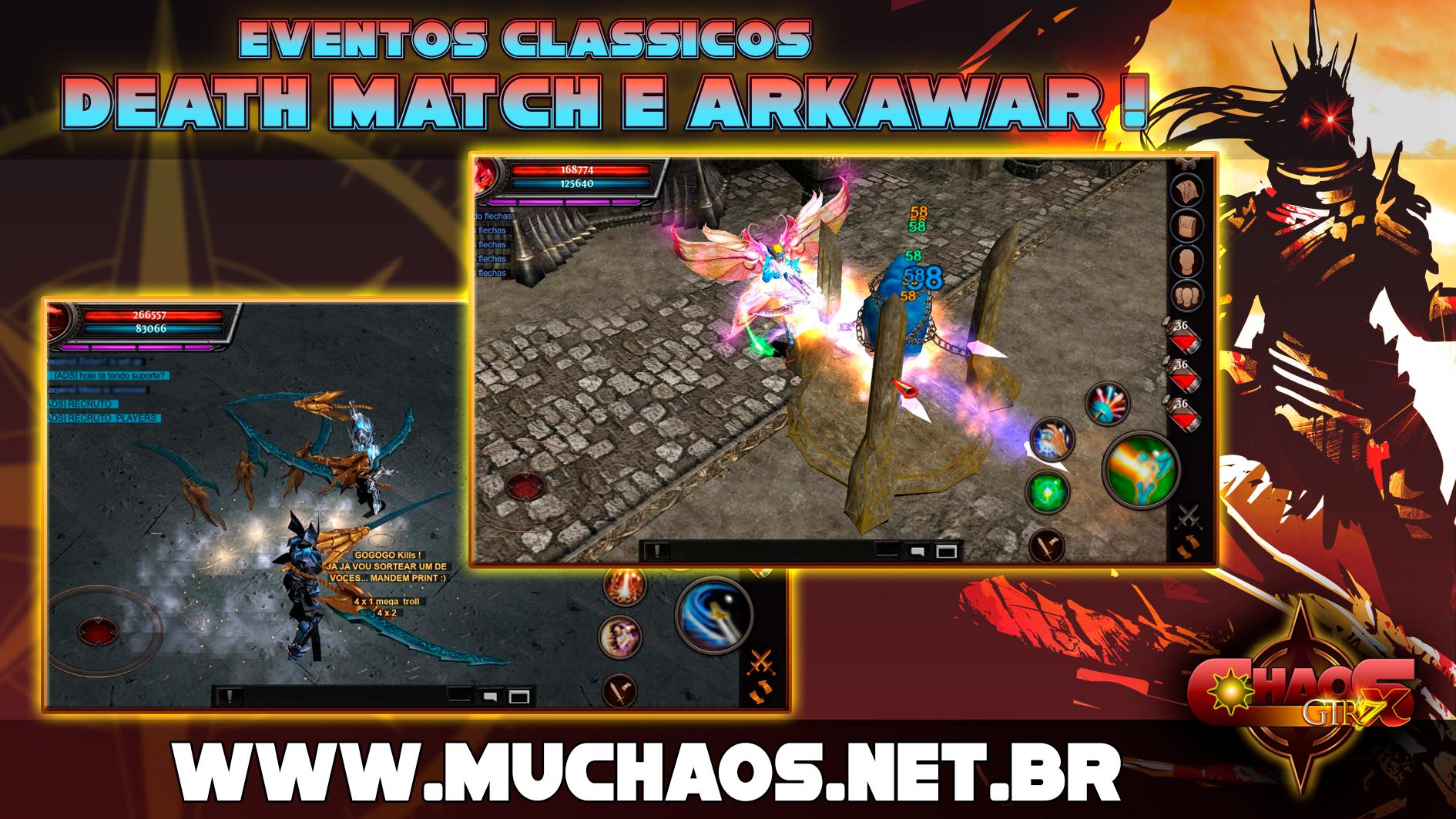
[DeathMatch]
An Exciting Battle, in free combat in a special area, the most skilled will add more points in this game!
(Events open daily 5x a day and more extras with online GM)
[ArkaWar]
The Castle Kings, Where 8 Guilds Defend Their Bases and Attack Enemies, strategy, daring and fun every Saturday!
(Every Saturday at 13 Hrs in the function room)
[SuperBoss]
A Super Giant Monster with strength of 10x Blade Knights and a super HP will challenge you in search of an excellent prize, very rare with several options!
[Classic and Free Mode]
Participate in events and duels as you see fit! In Classic mode, enjoy nostalgia and reminisce about incredible moments.
In Free mode, enjoy the power of new attributes, with a more modern style of combat.
♦♦♦♦ Requirements ♦♦♦♦
Minimums:
2GB RAM
350 MB free storage
Android 6.0
OpenGL ES 3
Recommended:
6GB RAM
1GB free storage
Android 10.0 or higher
OpenGL ES 3.1
!!!!Important!!!!!
1. This is a trial version and is still under development.
2. During the mobile beta phase, commerce and badges features were disabled.
!!!!!!!!!!!!!!!!!!!
♫♪
☼ MuChaos created by players, for those who like to play! ☼
♫♪
Avance

Etiquetas
Juegos de rolInformación
Desarrollador
CGSX Games
La última versión
35.00.12
Última actualización
2022-12-14
Categoría
Role-playing
Disponible en
Google Play
Mostrar más
Cómo jugar MuChaos con GameLoop en PC
1. Descargue GameLoop desde el sitio web oficial, luego ejecute el archivo exe para instalar GameLoop.
2. Abra GameLoop y busque "MuChaos", busque MuChaos en los resultados de búsqueda y haga clic en "Instalar".
3. Disfruta jugando MuChaos en GameLoop.
Minimum requirements
OS
Windows 8.1 64-bit or Windows 10 64-bit
GPU
GTX 1050
CPU
i3-8300
Memory
8GB RAM
Storage
1GB available space
Recommended requirements
OS
Windows 8.1 64-bit or Windows 10 64-bit
GPU
GTX 1050
CPU
i3-9320
Memory
16GB RAM
Storage
1GB available space