Sudoku - Classic Sudoku Puzzle para PC
1C Mobile Ltd
Descarga Sudoku - Classic Sudoku Puzzle en PC con GameLoop Emulator
Sudoku - Classic Sudoku Puzzle en PC
Sudoku - Classic Sudoku Puzzle, proveniente del desarrollador 1C Mobile Ltd, se ejecuta en el sistema Android en el pasado.
Ahora, puedes jugar Sudoku - Classic Sudoku Puzzle en PC con GameLoop sin problemas.
Descárgalo en la biblioteca de GameLoop o en los resultados de búsqueda. No más mirar la batería o llamadas frustrantes en el momento equivocado nunca más.
Simplemente disfrute de Sudoku - Classic Sudoku Puzzle PC en la pantalla grande de forma gratuita!
Sudoku - Classic Sudoku Puzzle Introducción
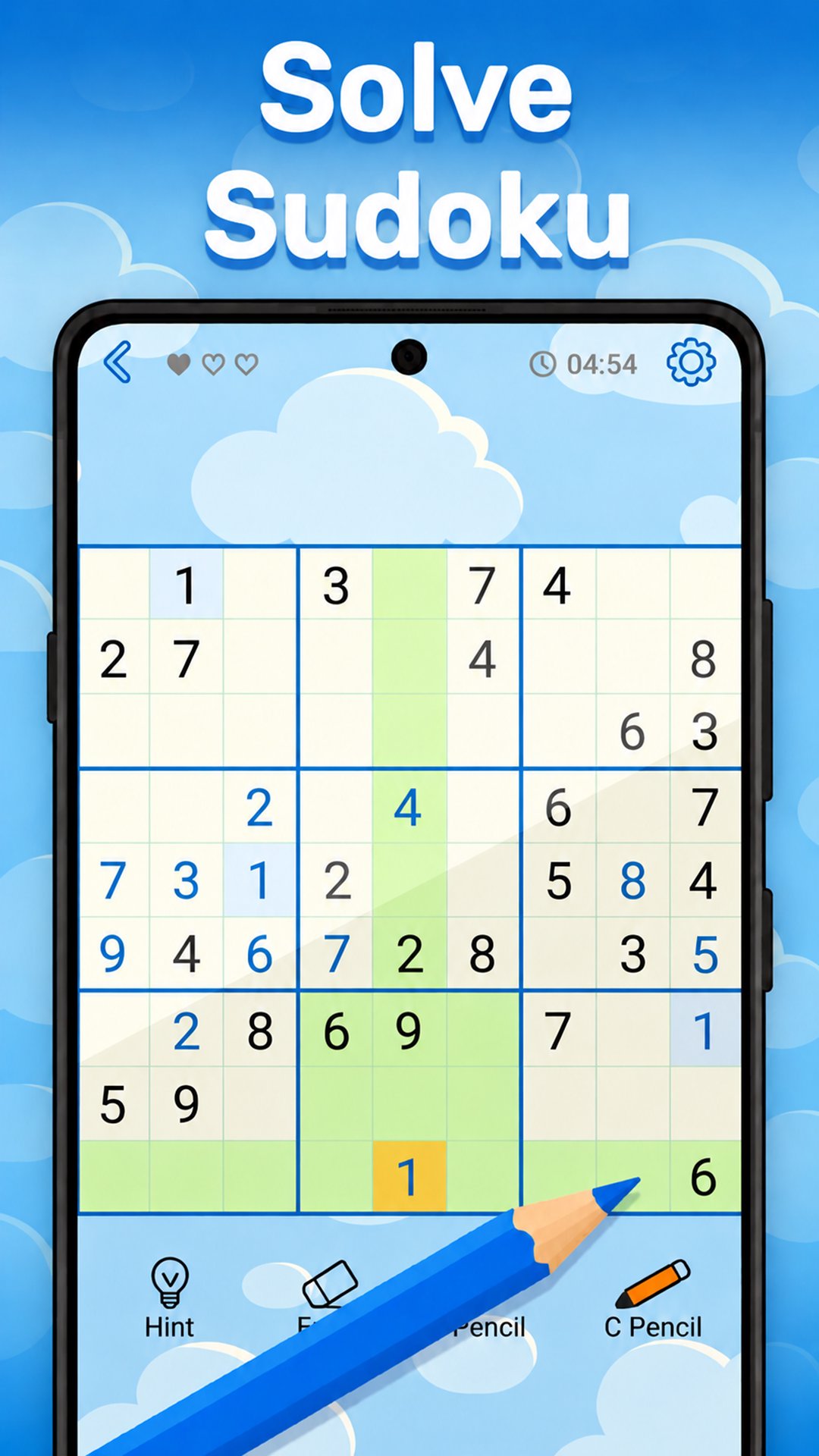
Take a break and play Classic Sudoku free games. Solve thousands of daily puzzles for all skills levels. Play easy Sudoku games or challenge yourself with hard levels designed for experts.
Immerse yourself in the world of Classic Sudoku, available offline. Sit back, relax, and train your brain with a daily puzzle for just 10 minutes per day. This puzzle is a great brain training exercise! Solve free Sudoku offline anytime, anywhere to improve memory and logical thinking. Install puzzles for free and start now!
Whether you're a beginner or expert, our free Sudoku is designed for all skill levels. Start with easy levels, improve your cognitive skills, then challenge yourself with hard levels and compete with players worldwide to become a Sudoku master.
Play free puzzles designed for solving games enthusiasts. Our classic game features brain training puzzles for beginners and senior players. Play at your own pace, complete daily puzzles or explore seasonal adventures. Feeling inspired? Create your own puzzle with the Level Creator, and become a true Sudoku solver!
New to Sudoku? No problem! Our tutorial and beginner-friendly levels make this classic Sudoku game easy to learn and master. Enjoy uninterrupted play with this Sudoku free no ads experience!
Sudoku classic rules are simple: fill the 9×9 grid so each number appears only once in every row, column, and block. Keep solving Sudoku puzzles to sharpen your mind with brain exercises. Refresh your mind with new challenges and boost your cognitive abilities like mental games do! Play free Sudoku puzzle every day with renewed energy and focus.
🧠 KEY FEATURES:
✓ Over 10,000 Sudoku offline puzzles
✓ Easy, Medium, Hard, and Expert levels to become a true Sudoku master
✓ Daily puzzles with trophies
✓ Compete online with Sudoku players worldwide on leaderboards
✓ No Wi Fi? Play Sudoku offline puzzle without internet
✓ Create your own Sudoku puzzle with the Level Creator
✓ Tutorial for beginners new to Sudoku
✓ Seasonal challenges with special rewards
✓ Use undos for quick fixes
✓ Helpful hints for smoother Sudoku solving experience
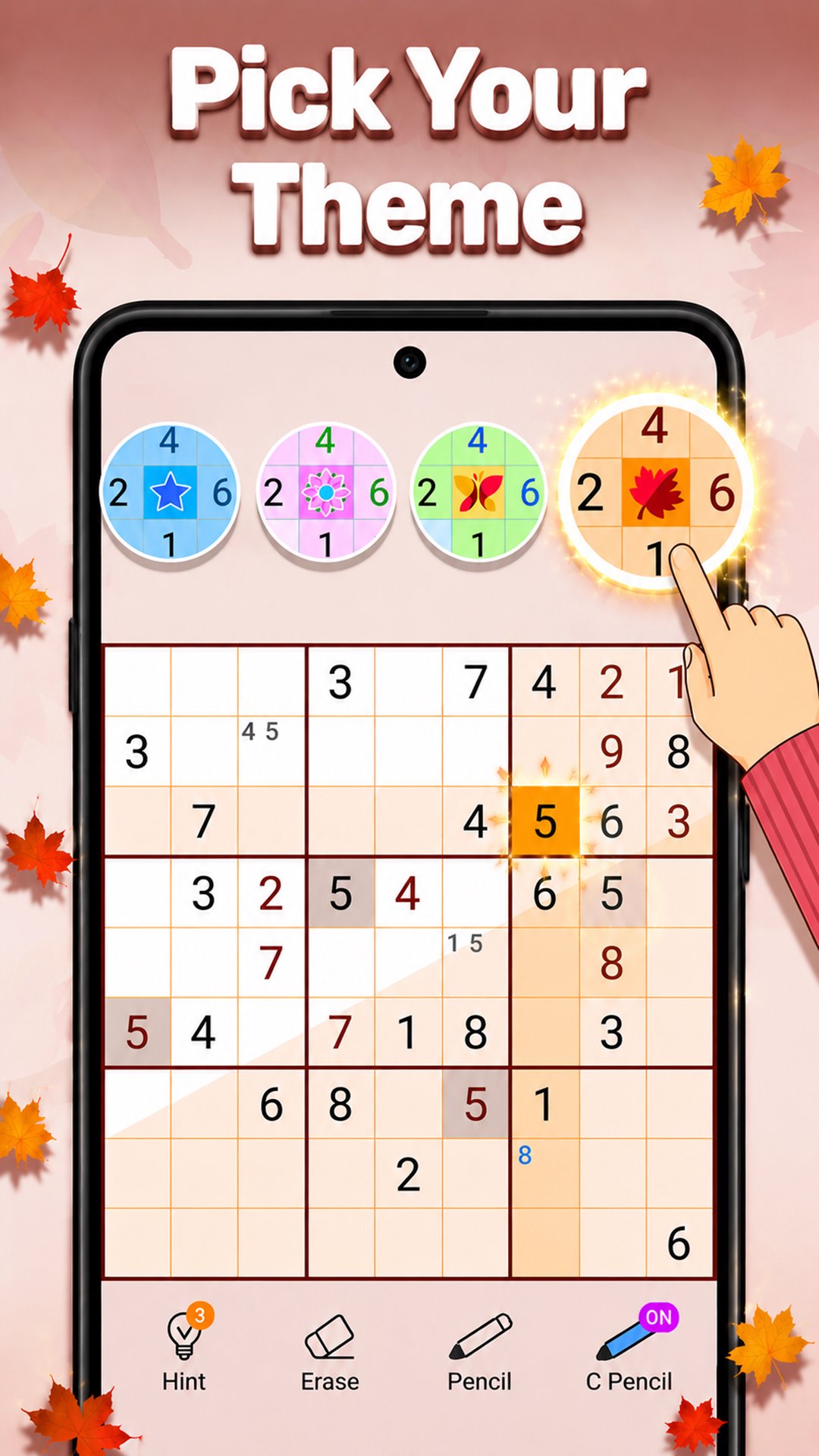
✓ Tips, notes, eraser, highlights, delete function, and other useful tools to play Sudoku on mobile or tablet like with pencil and paper!
Sudoku game is often searched under misspellings like Soduko or Suduko. So, if you misspell the name, you’ll still find our game!
Solve Sudoku daily to train your brain with everyday challenges designed for solving games experts. Relax, stay mentally active, and enjoy the rewarding feeling of solving every puzzle one number at a time. Install now and play Sudoku free puzzles offline or challenge another player in an online game!
Avance
Etiquetas
LógicaCasualUn solo jugadorResumenDesconectadoSudokumultijugadormultijugador competitivoInformación
Desarrollador
1C Mobile Ltd
La última versión
1.86
Última actualización
2026-07-24
Categoría
Rompecabezas
Disponible en
Google Play
Mostrar más
Cómo jugar Sudoku - Classic Sudoku Puzzle con GameLoop en PC
1. Descargue GameLoop desde el sitio web oficial, luego ejecute el archivo exe para instalar GameLoop.
2. Abra GameLoop y busque "Sudoku - Classic Sudoku Puzzle", busque Sudoku - Classic Sudoku Puzzle en los resultados de búsqueda y haga clic en "Instalar".
3. Disfruta jugando Sudoku - Classic Sudoku Puzzle en GameLoop.
Minimum requirements
OS
Windows 8.1 64-bit or Windows 10 64-bit
GPU
GTX 1050
CPU
i3-8300
Memory
8GB RAM
Storage
1GB available space
Recommended requirements
OS
Windows 8.1 64-bit or Windows 10 64-bit
GPU
GTX 1050
CPU
i3-9320
Memory
16GB RAM
Storage
1GB available space