
Video Downloader & Save Video para PC
Markhoor Studio
Descarga Video Downloader & Save Video en PC con GameLoop Emulator
Video Downloader & Save Video en PC
Video Downloader & Save Video, proveniente del desarrollador Markhoor Studio, se ejecuta en el sistema Android en el pasado.
Ahora, puedes jugar Video Downloader & Save Video en PC con GameLoop sin problemas.
Descárgalo en la biblioteca de GameLoop o en los resultados de búsqueda. No más mirar la batería o llamadas frustrantes en el momento equivocado nunca más.
Simplemente disfrute de Video Downloader & Save Video PC en la pantalla grande de forma gratuita!
Video Downloader & Save Video Introducción
Tired of finding a reliable and efficient Video Downloader? Don't go anywhere, Video Downloader & Save Video is your solution to download videos.
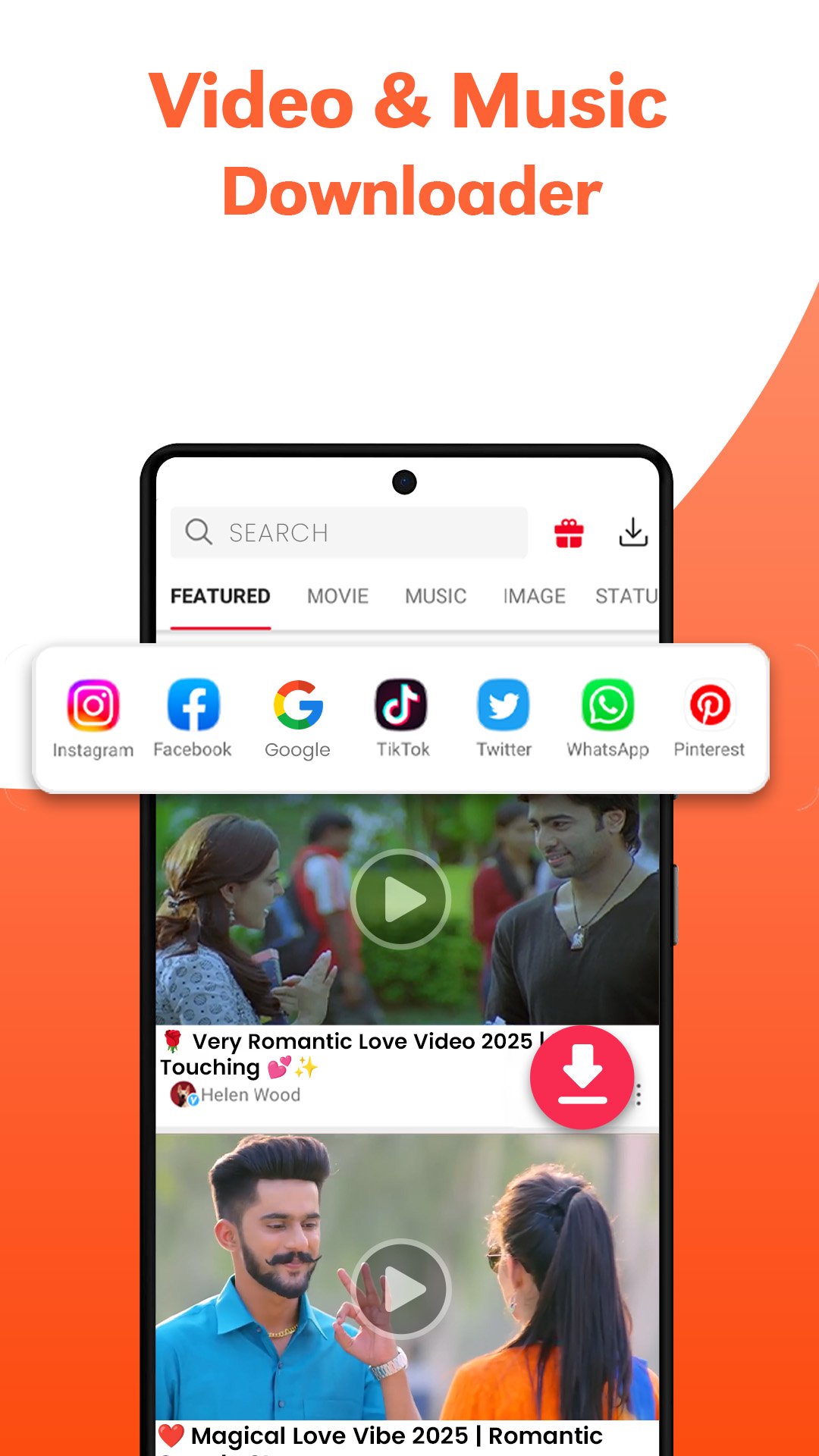
Download Videos in all formats on your any device through this Video Saver app. After detecting the link of the video, you can save Video with one click on the download button. You can pause & resume, download in the background, and play videos in this All Video Downloader app.
Simple HD video saver for your favorite reels and stories on your phone. Easily download videos from this fast private videos downloader, which is a perfect tool to save videos & trending clips for you.
Video Saver can download multiple videos in the background at the same time, with auto-detection of any video link. Enjoy the video download manager for your saved videos from this online video downloader, which protects your private videos. This videodownloader downloads hot & online videos in the background from any site, and also resumes the failed downloads due to internet disconnection.
🎬 Download Movies and Video Clips
A movie downloader that downloads your favourite movie clips and videos without any interruption during downloading. Enjoy this video downloader and player on your different devices for audio & video formats
📺Different Resolution of Videos
HD Downloader supports fast and stable playback of 4K/UHD videos. All download formats are supported, like MP3, M4a, MP4, m4v, 3GP, FLV, F4V, WEBM,etc. Preview all the videos first, fast download, and play them offline after downloading them from the free video downloader.
📥All Video Downloader Browser
Downloads the video clips very proficiently with auto-detect link to video in an easy way through the video downloader & save video. For HD video download from the internet, use this video saver app to save videos and images.
💥 Main Features of Downloader Video
✶ Auto-detect all local videos
✶ Download Multiple files in the background
✶ Large and HD video download are supported
✶ Browse & Play videos offline with the built-in player
✶ Save your downloaded files in a password-protected folder of the URL downloader
✶ Download videos from your favorite bookmark websites
✶ Unlimited downloads of files
✶ Story saver and download reels
Let’s try this perfect HD downloader to save all types of videos. Enjoy the video download manager to pause, resume, and remove downloads from your protected folder of the video save app.
Download Video Downloader & Save Video now, to enjoy the non-stop video downloading experience with just one click.
🚨Attention:
This video download app is not a YouTube downloader due to the policies of YouTube, so enjoy all other sites for downloading. Use this downloader ethically and legally to avoid any inconvenience or violations of intellectual property rights.
Your advice & feedback are important for us, so feel free to give your precious feedback on ksk960793@gmail.com
Avance

Etiquetas
ProductividadInformación
Desarrollador
Markhoor Studio
La última versión
1.1.15
Última actualización
2025-11-20
Categoría
Productividad
Disponible en
Google Play
Mostrar más
Cómo jugar Video Downloader & Save Video con GameLoop en PC
1. Descargue GameLoop desde el sitio web oficial, luego ejecute el archivo exe para instalar GameLoop.
2. Abra GameLoop y busque "Video Downloader & Save Video", busque Video Downloader & Save Video en los resultados de búsqueda y haga clic en "Instalar".
3. Disfruta jugando Video Downloader & Save Video en GameLoop.
Minimum requirements
OS
Windows 8.1 64-bit or Windows 10 64-bit
GPU
GTX 1050
CPU
i3-8300
Memory
8GB RAM
Storage
1GB available space
Recommended requirements
OS
Windows 8.1 64-bit or Windows 10 64-bit
GPU
GTX 1050
CPU
i3-9320
Memory
16GB RAM
Storage
1GB available space