Timesheet - work time tracker para PC
LlamaLab
Descarga Timesheet - work time tracker en PC con GameLoop Emulator
Timesheet - work time tracker en PC
Timesheet - work time tracker, proveniente del desarrollador LlamaLab, se ejecuta en el sistema Android en el pasado.
Ahora, puedes jugar Timesheet - work time tracker en PC con GameLoop sin problemas.
Descárgalo en la biblioteca de GameLoop o en los resultados de búsqueda. No más mirar la batería o llamadas frustrantes en el momento equivocado nunca más.
Simplemente disfrute de Timesheet - work time tracker PC en la pantalla grande de forma gratuita!
Timesheet - work time tracker Introducción
Timesheet is a time tracker that makes it easy to record your work hours. Calculate your income as an employee or the amount to bill customer if you’re self employed, a freelance, lawyer, consultant or contractor. Handle different hourly rates (overtime) and expenses such as mileage with ease. Send expense and time reports as Excel, PDF or QuickBooks files.
Timesheet has no separate Pro version, buy Premium in Settings.
Time tracking
• Add, edit or remove past entries.
• Multitasking, parallel tasks active simultaneously.
• Breaks registered separate, paid or unpaid.
• Overtime calculation.
• Voice commands, control the app with the phone still in your pocket. Only English, German and Swedish. (Premium)
• Automated punch in/out using GPS position, WiFi network, QR code or NFC tag.
• Timeclock style lock and home screen widgets.
• Import customer phone calls as tasks.
• Import calendar events as tasks.
• Manual and automatic export of tasks to calendar.
• Use tags for work classification.
• Document with notes, photos and maps.
• Weekly calendar view with work history.
• Export IIF timesheets that can be imported into QuickBooks. (premium)
Project management
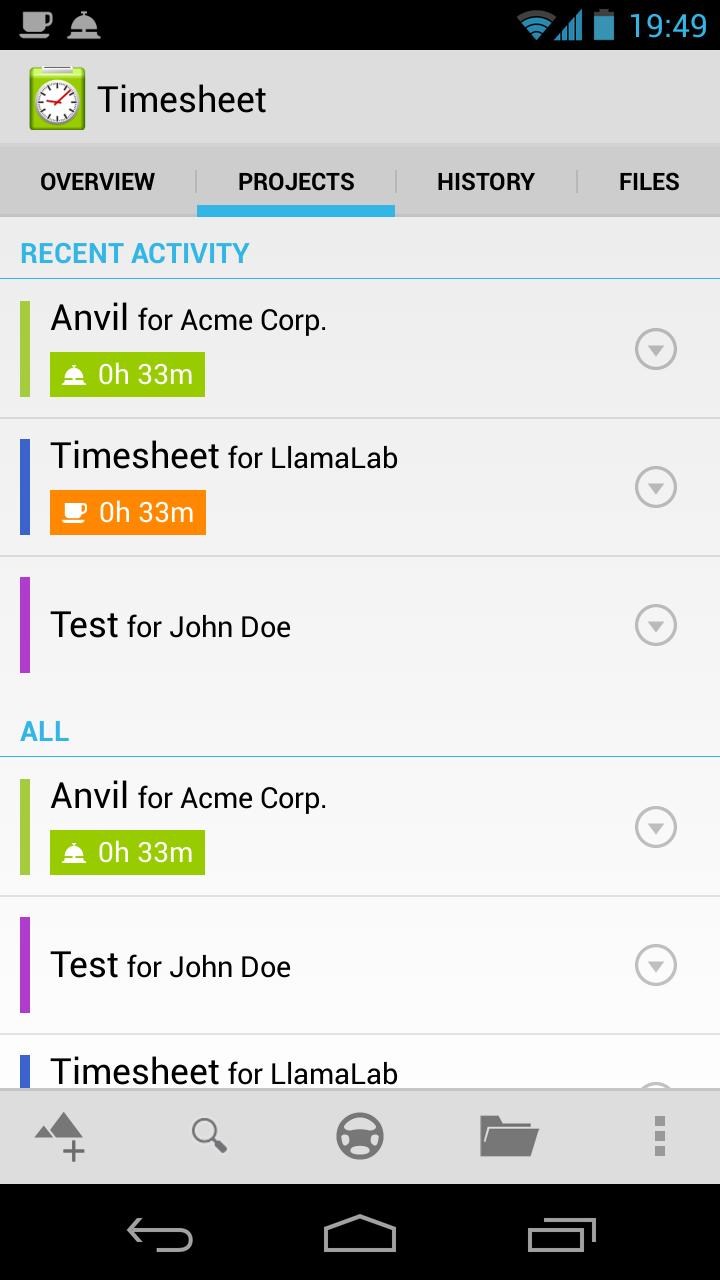
• Handle multiple jobs, clients.
• Choose clients from contacts.
• Base salary/income per hour.
• Per project hourly rates for overtime etc.
Expense manager
• Register date, note, quantity, unit and price.
• Predefined unit price list.
• Automatic mileage calculation using GPS with Google Earth™ (KML) map route/track export.
Statistics
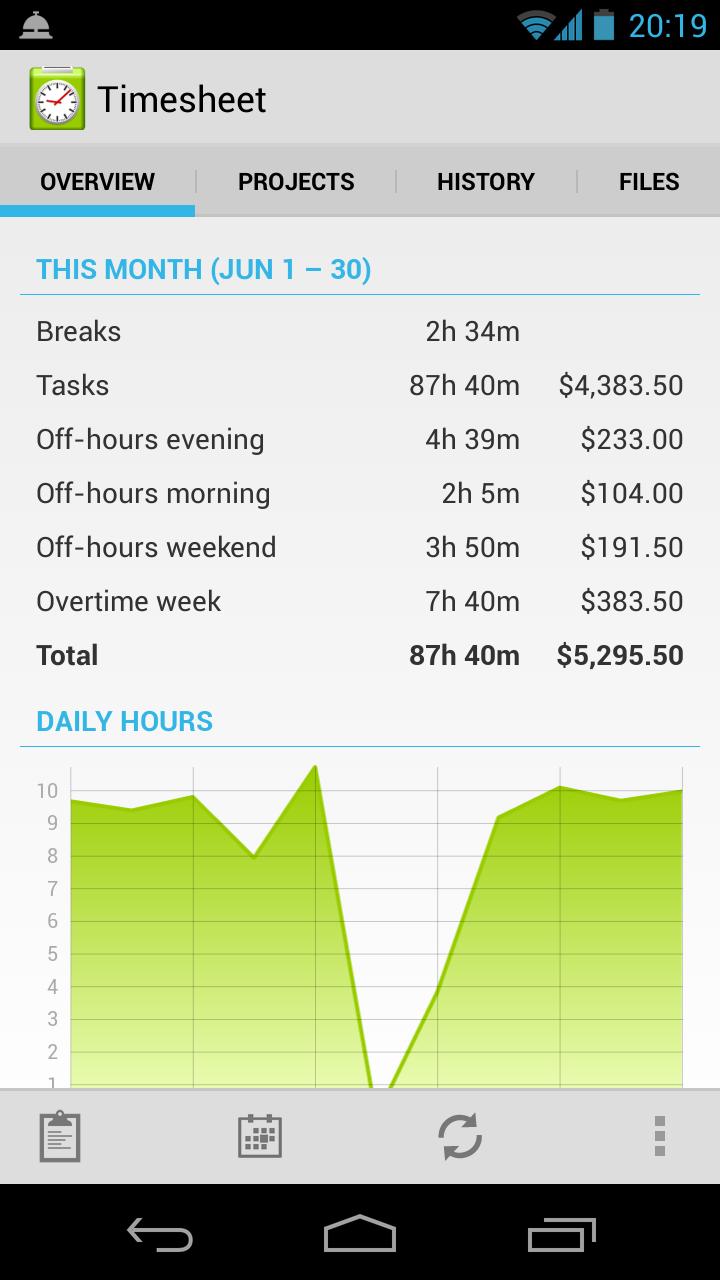
• Time and income/earnings from tasks, overtime and expenses.
• Overall or per project.
• Daily, weekly, biweekly, monthly, yearly or custom fixed/rolling period.
• Graphical chart with daily/weekly hours.
Reporting
• Powerful time/payroll and expense report customization (layout) options.
• Save frequently used customization options as presets.
• Create PDFs, printable invoices and timesheets. Only latin chatsets. (premium)
• Itemized or aggregated (summary) reports.
• Sales tax (VAT/GST) or income tax.
• Daily, weekly, biweekly, monthly, yearly or custom fixed/rolling period.
• File formats: QuickBooks (IIF), Microsoft Excel (XLS), PDF, CSV, HTML and XML.
• Send as e-mail attachment or to FTP server, Google Drive™, Dropbox, etc.
Settings
• Very flexible hourly rate options for overtime, off-hours, weekends, holidays, tagged, etc.
• Expense price list with import/export as CSV, XLS and XML.
• Manual and automatic backup to SD-card, FTP server, Google Drive™, Dropbox, etc.
• Custom tags.
• Round times to 3, 5, 6, 10, 15, 30 or 60 minutes.
• Show ongoing tasks as status bar notifications.
• Internationalization: currency, first day of week, distance (mile/km), paper & envelope size.
• Configurable interface: dialogs, editors, lists, duration format, etc.
Embedded tools
• Google Earth™ (KML) map editor
• FTP client (extension)
• Excel spreadsheet viewer
• Image viewer
• Text editor
Read the documentation, also found in the app Help menu:
http://llamalab.com/timesheet/doc/
Available languages (thanks to)
• English
• Brazilian Portuguese (Renan Esposte)
• German (Bernhard Gatzhammer)
• Swedish
Feedback
For support or general discussion:
https://groups.google.com/d/forum/timesheet-user/
Report problems or feature requests using the issue tracker or visit:
https://llamalab.com/timesheet/issues/
Join the Beta:
https://plus.google.com/communities/111473905890421661139/
Follow us on Google+:
https://plus.google.com/110165001747691845730/
Use time sheet (zeiterfassung) as a simple timeclock, work clock (punch clock, punch card, time card), timekeeper, worksheet, work schedule recorder or a complete solution for worktime tracking (time tracker), time keeping and time recording for payroll management.
Avance
Información
Desarrollador
LlamaLab
La última versión
1.2.11
Última actualización
2014-08-18
Categoría
Productividad
Disponible en
Google Play
Mostrar más
Cómo jugar Timesheet - work time tracker con GameLoop en PC
1. Descargue GameLoop desde el sitio web oficial, luego ejecute el archivo exe para instalar GameLoop.
2. Abra GameLoop y busque "Timesheet - work time tracker", busque Timesheet - work time tracker en los resultados de búsqueda y haga clic en "Instalar".
3. Disfruta jugando Timesheet - work time tracker en GameLoop.
Minimum requirements
OS
Windows 8.1 64-bit or Windows 10 64-bit
GPU
GTX 1050
CPU
i3-8300
Memory
8GB RAM
Storage
1GB available space
Recommended requirements
OS
Windows 8.1 64-bit or Windows 10 64-bit
GPU
GTX 1050
CPU
i3-9320
Memory
16GB RAM
Storage
1GB available space