
SyncGene Contact Calendar Sync para PC
4Team Corporation
Descarga SyncGene Contact Calendar Sync en PC con GameLoop Emulator
SyncGene Contact Calendar Sync en PC
SyncGene Contact Calendar Sync, proveniente del desarrollador 4Team Corporation, se ejecuta en el sistema Android en el pasado.
Ahora, puedes jugar SyncGene Contact Calendar Sync en PC con GameLoop sin problemas.
Descárgalo en la biblioteca de GameLoop o en los resultados de búsqueda. No más mirar la batería o llamadas frustrantes en el momento equivocado nunca más.
Simplemente disfrute de SyncGene Contact Calendar Sync PC en la pantalla grande de forma gratuita!
SyncGene Contact Calendar Sync Introducción
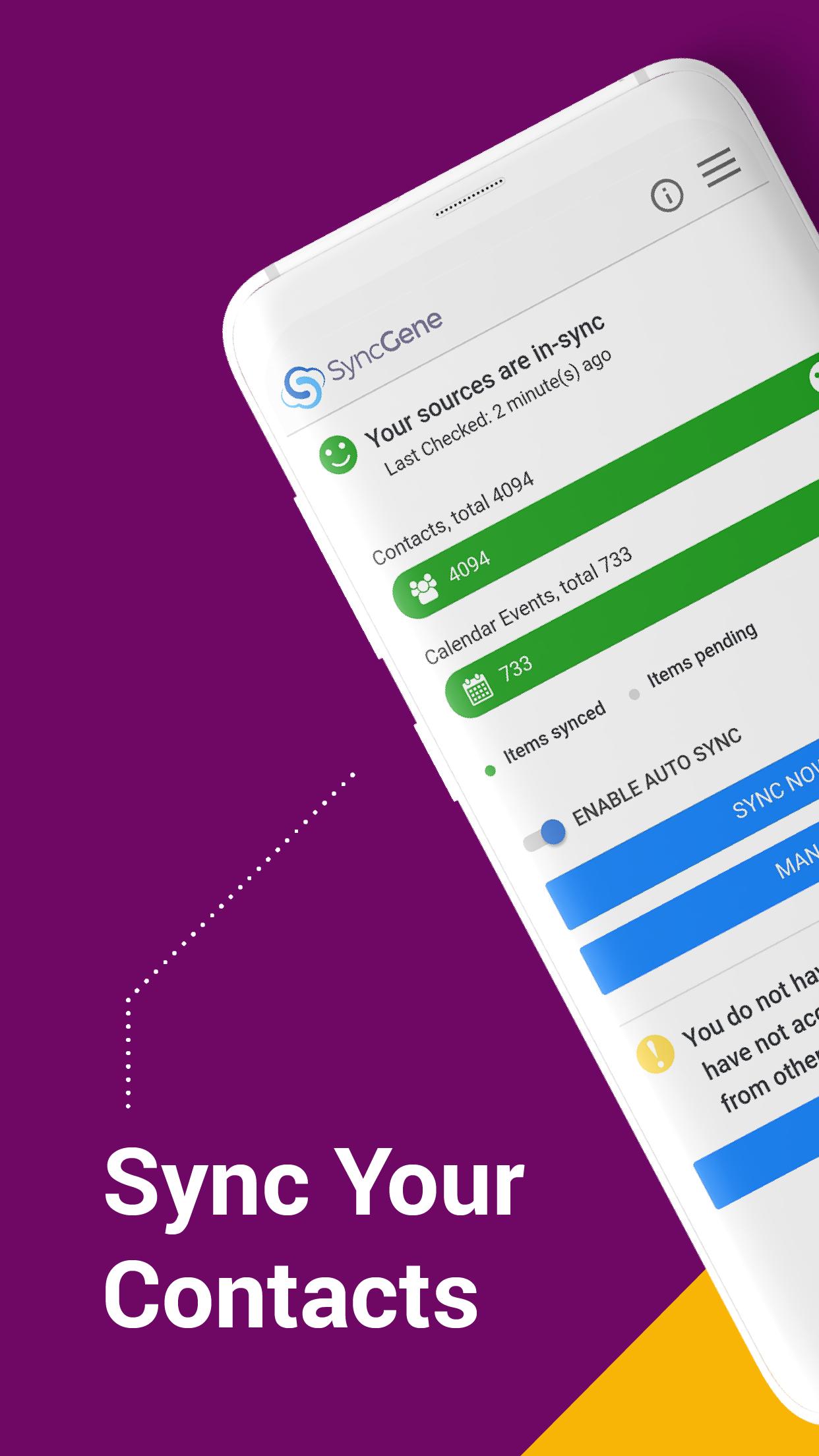
Free Cloud synchronization service to sync your Calendar, Contacts and Tasks with another iPhone, iPad, Mac, iCloud account, as well as Google and Microsoft devices and services.
Sync Contacts, Calendar Events, and Tasks between your iPhone/iPad via iCloud with Google Gmail, Outlook 365, Outlook.com, Hotmail and Exchange.
With SyncGene you can sync iCloud Calendar and Contacts with Google Calendar and Gmail Contacts.
You can sync Calendar and Contacts using SyncGene app or online.
Main features of SyncGene sync service:
SYNC CONTACTS, CALENDAR, AND TASKS
Sync Contacts, Calendar Events, and Tasks automatically across multiple devices, email accounts, Web Apps, and services. No more manual exporting, importing, double-entry, and data duplication.
SYNC MULTIPLE SOURCES
One tool to sync iCloud, Google Calendar, Gmail Contacts and Tasks, Outlook.com/Hotmail, Office 365 and Microsoft Exchange sources, and more coming soon. Any changes you make in your Contacts, Calendars and Tasks will appear on all your connected devices and services used.
AUTO & CONSTANT SYNCHRONIZATION
SyncGene stands out for its auto-sync, which is happening in the background. If you change anything in your data, SyncGene will automatically & constantly update all the sources and devices with the latest changes.
MERGE PERSONAL INFORMATION. SAVE YOUR TIME
One Calendar, one Address Book, and one To-do list for your hassle-free management. No more lost, duplicate or incomplete entries.
MAPPING
With SyncGene you can map folders and groups on the “What to sync” page.
Use Folder Mapping to sync data between any chosen Folders or Groups. For example, you can sync your contacts from the “All People” group in Google Contacts with the “Contacts from Google” folder on Microsoft Exchange.
SYNC DIRECTIONS
You also can change sync direction - choose between one-way or two-way sync; & also free to busy sync;
• You can change synchronization “Direction” when there are 2 sources configured.
• To keep things simple, when adding 3rd and more sources it will inherit one-way/two-way settings from the first 2 sources automatically.
• In case you have 3 or more sources and you still need to change sync directions' setup, please contact our support and they will help you.
Compatible with: iPhone, iPad, Mac.
Time saver: easy automation tool for busy people. SyncGene will sync your web apps, email accounts and devices automatically. No need to enter the same information on multiple devices or services. Synchronization is performed without you ever noticing, just set up SyncGene once and you can forget about it.
Safe, secure and reliable: all your data is backed up to your Google Drive and can be easily restored. We never keep your synchronized information. SyncGene is hosted on Microsoft Azure – the most trusted cloud service.
Every SyncGene service user has easy & fast access to our free 5 Star Live Chat and Email support.
Avance
Etiquetas
ProductividadInformación
Desarrollador
4Team Corporation
La última versión
1.9.2
Última actualización
2023-07-01
Categoría
Productividad
Disponible en
Google Play
Mostrar más
Cómo jugar SyncGene Contact Calendar Sync con GameLoop en PC
1. Descargue GameLoop desde el sitio web oficial, luego ejecute el archivo exe para instalar GameLoop.
2. Abra GameLoop y busque "SyncGene Contact Calendar Sync", busque SyncGene Contact Calendar Sync en los resultados de búsqueda y haga clic en "Instalar".
3. Disfruta jugando SyncGene Contact Calendar Sync en GameLoop.
Minimum requirements
OS
Windows 8.1 64-bit or Windows 10 64-bit
GPU
GTX 1050
CPU
i3-8300
Memory
8GB RAM
Storage
1GB available space
Recommended requirements
OS
Windows 8.1 64-bit or Windows 10 64-bit
GPU
GTX 1050
CPU
i3-9320
Memory
16GB RAM
Storage
1GB available space