
SubOps para PC
ZippyYum
Descarga SubOps en PC con GameLoop Emulator
SubOps en PC
SubOps, proveniente del desarrollador ZippyYum, se ejecuta en el sistema Android en el pasado.
Ahora, puedes jugar SubOps en PC con GameLoop sin problemas.
Descárgalo en la biblioteca de GameLoop o en los resultados de búsqueda. No más mirar la batería o llamadas frustrantes en el momento equivocado nunca más.
Simplemente disfrute de SubOps PC en la pantalla grande de forma gratuita!
SubOps Introducción
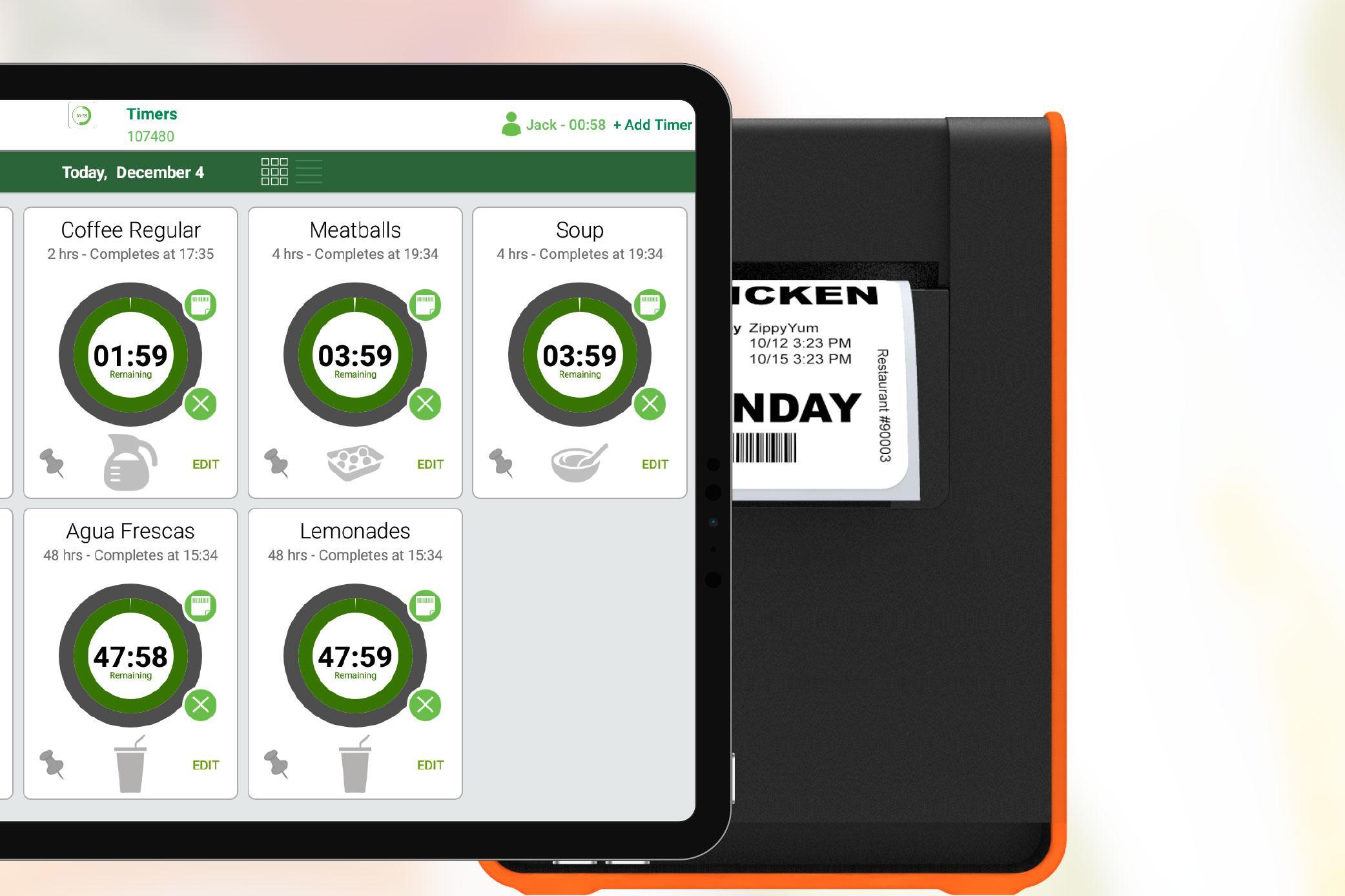
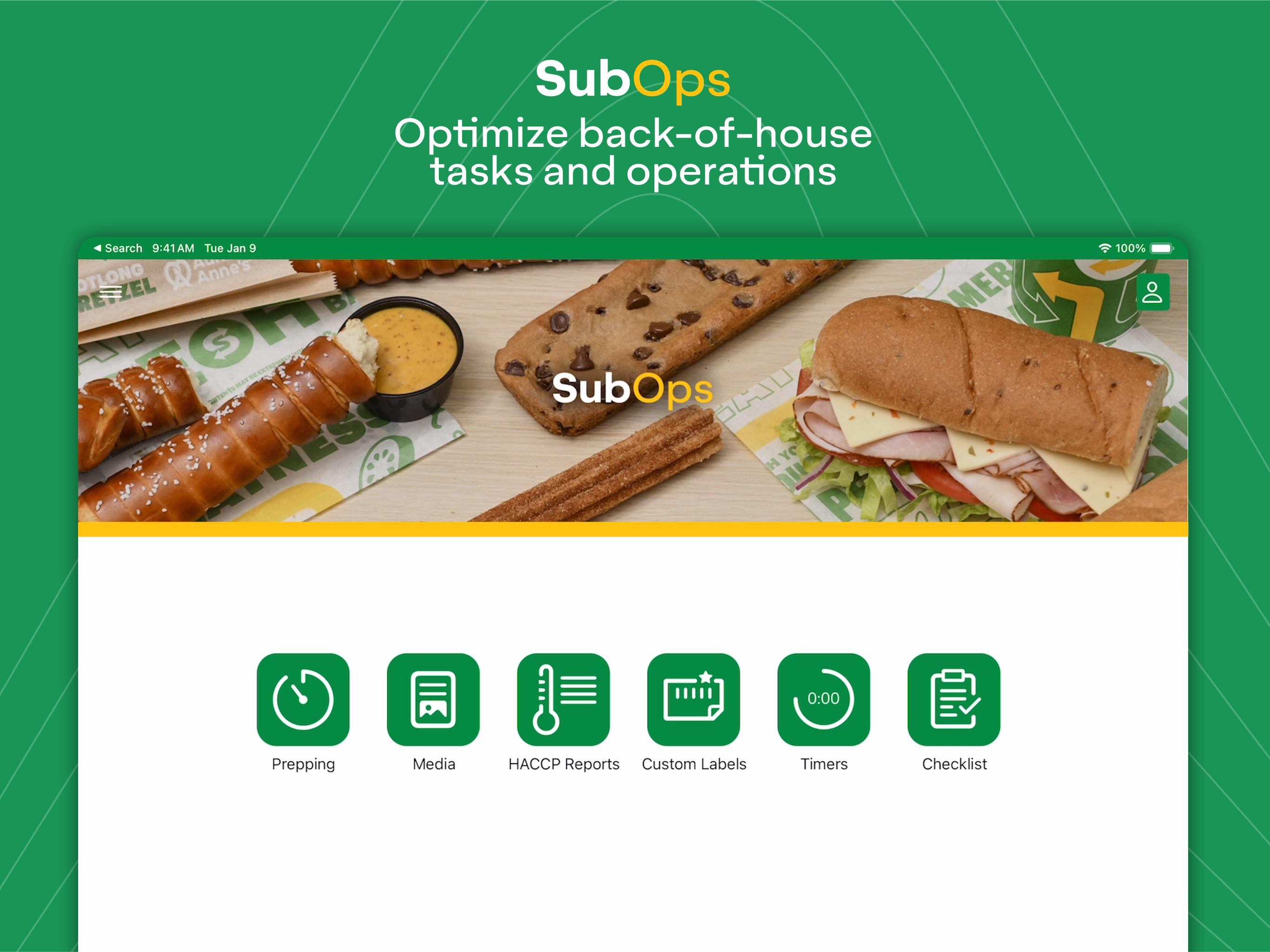
SubOps helps optimize your restaurant's back-of-house tasks, operations, and labeling. The app features our ultra-smart prepping scheduler to help determine how much to prep each day and pairs with various printers for effortless labeling. Our timers, checklists, media, and custom labels modules are also packed with more time-saving features.
• Smart algorithms suggest how much to prep
• Uses sales and inventory metrics for calculations
• Determines how much and when to prep during the day
• Built-in training materials for food prepping
• Pairs wirelessly with multiple printer models
• Print easy-to-read and scannable food prep labels
• Knows what food items you prep
• Timers track short shelf-life items
• Checklists help track task completion
• Media repository ensures you always have up-to-date docs
• Custom labels module lets you design labels right in the app
• Training videos and instructions built for your restaurant
• 24/7/365 free live support from our team
• Learn more at www.zippyyum.com
Avance
Etiquetas
ProductividadInformación
Desarrollador
ZippyYum
La última versión
7.9.012509
Última actualización
2025-10-04
Categoría
Productividad
Disponible en
Google Play
Mostrar más
Cómo jugar SubOps con GameLoop en PC
1. Descargue GameLoop desde el sitio web oficial, luego ejecute el archivo exe para instalar GameLoop.
2. Abra GameLoop y busque "SubOps", busque SubOps en los resultados de búsqueda y haga clic en "Instalar".
3. Disfruta jugando SubOps en GameLoop.
Minimum requirements
OS
Windows 8.1 64-bit or Windows 10 64-bit
GPU
GTX 1050
CPU
i3-8300
Memory
8GB RAM
Storage
1GB available space
Recommended requirements
OS
Windows 8.1 64-bit or Windows 10 64-bit
GPU
GTX 1050
CPU
i3-9320
Memory
16GB RAM
Storage
1GB available space