
Mein XOXO para PC
A1 Telekom Austria AG
Descarga Mein XOXO en PC con GameLoop Emulator
Mein XOXO en PC
Mein XOXO, proveniente del desarrollador A1 Telekom Austria AG, se ejecuta en el sistema Android en el pasado.
Ahora, puedes jugar Mein XOXO en PC con GameLoop sin problemas.
Descárgalo en la biblioteca de GameLoop o en los resultados de búsqueda. No más mirar la batería o llamadas frustrantes en el momento equivocado nunca más.
Simplemente disfrute de Mein XOXO PC en la pantalla grande de forma gratuita!
Mein XOXO Introducción
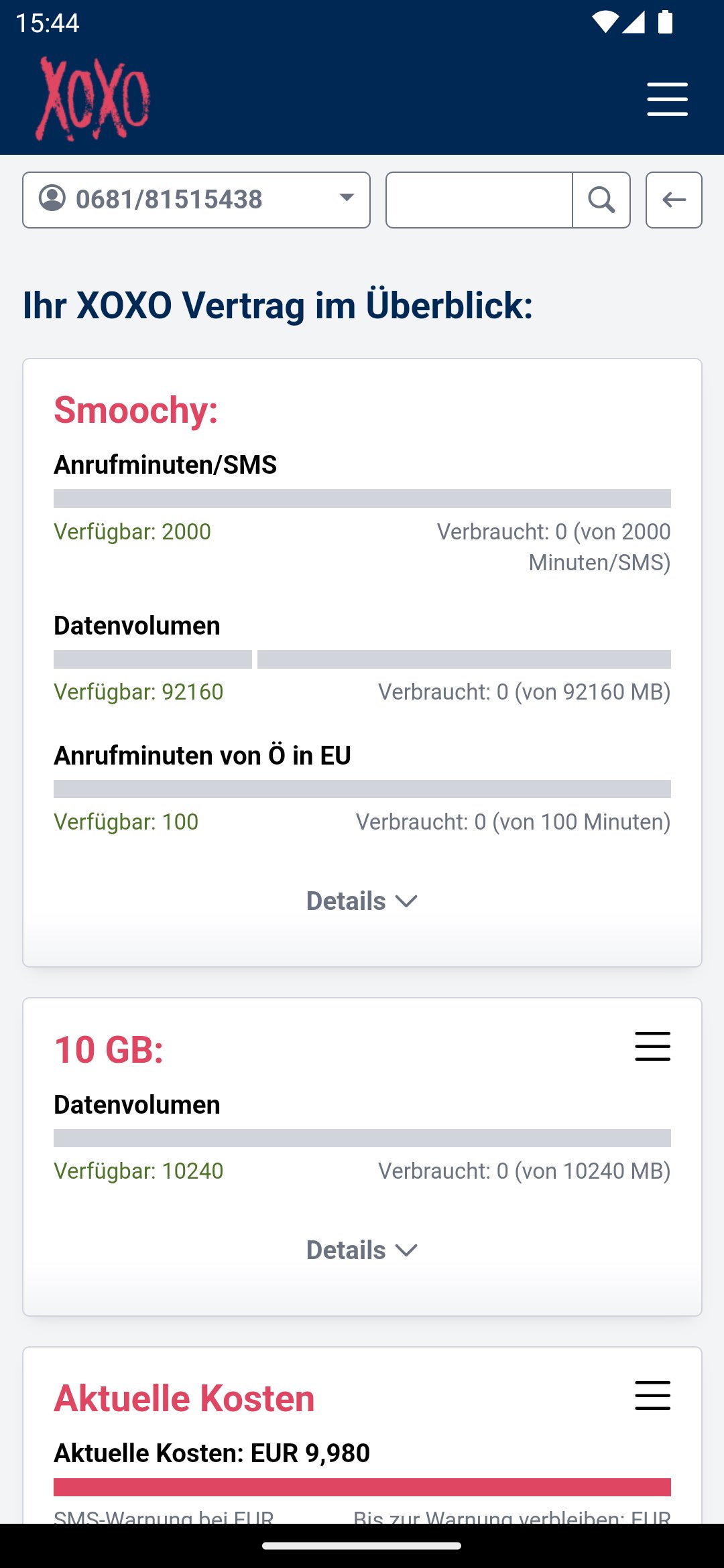
With the XOXO you can now connect even easier! You can see at a glance the consumption of your included free units, the current cost status and also invoices and itemized bills from the last few months. You will also find information about your contract and can make personal settings. By activating additional packages or upgrading your units, you can optimize your tariff at any time.
The functions in detail:
• Overview of the costs incurred in the current billing period
• Overview of the remaining free units (data volume, minutes, SMS) in the current billing period
• Display of recent bills and itemized bills
• Change tariff
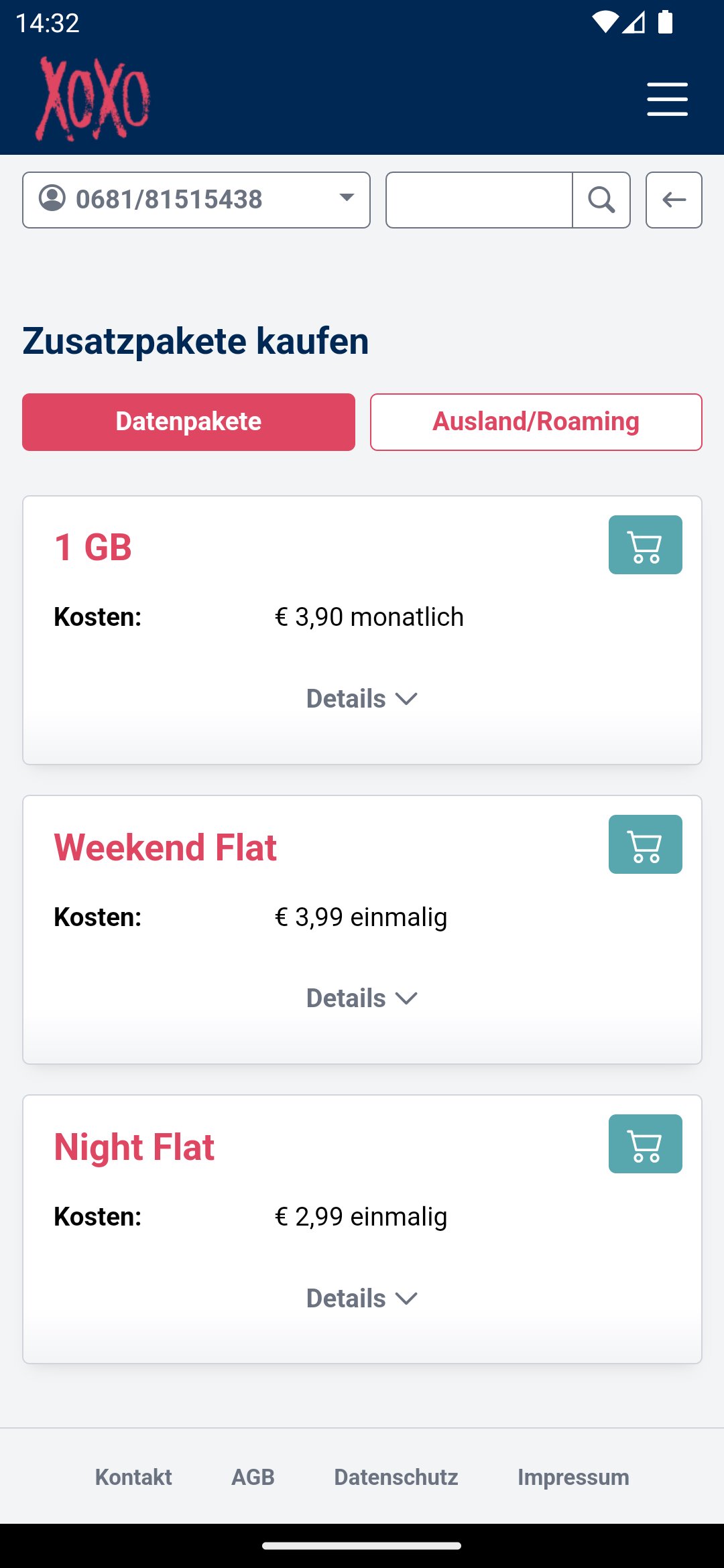
• Activate additional packages
• Simple number portability
• Change SIM
• Get student discounts
• Manage multiple SIM cards using the group function
• Manage roaming settings
• Manage value-added service blocks
• Set call diversions
• Contact form
• …and much more
The app is suitable for smartphones and tablets. The account manager can also be reached via the browser https://xoxo.kontomanager.at/.
Avance
Etiquetas
ProductividadInformación
Desarrollador
A1 Telekom Austria AG
La última versión
2.7.1
Última actualización
2025-07-16
Categoría
Productividad
Disponible en
Google Play
Mostrar más
Cómo jugar Mein XOXO con GameLoop en PC
1. Descargue GameLoop desde el sitio web oficial, luego ejecute el archivo exe para instalar GameLoop.
2. Abra GameLoop y busque "Mein XOXO", busque Mein XOXO en los resultados de búsqueda y haga clic en "Instalar".
3. Disfruta jugando Mein XOXO en GameLoop.
Minimum requirements
OS
Windows 8.1 64-bit or Windows 10 64-bit
GPU
GTX 1050
CPU
i3-8300
Memory
8GB RAM
Storage
1GB available space
Recommended requirements
OS
Windows 8.1 64-bit or Windows 10 64-bit
GPU
GTX 1050
CPU
i3-9320
Memory
16GB RAM
Storage
1GB available space