
MakerBot para PC
MakerBot Industries, LLC
Descarga MakerBot en PC con GameLoop Emulator
MakerBot en PC
MakerBot, proveniente del desarrollador MakerBot Industries, LLC, se ejecuta en el sistema Android en el pasado.
Ahora, puedes jugar MakerBot en PC con GameLoop sin problemas.
Descárgalo en la biblioteca de GameLoop o en los resultados de búsqueda. No más mirar la batería o llamadas frustrantes en el momento equivocado nunca más.
Simplemente disfrute de MakerBot PC en la pantalla grande de forma gratuita!
MakerBot Introducción
MakerBot® Mobile adds a revolutionary layer of convenience and ease to your 3D printing workflow by allowing you to access everything MakerBot from your mobile device and prepare digital designs for 3D printing.
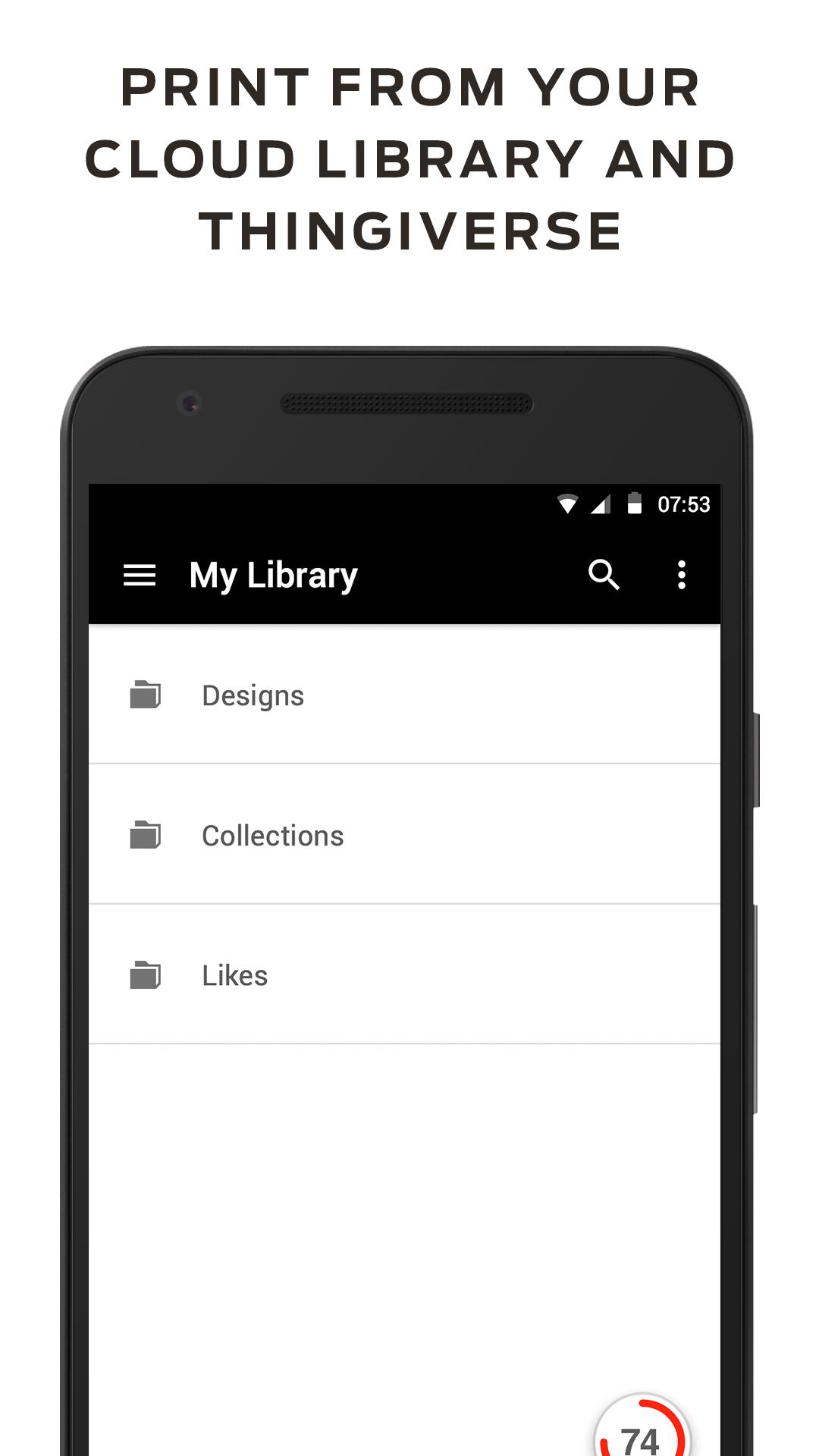
Choose a downloadable digital design from Thingiverse or any 3D model file stored in your MakerBot Cloud Library, then use MakerBot cloud servers to optimize, scale, and slice your design for 3D printing, layer-by-layer. MakerBot Mobile does all the work for you so all you have to do is confirm the print on your MakerBot Replicator 3D Printer.* Want to print something that isn't in your Library? You can print directly from the MakerBot Thingiverse App** by finding a Thing and clicking the Print Now button. It will send that Thing to MakerBot Mobile and you'll be able to print right away.
You can also use MakerBot Mobile to monitor and control your MakerBot Replicator 3D Printer from anywhere. Keep an eye on what’s on our build plate, pause, cancel, and even start a print without being near your printer.***
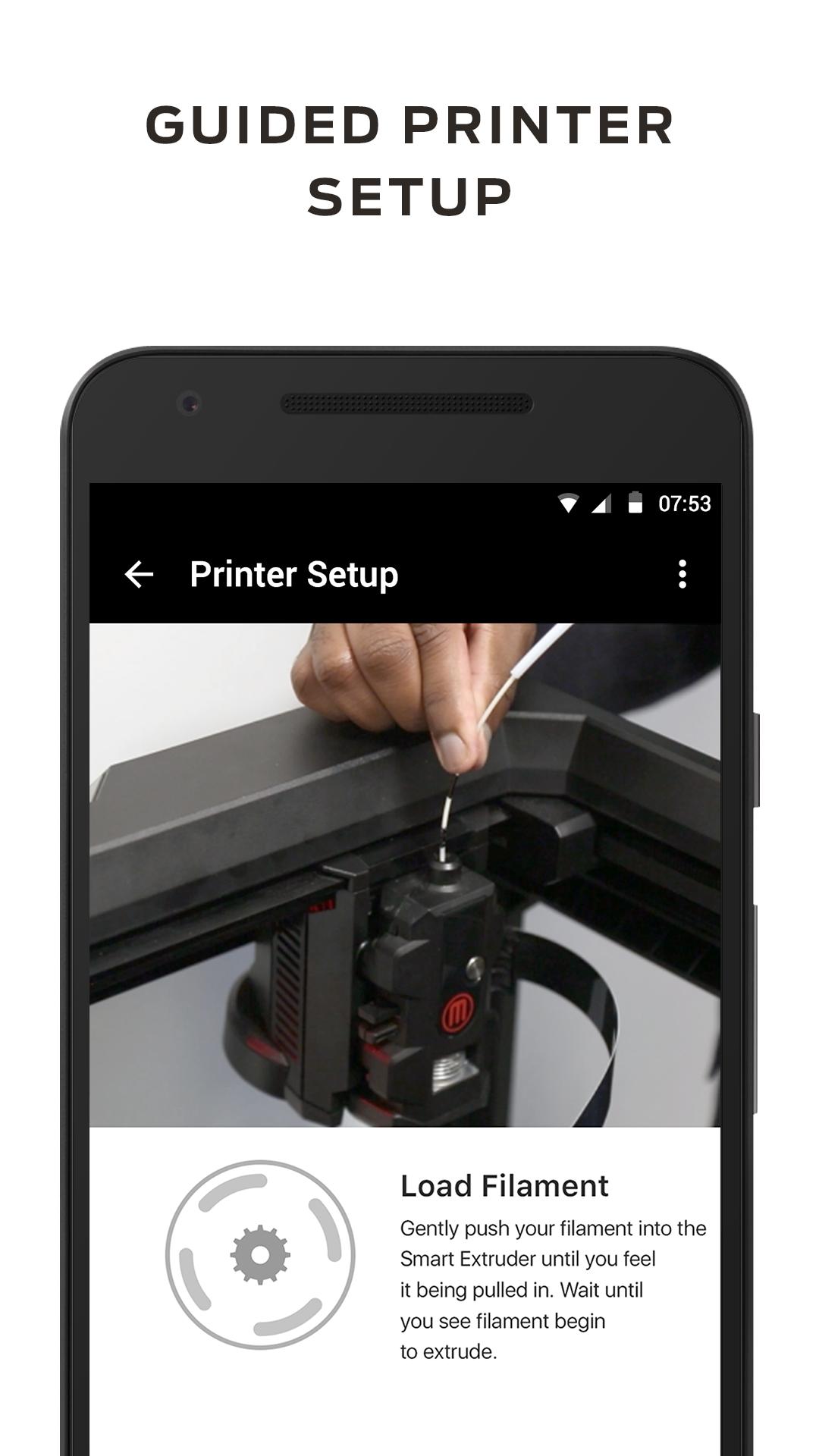
Use MakerBot® Mobile to connect your printer to Wi-Fi and perform out-of-box calibrations. It’s the fastest way to get you set up and printing!
To take full advantage of what the Mobile app has to offer, make sure you're running the latest firmware on your MakerBot 3D Printer.
*MakerBot Replicator+, MakerBot Replicator Mini+, MakerBot Replicator Z18, MakerBot Replicator (5th Gen) and MakerBot Replicator Mini. Requires firmware 1.4 and newer to be installed.
** Requires MakerBot Thingiverse app installed. Available via Google Play.
*** Requires internet connected 5th Generation or later Replicator 3D Printer. Data rates may apply if monitoring via Cellular networks.
End User License Agreement: https://www.makerbot.com/legal/terms-old/mobile
Privacy Policy: https://www.makerbot.com/legal/privacy
Terms of Use: https://www.makerbot.com/legal/terms
Avance
Información
Desarrollador
MakerBot Industries, LLC
La última versión
3.1.9
Última actualización
2019-05-01
Categoría
Productividad
Disponible en
Google Play
Mostrar más
Cómo jugar MakerBot con GameLoop en PC
1. Descargue GameLoop desde el sitio web oficial, luego ejecute el archivo exe para instalar GameLoop.
2. Abra GameLoop y busque "MakerBot", busque MakerBot en los resultados de búsqueda y haga clic en "Instalar".
3. Disfruta jugando MakerBot en GameLoop.
Minimum requirements
OS
Windows 8.1 64-bit or Windows 10 64-bit
GPU
GTX 1050
CPU
i3-8300
Memory
8GB RAM
Storage
1GB available space
Recommended requirements
OS
Windows 8.1 64-bit or Windows 10 64-bit
GPU
GTX 1050
CPU
i3-9320
Memory
16GB RAM
Storage
1GB available space