
Fix my speaker & Boost sound para PC
Lykee Studio
Descarga Fix my speaker & Boost sound en PC con GameLoop Emulator
Fix my speaker & Boost sound en PC
Fix my speaker & Boost sound, proveniente del desarrollador Lykee Studio, se ejecuta en el sistema Android en el pasado.
Ahora, puedes jugar Fix my speaker & Boost sound en PC con GameLoop sin problemas.
Descárgalo en la biblioteca de GameLoop o en los resultados de búsqueda. No más mirar la batería o llamadas frustrantes en el momento equivocado nunca más.
Simplemente disfrute de Fix my speaker & Boost sound PC en la pantalla grande de forma gratuita!
Fix my speaker & Boost sound Introducción
Boost Audio Quality Anytime - Clear and Powerful Sound!
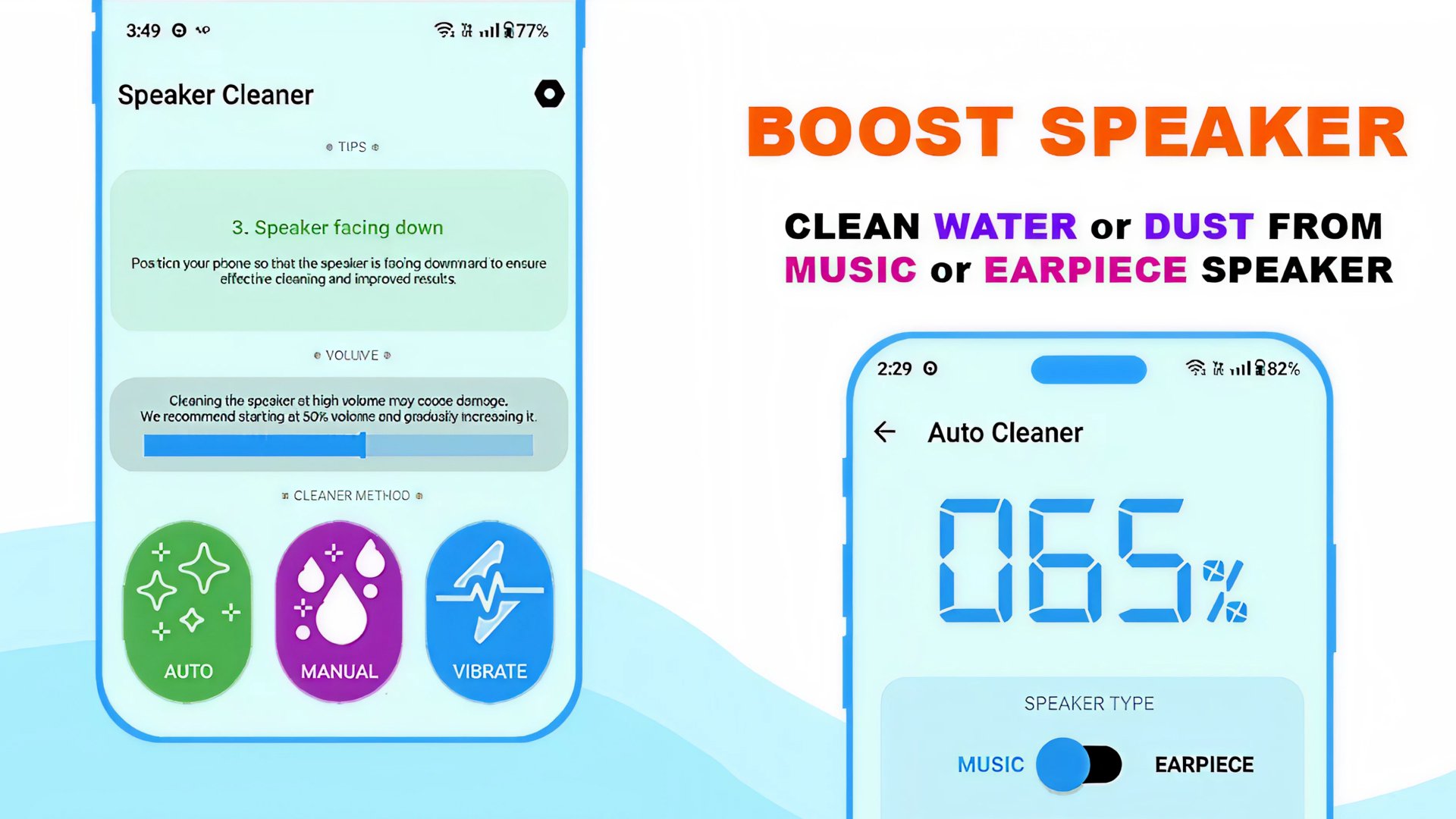
With Fix My Speaker and Boost Sound, you can refresh the audio on your device. It's as effective as an App To Get Water Out Of A Phone. Similar to vibrational tools, the app Fix My Speaker and Boost Sound draws away obscuring particles to give you cleaner audio output.Fix My Speaker and Boost Sound is not like other tools. It simply and easily gives you an effective way to boost audio quality on your device. On top of getting audio to higher quality, you can also remove excess water and dust from the device. The app is always dependable. Sound waves are a more effective and safe way to achieve what you want.
📄 What It Does📄
🔊 Removes water using sound frequencies like an App To Get Water Out Of Phone;
🔊 Powerful Dust Cleaner Speaker function improves clarity quickly;
🔊 Unclog Your Speaker App technology restores blocked speakers;
🔊 Fix My Speaker & Boost Sound for louder, sharper audio output;
🔊 Clean Speaker App with automatic and manual cleaning modes;
🔊 Dust Remover From Speaker Boost to shake out dirt safely;
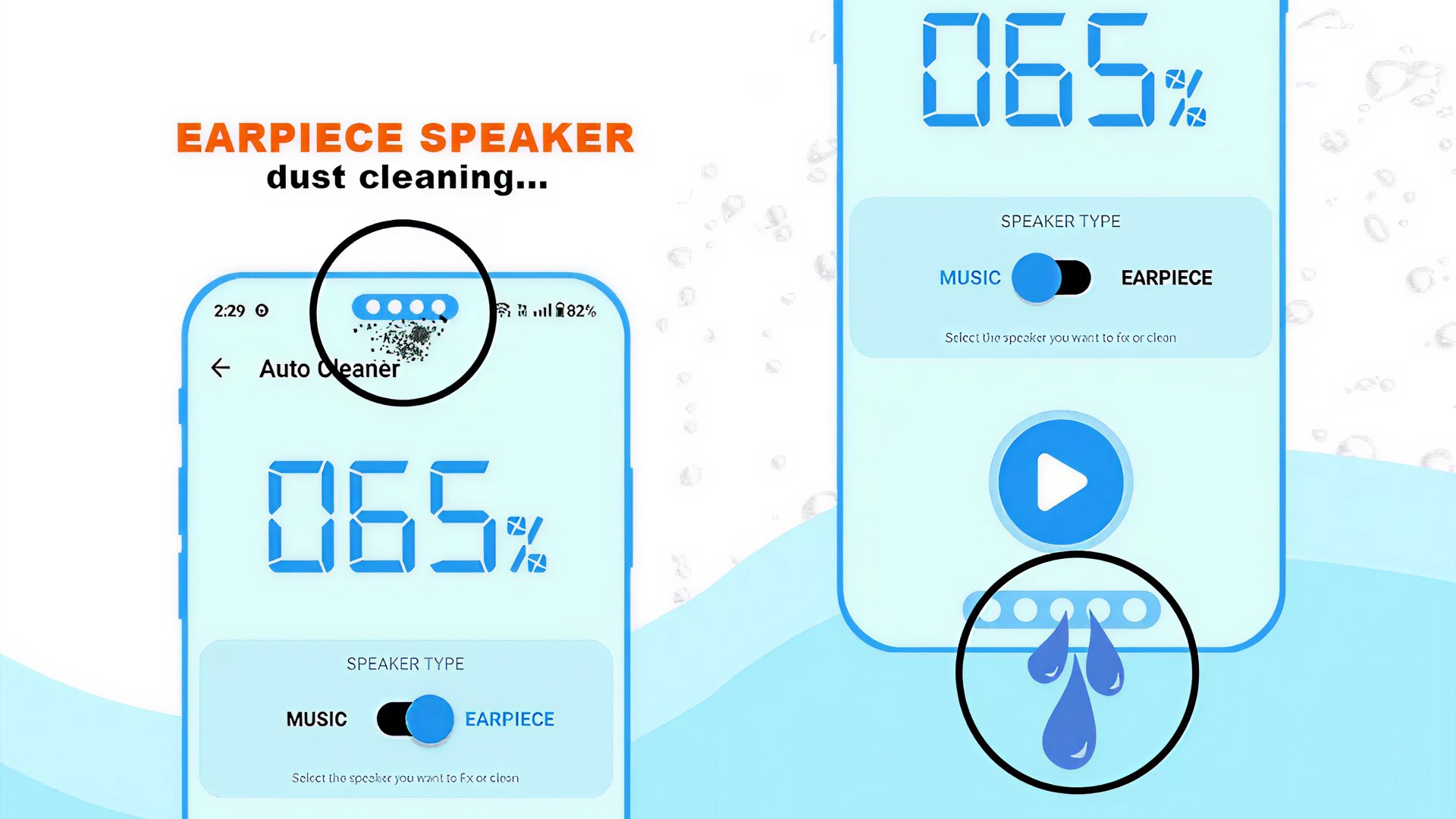
🔊 Remove Dust From Speaker and Get Water Out Of Speakers instantly;
🔊 Works as an all-in-one Dust Cleaner Speaker and App To Get Water Out Of Phone.
Maximize Your Clean & Sound Enhancement!
Fix My Speaker & Boost Sound is the real App To Get Water Out Of Phone since it removes moisture and improves sound quality concurrently. It also Removes Dust From Speaker using safe and effective methods regularly used Remove Dust From Speaker. It can be used in either auto or manual mode using the Clean Speaker App. Use the system Dust Remover From Speaker Boost to easily and quickly move stubborn dirt.Automatic Cleaning Easy:🧹
Fix My Speaker & Boost Sound has pre-configured frequencies made to Get Water Out Of Speakers and eliminate debris with ease. Like an Unclog Your Speaker App, it shakes away volume-sapping, trapped water. Plus, it helps out Dust Cleaner Speaker performance, so you can do an effortless hands-free cleanup too!
Manual Cleaning for Precision:🔊
Want to be the one in control? Manual mode is for you. You can adjust the sound levels to Remove Dust From Speaker components with more precision. You can use Fix My Speaker & Boost Sound as a Clean Speaker App to change frequencies based on the amount of water or dust trapped. It can be an App To Get Water Out Of Phone, plus a Dust Remover From Speaker Boost, all in one!
Safe, Effective & Designed for Daily Use:📲
Cleaning hacks and risky techniques have no place here, as they go against the principle of Get Water Out Of Speakers safely. Dust Cleaner Speaker makes maintenance easy, and every cleaning cycle lets you do it with confidence that you'll benefit the long-term health of your speakers. If you want to Unclog Your Speaker App, have a task on hand, or refresh the sound quality, this one’s ideal for you. Dust Cleaner Speaker maintenance made easy!
Bring Back the Loud Relieve Yourself of the Dust from Home Speakers!
Fix My Speaker and Boost Sound provide the best option in removing the built-up dust From Speakers, improving clarity, and getting water Out Of Speakers fully. Your device stays dust-free, louder, and ready to go with the Boost Speakers Water Removal Application.Avance
Etiquetas
ProductividadInformación
Desarrollador
Lykee Studio
La última versión
20.1.0
Última actualización
2025-11-12
Categoría
Productividad
Disponible en
Google Play
Mostrar más
Cómo jugar Fix my speaker & Boost sound con GameLoop en PC
1. Descargue GameLoop desde el sitio web oficial, luego ejecute el archivo exe para instalar GameLoop.
2. Abra GameLoop y busque "Fix my speaker & Boost sound", busque Fix my speaker & Boost sound en los resultados de búsqueda y haga clic en "Instalar".
3. Disfruta jugando Fix my speaker & Boost sound en GameLoop.
Minimum requirements
OS
Windows 8.1 64-bit or Windows 10 64-bit
GPU
GTX 1050
CPU
i3-8300
Memory
8GB RAM
Storage
1GB available space
Recommended requirements
OS
Windows 8.1 64-bit or Windows 10 64-bit
GPU
GTX 1050
CPU
i3-9320
Memory
16GB RAM
Storage
1GB available space