
G Cloud Backup para PC
Genie9 LTD
Descarga G Cloud Backup en PC con GameLoop Emulator
G Cloud Backup en PC
G Cloud Backup, proveniente del desarrollador Genie9 LTD, se ejecuta en el sistema Android en el pasado.
Ahora, puedes jugar G Cloud Backup en PC con GameLoop sin problemas.
Descárgalo en la biblioteca de GameLoop o en los resultados de búsqueda. No más mirar la batería o llamadas frustrantes en el momento equivocado nunca más.
Simplemente disfrute de G Cloud Backup PC en la pantalla grande de forma gratuita!
G Cloud Backup Introducción
Sign up now and GET 5 GB Free Storage!
Access your data anytime from Android, iPhone, or the web. Whether you're switching devices or need to recover lost data, G Cloud makes it simple.
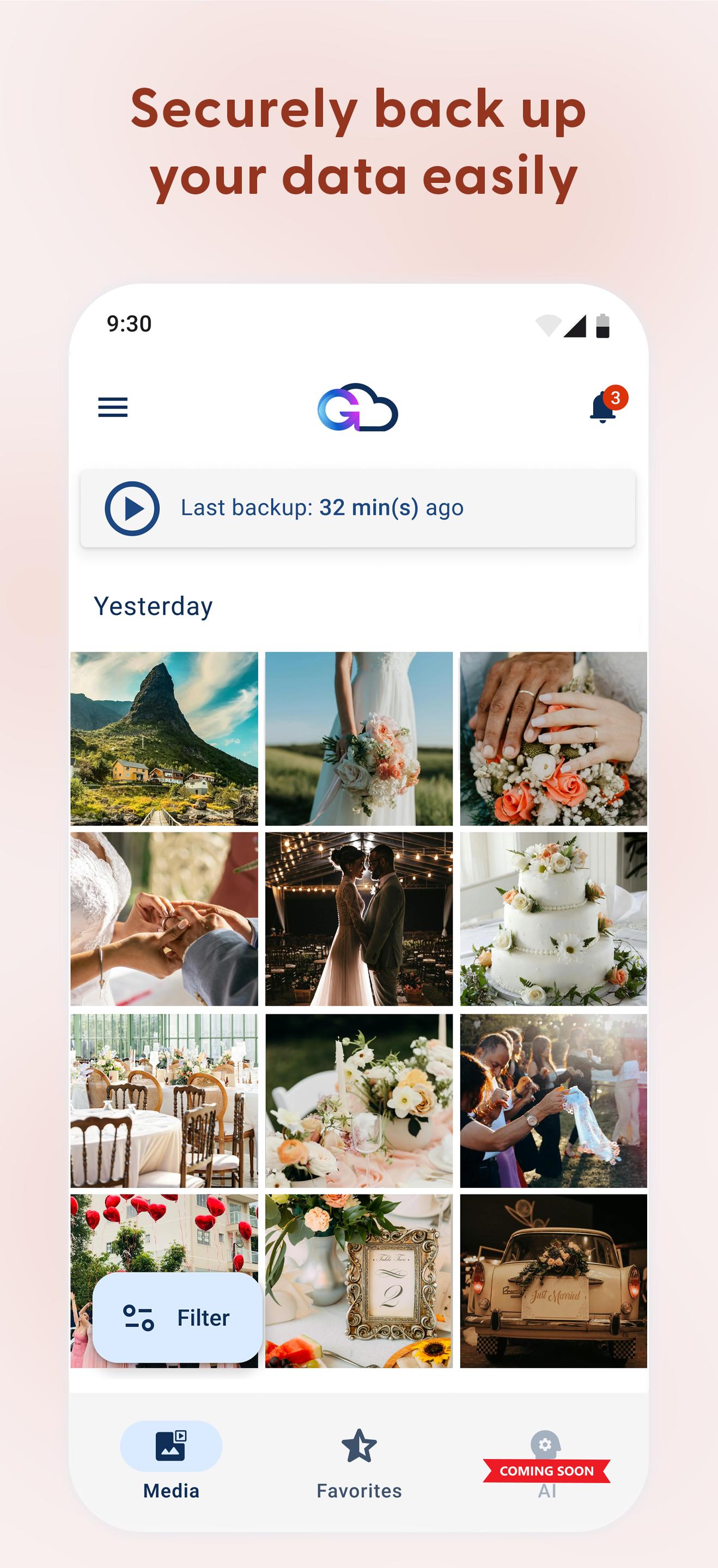
What G Cloud Backs Up:
* Photos: Best cloud backup for your images
* Videos: Preserve your video memories
* Music: Secure your music collection
* Messages: Keep your text conversations safe
* Call Logs: Save your call history
* Contacts: Protect and restore your contact list
* Documents: Secure all your important files
Features:
* Cross-Platform Access – From Android, iPhone & Web
* All-in-One WhatsApp Backup (Media Only)
* Restore Anytime – Easily recover data to a new device
* Custom Backup Settings – Choose when to back up
* Automatic Backup – Runs quietly in the background
* Military-Grade Encryption – Your data stays private
Coming Soon to G Cloud:
✨ Full AI Integration – The future of backup, where AI does everything for you!
🔒 Encrypted Albums – Keep your memories extra safe and organized.
👨👩👧👦 Family Plans – Share the love with your family.
Ready to protect your memories? Download G Cloud today and join millions who enjoy the peace of mind that comes with the most secure and user-friendly backup solution available.
Follow us for updates & exclusive offers:
* Facebook: https://www.facebook.com/GCloudBackup
* Instagram: https://www.instagram.com/gcloudbackup/
* X (Twitter): https://x.com/GCloudBackup
* Medium: https://blog.genie9.com/blog/
Need help?
For any inquiries, contact support at support@gcloudbackup.com
Privacy Policy & Terms:
* Privacy Policy: https://www.genie9.com/gcloud/privacy-policy/
* Terms: https://www.genie9.com/gcloud/terms/
Avance

Etiquetas
ProductividadInformación
Desarrollador
Genie9 LTD
La última versión
12.0.3
Última actualización
2025-10-16
Categoría
Productividad
Disponible en
Google Play
Mostrar más
Cómo jugar G Cloud Backup con GameLoop en PC
1. Descargue GameLoop desde el sitio web oficial, luego ejecute el archivo exe para instalar GameLoop.
2. Abra GameLoop y busque "G Cloud Backup", busque G Cloud Backup en los resultados de búsqueda y haga clic en "Instalar".
3. Disfruta jugando G Cloud Backup en GameLoop.
Minimum requirements
OS
Windows 8.1 64-bit or Windows 10 64-bit
GPU
GTX 1050
CPU
i3-8300
Memory
8GB RAM
Storage
1GB available space
Recommended requirements
OS
Windows 8.1 64-bit or Windows 10 64-bit
GPU
GTX 1050
CPU
i3-9320
Memory
16GB RAM
Storage
1GB available space