Notebook – Notes, Tasks, AI para PC
Zoho Corporation
Descarga Notebook – Notes, Tasks, AI en PC con GameLoop Emulator
Notebook – Notes, Tasks, AI en PC
Notebook – Notes, Tasks, AI, proveniente del desarrollador Zoho Corporation, se ejecuta en el sistema Android en el pasado.
Ahora, puedes jugar Notebook – Notes, Tasks, AI en PC con GameLoop sin problemas.
Descárgalo en la biblioteca de GameLoop o en los resultados de búsqueda. No más mirar la batería o llamadas frustrantes en el momento equivocado nunca más.
Simplemente disfrute de Notebook – Notes, Tasks, AI PC en la pantalla grande de forma gratuita!
Notebook – Notes, Tasks, AI Introducción
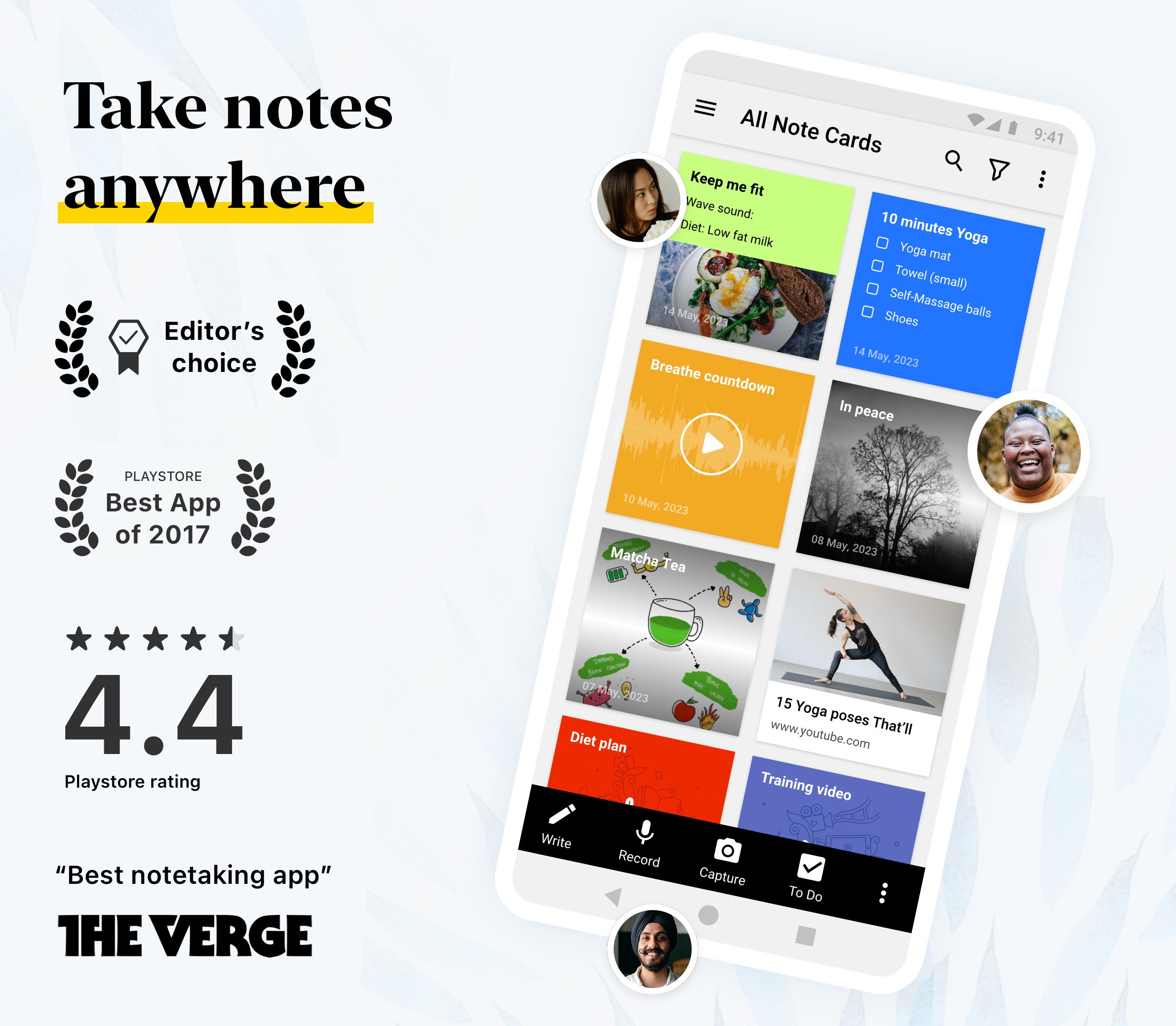
Zoho Notebook is a notes app that takes notes for you. Record a meeting or a lecture and stay present — Notebook AI transcribes it and writes a clean summary while you just listen. But it's more than an AI note taker. Capture whatever's on your mind, however it comes: type a quick thought, make a checklist, record a voice note, snap a photo, sketch an idea or drop in a file — each gets its own kind of note card. Keep everything organised with notebooks, tags and reminders, find any note in seconds with full-text search (even the text inside your photos and scans), and lock private notes behind a passcode or Face ID. It all stays private, ad-free and in sync across Android, iOS, Mac, Windows and the web — and if you're switching from Evernote, Google Keep or OneNote, free migration tools bring everything over in minutes.
NOTEBOOK AI - YOUR AI NOTE TAKER
• AI transcription: get accurate, real-time transcripts of meetings, lectures, interviews or podcasts.
• Turn a recording into meeting notes - Notebook AI writes the summary and action items for you.
• Generate summaries, outlines, or to-do lists from rough ideas using AI.
• Turn your notes into clear mind maps to visualize ideas.
• Polish your writing with grammar and tone suggestions.
• Translate notes into multiple languages and automatically refine hand-drawn shapes.
• Connect Notebook to Claude, ChatGPT and other AI tools via MCP, so your AI assistant can capture and organize notes for you.
SMART NOTE-TAKING
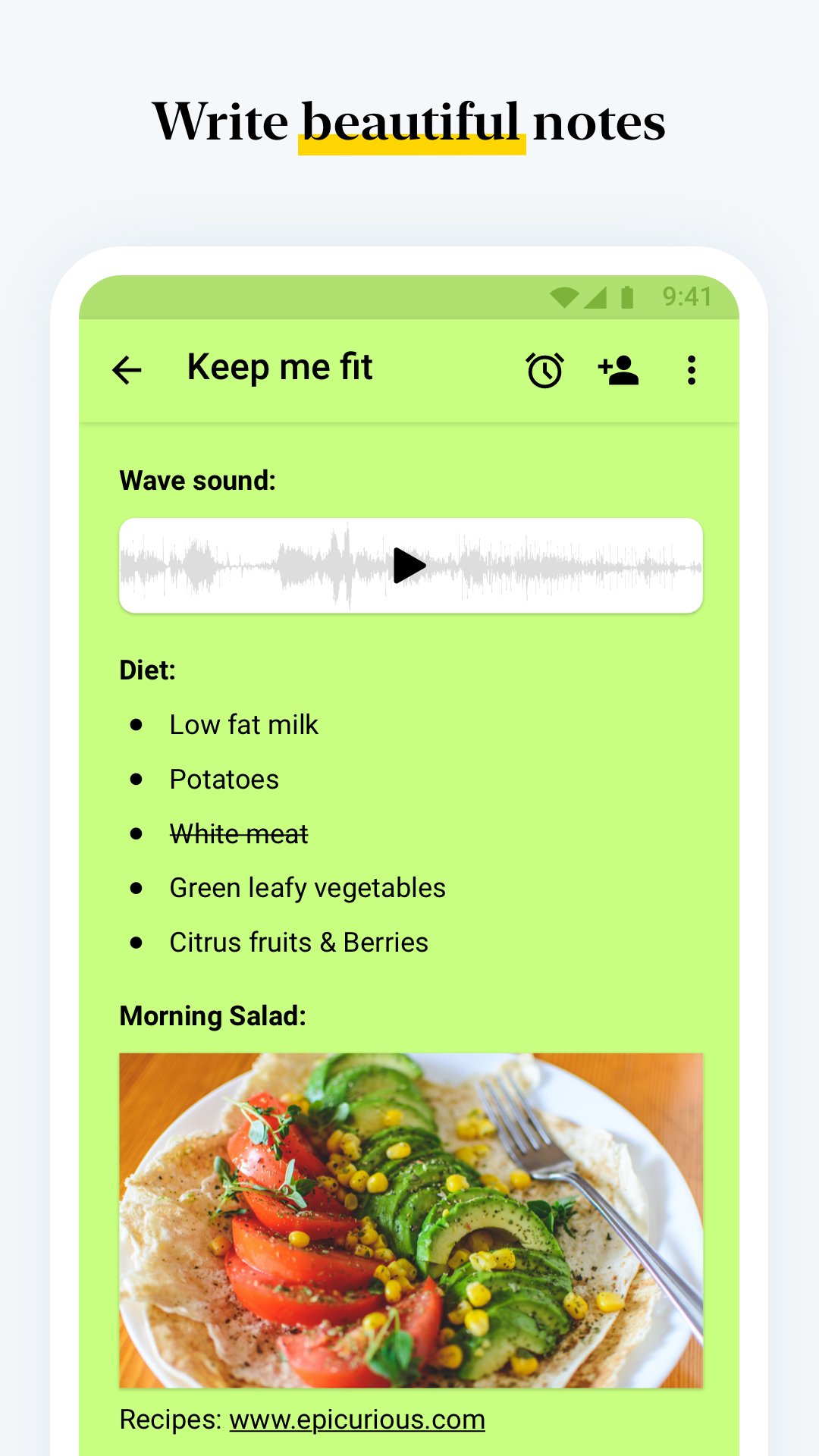
• Create rich text notes with checklists, tables, images and audio in one place.
• Build dedicated checklists and task lists to manage your day.
• Record voice notes or transcribe speech to text automatically.
• Scan documents, textbooks or handwritten notes into searchable PDFs.
• Save photos, web clips and documents using cards. Add reminders to stay on top of tasks.
A NOTEPAD FOR EVERY KIND OF NOTE
• Meeting notes with transcription and action items.
• Lecture notes, with audio recording alongside your typing.
ORGANIZE & SECURE
• Group notes with nested notebooks and custom sorting options.
• Tag notes to connect ideas across notebooks and projects.
• Use Notebook as your daily organizer - notes, tasks and reminders in one app.
• Protect private information with a passcode, fingerprint or face lock.
CROSS-DEVICE & SYNC
• Write anywhere and access your notes on Android, iOS, macOS and Web (notebook.zoho.com).
• Use the Web Clipper to save articles and research from your browser.
• Edit notes offline and sync when you're online.
PERSONALIZATION
• Choose covers, themes and note colours to suit your style.
• Sketch formulas or diagrams with the Sketch Card.
• Upload videos and add chapter markers.
• Pin sticky notes with picture-in-picture and view in grid or landscape mode.
SHARE & COLLABORATE
• Share notes securely: invite friends or colleagues to view or work on specific notes or lists, set access levels, or share as a public card.
• Publish notes as a shareable link anyone can view, and set an expiration date to control access.
• Export notes as PDF files and share them via email, messages, or other supported apps.
BUILT FOR ANDROID
• Access notes from home-screen widgets or pinned shortcuts.
• Use Quick Settings to open a new note instantly.
• Enjoy multi-window, picture-in-picture, keyboard shortcuts and printing support.
EVERYDAY LIFE
• Plan your day with task lists, reminders and a simple daily planner.
• Organize grocery lists, travel plans or event agendas.
• Keep a secure diary or journal. Track goals, projects and habits.
• Stay productive at work, school or home.
Whether it's for class, work, or personal - it's the only note taking, notepad, diary, and checklist app you'll ever need.
Avance
Etiquetas
ProductividadInformación
Desarrollador
Zoho Corporation
La última versión
6.9.5
Última actualización
2026-09-07
Categoría
Productividad
Disponible en
Google Play
Mostrar más
Cómo jugar Notebook – Notes, Tasks, AI con GameLoop en PC
1. Descargue GameLoop desde el sitio web oficial, luego ejecute el archivo exe para instalar GameLoop.
2. Abra GameLoop y busque "Notebook – Notes, Tasks, AI", busque Notebook – Notes, Tasks, AI en los resultados de búsqueda y haga clic en "Instalar".
3. Disfruta jugando Notebook – Notes, Tasks, AI en GameLoop.
Minimum requirements
OS
Windows 8.1 64-bit or Windows 10 64-bit
GPU
GTX 1050
CPU
i3-8300
Memory
8GB RAM
Storage
1GB available space
Recommended requirements
OS
Windows 8.1 64-bit or Windows 10 64-bit
GPU
GTX 1050
CPU
i3-9320
Memory
16GB RAM
Storage
1GB available space