Virtual Makeup & Makeup Editor para PC
LeapZip
Descarga Virtual Makeup & Makeup Editor en PC con GameLoop Emulator
Virtual Makeup & Makeup Editor en PC
Virtual Makeup & Makeup Editor, proveniente del desarrollador LeapZip, se ejecuta en el sistema Android en el pasado.
Ahora, puedes jugar Virtual Makeup & Makeup Editor en PC con GameLoop sin problemas.
Descárgalo en la biblioteca de GameLoop o en los resultados de búsqueda. No más mirar la batería o llamadas frustrantes en el momento equivocado nunca más.
Simplemente disfrute de Virtual Makeup & Makeup Editor PC en la pantalla grande de forma gratuita!
Virtual Makeup & Makeup Editor Introducción
# Virtual Makeup & Makeup Editor
Makeup Editor is the perfect virtual makeup and beauty photo editor to give yourself a complete makeover in seconds. Try realistic makeup looks, enhance your selfies, and create stunning photos with professional beauty tools.
Want to look gorgeous in every photo? No makeup experience is needed! Makeup Editor automatically detects your face and applies beautiful, natural-looking makeup with just a few taps.
## ✨ Create Beautiful Makeup Looks in Seconds
Our advanced face recognition technology automatically applies makeup that fits your facial features. Simply choose your favorite makeup style, and let the app do the rest.
## 💄 Features
* Automatic Makeup – Apply a complete virtual makeover in just a few seconds.
* Lipstick Editor – Try a wide range of lipstick colors and find your perfect look.
* Eyeshadow Editor – Add beautiful eyeshadow effects, including smoky eye styles.
* Eyelashes Editor – Enhance your eyes with realistic eyelashes.
* Eyebrow Editor – Shape and color your eyebrows instantly.
* Eye Color Changer – Experiment with different eye colors using realistic effects.
* Blush Editor – Add natural-looking blush for a healthy, radiant appearance.
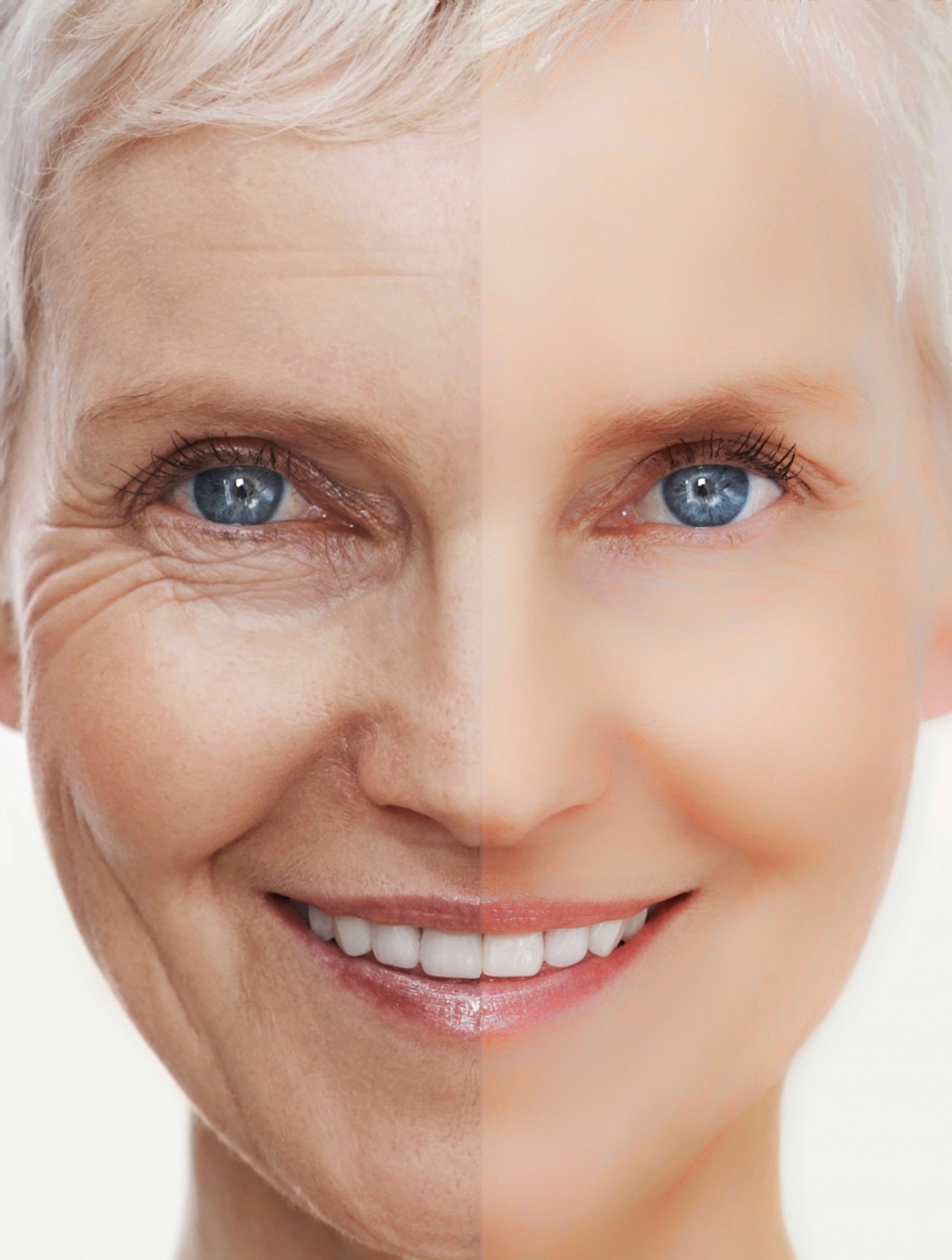
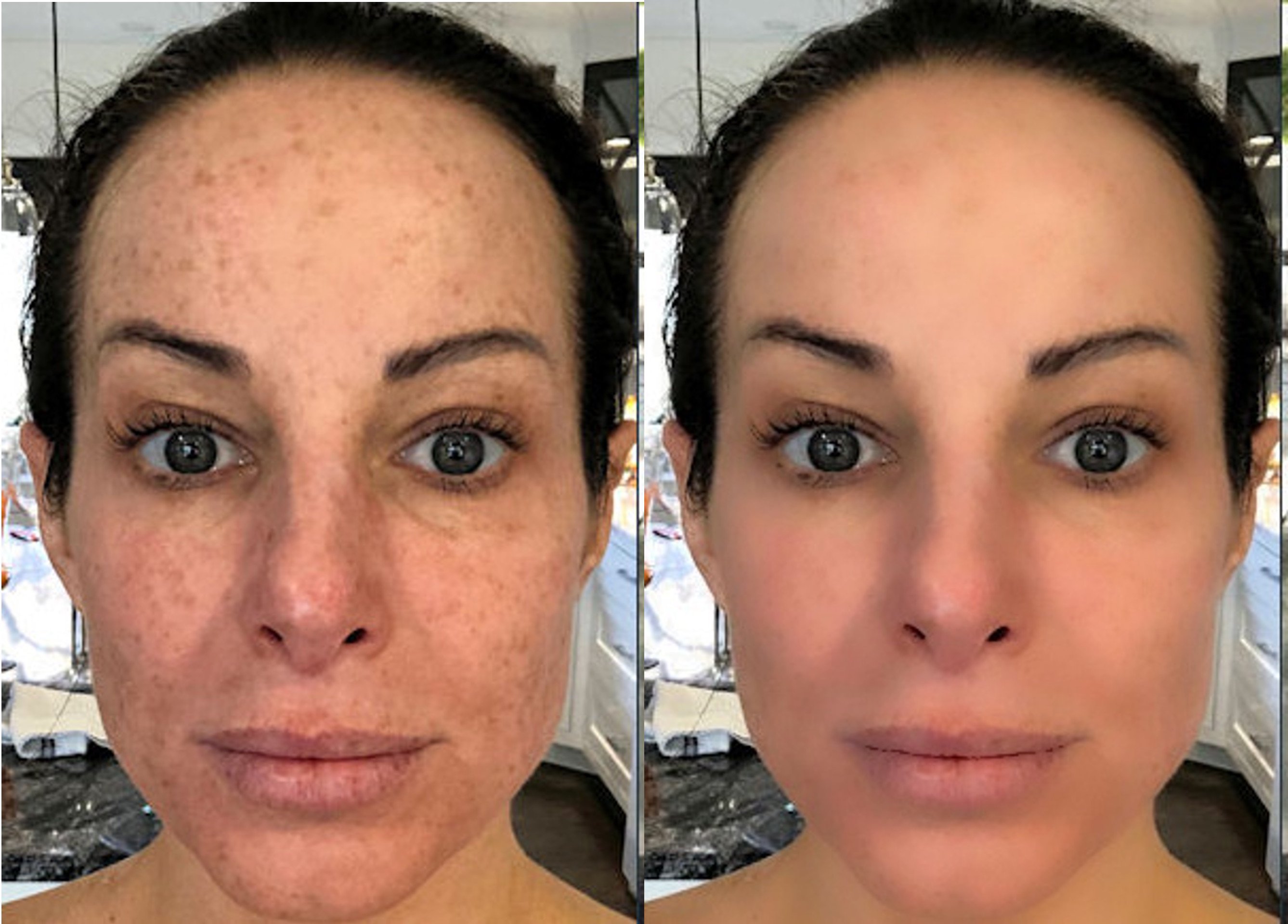
* Skin Smoothing – Remove wrinkles, blemishes, and other facial imperfections for flawless skin.
* Beauty Photo Editor – Instantly improve your selfies with professional beauty enhancements.
* Easy Sharing – Share your edited photos on Instagram, Facebook, Messenger, and other social media platforms.
* Save Your Photos – Keep your favorite makeup creations in your gallery and share them anytime.
Whether you're trying a new makeup style, preparing photos for social media, or simply having fun, Makeup Editor makes it easy to create beautiful, professional-looking selfies.
## ❤️ We Value Your Feedback
If you enjoy using Makeup Editor, please leave us a 5-star review.
If you have any questions, suggestions, or experience any issues, please contact us by email. We're always working to improve the app.
Thank you for using Makeup Editor!
Avance
Etiquetas
FotografíaInformación
Desarrollador
LeapZip
La última versión
1.3.0
Última actualización
2026-07-28
Categoría
Fotografía
Disponible en
Google Play
Mostrar más
Cómo jugar Virtual Makeup & Makeup Editor con GameLoop en PC
1. Descargue GameLoop desde el sitio web oficial, luego ejecute el archivo exe para instalar GameLoop.
2. Abra GameLoop y busque "Virtual Makeup & Makeup Editor", busque Virtual Makeup & Makeup Editor en los resultados de búsqueda y haga clic en "Instalar".
3. Disfruta jugando Virtual Makeup & Makeup Editor en GameLoop.
Minimum requirements
OS
Windows 8.1 64-bit or Windows 10 64-bit
GPU
GTX 1050
CPU
i3-8300
Memory
8GB RAM
Storage
1GB available space
Recommended requirements
OS
Windows 8.1 64-bit or Windows 10 64-bit
GPU
GTX 1050
CPU
i3-9320
Memory
16GB RAM
Storage
1GB available space