
Vintage Cam : Retro Camera para PC
Harry Studio
Descarga Vintage Cam : Retro Camera en PC con GameLoop Emulator
Vintage Cam : Retro Camera en PC
Vintage Cam : Retro Camera, proveniente del desarrollador Harry Studio, se ejecuta en el sistema Android en el pasado.
Ahora, puedes jugar Vintage Cam : Retro Camera en PC con GameLoop sin problemas.
Descárgalo en la biblioteca de GameLoop o en los resultados de búsqueda. No más mirar la batería o llamadas frustrantes en el momento equivocado nunca más.
Simplemente disfrute de Vintage Cam : Retro Camera PC en la pantalla grande de forma gratuita!
Vintage Cam : Retro Camera Introducción
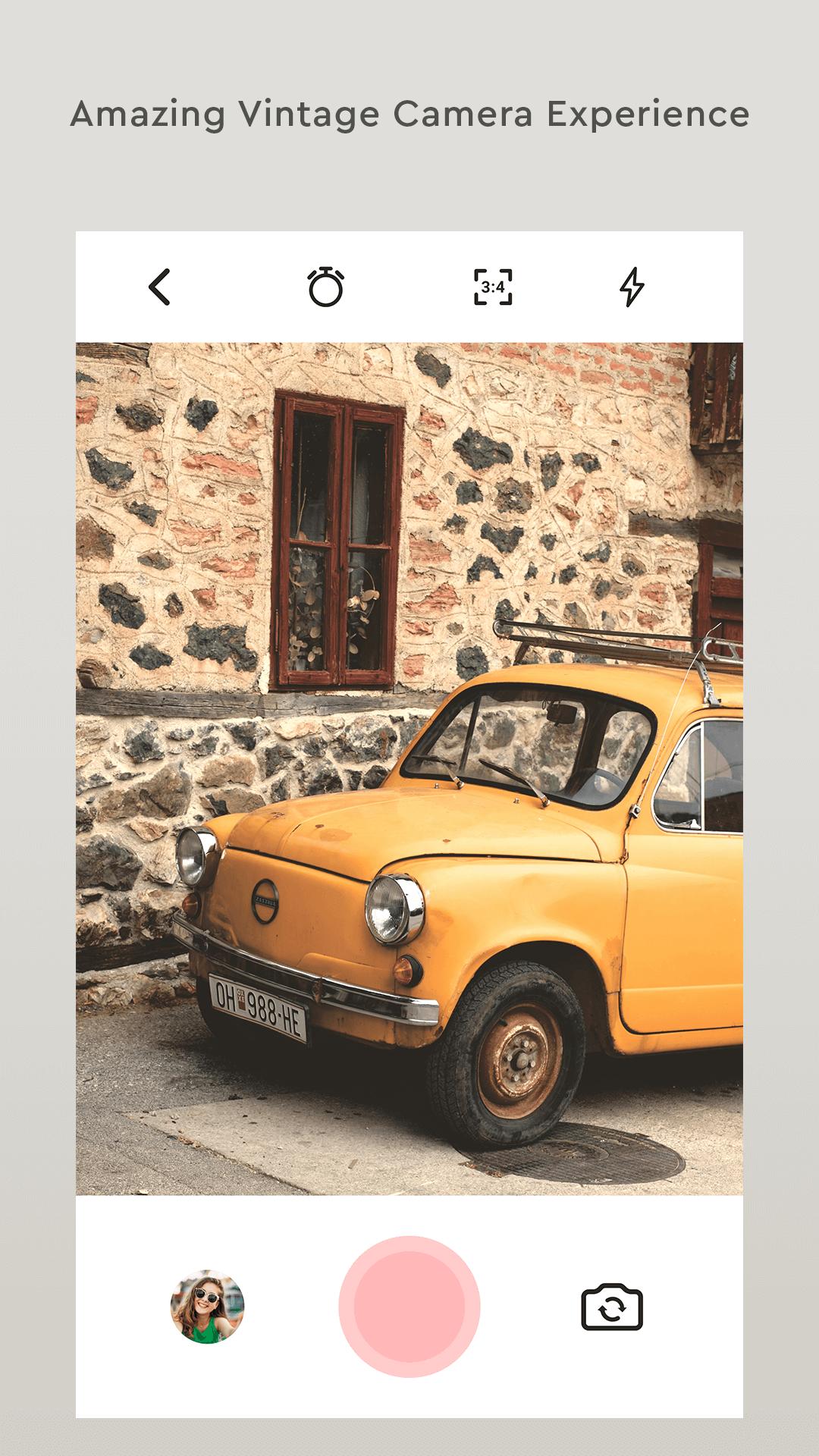
Vintage Camera 📷 will take your photo in old fashion.
VHS Retro Came is very use full to everyone to enhance their pic quality.
Using Retro camera you will make your memories eternal and everlasting.
Vintage Grain,Dust,Light leak Effect is a disposable camera with a date stamp that makes your beautiful photos and videos have the precious retro feel of the analog film.
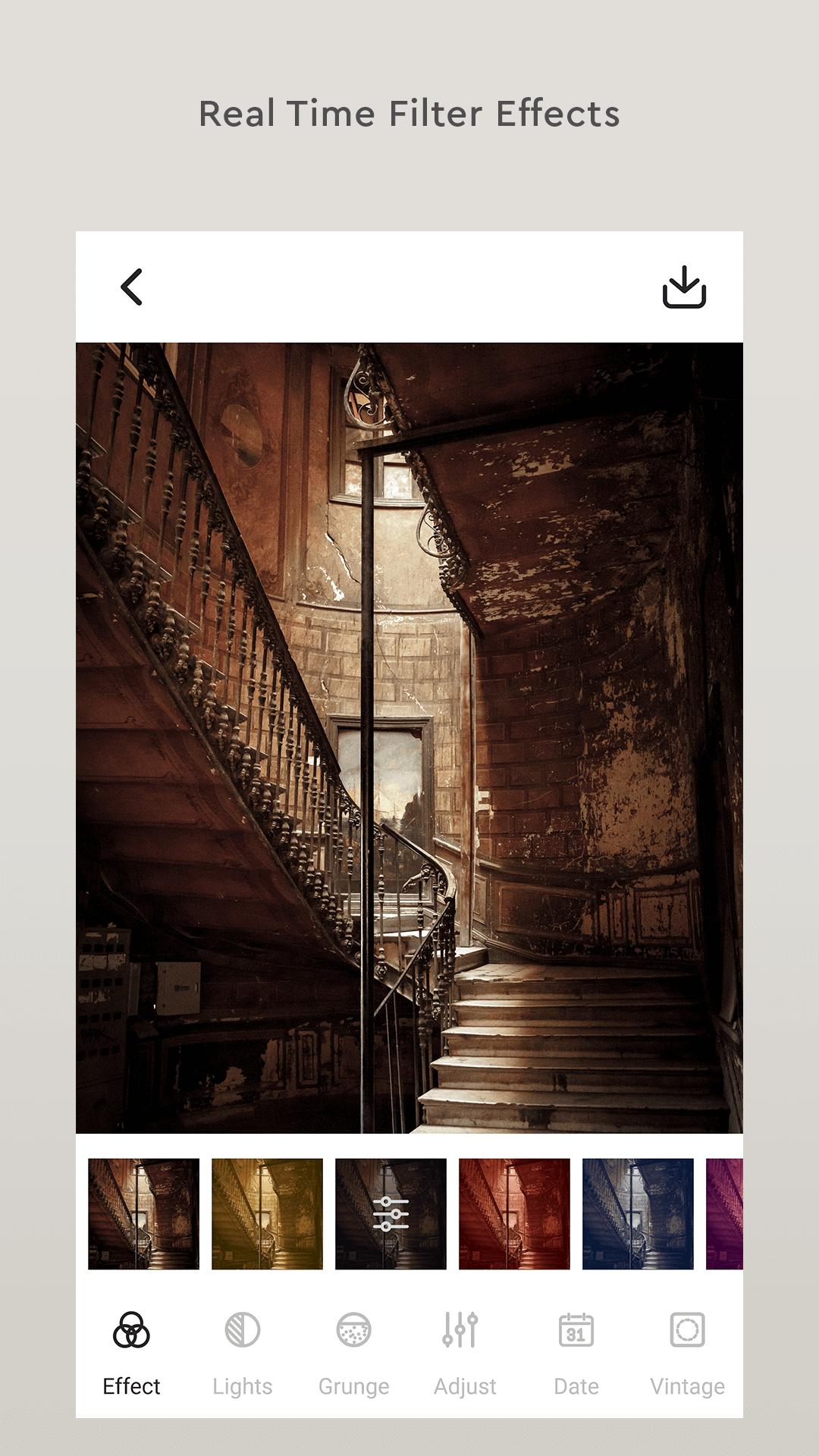
In this app you can also set light leak,dust,grainy filter.
Vintage camera is use full to every young people and professional photographer who will editing photo on social media.
In vintage camera you can get so many photo filter effects like
- Light Leak
- Old Camera film filters
- Hipstamatic Photo Editor Effect
- Cinematic
- Retro Analog Filters
- Polaroid image effect
- Movie Style
- 1967 Vintage Filters
Retro Camera is the amazing for selfie that contains many filters for pictures to choose from.
Using so many different effects like light leak to photo effects and overlays like Polaroid, to give your picture a professional look.
Download now and make your pic amazing.
Avance
Etiquetas
FotografíaInformación
Desarrollador
Harry Studio
La última versión
4.0
Última actualización
2023-02-07
Categoría
Fotografía
Disponible en
Google Play
Mostrar más
Cómo jugar Vintage Cam : Retro Camera con GameLoop en PC
1. Descargue GameLoop desde el sitio web oficial, luego ejecute el archivo exe para instalar GameLoop.
2. Abra GameLoop y busque "Vintage Cam : Retro Camera", busque Vintage Cam : Retro Camera en los resultados de búsqueda y haga clic en "Instalar".
3. Disfruta jugando Vintage Cam : Retro Camera en GameLoop.
Minimum requirements
OS
Windows 8.1 64-bit or Windows 10 64-bit
GPU
GTX 1050
CPU
i3-8300
Memory
8GB RAM
Storage
1GB available space
Recommended requirements
OS
Windows 8.1 64-bit or Windows 10 64-bit
GPU
GTX 1050
CPU
i3-9320
Memory
16GB RAM
Storage
1GB available space