
Commando Photo Suit para PC
Dual Frame - Photo Suit
Descarga Commando Photo Suit en PC con GameLoop Emulator
Commando Photo Suit en PC
Commando Photo Suit, proveniente del desarrollador Dual Frame - Photo Suit, se ejecuta en el sistema Android en el pasado.
Ahora, puedes jugar Commando Photo Suit en PC con GameLoop sin problemas.
Descárgalo en la biblioteca de GameLoop o en los resultados de búsqueda. No más mirar la batería o llamadas frustrantes en el momento equivocado nunca más.
Simplemente disfrute de Commando Photo Suit PC en la pantalla grande de forma gratuita!
Commando Photo Suit Introducción
Commando Photo Suit
change commando uniform suit in this app and photo editor app.
Commando Photo Suit is Newly Army Commando Photo Suit App for your picture. Select commando man suits from Suit collection & Different and stylish dress suits available.
Commando Photo Suits uniform is a latest photo suit Collection in Army commando style wear suits. Here you can see how you look in these clothes.
Commando Photo Suit editor is for all the adventurous, bold and modern man.
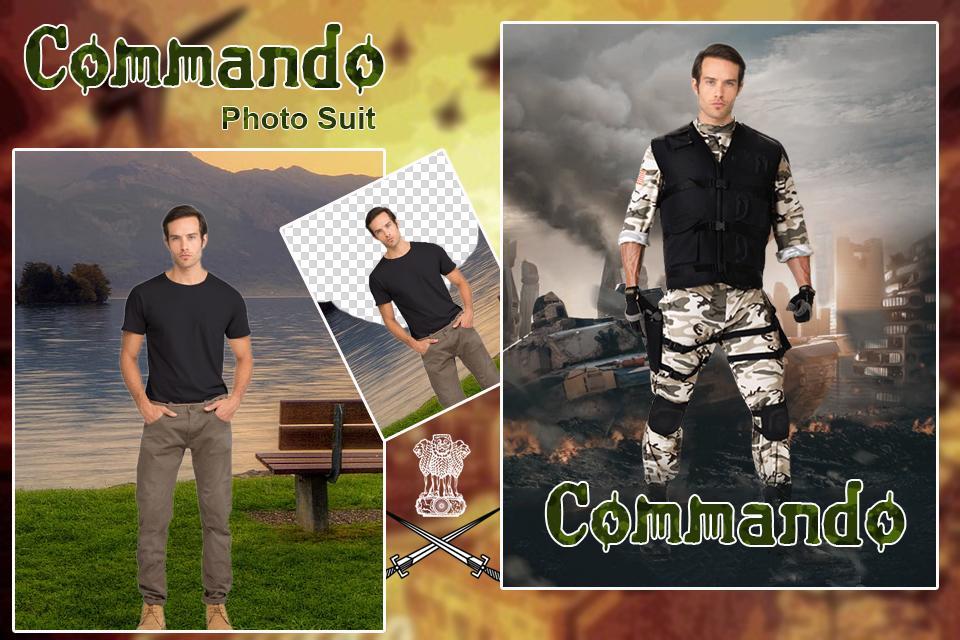
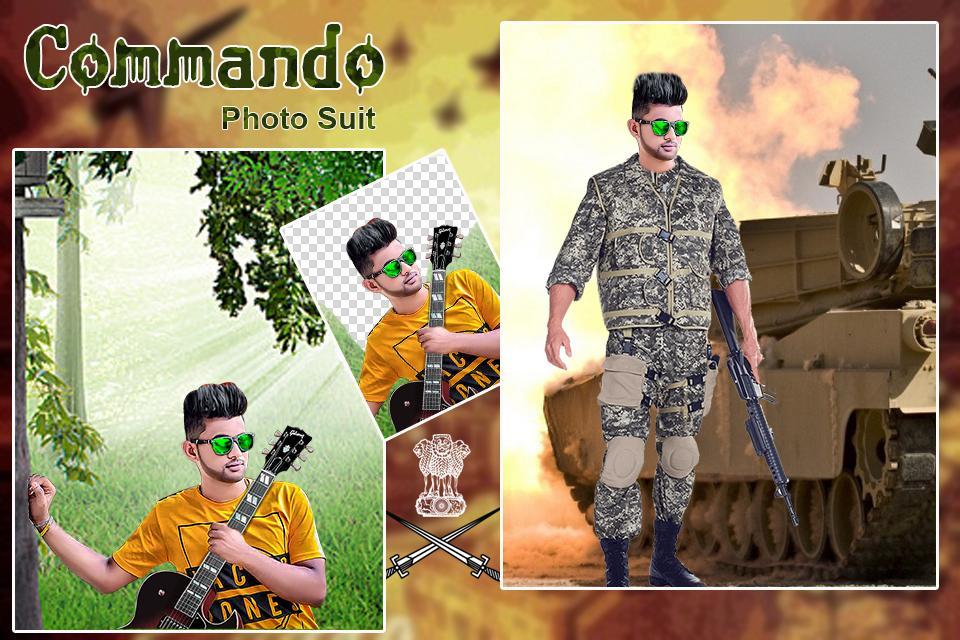
Select Commando Photo Suit and select photo from gallery and cut photo and set photo into suit and eraser selected photo and suit and set background. Here you have a chance, commando photo suit app provide different type of man photo with different suit and size and check how you will look with an commando suit on??
Create custom picture with Commando Suits app and edit your photo with new stylish collection & latest suit design.
Commando Photo Suit is a latest suit Collection in new Commando style man wear Suit.
Make a stylish photo montage with Commando Man Photo Suit.
All Commando uniform or dress available.
Look like a real army commando man in just few seconds with this Commando Photo Suit Editor App.
You can set your photo in any suits in army suit collection. In this app you can remove unwanted backgrounds or unwanted parts from any photo than after you can apply photo suit.
✔ Cut Paste Photo: -
Selected Photo and draw manual line and cut selected part of image.
Manual single line draw to Smart face cutter.
Select suit and set photo with selected suit and eraser unwanted parts.
Auto eraser option.
Manual eraser option.
Restore option.
Zoom option.
Undo, Redo option.
✔ Photo & Suit Adjustments: -
Flip photo, flip suit, zoom in, zoom out suit and photo.
Flip, move, zoom your image & suit to fit perfect with background or template.
✔ Background: -
30+ HD background collection
Select best background and set background.
✔ Lock Unlock: -
Switch button on/off to set suit position and lock suit position.
Switch button on/off to zoom suit and photo and lock suit and photo both.
✔ Blur Background: -
Blur background apply to your selected background.
✔ Filter: -
Apply Color filter to your background image colour.
✔ Opacity: -
Apply opacity to your picture.
✔ Text: -
Add text on your picture.
30+ latest fonts.
Shadow, multi-color apply.
Font resize, font opacity, font color.
✔ Flip Picture: -
Apply flip photo and set it.
Flip adjustment horizontal left to right & right to left.
✔ Stickers: -
75+ stickers added with 5 categories.
Add stickers into five category like:
Emoji, mustache, Beard Hair, cap, glass, gun and etc…
✔ Glare & Overlay: -
Apply glare effect and set opacity to adjust effects.
Apply glare and overlay effect.
✔ Save & Share: -
Save picture & easily share with friends and social media.
Thank You…
Avance
Etiquetas
FotografíaInformación
Desarrollador
Dual Frame - Photo Suit
La última versión
1.2
Última actualización
2025-08-16
Categoría
Fotografía
Disponible en
Google Play
Mostrar más
Cómo jugar Commando Photo Suit con GameLoop en PC
1. Descargue GameLoop desde el sitio web oficial, luego ejecute el archivo exe para instalar GameLoop.
2. Abra GameLoop y busque "Commando Photo Suit", busque Commando Photo Suit en los resultados de búsqueda y haga clic en "Instalar".
3. Disfruta jugando Commando Photo Suit en GameLoop.
Minimum requirements
OS
Windows 8.1 64-bit or Windows 10 64-bit
GPU
GTX 1050
CPU
i3-8300
Memory
8GB RAM
Storage
1GB available space
Recommended requirements
OS
Windows 8.1 64-bit or Windows 10 64-bit
GPU
GTX 1050
CPU
i3-9320
Memory
16GB RAM
Storage
1GB available space