
Skylar PixLab - Photo Editor P para PC
Skylar Blue
Descarga Skylar PixLab - Photo Editor P en PC con GameLoop Emulator
Skylar PixLab - Photo Editor P en PC
Skylar PixLab - Photo Editor P, proveniente del desarrollador Skylar Blue, se ejecuta en el sistema Android en el pasado.
Ahora, puedes jugar Skylar PixLab - Photo Editor P en PC con GameLoop sin problemas.
Descárgalo en la biblioteca de GameLoop o en los resultados de búsqueda. No más mirar la batería o llamadas frustrantes en el momento equivocado nunca más.
Simplemente disfrute de Skylar PixLab - Photo Editor P PC en la pantalla grande de forma gratuita!
Skylar PixLab - Photo Editor P Introducción
Skylar PixLab Photo has the following featured with special effects, stylized effects, camera effects, and also add some VFX effects on your photo.
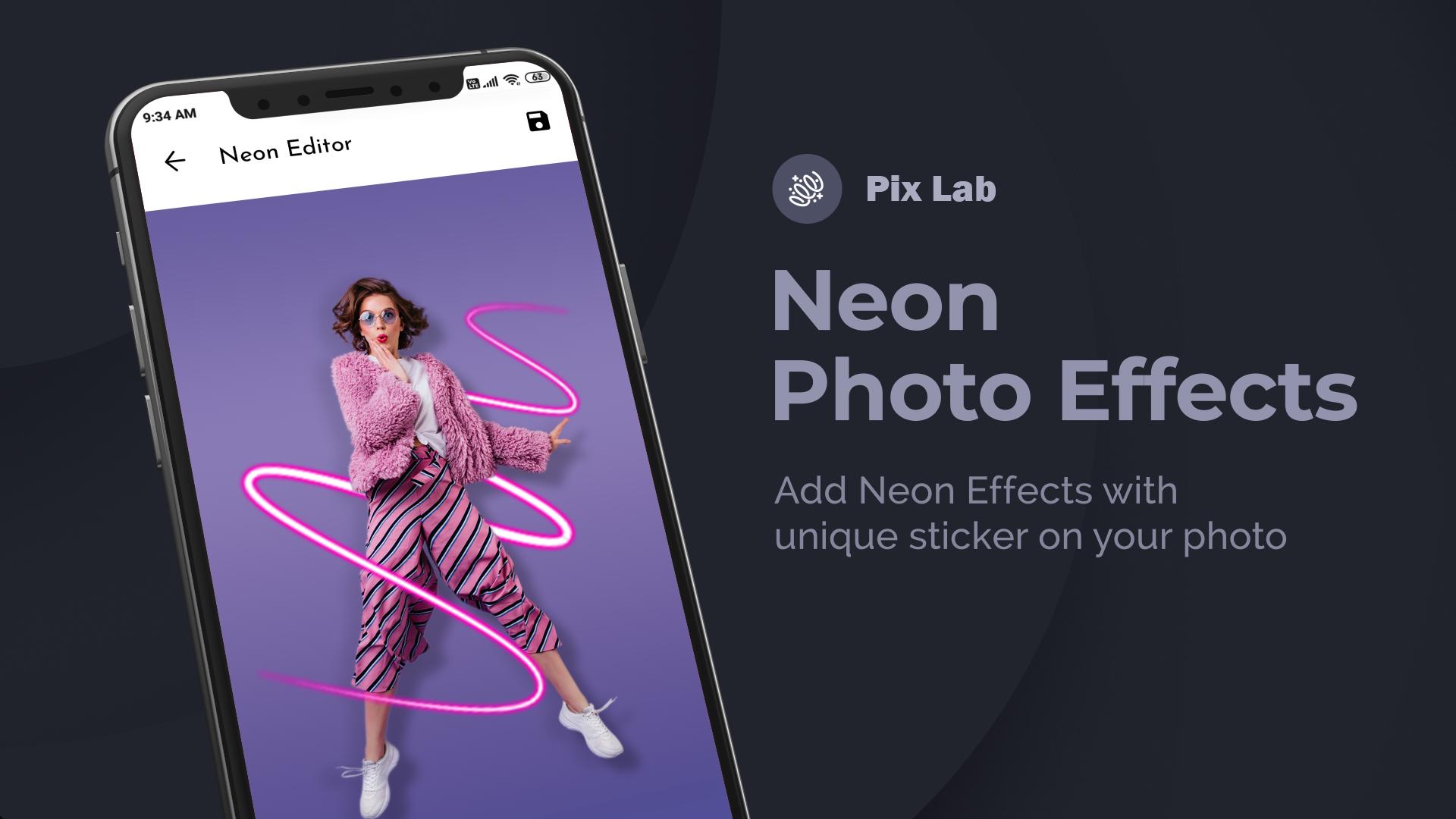
1. Neon Photo effects: Add neon effects around photos. Different colors to
decorate photos with neon effects.
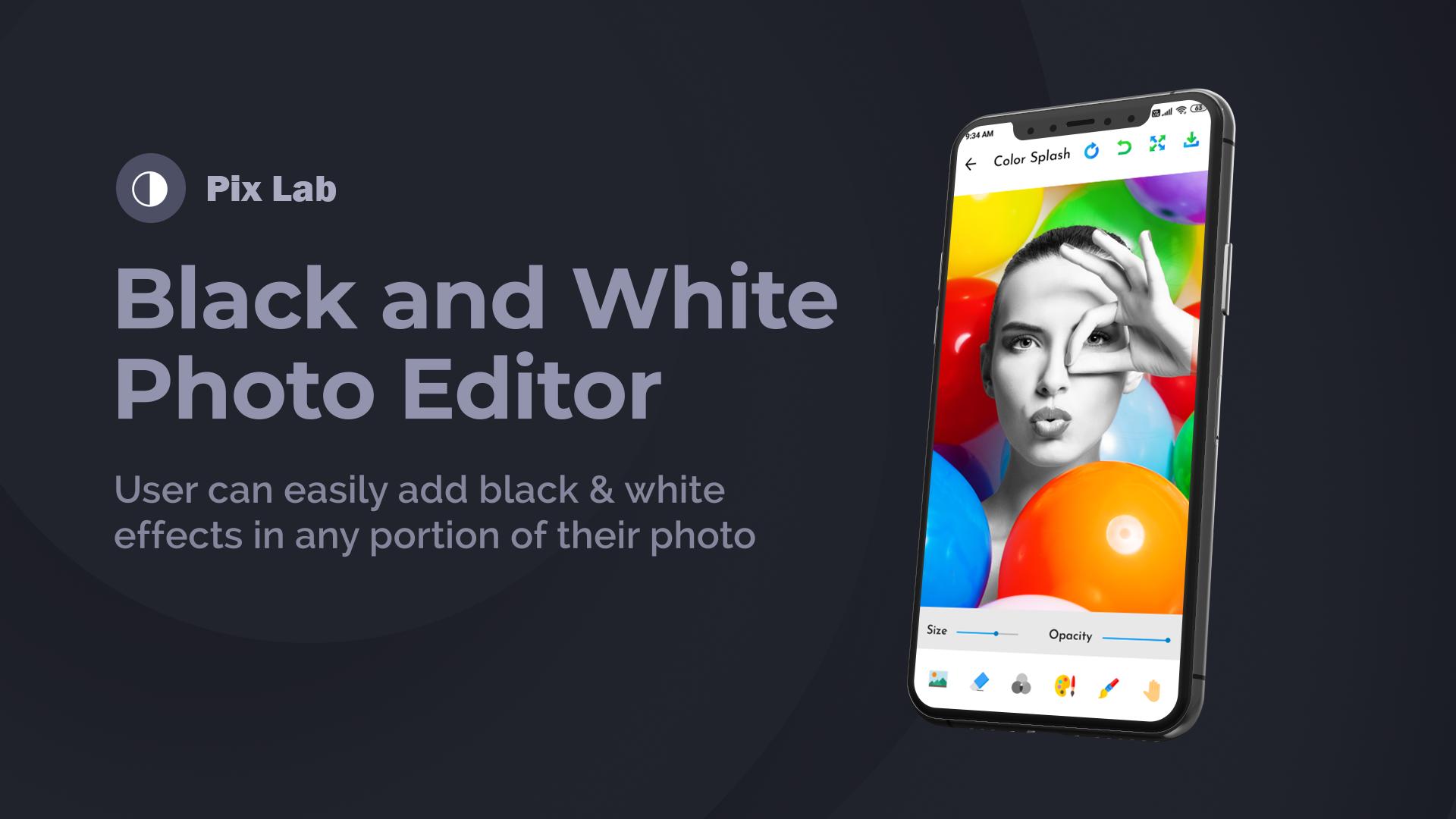
2. Black and White Photo Editor: Create black and white photos with
different filters.
3. Remove Backgrounds: Remove background with Remover Tool easily
4. Drip Photo Effects: We’ve added trending drip effects to photo edits.
Create amazing drip effects.
5. Unlimited Stickers: Sticker Packs with different categories and higher
resolution.
6. Blur Photo- DSLR Effect: Focus on the object and create blur effects on
the background.
7. Preset Photo Filters: Phot filter with different effects.
With This photo-editing tool, you can make photography like photoshop editing.
Avance
Etiquetas
FotografíaInformación
Desarrollador
Skylar Blue
La última versión
1.1
Última actualización
2021-03-08
Categoría
Fotografía
Disponible en
Google Play
Mostrar más
Cómo jugar Skylar PixLab - Photo Editor P con GameLoop en PC
1. Descargue GameLoop desde el sitio web oficial, luego ejecute el archivo exe para instalar GameLoop.
2. Abra GameLoop y busque "Skylar PixLab - Photo Editor P", busque Skylar PixLab - Photo Editor P en los resultados de búsqueda y haga clic en "Instalar".
3. Disfruta jugando Skylar PixLab - Photo Editor P en GameLoop.
Minimum requirements
OS
Windows 8.1 64-bit or Windows 10 64-bit
GPU
GTX 1050
CPU
i3-8300
Memory
8GB RAM
Storage
1GB available space
Recommended requirements
OS
Windows 8.1 64-bit or Windows 10 64-bit
GPU
GTX 1050
CPU
i3-9320
Memory
16GB RAM
Storage
1GB available space